Which monitor for the RX 9070 XT in 2026? 1440p 180-240 Hz, OLED, 4K 160 Hz or ultrawide: the displays that get the most from the card

rx 9070 xt monitor rx 9070 xt 1440p or 4k 240 hz monitor rx 9070 xt 9070 xt oled 9070 xt ultrawide 3440x1440 gaming monitor 2026

1440p 180-240 Hz, OLED, 4K 160 Hz or ultrawide: which monitor to pick to get the most from your RX 9070 XT in 2026, with the models to shortlist and the ports to check.

The essentials

In a few sentences. 1440p remains the RX 9070 XT’s sweet spot: aim for a 180 to 240 Hz panel. A 1440p OLED 240 Hz display is the nicest choice for both single-player and competitive play. 4K 160 Hz is playable with FSR 4 and tuned settings. A 3440×1440 ultrawide is a good immersion compromise, with a load between 1440p and 4K.

The models shortlisted below have all been checked in their exact version: MSI MAG 274QPF E20 (1440p IPS 200 Hz), Samsung Odyssey OLED G61SH and LG UltraGear 27GS95QE-B (1440p OLED 240 Hz), MSI MAG 274UPF E2 (4K IPS 160 Hz), MSI MPG 321URX (4K QD-OLED 240 Hz) and Alienware AW3425DW (ultrawide QD-OLED).

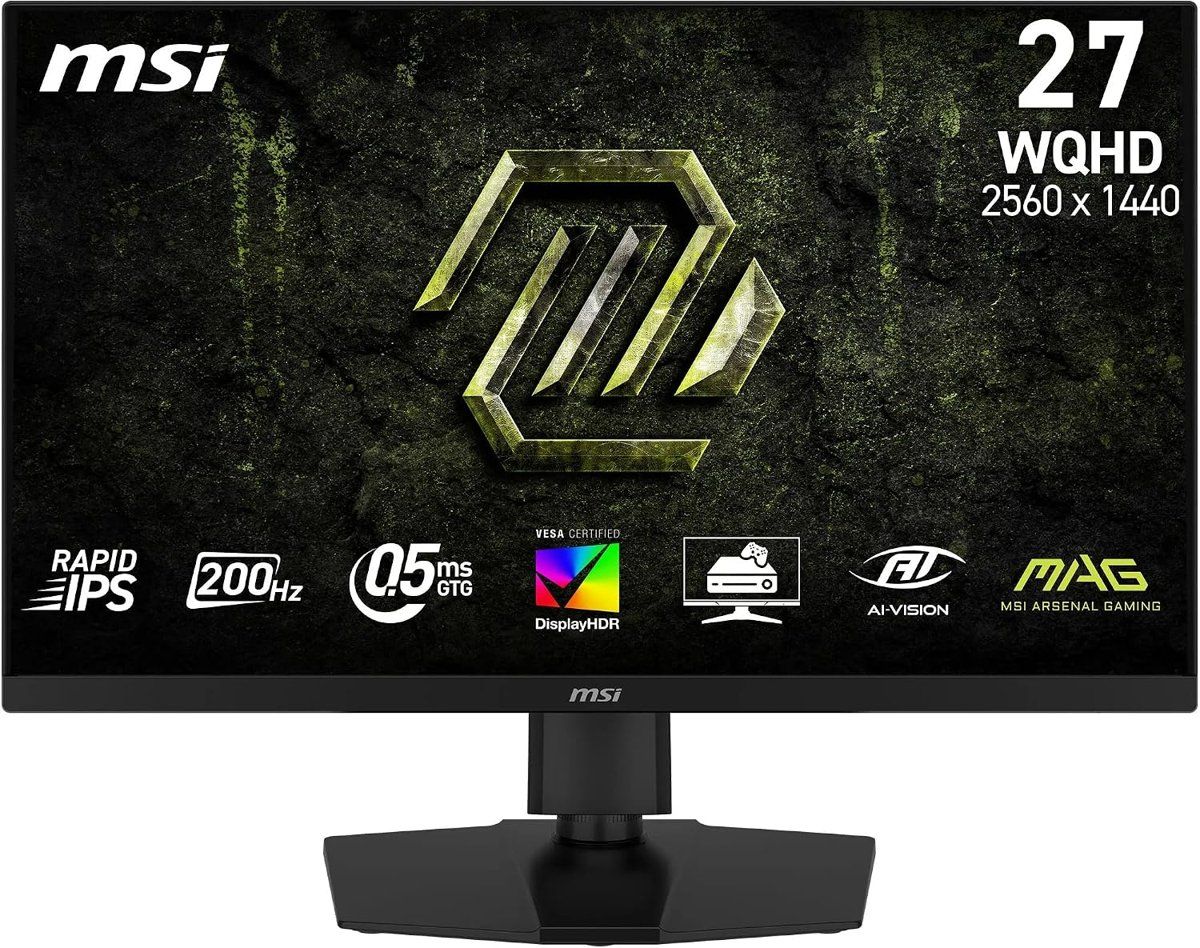
MSI MAG 274QPF E20 27-inch QHD 200 Hz Rapid IPS, product photo Click to enlarge

What the RX 9070 XT can actually drive

On the AMD side, the RX 9070 XT has 16 GB of GDDR6 on a 256-bit bus, a typical board power of 304 W, and it outputs over DisplayPort 2.1a and HDMI 2.1b. For the full picture, our RX 9070 XT product page covers the card.

On performance, the guides we reviewed line up: at 1440p, the card very often holds above 100 frames per second at high settings in recent games, and much more in competitive titles. In 4K without upscaling, you are looking more at 50 to 80 frames per second in demanding games. These are orders of magnitude, not guarantees: a specific title, a weak CPU or a ray-tracing preset can change everything.

Practical takeaway: a 4K 240 Hz monitor will almost never be used at its maximum refresh rate in recent games. A 1440p 240 Hz panel, on the other hand, will be pushed hard in competitive play and used a lot in single-player games.

Profile Panel Target refresh rate What the RX 9070 XT does with it Role
1440p IPS Rapid IPS 180 to 200 Hz Very comfortable, high refresh rate is used Sensible everyday pick
1440p OLED QD-OLED or WOLED 240 Hz Excellent for everything, a real gain in visual smoothness Best 1440p picture
4K IPS Rapid IPS 144 to 160 Hz Playable with FSR 4 and tuned settings Sharper image with FSR 4
4K OLED 32-inch QD-OLED 240 Hz Superb, but the max refresh rate is rarely reached High-end ceiling
Ultrawide 3440×1440 QD-OLED 240 Hz A load between 1440p and 4K Immersive ultrawide
Swipe to view more

The profiles above describe typical setups, not a promise for every game. A product card appears below only when a verified US offer is available for the exact model.

1440p IPS 180-200 Hz: the sensible pick

This is the profile that fits the card best: a 27-inch 2560×1440 display, a fast IPS panel and a 180 to 200 Hz refresh rate. You use a large share of the frames the card produces, without paying for OLED.

The MSI MAG 274QPF E20 is a good example: Rapid IPS, 200 Hz over DisplayPort 1.4a, 0.5 ms claimed. Watch the ports: over HDMI 2.0b, the monitor tops out at 144 Hz in QHD. To get 200 Hz, plug it in over DisplayPort. If you are torn between IPS, VA and OLED, the comparison is in our IPS, VA, TN or OLED guide.

1440p OLED 240 Hz: the nicest way to play

This is the choice for players who want deep blacks, infinite contrast and a near-instant response time. At 240 Hz the card has work to do, but it is not wasted: in competitive titles it pushes well beyond that, and in single-player the motion stays excellent.

The Samsung Odyssey OLED G61SH is a 27-inch QD-OLED QHD 240 Hz monitor, with a glare-free panel and OLED Safeguard protection. The LG UltraGear 27GS95QE-B is a 26.5-inch OLED QHD 240 Hz display, compatible with FreeSync Premium Pro and G-Sync, with HDMI 2.1 and DisplayPort. On an OLED, keep panel aging (burn-in) in mind: we cover it in our article on OLED burn-in after 30 months. For a broader view of 1440p, see also our 1440p monitor guide.

4K 160 Hz: playable, with FSR 4 and tuned settings

The RX 9070 XT can drive a 4K monitor, as long as you accept dropping a few settings or turning on FSR 4 upscaling. In that case, a 4K 144 to 160 Hz display makes sense: you get 4K sharpness and a VRR (FreeSync) range that smooths frame-time swings. For a closer look at 27-inch 4K models, see our 27-inch 4K monitor guide.

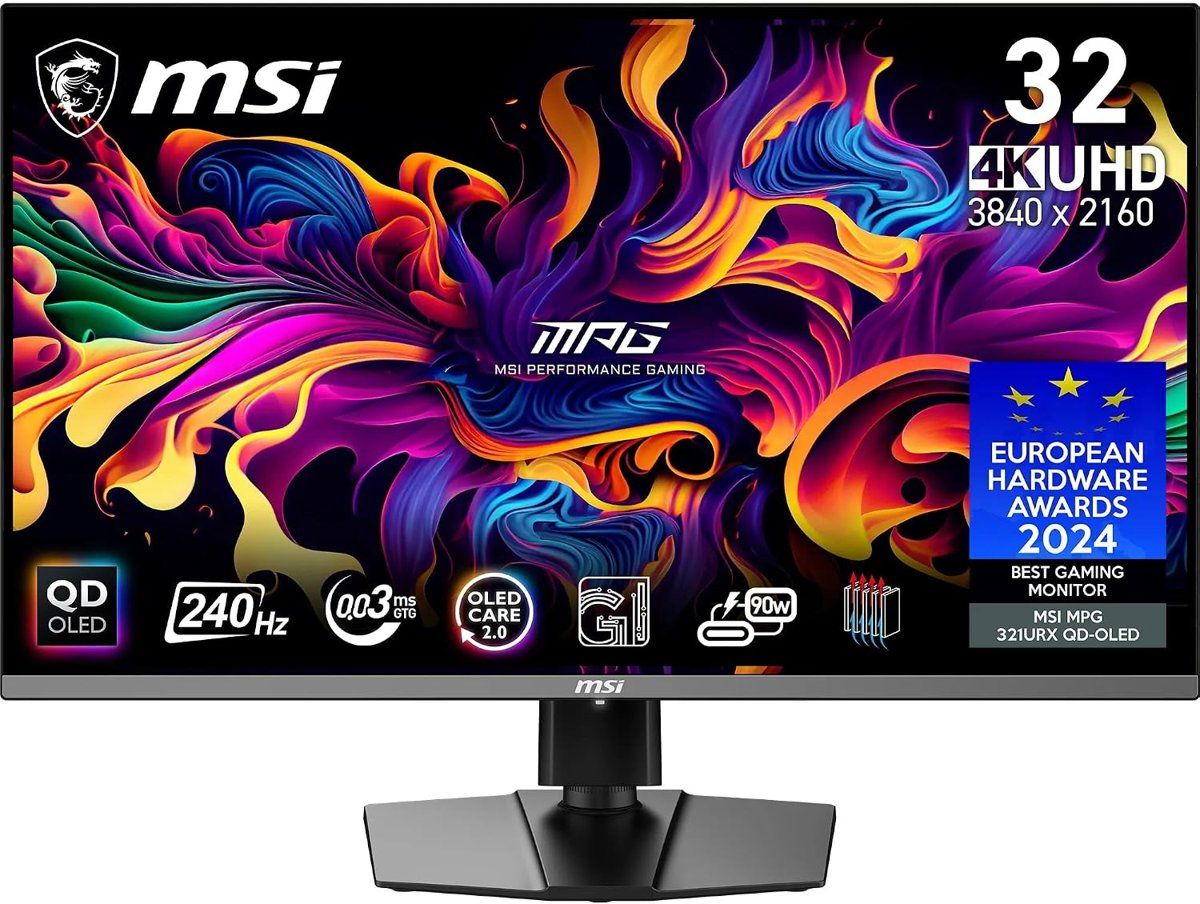
The MSI MAG 274UPF E2 is a 27-inch 4K Rapid IPS 160 Hz monitor with DisplayPort 1.4a and HDMI 2.1. Further up, the MSI MPG 321URX is a 31.5-inch 4K QD-OLED 240 Hz display with DisplayPort 1.4a, HDMI 2.1 and USB-C: superb on paper, but with this card the maximum refresh rate will not be reached in recent games.

MSI MPG 321URX QD-OLED 31.5-inch 4K 240 Hz, product photo Click to enlarge

Ultrawide 3440×1440: immersion, between 1440p and 4K

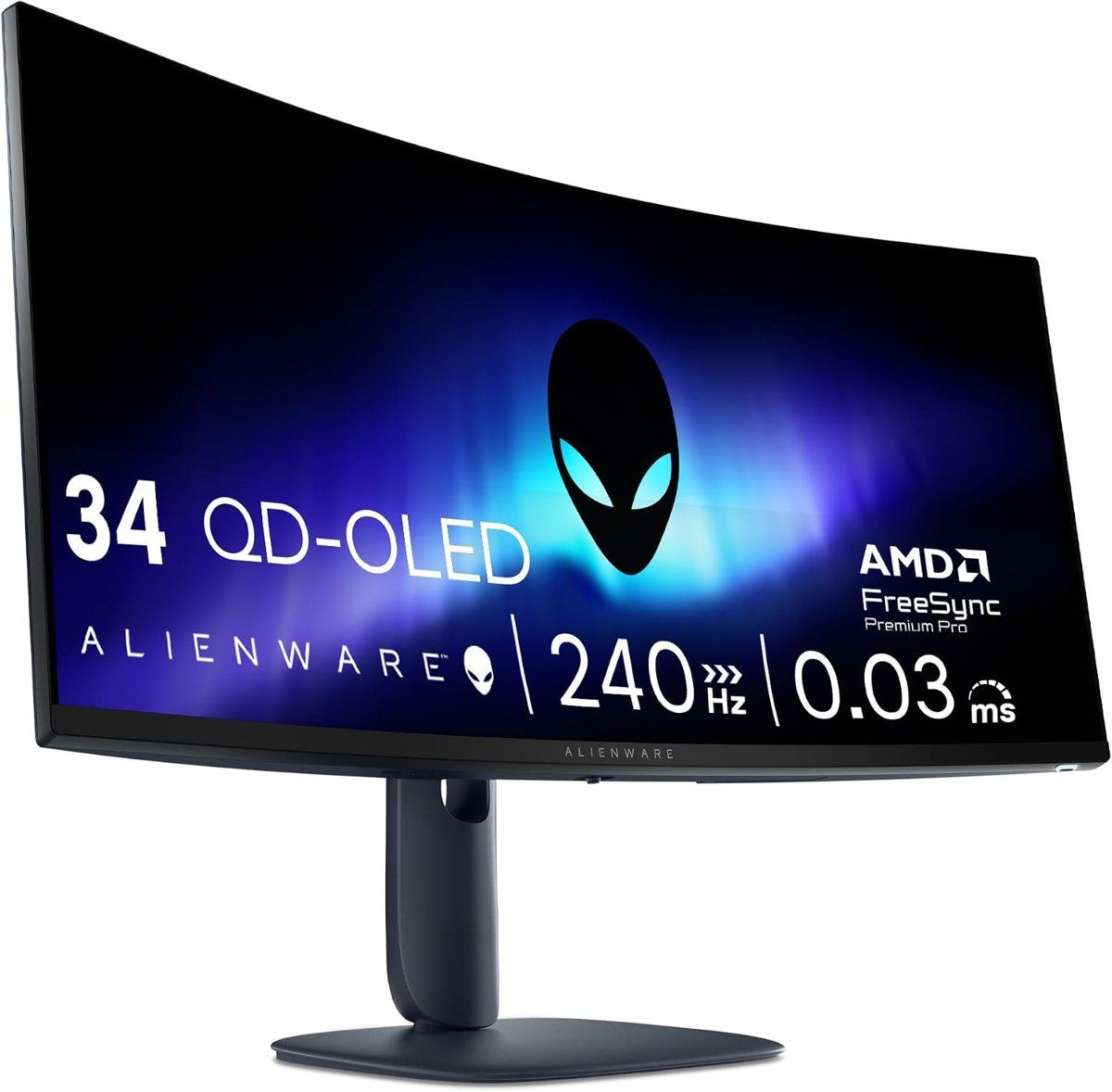
A 3440×1440 ultrawide pushes about 34% more pixels than a classic 1440p panel, which is still clearly less than 4K. It is a good compromise: more immersive, while the card keeps some headroom. The Alienware AW3425DW is a 34-inch QD-OLED display with an 1800R curve, 240 Hz, two HDMI 2.1 ports and one DisplayPort 1.4. To compare 34-inch ultrawides, see our 34-inch ultrawide monitor guide.

Alienware AW3425DW 34-inch QD-OLED 3440x1440 240 Hz, product photo Click to enlarge

Ports: DisplayPort 2.1a, HDMI and DSC

The RX 9070 XT offers DisplayPort 2.1a, but most current gaming monitors still stop at DisplayPort 1.4a. That is not a problem: at high-refresh 4K, those monitors use DSC compression, which is almost invisible in practice. The card’s DisplayPort 2.1a only really matters if the monitor is compatible too.

Three simple rules. 1) Plug the monitor in over DisplayPort to get the maximum refresh rate, unless the monitor’s HDMI is 2.1. 2) Check the HDMI version: HDMI 2.0 limits the refresh rate in QHD (that is the case on the MSI MAG 274QPF E20, 144 Hz). 3) Use the included cable or a certified one: a poor cable costs you hertz.

FreeSync, HDR and settings to turn on

With an AMD card, adaptive sync goes through FreeSync. Turn it on in the AMD settings (Adrenalin) and in the monitor menu. Most of the monitors in this shortlist advertise FreeSync Premium or Premium Pro, and several are also G-Sync compatible, which does not add anything with an AMD card.

For HDR, do not trust the badge alone: HDR 400 on IPS stays modest, while OLED panels, several of which carry the HDR True Black 400 certification, deliver real contrast. Try HDR in a game you know before leaving it on all the time.

Which monitor fits your case

You want the best value. MSI MAG 274QPF E20 (1440p IPS 200 Hz), over DisplayPort.

You want the nicest 1440p picture. Samsung Odyssey OLED G61SH or LG UltraGear 27GS95QE-B.

You mostly play single-player games and want sharpness. MSI MAG 274UPF E2 in 4K 160 Hz, with FSR 4.

You want the high end with no compromise on the panel. MSI MPG 321URX (4K QD-OLED) or Alienware AW3425DW (ultrawide).

Before you buy the monitor, check that the rest of the PC keeps up: the CPU can cap the frame rate well before the graphics card does, and the power supply has to handle the card’s load.

FAQ

Which monitor should you pick for an RX 9070 XT?

A 27-inch 1440p 180 to 240 Hz display is the best balance: the card uses it very well. A 1440p OLED 240 Hz panel is the nicest choice, and a 4K 160 Hz display remains playable with FSR 4.

Is the RX 9070 XT made for 1440p or 4K?

For 1440p first. It can play in 4K, but often with tuned settings or FSR 4 upscaling to keep a smooth frame rate.

What refresh rate should you aim for with an RX 9070 XT?

At least 144 Hz. For competitive play, 240 Hz is a good target at 1440p. In 4K, 144 to 160 Hz is enough.

Is an OLED monitor a good choice with an RX 9070 XT?

Yes, it is one of the best: deep blacks, near-instant response, and 1440p 240 Hz is well used. Just keep burn-in management in mind.

Do you need a DisplayPort 2.1 monitor for the RX 9070 XT?

No. The card offers DisplayPort 2.1a, but DSC compression lets DisplayPort 1.4a monitors run high-refresh 4K. DP 2.1 only helps if the monitor supports it too.

FreeSync or G-Sync for an RX 9070 XT?

FreeSync. Turn it on in the AMD settings and in the monitor menu. G-Sync compatible monitors also work, but they bring no extra benefit with an AMD card.

Does an ultrawide work with the RX 9070 XT?

Yes, at 3440×1440: the load stays lower than 4K, and immersion is better than a classic 16:9 display. Check that your games support 21:9.