Best 27-Inch 4K Monitor in 2026: LG 27GR93U, Gigabyte M27UP, MSI MAG 272URDF or Alienware AW2725Q (QD-OLED), Which One to Choose?

best 27 inch 4k monitor 27 inch 4k 144hz monitor 4k 160hz monitor best 4k gaming monitor 27 inch 4k qd-oled monitor msi mag 272urdf gigabyte m27up alienware aw2725q

Which 27-inch 4K monitor should you choose in 2026? We compare the MSI MAG 272URDF E16, the Gigabyte M27UP and G27UP, the LG UltraGear 27GR93U-B, the ASUS XG27UCS, the Samsung Odyssey G7 G70D and the Alienware AW2725Q and ASUS XG27UCDMG QD-OLEDs: 144, 160 or 240 Hz, 320 Hz dual mode, HDMI 2.1 for PS5, HDR and USB-C, with specs checked against manufacturer spec sheets.

The short answer: which 27-inch 4K monitor to choose in 2026

A 27-inch 4K monitor delivers a very sharp image (about 163 pixels per inch, versus 109 at 1440p) without taking over your whole desk. In 2026 the market splits into two families: 144 to 160 Hz IPS panels, often with a Dual 1080p 320 Hz mode, and 240 Hz QD-OLED panels for a premium picture. Here are our picks, with specs checked against the manufacturers’ spec sheets.

  • Best value for money: the MSI MAG 272URDF E16, at 4K 160 Hz or 1080p 320 Hz, with two HDMI 2.1 ports.
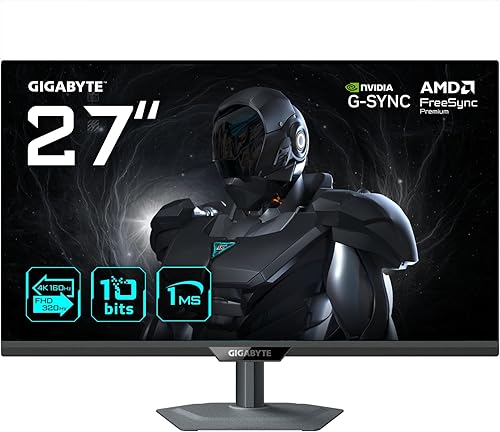
  • Most complete dual mode: the Gigabyte M27UP, with USB-C, KVM and speakers.
  • Most affordable dual mode: the Gigabyte G27UP.
  • The safe 144 Hz IPS bet: the LG UltraGear 27GR93U-B, if you can still find it.
  • Best connected: the Samsung Odyssey G7 G70D and its Smart TV features.
  • Best QD-OLED: the Alienware AW2725Q, at 4K 240 Hz with a 3-year burn-in warranty.
  • The QD-OLED for laptops: the ASUS ROG Strix OLED XG27UCDMG and its 90 W USB-C.

Current offers for every model are shown in each product box. If you are still unsure about the panel technology, our roundup of the best OLED gaming monitors also covers 1440p and 32-inch models.

How to choose a 27-inch 4K monitor

IPS or QD-OLED

IPS remains the sensible choice: good brightness, no burn-in risk, and a cost roughly half as high. Its weak spot is contrast (around 1000:1), which makes blacks look greyish in a dark room. QD-OLED offers infinite contrast, highly saturated colours and near-instant response times, but its full-screen brightness is lower and static elements (taskbar, HUD) can mark the panel over time. To gauge that risk, read our article on OLED burn-in after 30 months.

144, 160 or 240 Hz at 4K

Pushing 144 or 160 frames per second at 4K already takes a hefty graphics card, often with DLSS or FSR. The 240 Hz of QD-OLED panels mainly benefits lighter competitive games or players with a very high-end card. For mixed use, 160 Hz is an excellent compromise.

Dual mode: 4K 160 Hz / 1080p 320 Hz

The MSI MAG 272URDF E16, Gigabyte M27UP and G27UP can switch to 1080p at 320 Hz at the press of a button. You keep 4K for single-player games and work, and switch to very fast Full HD for competitive shooters. If esports is your top priority, compare with our guide to 360 Hz and 500 Hz monitors.

HDMI 2.1: a must for PS5 and Xbox Series X

To play at 4K 120 Hz with VRR on a console, you need an HDMI 2.1 port. Every monitor in this selection has at least one, but the ASUS XG27UCS only has a single one. The Alienware AW2725Q and ASUS XG27UCDMG even accept 4K 240 Hz over HDMI 2.1 FRL on PC.

USB-C, KVM and ergonomics

If you connect a laptop, go for USB-C with DisplayPort Alt Mode: a single cable for video, data and some charging. A KVM lets you control two computers with the same keyboard and mouse. Finally, on Windows, 150% scaling is recommended at 4K on 27 inches to keep text readable.

Monitor Panel Max refresh rate HDR HDMI 2.1 USB-C Key strength
MSI MAG 272URDF E16 27-inch Rapid IPS 160 Hz (320 Hz at 1080p) DisplayHDR 400 2 No Dual mode, value for money
Gigabyte M27UP 27-inch SS IPS 160 Hz (320 Hz at 1080p) DisplayHDR 400 2 Yes, DP Alt Mode, 18 W KVM, USB 3.2 hub, speakers
Gigabyte G27UP 27-inch SS IPS 160 Hz (320 Hz at 1080p) HDR10 2 Yes, DP Alt Mode, 15 W Most affordable dual mode
LG UltraGear 27GR93U-B 27-inch IPS 144 Hz DisplayHDR 400 2 No Safe bet, USB 3.0 hub
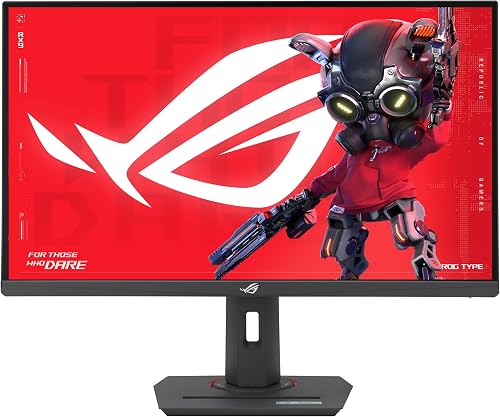
ASUS ROG Strix XG27UCS 27-inch Fast IPS 160 Hz DisplayHDR 400 1 Yes, DP Alt Mode, 15 W ELMB Sync
Samsung Odyssey G7 G70D 27-inch IPS 144 Hz DisplayHDR 400 2 No Smart TV and cloud gaming
Alienware AW2725Q 26.7-inch QD-OLED 240 Hz True Black 400, Dolby Vision 2 (FRL, 4K 240 Hz) 15 W charging port (no video) 3-year burn-in warranty
ASUS ROG Strix OLED XG27UCDMG 26.5-inch Tandem QD-OLED 240 Hz True Black 400 2 (FRL) Yes, DP Alt Mode, 90 W 90 W USB-C, KVM, 3-year burn-in
Swipe to view more

The best 27-inch 4K dual-mode monitors: 160 Hz / 320 Hz

This is the segment that moved the most in 2025 and 2026. These three IPS monitors combine sharp 4K for single-player games with a 1080p 320 Hz mode for competitive play. The MSI and the Gigabyte G27UP aim for the best value, while the M27UP adds USB-C, KVM and speakers.

MSI MAG 272URDF E16 (27-inch, 4K 160 Hz / FHD 320 Hz)

Our best value pick for a 27-inch 4K monitor. Its Rapid IPS panel displays 4K at up to 160 Hz and switches to Dual mode at 1080p 320 Hz for competitive shooters. MSI quotes 0.5 ms (GtG, min.), VESA DisplayHDR 400 certification, 400 cd/m² and 93% DCI-P3. For connectivity, it has two HDMI 2.1 ports (4K up to 160 Hz) and one DisplayPort 1.4a, with a console mode that handles 4K 120 Hz, VRR and ALLM on PS5 and Xbox Series X. The stand is fully featured: height, tilt, swivel and pivot.

Pros
  • Dual mode 4K 160 Hz / FHD 320 Hz
  • Two HDMI 2.1 ports and 4K 120 Hz console mode
  • Height-adjustable stand with swivel and pivot
Cons
  • No USB-C or KVM
  • USB 2.0 hub only
  • Standard IPS contrast (1000:1)
United StatesCheck the price in my country
Gigabyte G27UP (27-inch, 4K 160 Hz / FHD 320 Hz)

The most affordable dual mode in our selection. Its SS IPS panel reaches 160 Hz at 4K and 320 Hz at 1080p via the Tactical Switch button. Gigabyte quotes 1 ms (GtG), 400 cd/m², 95% DCI-P3 and two full-bandwidth HDMI 2.1 ports (48 Gbps), plus a DisplayPort 1.4 (DSC) and a USB-C port with DisplayPort Alt Mode and 15 W charging. Note: it supports HDR10 but is not DisplayHDR certified, and it has neither a USB hub nor speakers.

Pros
  • Dual mode 4K 160 Hz / FHD 320 Hz
  • Two 48 Gbps HDMI 2.1 ports and USB-C DP Alt Mode
  • 3-year warranty announced by Gigabyte
Cons
  • HDR10 only, no DisplayHDR certification
  • No USB hub (USB-A port reserved for firmware)
  • No speakers
United StatesCheck the price in my country
Gigabyte M27UP (27-inch, 4K 160 Hz / FHD 320 Hz)

Gigabyte M27UP (27-inch, 4K 160 Hz / FHD 320 Hz)

the most complete dual mode

Connectivity
Image quality
Responsiveness
Value for money

Pros

  • • Dual mode 4K 160 Hz / FHD 320 Hz, DisplayHDR 400
  • • Two HDMI 2.1, USB-C DP Alt Mode, KVM and USB 3.2 hub
  • • Built-in 2 x 5 W speakers

Cons

  • • Typical brightness of 350 cd/m²
  • • Standard IPS contrast (1000:1)
  • • On consoles, Gigabyte specifies 4K 120 Hz in 4:2:0

The best 27-inch 4K IPS monitors at 144 to 160 Hz

Without dual mode, these monitors remain excellent options depending on your use: the LG 27GR93U-B for its all-round quality, the ASUS XG27UCS for a PC setup with USB-C, and the Samsung Odyssey G7 G70D if you also want to watch shows or play in the cloud without turning on your PC.

LG UltraGear 27GR93U-B (27-inch, 4K 144 Hz)

LG UltraGear 27GR93U-B (27-inch, 4K 144 Hz)

the safe 4K 144 Hz IPS bet

Connectivity
Image quality
Responsiveness
Value for money

Pros

  • • 4K 144 Hz IPS panel, 1 ms (GtG), DisplayHDR 400
  • • Two HDMI 2.1 and one DisplayPort 1.4 (DSC)
  • • 95% DCI-P3, USB 3.0 hub and DTS HP:X headphone output

Cons

  • • 2023 model, increasingly hard to find
  • • No USB-C or dual mode
  • • Stand without swivel
ASUS ROG Strix XG27UCS (27-inch, 4K 160 Hz)

A well-equipped 4K 160 Hz Fast IPS monitor for PC. ASUS quotes 1 ms (GtG), 400 cd/m² (450 peak in HDR), 95% DCI-P3, DisplayHDR 400 and ELMB Sync technology, which combines motion blur reduction and VRR. It has a DisplayPort 1.4, a USB-C port with DisplayPort Alt Mode and 15 W charging, but only one HDMI 2.1 port: perfect for a PC and a console, a bit tight if you also want to plug in two consoles.

Pros
  • Fast IPS 160 Hz, DisplayHDR 400
  • USB-C DP Alt Mode for a laptop
  • ELMB Sync (blur reduction + VRR)
Cons
  • Only one HDMI 2.1
  • No 320 Hz dual mode
  • Stand adjusts for height and tilt only
United StatesCheck the price in my country
Samsung Odyssey G7 G70D (27-inch, 4K 144 Hz)

The 27-inch 4K monitor that doubles as a small smart TV. Its 4K 144 Hz IPS panel (1 ms GtG, 350 cd/m², DisplayHDR 400 and HDR10+ Gaming) comes with Samsung’s Tizen Smart TV interface, Wi-Fi, Bluetooth and Gaming Hub for cloud gaming without a PC. It has two HDMI 2.1 ports and one DisplayPort 1.4. Handy for a bedroom or a setup shared between PC, console and streaming.

Pros
  • Built-in Smart TV and cloud gaming features
  • Two HDMI 2.1 for PC and consoles
  • DisplayHDR 400 and HDR10+ Gaming
Cons
  • 144 Hz only
  • Slightly lower typical brightness (350 cd/m²)
  • Smart interface unnecessary if you only game on PC
United StatesCheck the price in my country

The best 27-inch 4K QD-OLED 240 Hz monitors

In QD-OLED, the 27-inch 4K format uses a panel with an actual diagonal of about 26.5 to 26.7 inches. Infinite contrast, OLED responsiveness and 240 Hz: it is the most impressive option for HDR single-player games as well as shooters. Both models we picked come with a 3-year warranty that covers burn-in.

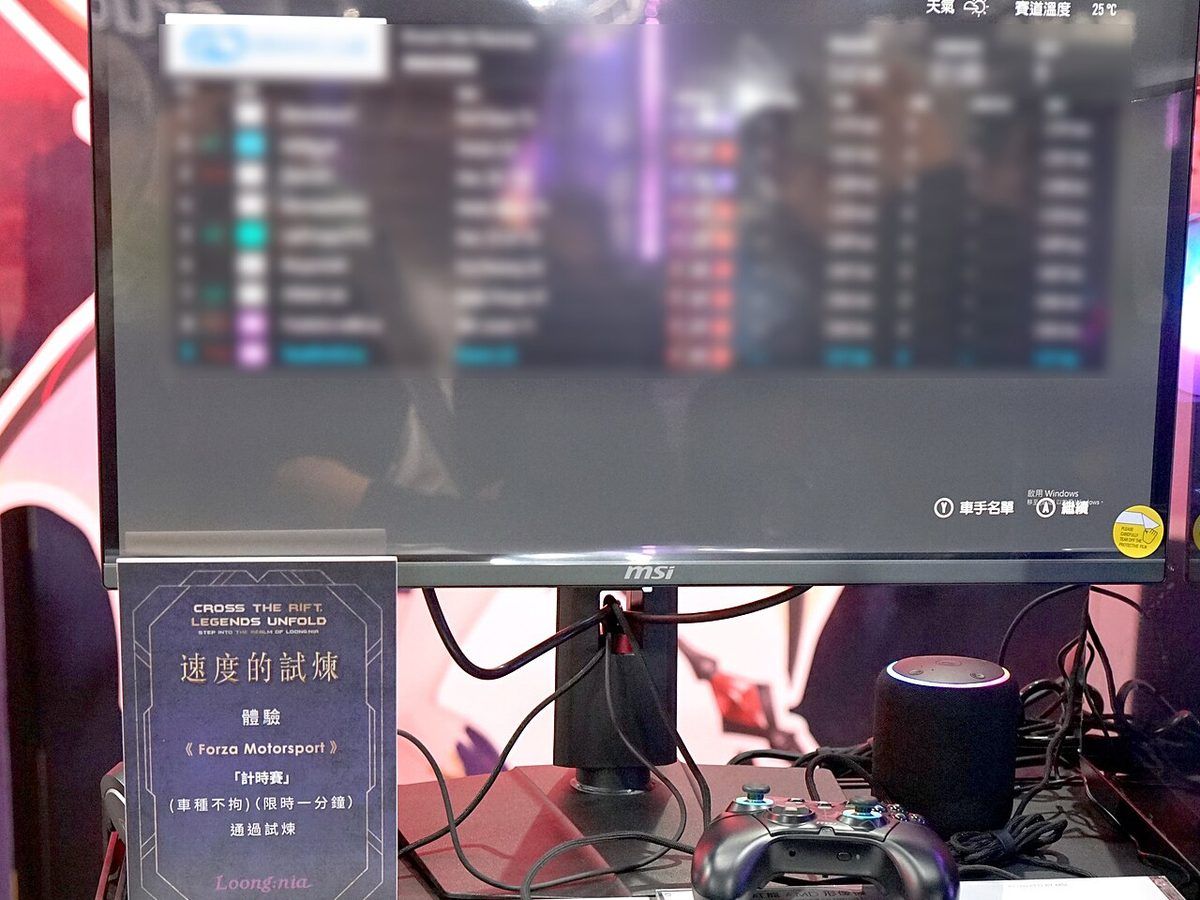
Écran QD-OLED 4K de 27 pouces en démonstration sur Forza Motorsport, avec clavier et manette Click to enlarge
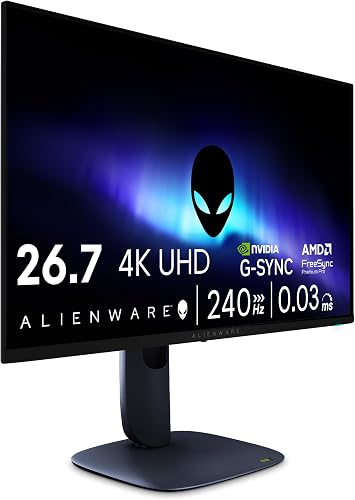
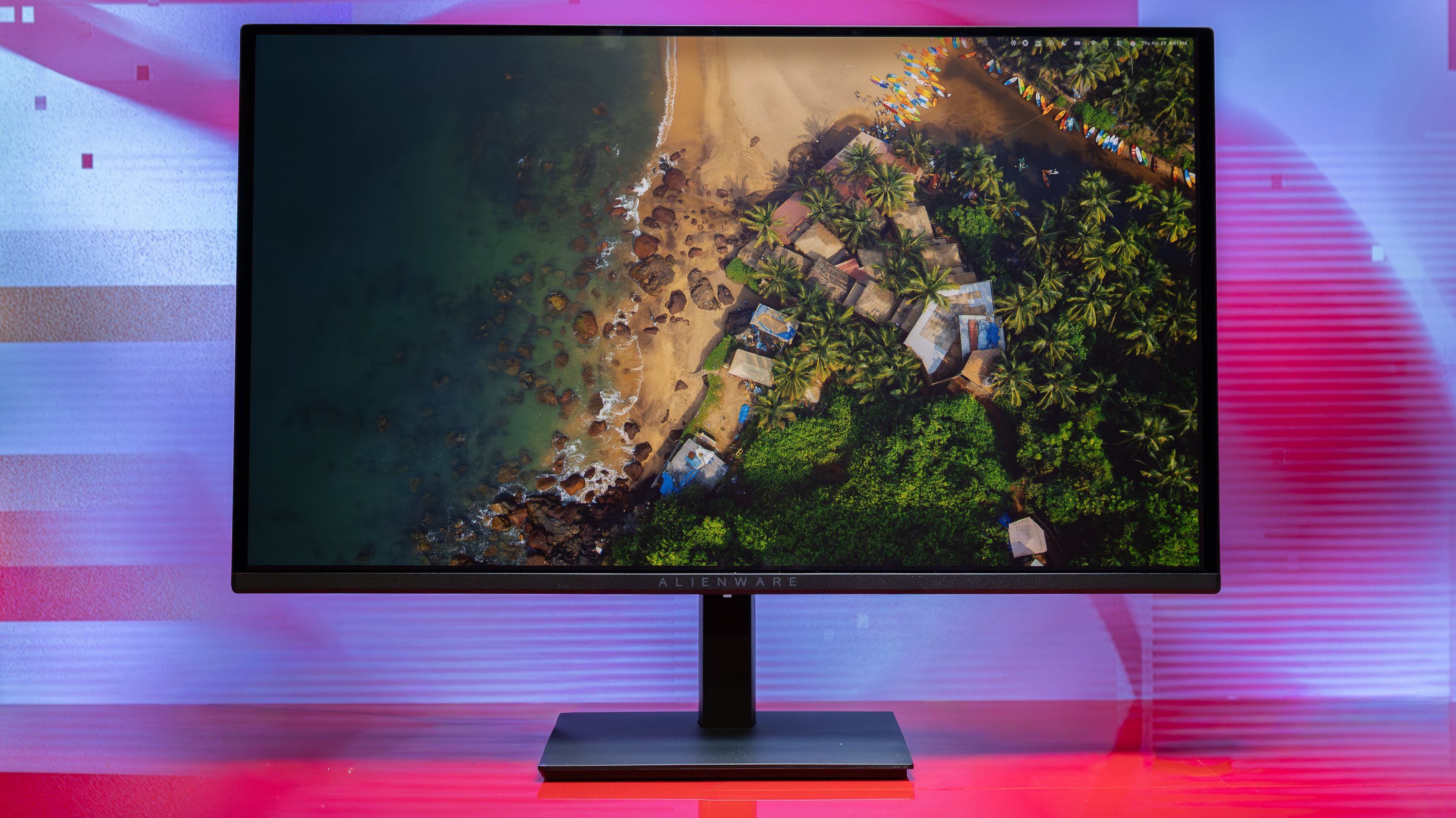
Alienware AW2725Q (26.7-inch, QD-OLED 4K 240 Hz)

Our high-end pick. The 26.7-inch QD-OLED panel reaches 166 ppi, the highest density Dell quotes for a QD-OLED monitor, with 4K at 240 Hz and 0.03 ms (GtG). Dell quotes 99% DCI-P3, VESA DisplayHDR True Black 400, Dolby Vision and 1000 cd/m² peak HDR brightness (on 3% of the screen). Its two HDMI 2.1 FRL ports accept 4K 240 Hz, one of them with eARC, plus a DisplayPort 1.4 with DSC. The 3-year warranty covers burn-in.

Pros
  • Infinite contrast and OLED responsiveness at 4K 240 Hz
  • Two HDMI 2.1 FRL (4K 240 Hz), one with eARC
  • 3-year warranty including burn-in
Cons
  • Modest typical SDR brightness (250 cd/m²)
  • Burn-in risk with very static office use
  • Needs a high-end graphics card to target 240 FPS at 4K
United StatesCheck the price in my country
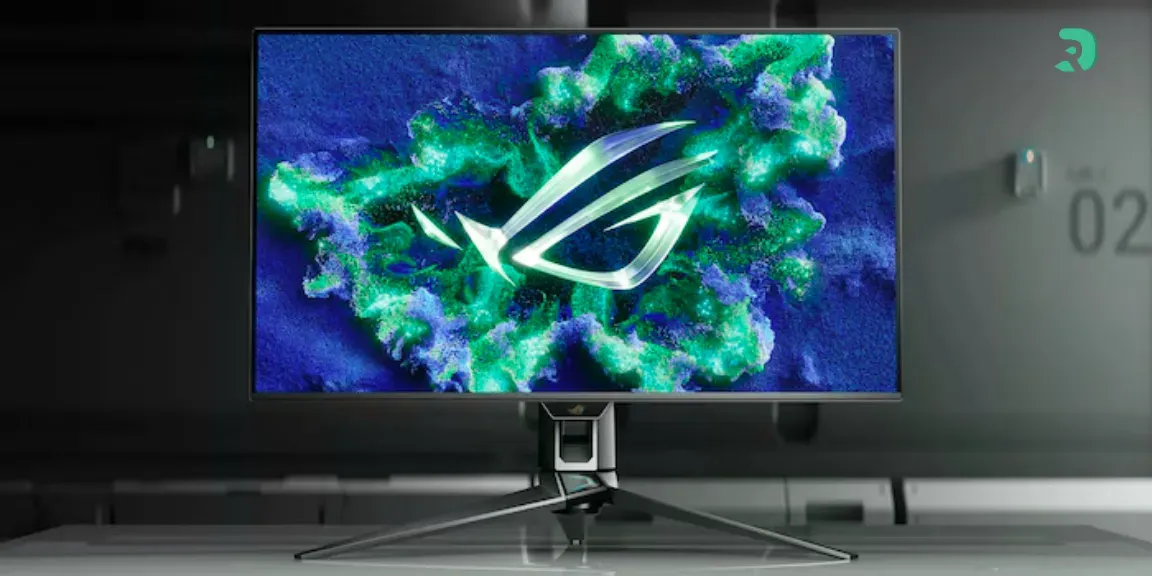
ASUS ROG Strix OLED XG27UCDMG (26.5-inch, QD-OLED 4K 240 Hz)

The QD-OLED alternative with the most complete connectivity. ASUS quotes a 26.5-inch Tandem QD-OLED panel at 4K 240 Hz (0.03 ms GtG), 99% DCI-P3, DisplayHDR True Black 400 and 1000 cd/m² peak HDR brightness, with an anti-glare coating. On top of the two HDMI 2.1 ports and the DisplayPort 1.4 DSC, it adds USB-C DP Alt Mode with 90 W charging, a KVM and a USB 3.2 hub. Ideal for connecting a work laptop and a gaming PC to the same monitor.

Pros
  • 90 W USB-C and KVM for a laptop
  • Tandem QD-OLED 4K 240 Hz
  • 3-year warranty including burn-in
Cons
  • Costs more than the Alienware with a comparable panel
  • No speakers
  • Like any OLED, be careful with static elements
United StatesCheck the price in my country

Which graphics card for a 27-inch 4K monitor

4K has four times as many pixels as 1080p and 2.25 times as many as 1440p. To enjoy 120 to 160 Hz in recent games, aim for at least an RTX 5070 Ti or RX 9070 XT class card, leaning on DLSS or FSR. With a more modest card, the monitor is still great for office work and less demanding games, or for gaming at upscaled 1440p. Our guide on which graphics card for 4K gaming breaks down the options by budget.

27-inch 4K monitor for PS5 and Xbox Series X

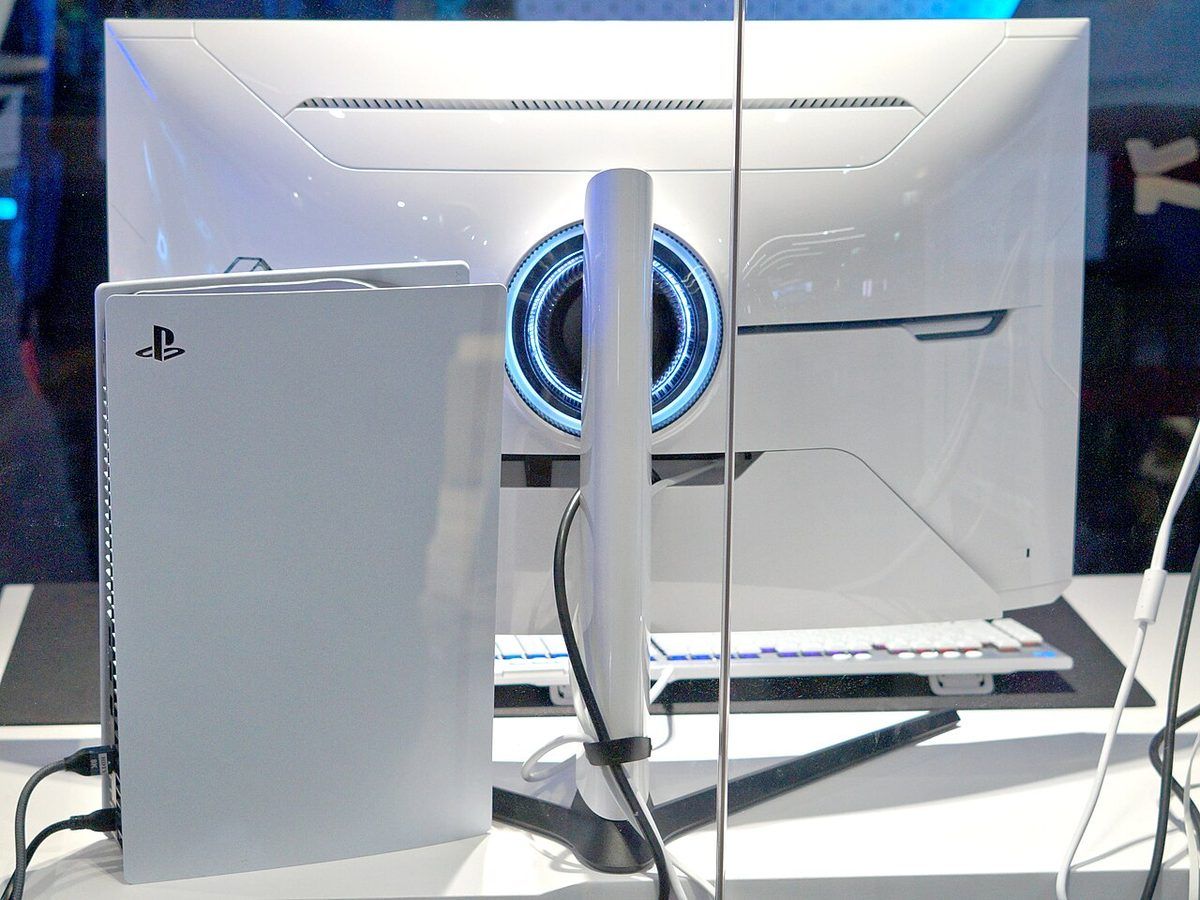
On a console, a 27-inch 4K monitor is ideal at less than a metre away. Check three things: an HDMI 2.1 port, 4K 120 Hz support and VRR. The MSI MAG 272URDF E16 has a dedicated console mode (4K 120 Hz, VRR, ALLM and HDMI CEC); the Alienware AW2725Q adds eARC to connect a Dolby Atmos soundbar. With the ASUS XG27UCS, its single HDMI 2.1 port limits how many consoles you can connect at 4K 120 Hz.

PlayStation 5 posée à côté d’un écran gaming Samsung Odyssey vu de dos Click to enlarge

For a console-focused selection with 27- and 32-inch models, see our guide to the best PS5 monitor.

27 or 32 inches at 4K, and why not 1440p?

A 32-inch 4K monitor offers more immersion and 100 to 125% scaling on Windows, but needs more viewing distance and space. A 27-inch 4K gives a finer image at a typical desk distance. If your graphics card is mid-range, a high-refresh 1440p monitor remains the more consistent choice. Compare with our guide to the 32-inch monitor and the one on the 1440p monitor.

FAQ: 27-inch 4K monitor

Is 4K worth it on 27 inches?

Yes, if you sit 60 to 80 cm (24 to 32 in) from the screen. Text and details are noticeably sharper than at 1440p, which shows in games, photo editing and office work. You just need to set Windows scaling to 150%.

What is the best 27-inch 4K 144 Hz monitor?

Among 144 Hz models, the LG UltraGear 27GR93U-B remains a safe bet. But in 2026, 4K 160 Hz monitors like the MSI MAG 272URDF E16 or the Gigabyte M27UP offer more for a similar budget, with a 1080p 320 Hz mode on top.

4K 160 Hz or 240 Hz QD-OLED?

A 160 Hz IPS is the right choice for a controlled budget and heavy office use. A 240 Hz QD-OLED makes sense if you play a lot in the dark, in HDR, and if your graphics card can keep up.

Do all these monitors support PS5 at 4K 120 Hz?

Yes, they all have at least one HDMI 2.1 port. Gigabyte does note, however, that the M27UP displays console 4K 120 Hz in 4:2:0.

Is burn-in a real risk on a QD-OLED?

The risk mainly exists with static elements displayed for long hours. The built-in protections and the 3-year warranty including burn-in on the Alienware AW2725Q and the ASUS XG27UCDMG greatly reduce the concern for gaming and multimedia use.

Conclusion: our 27-inch 4K monitor pick
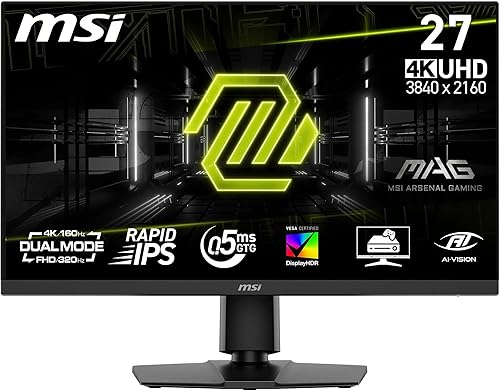
For most gamers, the MSI MAG 272URDF E16 is the best 27-inch 4K monitor of 2026: 4K 160 Hz, a 1080p 320 Hz mode and two HDMI 2.1 ports. The Gigabyte M27UP is worth the extra if you need USB-C, a KVM or speakers, and the G27UP suits tight budgets. If you want the best possible picture and your graphics card can keep up, the Alienware AW2725Q with its 4K 240 Hz QD-OLED is our favourite, with the ASUS XG27UCDMG as the alternative for connecting a laptop.