OLED burn-in after 30 months: what the Monitors Unboxed test changes when choosing a QD-OLED monitor in 2026

OLED burn-in OLED burn in monitor OLED image retention QD-OLED monitor 2026 Monitors Unboxed burn-in test

8,000 hours of office work on a QD-OLED: a center line, taskbar marks, -5% brightness. What it means for your usage, the anti-burn-in settings and the OLED monitors worth watching in our catalog.

OLED burn-in after 30 months: the short answer

Monitors Unboxed has been deliberately burning in a 32-inch 4K QD-OLED monitor (MSI MPG 321URX) for two and a half years, using it only for office work. In its 30-month update (October 6, 2026), the verdict is nuanced: burn-in is clearly visible, it progresses slowly and steadily, and peak brightness is starting to drop. But the monitor is still usable, and for gaming, video or mixed use, the tester believes burn-in should not be a major concern.

In this guide: what the test really measures, what it means for you depending on your usage, the settings that limit burn-in, and the OLED monitors in the DropReference catalog, grouped by segment.

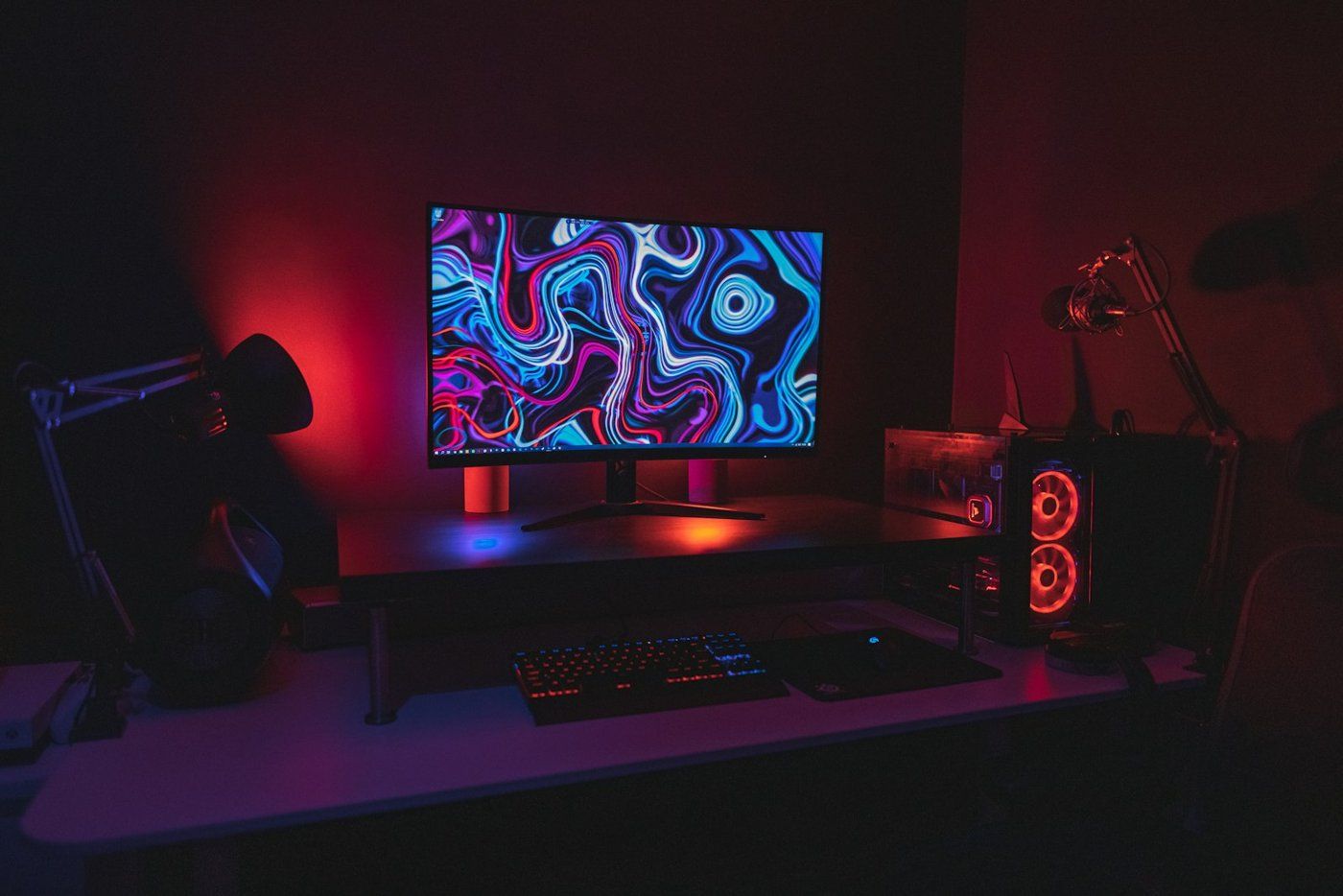
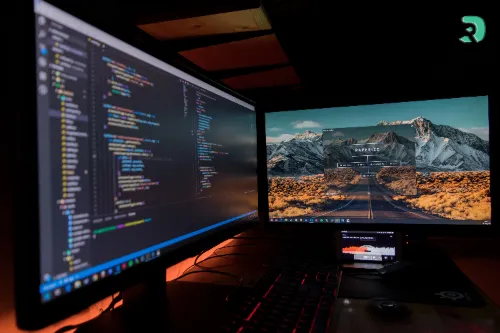
Bureau sombre avec écran allumé et éclairage rouge Click to enlarge

The protocol: a deliberate worst case

  • Monitor: MSI MPG 321URX, 32" 4K QD-OLED, used in place of an IPS monitor without changing anything else on the workstation.
  • Usage: 8 to 10 hours of static content per day (browser, documents, spreadsheets, Photoshop, Premiere), at around 200 nits.
  • No precautions: light mode, an always-visible dark taskbar, no quick screensaver.
  • Compensation cycles: recommended every 4 hours (about 7 minutes each), they only run here when the monitor goes to sleep in the evening, roughly half the recommended rate.
  • Status at 30 months: about 8,000 hours of use and 865 compensation cycles.

The tester says it himself: he does not recommend using an OLED this way. It is a stress test, not a user guide.

Stage Hours of use Compensation cycles Finding
1 month 200 to 250 h — No sign of burn-in
3 months 650 to 750 h 71 First faint signs
6 months 1,200 to 1,500 h 141 Slightly more visible, not a problem
12 months 2,700 to 3,000 h 322 Center line and taskbar sharper
15 months 3,400 to 3,800 h 413 Slow progression
18 months 4,000 to 4,500 h 486 Continuous, gradual degradation
24 months about 6,500 h — Taskbar icons visible
30 months about 8,000 h 865 Center line annoying on dark gray backgrounds, brightness dropping
Swipe to view more

What the 30-month results show

A center line and the taskbar

The main artifact is a vertical line in the middle of the screen, at the border between two side-by-side windows. It is inverse burn-in: the bright windows on either side wear the panel, while the darker line wears less and ends up standing out. At 30 months it is clearly visible on a uniform dark gray background and, for the first time, faintly on full-screen white.

The dark taskbar also shows inverse burn-in, with the icons and the date/time area now visible. The paradox: because the taskbar is always on screen, it hides its own burn-in, which only shows in full-screen uniform content.

The reassuring part: burn-in is not accelerating. Each reading six months apart is slightly worse than the previous one, with no runaway effect.

The green subpixel wears the most

Isolating the colors, green is the most degraded and least uniform, ahead of blue; red is the least affected. This uneven wear shifts the color temperature: the screen is slightly warmer than at the start, without any setting change.

Peak brightness is starting to drop

Stable for 18 months, measured peak brightness started dropping from month 21, about 5% over 8,000 hours. The whole drop happened in the last 12 months, hence the tester’s caution about what comes next.

Measurement Start of the test Later 30 months
Peak brightness 243 nits (stable until 18 months) 238 nits at 21 months 231 nits (about -5%)
Color temperature about 6,440 K about 6,350 K at 12 months 6,292 K (about 150 K lower)
Swipe to view more

What it means for you, depending on your usage

  • Full-time office work: according to the tester, 8,000 hours equal about 4 years of work on a 40-hour week, and 5 to 6 years part-time.
  • Burn-in is cumulative: 4 hours of static apps per day instead of 8 means roughly twice as long before reaching the same result.
  • Gaming, video or mixed use: a few hours of browsing here and there plus gaming should not cause significant burn-in within a reasonable time, based on these results.
  • The only real risk profile: lots of static apps, every day, for hours.

The tester’s conclusion: for most buyers, OLED burn-in should not be a major concern. If you code or work in spreadsheets 8 hours a day, a good IPS monitor remains the safer choice (see our comparison IPS, VA, TN or OLED).

Settings that limit burn-in

Above all, the test shows the effect of uneven wear. What the tester recommends, and what manufacturers provide:

  1. One consistent shade everywhere: for example a system-wide dark mode (windows, taskbar, navigation bars) to wear the panel evenly.
  2. Turn off or sleep quickly: screensaver or sleep after about 5 minutes, or a presence sensor if the monitor has one.
  3. Let compensation cycles run: the test only ran about half the recommended rate.
  4. Keep pixel shift enabled (pixel shift / orbiting): in the test, it prevents sharp edges and turns burn-in into a diffuse blur.
  5. Do not push brightness for office work and vary your window layouts.
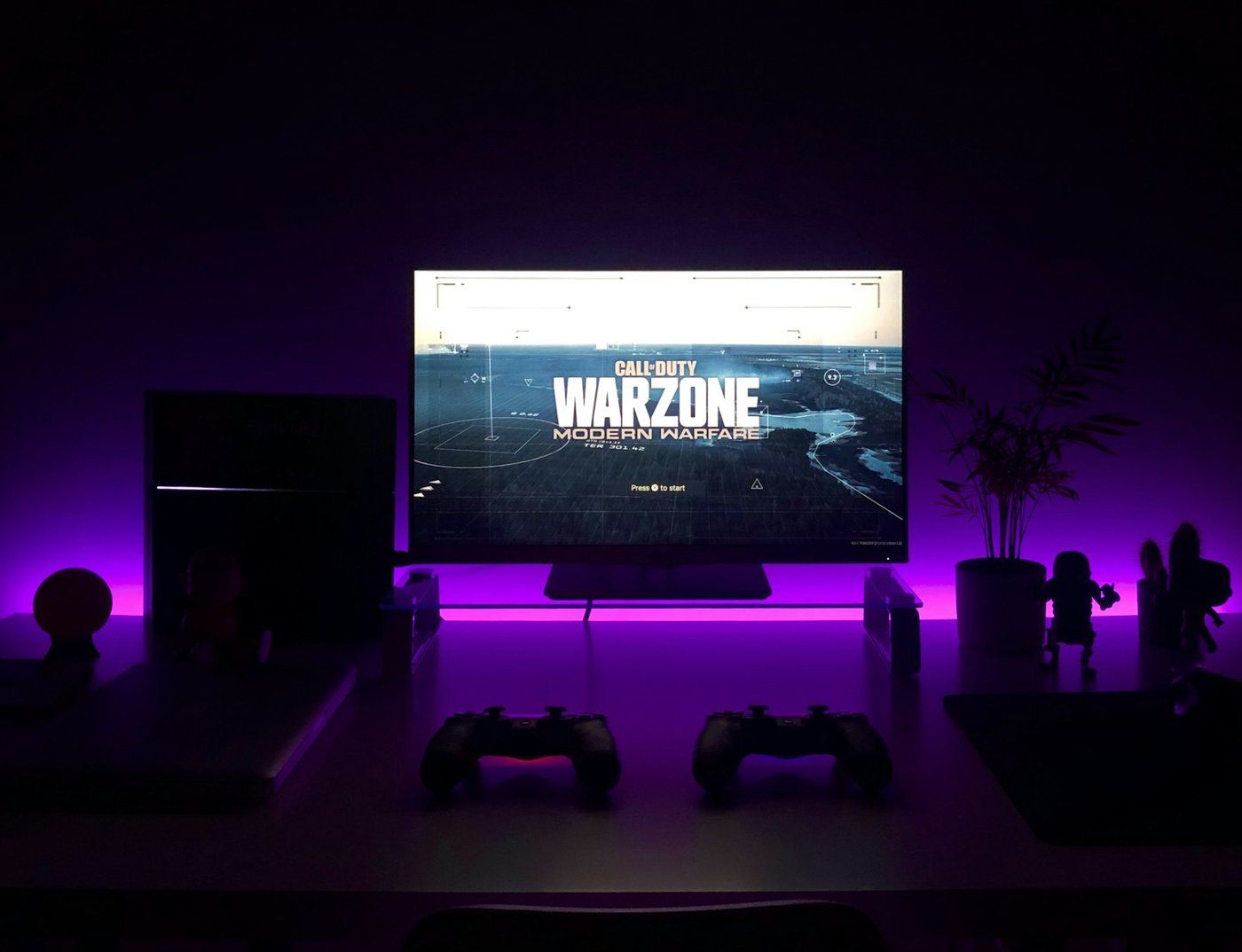
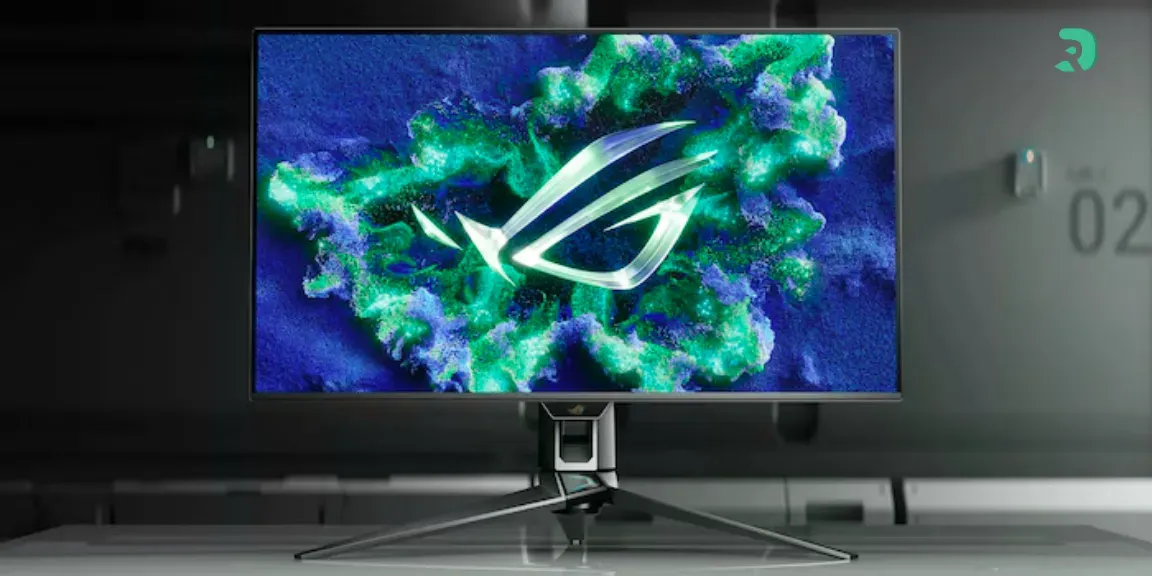
Setup gaming avec écran allumé et éclairage violet Click to enlarge

Choosing an OLED monitor in 2026 with burn-in in mind

  • Built-in protections: refresh cycles, pixel shift and, ideally, a presence sensor. The ASUS XG27AQDMES has one (Neo Proximity Sensor), exactly what the tester recommends.
  • Burn-in warranty: some manufacturers advertise it on their pages, such as Samsung (burn-in under normal use covered) or Gigabyte (3 years including burn-in) on their North American sites. Terms vary by country: check the warranty where you buy before ordering.
  • QD-OLED or WOLED: the test covers a QD-OLED. It cannot be used to draw conclusions about LG WOLED panels, and the tester notes that newer generations of emissive materials could do better.
  • Your usage first: an OLED for gaming and watching videos, an IPS if the screen mostly shows static windows all day.

For a broader comparison, read our guide to the best OLED gaming monitors of 2026, and for esports our 360 Hz and 500 Hz.

Monitor Panel Format
GIGABYTE GO27Q24 QD-OLED 27" QHD 240 Hz
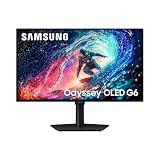
Samsung Odyssey OLED G6 G61SH QD-OLED 27" QHD 240 Hz
Lenovo Legion 27Q-10 QD-OLED 26.5" QHD 240 Hz
ASUS ROG Strix OLED XG27AQDMES QD-OLED 26.5" QHD 240 Hz
GIGABYTE MO27Q28GR WOLED (LG) 27" QHD 280 Hz
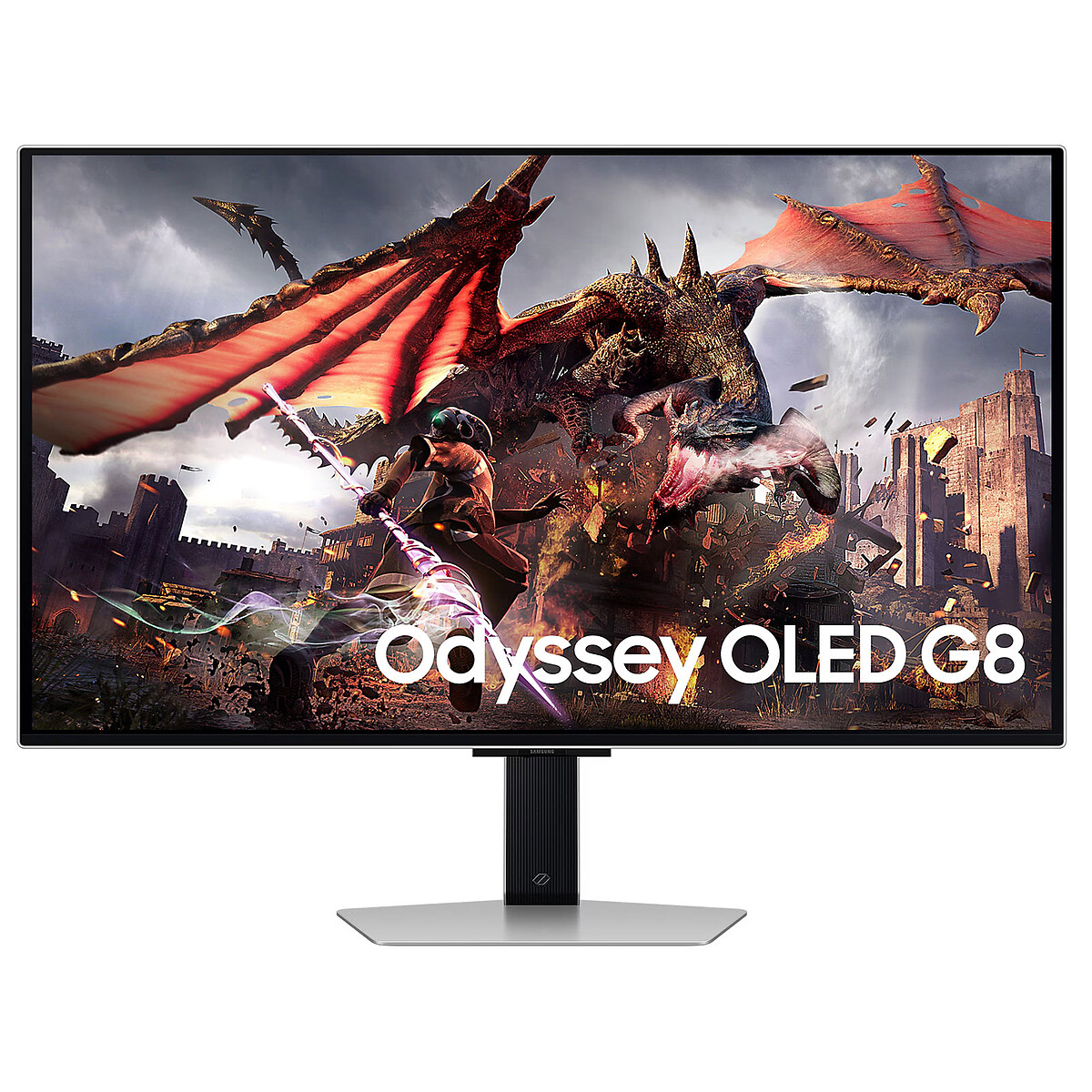
Samsung Odyssey OLED G8 G80SD QD-OLED 32" 4K 240 Hz
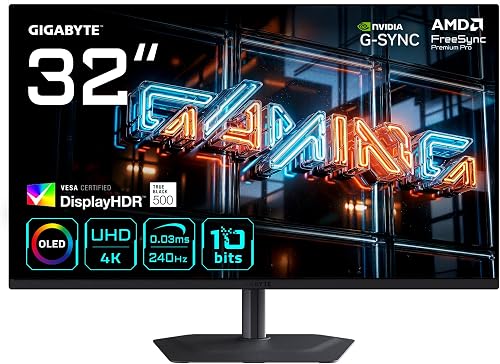
GIGABYTE MO32U24 QD-OLED 31.5" 4K 240 Hz
Swipe to view more

Our selection of OLED monitors from the catalog

Six QD-OLED monitors and one WOLED, in 1440p or 4K, all in the DropReference catalog. For live stock and offers, check the monitor comparison tool.

How the segments compare (catalog offers checked on October 12, 2026; they change daily):

  • QD-OLED 27" / 26.5" QHD 240 Hz: the most affordable OLED segment in this selection.
  • QD-OLED 32" / 31.5" 4K 240 Hz: clearly the premium tier of this selection.

The 280 Hz WOLED is alone in its segment here: check its current price via its block below.

GIGABYTE GO27Q24

27" QHD 240 Hz QD-OLED from Gigabyte, the entry point to 1440p OLED in this selection.

Pros
  • QD-OLED 27" QHD 240 Hz
  • Samsung panel (QD-OLED)
Cons
  • No 4K
  • Check the burn-in warranty terms in your country
FranceCheck the price in my country
Lenovo Legion 27Q-10

Lenovo Legion 27Q-10: 26.5" QHD 240 Hz QD-OLED, factory calibrated according to Lenovo.

Pros
  • QD-OLED 26.5" QHD 240 Hz
  • Factory calibration announced (Delta E < 2)
Cons
  • No 4K
  • Check the burn-in warranty terms in your country
FranceCheck the price in my country
ASUS ROG Strix OLED XG27AQDMES

ROG Strix OLED XG27AQDMES: 26.5" QHD 240 Hz QD-OLED with Neo Proximity Sensor, which blanks the screen when you step away.

Pros
  • Presence sensor (Neo Proximity Sensor)
  • ASUS OLED Care Pro suite
Cons
  • No 4K
  • Check the burn-in warranty terms in your country
FranceCheck the price in my country
GIGABYTE MO27Q28GR

MO27Q28GR: 27" QHD 280 Hz LG WOLED panel, glossy finish.

Pros
  • 280 Hz
  • WOLED (LG) alternative to QD-OLED
Cons
  • Glossy finish: reflections in a bright room
  • Check the burn-in warranty terms in your country
FranceCheck the price in my country
GIGABYTE MO32U24

MO32U24: 31.5" 4K 240 Hz QD-OLED, mentioned by Monitors Unboxed in its video description.

Pros
  • QD-OLED 4K 240 Hz
  • HDMI 2.1 and DisplayHDR True Black 500
Cons
  • Large format: make room on your desk
  • For heavy office use, enable the protections
FranceCheck the price in my country

Monitor stock and prices in real time

DropReference compares offers for you: filter by panel, size or refresh rate and find the best current price.

Choose your delivery country to see prices based on your location

Filters

LG UltraGear 27GR93U-B 27in 4K 144Hz

449€

(6 Vendors)
Resolution: 4K (2160p)
Top brand Excellent quality Good frequency Standard size
Samsung Odyssey G6 G61SH 27" OLED WQHD 240Hz Black

355€

(17 Vendors)
Brand: Samsung
Top brand Incredible quality Extreme frequency Standard size
Samsung Odyssey G7 G70D 27" 4K UHD 144Hz IPS 1ms Black

327€

(12 Vendors)
Brand: Samsung
Top brand Excellent quality Good frequency Standard size
Acer Nitro ED270U S3 27-inch QHD 180Hz Black

18€

(6 Vendors)
Brand: Acer
Good brand Good for immersion Good frequency Standard size
AOC Q27G42ZE 27" QHD 240Hz Fast IPS Black Red

159€

(11 Vendors)
5 (1)
Brand: AOC
Good brand Excellent quality Extreme frequency Standard size
Samsung Odyssey OLED G8 G80SD 32" 4K UHD 240Hz

720€

(12 Vendors)
Brand: Samsung
Top brand Incredible quality Extreme frequency Ultra large Powerful GPU
Gigabyte GO27Q24 27" QHD 240Hz

332€

(11 Vendors)
Brand: Gigabyte
Good brand Incredible quality Extreme frequency Standard size
AOC 24G50F 24" Full HD 180Hz IPS G-SYNC HDR10 Black

79€

(11 Vendors)
Brand: AOC
Good brand Excellent quality Good frequency Standard size
ASUS ROG Strix OLED XG27AQDMES 26.5" QHD 240Hz

394€

(4 Vendors)
Brand: Asus
Top brand Incredible quality Extreme frequency Standard size
Samsung G70F 27" 4K 144Hz IPS

261€

(9 Vendors)
Brand: Samsung
Top brand Excellent quality Good frequency Standard size
Samsung Odyssey G5 34in UWQHD 165Hz Black

219€

(18 Vendors)
Brand: Samsung
Top brand Good for immersion Good frequency Ultra large
Philips Evnia 27M2N3500NF 27" QHD 144Hz IPS Black

99€

(9 Vendors)
Brand: Philips
Good brand Excellent quality Good frequency Standard size
Samsung Odyssey G7 S32DG702EU 32" 4K 144Hz IPS 1ms

406€

(12 Vendors)
Brand: Samsung
Top brand Excellent quality Good frequency Ultra large
DELL Alienware 27 280Hz Gaming Monitor-AW2726DL

163€

(6 Vendors)
Brand: DELL
Top brand Excellent quality Extreme frequency Standard size
Samsung Odyssey OLED G81SF 32in 4K 240Hz Silver

638€

(6 Vendors)
Brand: Samsung
Top brand Incredible quality Extreme frequency Ultra large Powerful GPU
Gigabyte MO32U24 QD-OLED 31.5" 4K 240Hz

732€

(11 Vendors)
Brand: Gigabyte
Good brand Incredible quality Extreme frequency Small size Overkill Powerful GPU
AOC 25G4KUR 25" FHD 420Hz Fast IPS Height Adjustable Black Red

229€

(9 Vendors)
Brand: AOC
Good brand Excellent quality Extreme frequency Standard size
AOC Q27G42XE 27" QHD 180Hz Black/Red

129€

(17 Vendors)
Brand: AOC
Good brand Excellent quality Good frequency Standard size
MSI MAG321UPX QD-OLED 31.5in UHD 240Hz Black

649€

(6 Vendors)
Display Type: QD-OLED
Good brand Incredible quality Extreme frequency Small size Overkill Powerful GPU
G-Master GOB2701QSC-B1 OLED, Gaming-Monitor

312€

(19 Vendors)
Brand: iiyama
Good brand Incredible quality Extreme frequency Small size
MSI G255F Black 24.5in FHD 180Hz 1ms Rapid IPS

85€

(2 Vendors)
Brand: MSI
Good brand Excellent quality Good frequency Standard size
GIGABYTE MO27Q28GR 27" 2560x1440 280Hz WOLED

494€

(13 Vendors)
Brand: Gigabyte
Good brand Incredible quality Extreme frequency Standard size
AOC G4 24G4HRE 24" Full HD 200Hz LED Red

95€

(7 Vendors)
Brand: AOC
Good brand Excellent quality Extreme frequency Standard size
LG UltraGear 34G630A-B 34in WQHD 3440x1440 240Hz

248€

(16 Vendors)
Brand: LG
Top brand Good for immersion Extreme frequency Ultra large
Samsung Odyssey OLED G5 S27FG500SU 27" QHD 180Hz Black

342€

(12 Vendors)
Brand: Samsung
Top brand Incredible quality Good frequency Standard size

OLED burn-in FAQ

Will an OLED monitor inevitably burn in?

With lots of static content, yes, eventually: the test shows it within a few months in extreme use. For gaming, video or mixed use, the tester considers the risk low.

How long before burn-in becomes visible?

In this worst case (8 to 10 hours of office work per day), the first signs appeared at around 3 months and became annoying on gray backgrounds after about 30 months. Fewer static hours per day means proportionally longer.

Is burn-in covered by the warranty?

It depends on the brand and the country. Read the model’s warranty terms where you buy before ordering.

QD-OLED or WOLED to avoid burn-in?

This test does not compare the two technologies: it covers a QD-OLED. Choose mainly based on protections, warranty and your usage (see also 1440p monitor and 32-inch monitor).

Conclusion
After 30 months of deliberate torture, the OLED does burn in, but slowly, and the monitor remains usable. For gaming, it still offers the best picture on the market; for heavy office work, take precautions or stick with IPS. Sources: Monitors Unboxed video (October 6, 2026), TechSpot, 30-month update and 15-month update.