yuux
Co-founder of DropReference, I'm here to give you the best tips to build the gaming PC of your dreams!
yuux
Co-founder of DropReference, I'm here to give you the best tips to build the gaming PC of your dreams!
When you are looking for a PC monitor, you quickly come across these terms: IPS panel, VA panel, TN panel. And there, it's often total confusion. However, the type of panel has a huge impact on image quality, visual comfort, gaming, office work, or even telecommuting.
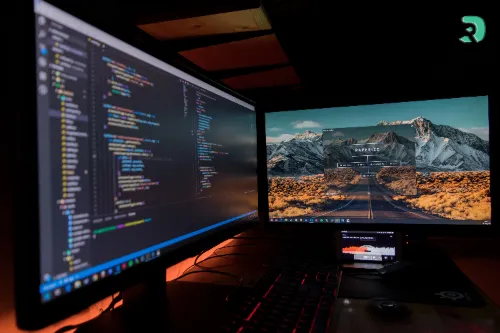
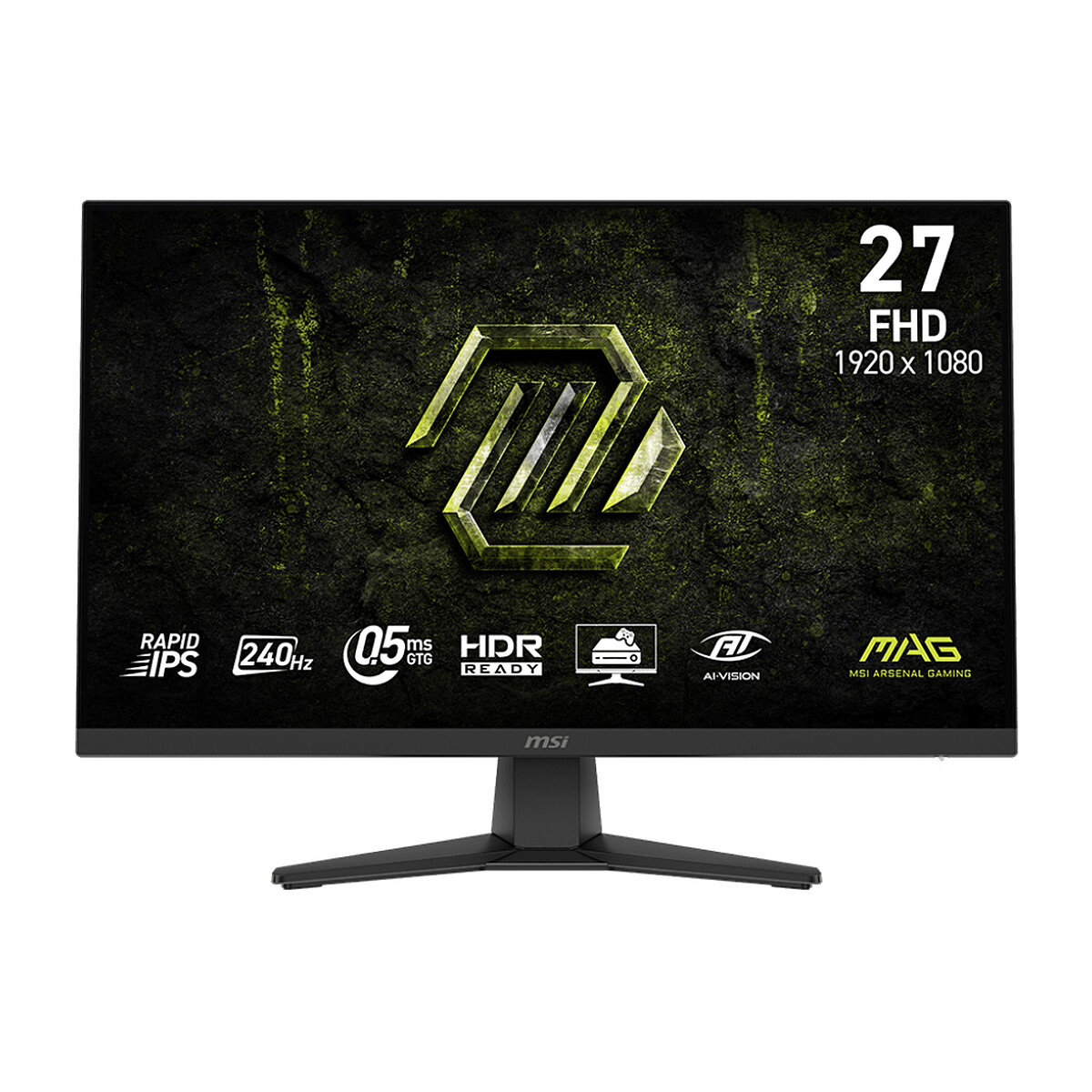
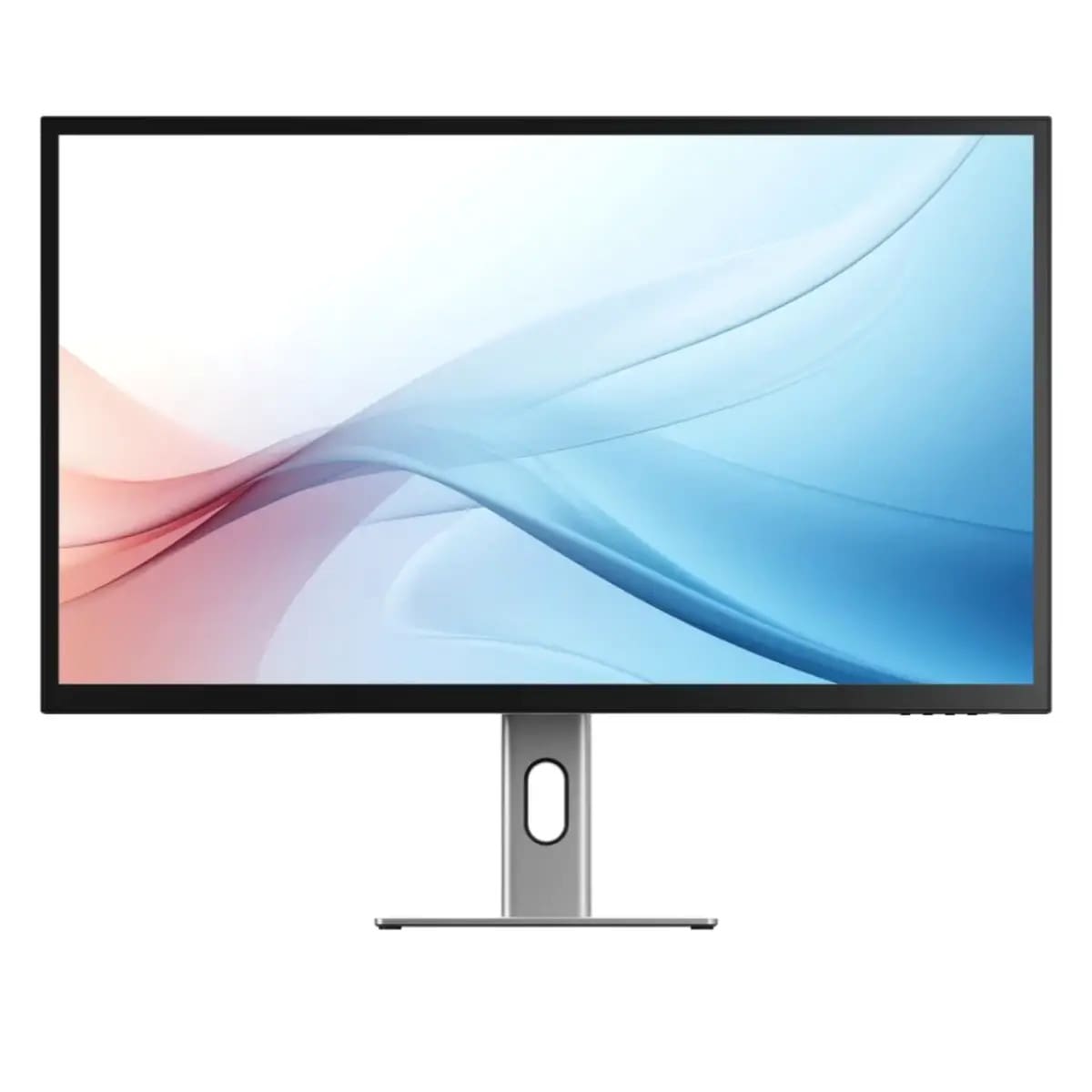
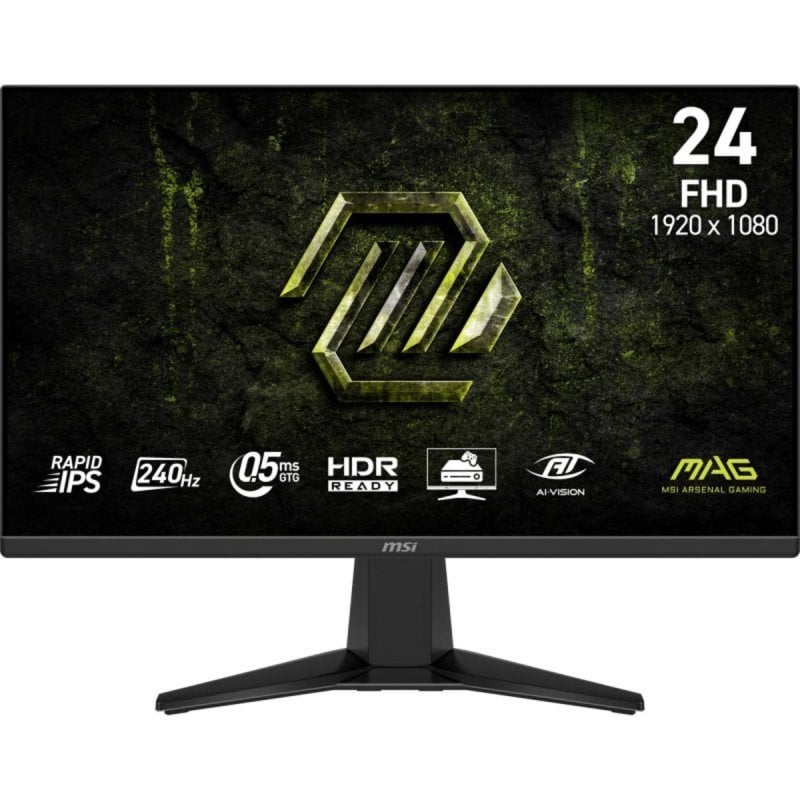
The IPS (In-Plane Switching) technology is now the most popular on PC screens It is known for its faithful colors and very wide viewing angles.
Because the IPS panel is extremely versatile:
👉 It is clearly the default choice if you do not want to make a mistake.
Quick conclusion: if you want a reliable screen for all tasks, IPS is almost always the right choice.
 Click to enlarge
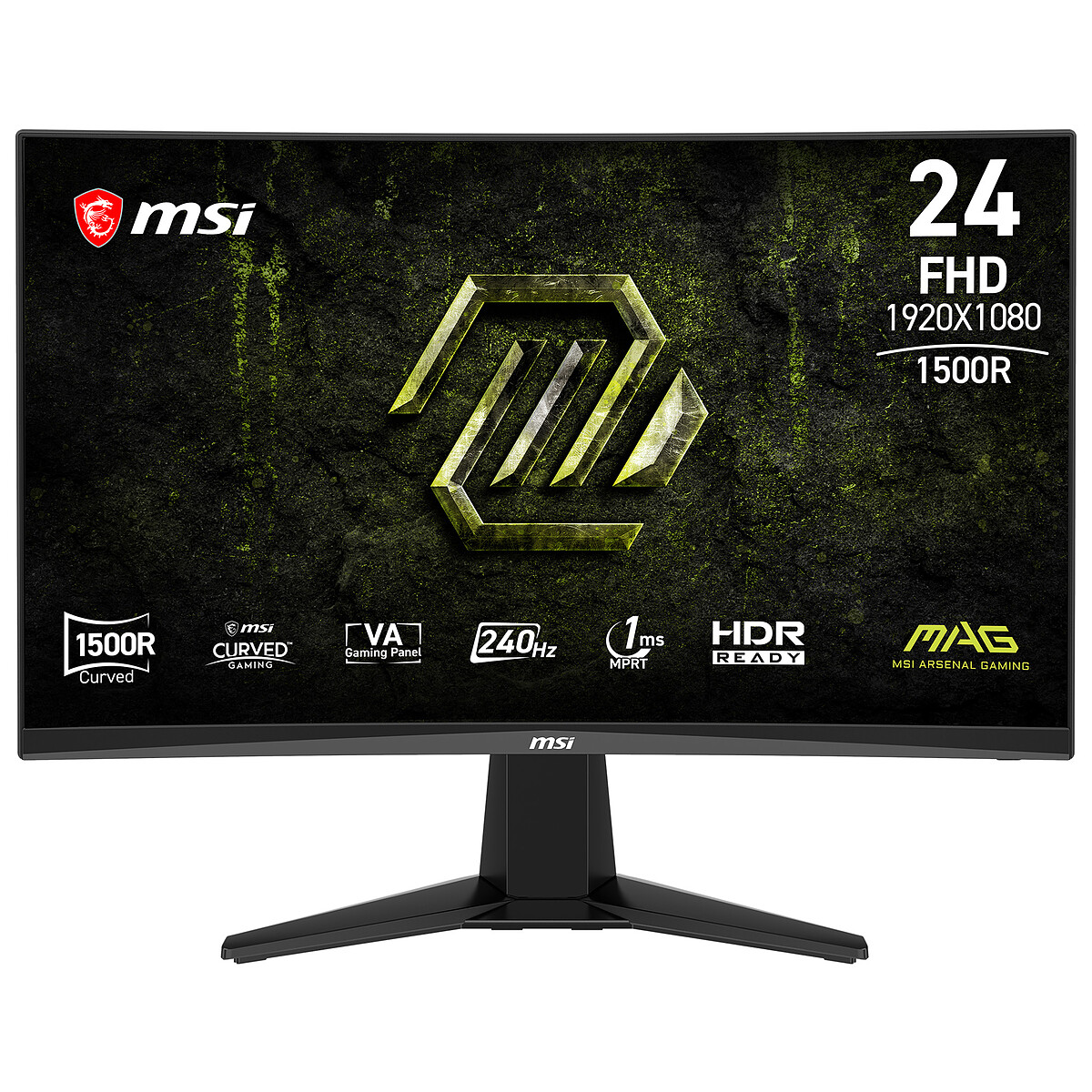
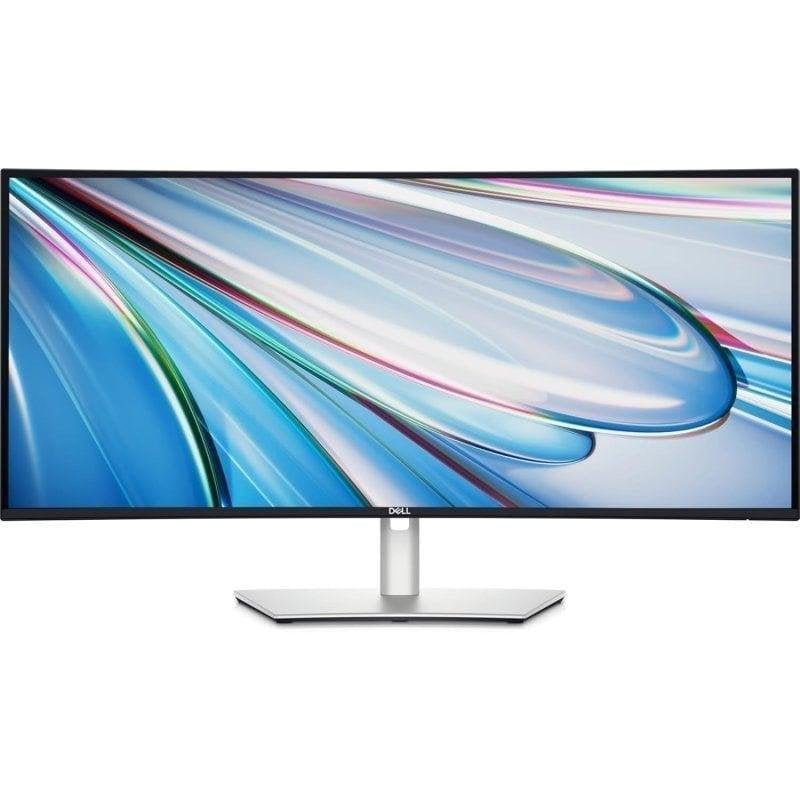
The VA (Vertical Alignment) panel is known for its high contrast The blacks are deeper than on IPS, which gives a more "cinema" image.
VR = immersion, but not always ideal for precise work or e-sports.
The TN (Twisted Nematic) panel is the former star of competitive gaming . Today, it is mainly used on very cheap screens.
Because the technology has aged poorly:
Today, IPS and VA do better, even for gaming.
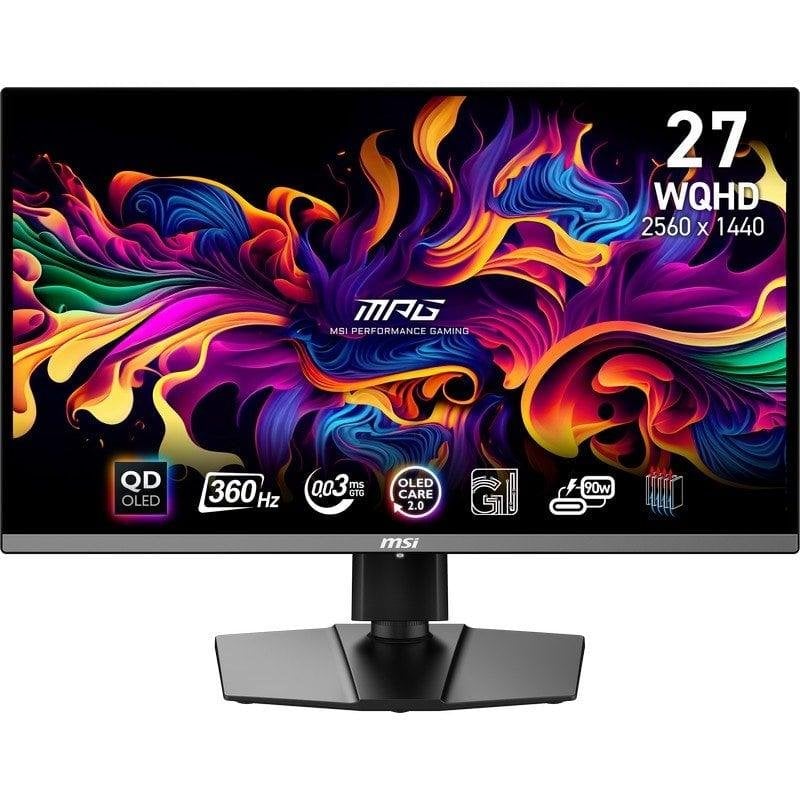
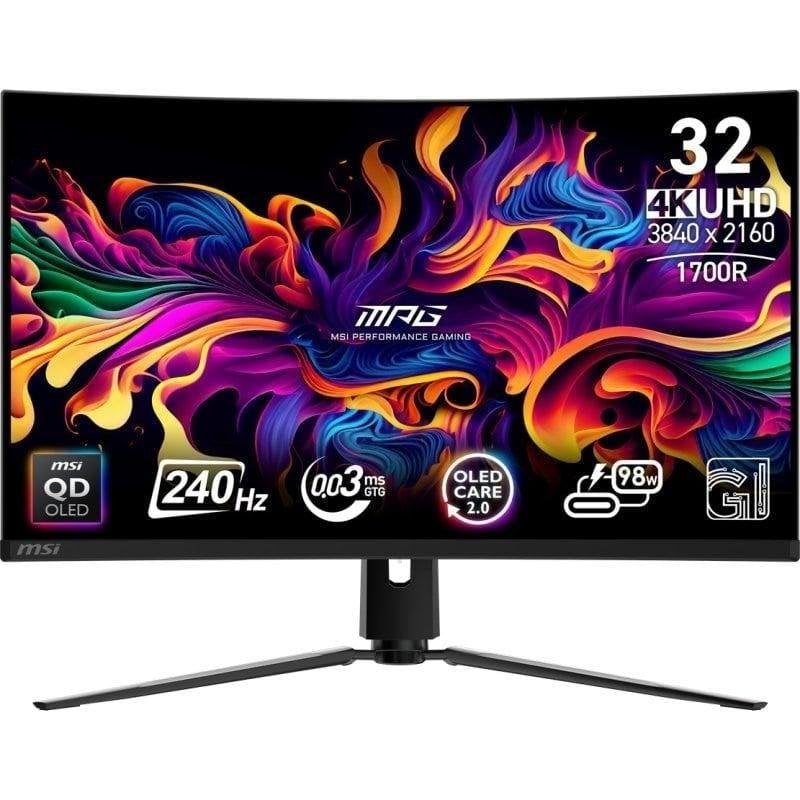
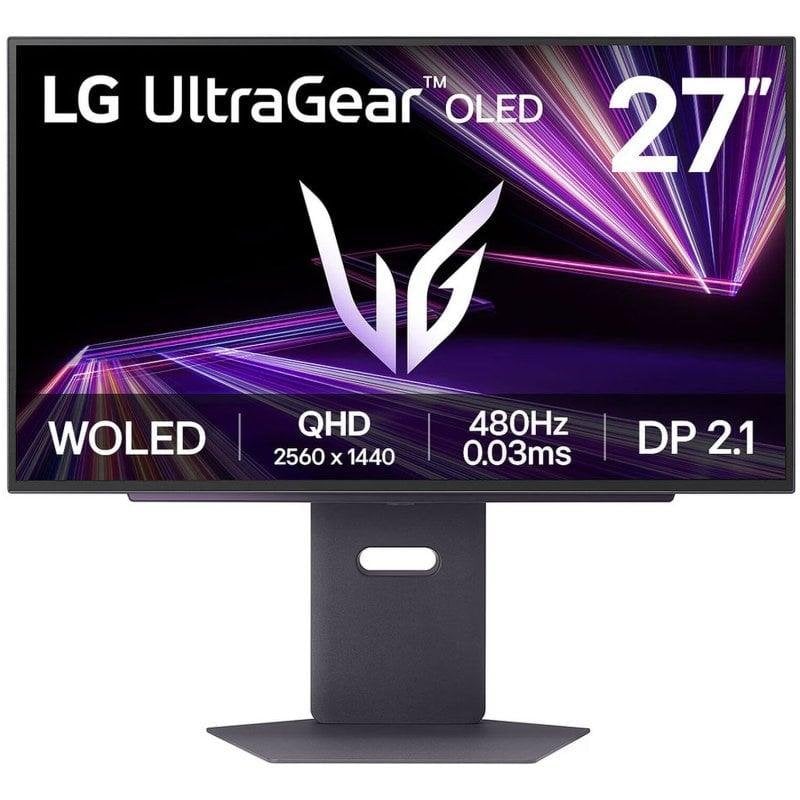
For the past 1–2 years, OLED has landed on the PC screen market, and clearly... it's a visual slap But as often, it's not magical for everyone.
Unlike IPS / VA / TN panels, a OLED panel has no backlight Each pixel lights up on its own.
Result:
In plain terms: OLED is exceptional for gaming and multimedia, but it is not yet the most rational choice for regular PC use.
| Criterion | IPS | AC | TN | OLED |
|---|---|---|---|---|
| Color Quality | Very good, loyal | Good | Low average | Excellent, ultra precise |
| Contrast / Blacks | Average | Very high | Low | Infinite (perfect blacks) |
| Viewing angles | Excellent | Fair to average | Low | Perfect |
| Response time | Very good | Good (varies depending on models) | Excellent | Snapshot |
| Gaming | Very good | Good (immersive) | Very good (e-sport) | Outstanding |
| Office work / work | Excellent | Correct | Average | Not recommended for long sessions. |
| Movies / TV shows | Good | Excellent | Average | Outstanding |
| Risk of burn-in | None | None | None | Yes (long term) |
| Price | Average | Average | Low | Very high |
| Overall recommendation | Most versatile choice | Ideal for contrast | To avoid except in specific cases | For enthusiasts and targeted use |
With DropReference you can scan all prices in real time in your country!

$527
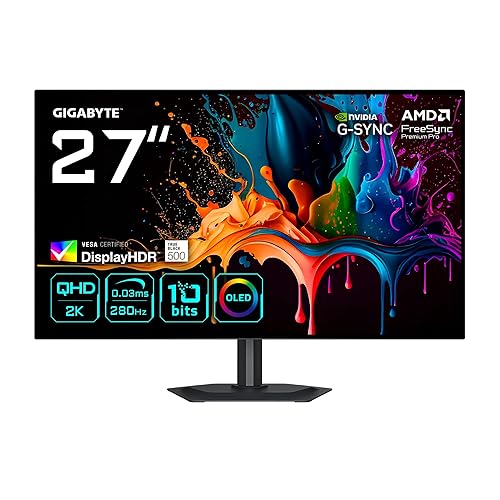
$450

$800

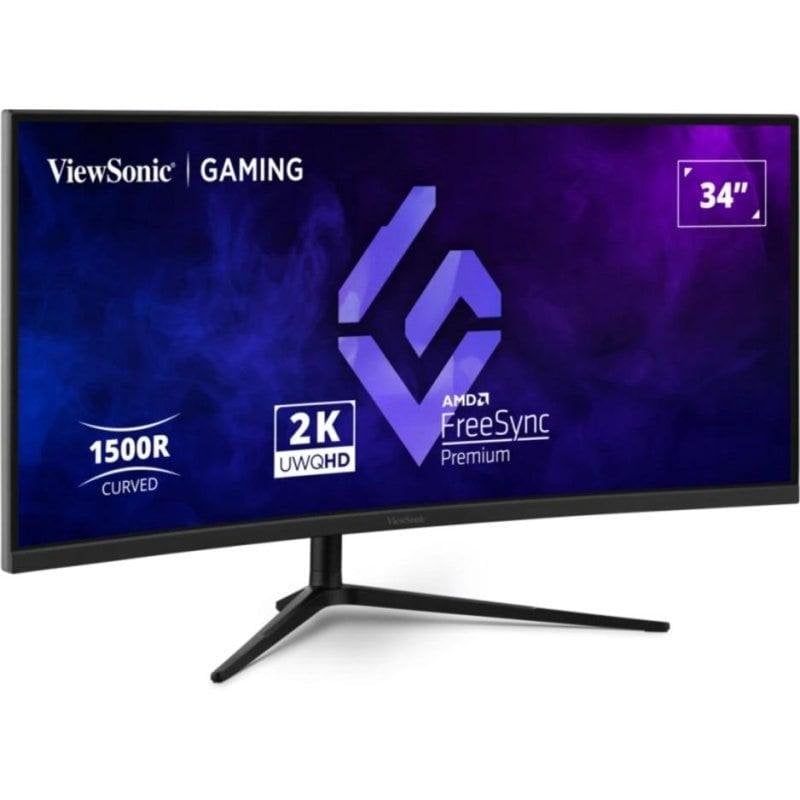

$320

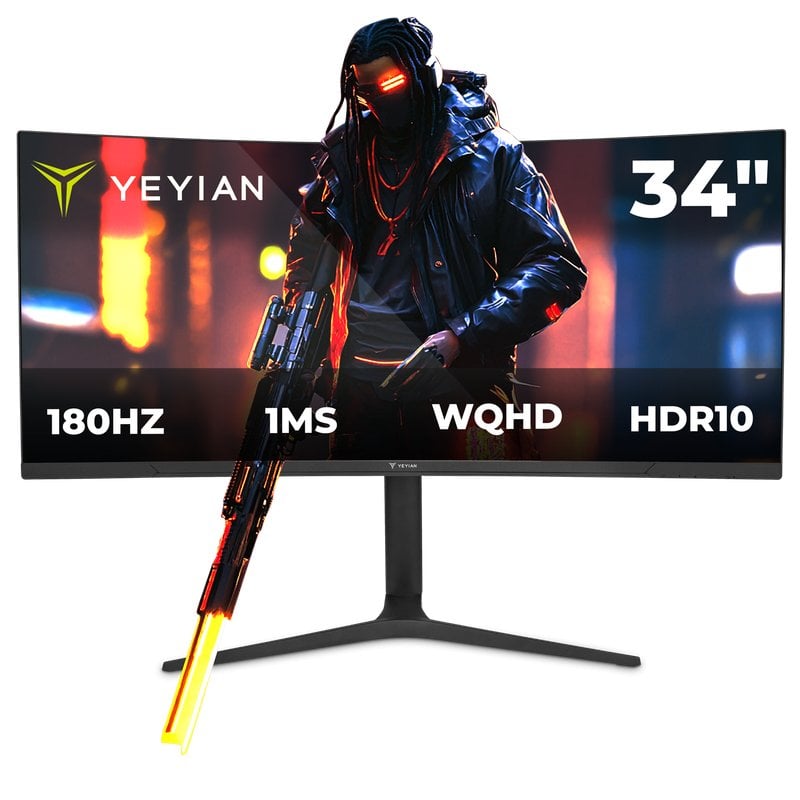
$370

$360

$1,140
$600
$580
$850

$750


$769

$1,099
$1,000

$800