yuux
Co-founder of DropReference, I'm here to give you the best tips to build the gaming PC of your dreams!
yuux
Co-founder of DropReference, I'm here to give you the best tips to build the gaming PC of your dreams!
- 1Which monitor should creators choose in 2026?
- 2The criteria that really matter for a creator monitor
- 31. ASUS ProArt PA279CRV: the most complete for photo editing
- 42. Dell UltraSharp U3225QE: the best 32-inch 4K monitor for video editing
- 53. BenQ PD3226G: the most versatile for creating and gaming
- 64. 27-inch QHD picks: ASUS ProArt PA278CGV and Dell UltraSharp U2724D
- 75. BenQ PD2706U and PD3205U: the design and Mac-oriented alternative
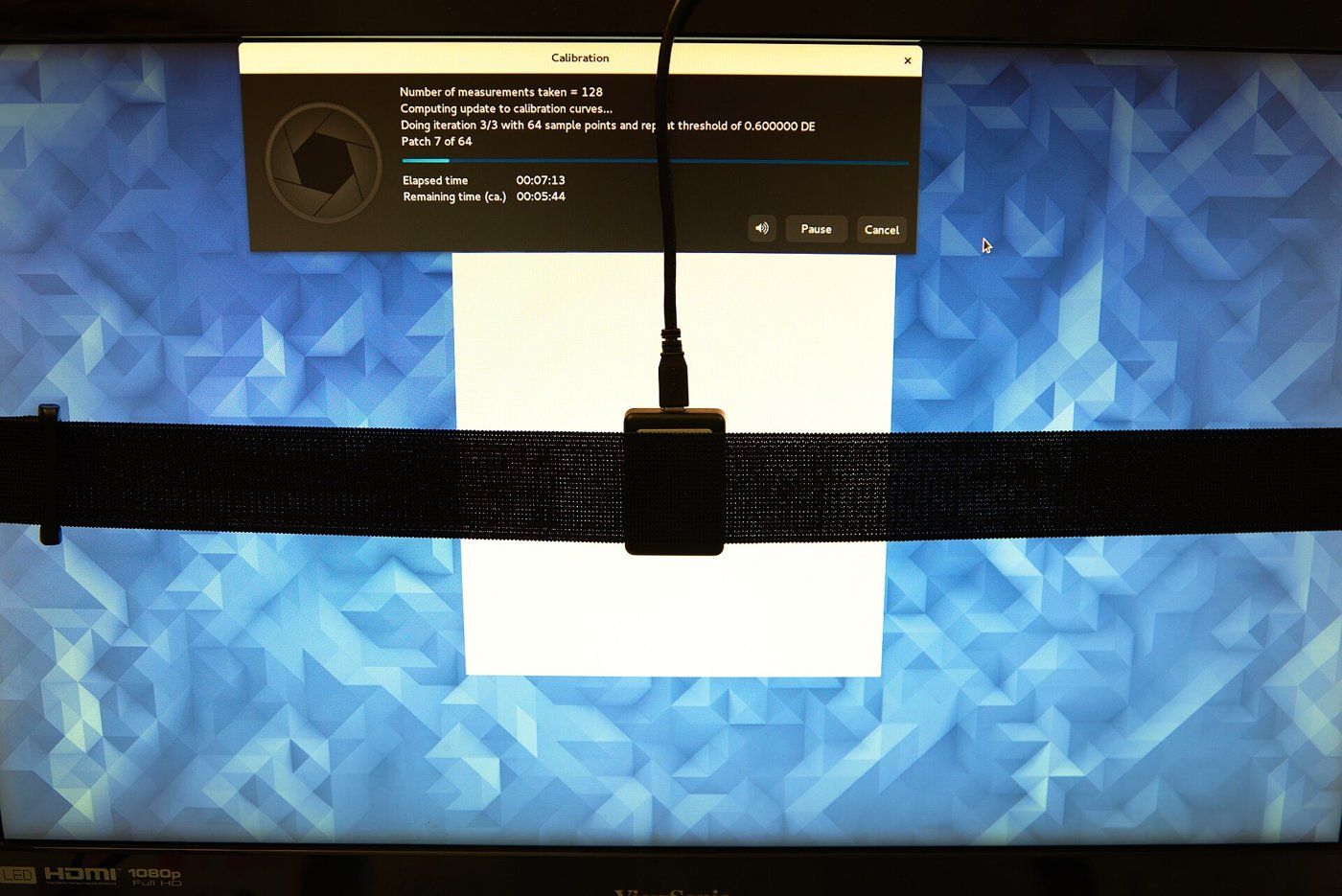
- 8Calibration: do you need a probe?
- 9Checklist before you buy
- 10FAQ
- 11Key takeaways