- 1The short answer: which CPU for which software
- 2What really matters in a video editing CPU in 2026
- 3Sources for the specs and the gaps quoted
- 4Premiere Pro: why Intel keeps the edge with Quick Sync
- 5DaVinci Resolve and Fusion: cores, RAW and the graphics card
- 6Ryzen X3D: does 3D V-Cache help with video editing?
- 7Which CPU for your profile
- 8AM4 upgrade: does the Ryzen 9 5950X still make sense?
- 9Cooling and power: do not hold your CPU back
- 10FAQ
- 11Conclusion: choose based on your software and footage first
There is no single best CPU for video editing: it all depends on your software and, above all, on the footage you edit. Video from smartphones, mirrorless cameras and drones is almost always H.264 or HEVC, and that is where the iGPU in Intel processors (Quick Sync) makes a real difference in Premiere Pro. RAW footage and software exports get more out of the 16 cores of a Ryzen 9. Here are our picks for October 2026:
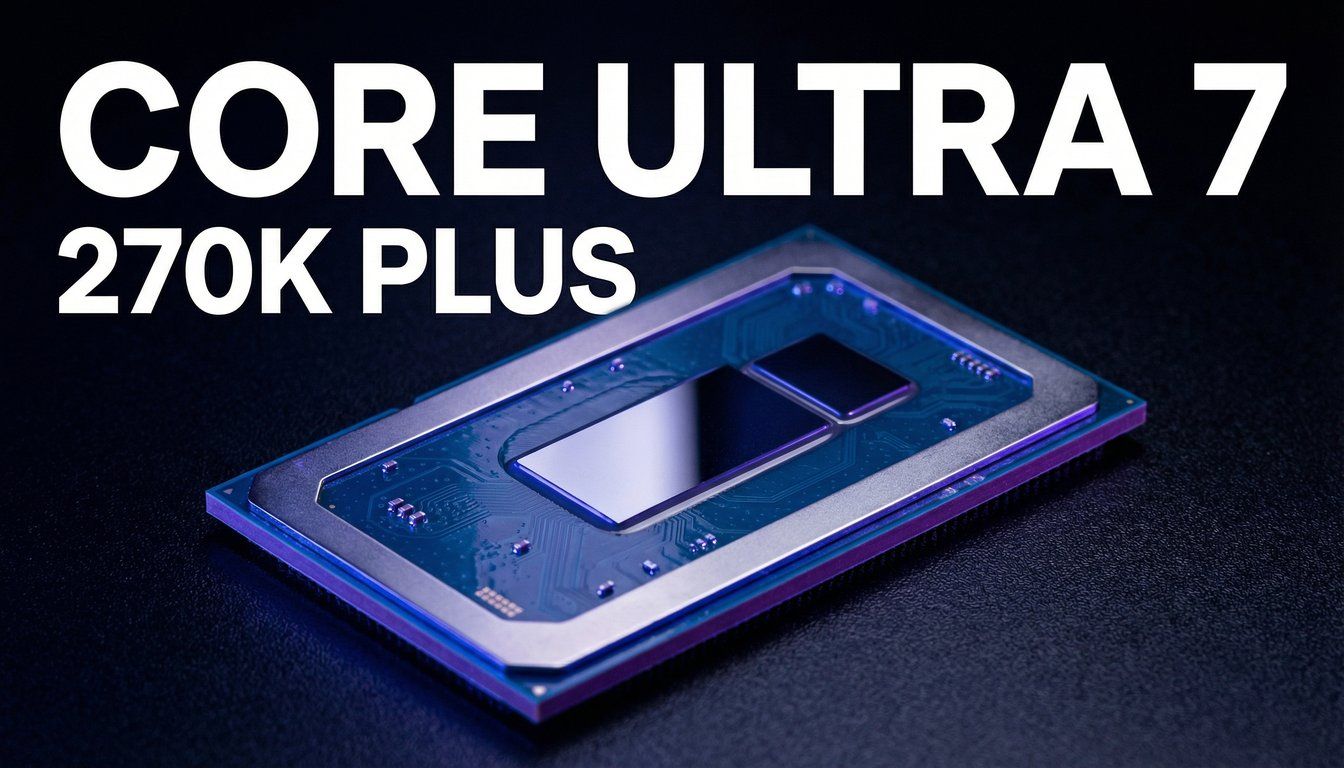
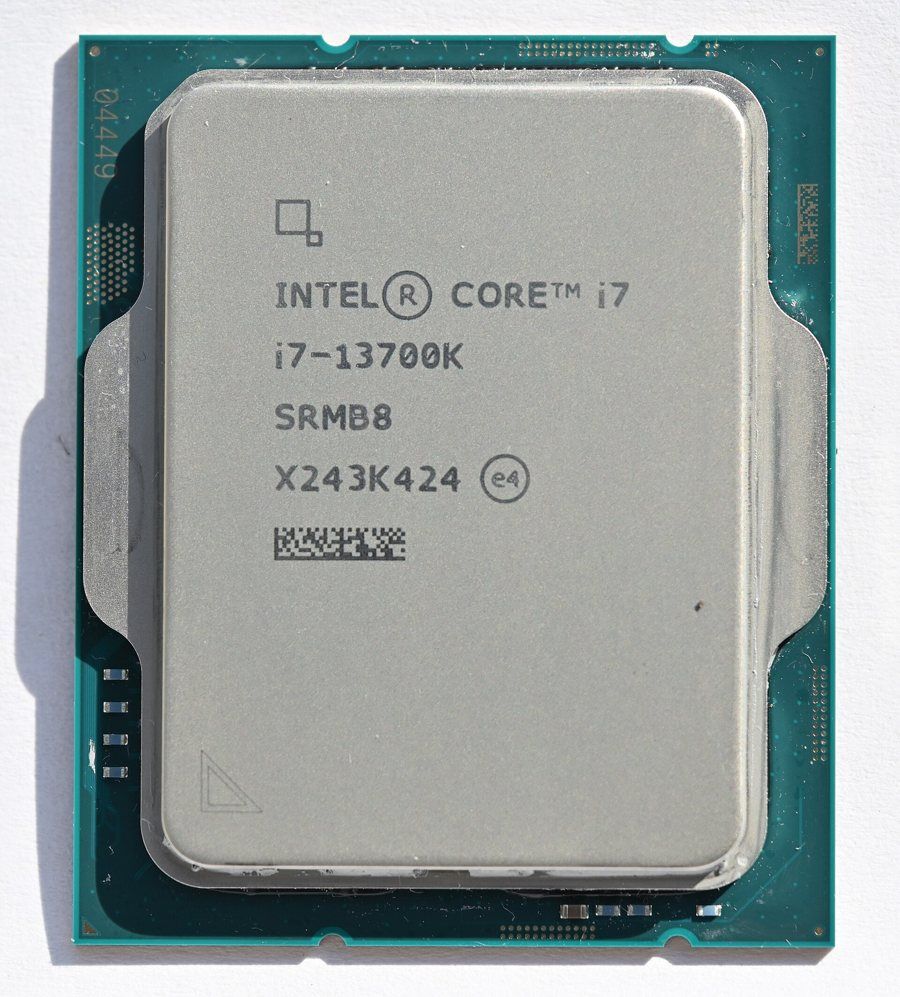
- Premiere Pro with H.264 or HEVC footage: an Intel chip with an iGPU (Core i9-14900K, Core i7-13700K), or better yet, a Core Ultra 7 270K Plus.
- DaVinci Resolve, RAW footage and all-round work: the Ryzen 9 9950X, especially paired with a GeForce RTX 50.
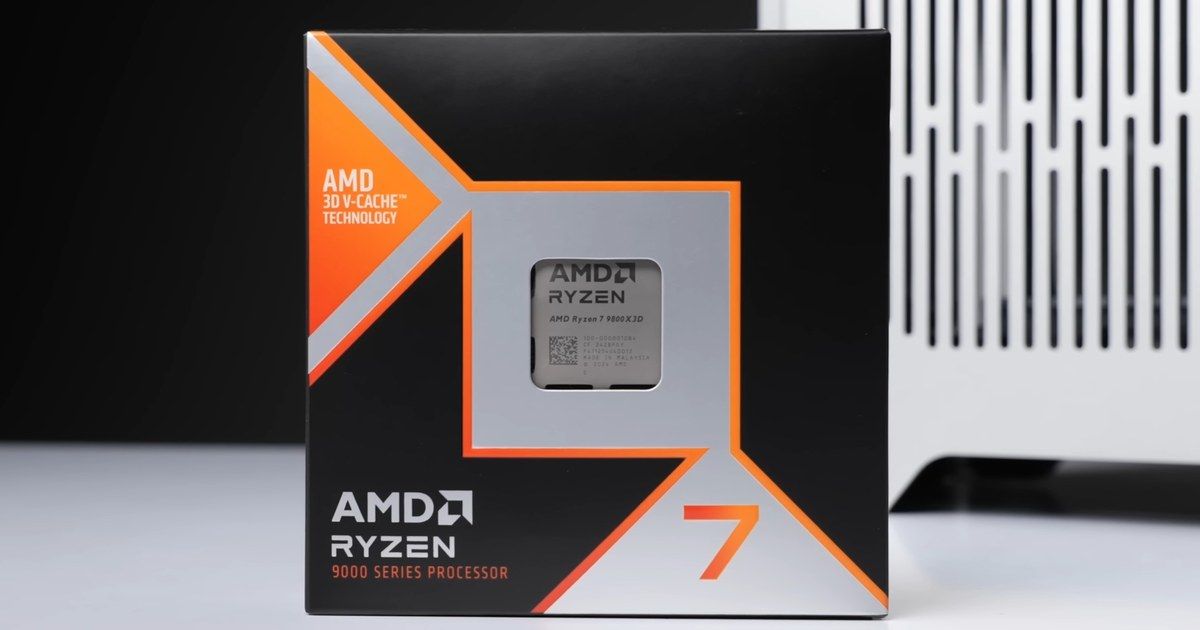
- Editing and gaming on the same PC: the Ryzen 9 7950X3D, a little slower for editing but excellent for gaming.
- Tight budget for DaVinci Resolve: the Core Ultra 5 250KF Plus, as long as you have a recent graphics card.
- You already have an AM4 motherboard: the Ryzen 9 5950X, with no need to change your motherboard or memory.
If you are mainly after a CPU for gaming, check out our guide to the best gaming CPU. To track the availability of all these models, our CPU stock page is updated continuously.