WQHD: what is it exactly and why is everyone talking about it?

WQHD screen WQHD vs 4K WQHD vs QHD

If you've been looking at PC screens for a while, you've inevitably come across this term: WQHD. And as is often the case in hardware, we love to use acronyms, to the point where you start to wonder if it's a revolution or just a new name for an old resolution. In reality, WQHD has established itself as a modern standard, especially among gamers and those looking for a versatile screen. And you'll see that understanding what it means - and especially if it's right for you - is much simpler than it seems.

What exactly is WQHD?

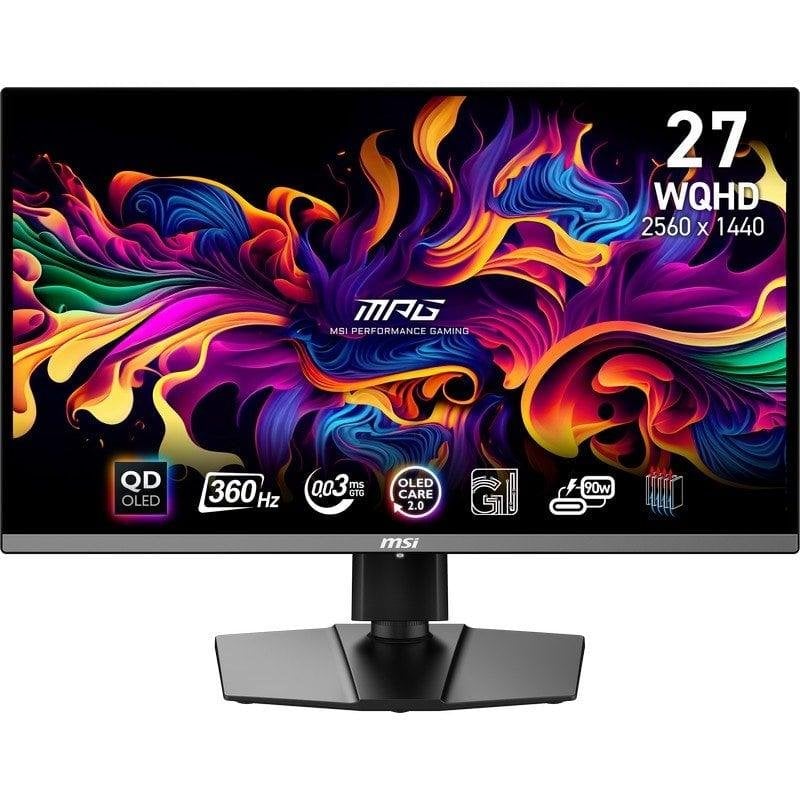
Let's start off easy. The WQHD, for Wide Quad High Definition, corresponds to a resolution of 2560 × 1440 pixels In common language, it is also referred to as 1440p.

Why "Wide"? Because originally, QHD (Quad HD) referred to a format used on smartphones, based on 1440p but not necessarily in 16:9. WQHD is simply the wide version adapted for PC screens.

So if you've ever wondered what wqhd is? → it's simply QHD in widescreen format, which you will see indicated as WQHD on monitors.

And between us: WQHD = QHD = 1440p, they are just different names.

QHD vs WQHD: is there really a difference?

It's THE most common confusion.

You may be wondering: wqhd vs qhd, which one is better?

The answer is simple:

👉 There is no difference.

  • QHD is the standard designation .
  • WQHD is the more "complete" designation used by manufacturers.
  • Both display 2560 × 1440 pixels.

So if you see "QHD", "Quad HD" or "WQHD" in a technical specification, you can consider that it refers exactly to the same format.

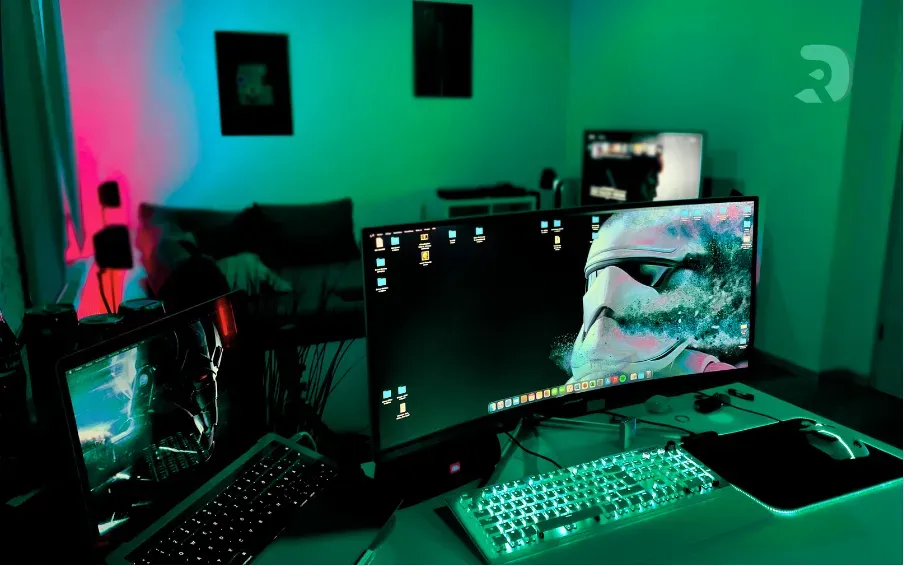
wqhd Click to enlarge

Why choose a WQHD screen today?

If this resolution has become so popular, it is no coincidence.

A WQHD screen strikes a balance that few other resolutions offer: it is significantly sharper than Full HD, but it does not require as much power as a 4K screen.

Basically, you gain in quality without blowing your budget and without putting your graphics card on its knees.

A WQHD screen will offer you:

  • a image much more detailed than 1080p ,
  • more space to work (ideal for coding, editing, or having multiple windows),
  • a much more enjoyable gaming experience ,
  • a resolution perfectly suited for a 27-inch screen .

All stocks of WQHD in real time

With DropReference, you have access to all the stocks of screens in your country at all retailers. It's ideal for finding all components and peripherals at the best price.

Choose your delivery country to see prices based on your location

Filters

ASUS ROG Strix OLED XG27AQDMES 26.5" QHD 240Hz

$500

(1 Vendors)
Brand: Asus
Top brand Incredible quality Extreme frequency Standard size
ASUS ROG Swift 32" 4K 240Hz

$990

(2 Vendors)
Brand: Asus
Top brand Incredible quality Extreme frequency Ultra large Powerful GPU
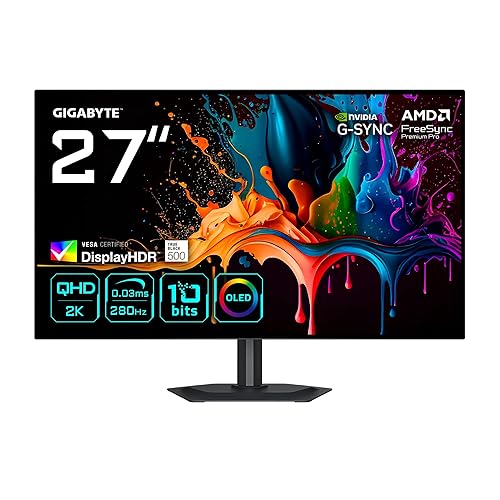
ASUS PG27AQDP 27in QHD 480Hz

$1,020

(1 Vendors)
Display Type: OLED
Top brand Incredible quality Extreme frequency Standard size
Dell Alienware AW2726DM 27" QHD 240Hz QD-OLED

$518

(1 Vendors)
Brand: DELL
Top brand Incredible quality Extreme frequency Standard size
Dell Plus S2725DC 27" QHD 144Hz White

$400

(1 Vendors)
Brand: DELL
Top brand Excellent quality Good frequency Standard size
MSI MAG 272QP QD-OLED X50 26.5in WQHD 500Hz Black

$789

(1 Vendors)
Brand: MSI
Good brand Incredible quality Extreme frequency Standard size
LG 27G610A-B.AUSQ 27" QHD 200Hz Black

$170

(2 Vendors)
Brand: LG
Top brand Excellent quality Extreme frequency Standard size
MSI MAG 272QP QD-OLED X24 27" QHD 240Hz Black Silver

$305

(4 Vendors)
Brand: MSI
Good brand Incredible quality Extreme frequency Standard size
ViewSonic VP3256

$560

(1 Vendors)
Brand: ViewSonic
Top brand Excellent quality Low frequency Ultra large
ViewSonic VA3209M 32-inch White Full HD

$147

(2 Vendors)
Brand: ViewSonic
Top brand Excellent quality Low frequency Ultra large Pixel in view
MSI Pro MP243L E14 24" FHD 144Hz Black

$85

(3 Vendors)
Brand: MSI
Good brand Excellent quality Good frequency Standard size
AOC Q27GAZDV 27" QHD 240Hz Black

$340

(1 Vendors)
Brand: AOC
Good brand Incredible quality Extreme frequency Standard size
LG 27G414B-B 27" 1080p Black

$160

(3 Vendors)
Brand: LG
Top brand Excellent quality Good frequency Standard size
LG UltraGear 24G414B-B Black 24" 1080p 144Hz

$140

(1 Vendors)
Brand: LG
Top brand Excellent quality Good frequency Standard size
AOC 27 Inch Gaming Monitor 2K QHD 180Hz VA 1ms HDR, Q27G4XN

$160

(1 Vendors)
Brand: AOC
Good brand Good for immersion Good frequency Standard size
ASUS ZenScreen MB16ACE 15.6" FHD 60Hz Dark Gray

$179

(1 Vendors)
Brand: Asus
Top brand Excellent quality Low frequency Ultra large Pixel in view
ViewSonic VX3276-2K-MHD 31.5" QHD IPS

$219

(2 Vendors)
Brand: ViewSonic
Top brand Excellent quality Low frequency Ultra large
LG 24G411A-B 24" Full HD 144Hz

$100

(3 Vendors)
Brand: LG
Top brand Excellent quality Good frequency Standard size
Arozzi Nova 34" UWQHD 3440x1440 165Hz White

$330

(1 Vendors)
Brand: LG
Top brand Good for immersion Good frequency Ultra large
LG 27GX700A-B Ultragear 27" QHD 280Hz Black

$450

(2 Vendors)
Brand: LG
Top brand Incredible quality Extreme frequency Small size
Acer Predator XB3 F5BMIIPRZX 27" 1440p HDR 360 Hz Gaming Monitor

$547

(2 Vendors)
Brand: Acer
Good brand Excellent quality Extreme frequency Standard size
KTC H27E6 27in QHD 300Hz

$238

(1 Vendors)
Refresh Rate: 300
Good brand Excellent quality Extreme frequency Standard size
Yodoit PTM15 15.6" 1920x1080 Black

$45

(1 Vendors)
Refresh Rate: 60
Top brand e-sport quality Low frequency Ultra large Pixel in view
Generic Ultrawide 34in Curved

$250

(3 Vendors)
Brand: ViewSonic
Top brand Good for immersion Good frequency Ultra large

WQHD vs 4K: which one is really made for you?

We reach the point where players hesitate the most: wqhd vs 4k , what do I choose?

The 4K (3840 × 2160) obviously offers more pixels , more finesse and a spectacular rendering on large screens. But it has two flaws:

  1. It is more expensive,
  2. She is much more greedy.

For gaming:

  • in WQHD, you play more comfortably with a mid/high-end graphics card ;
  • in 4K, you will have to aim for a strong card , style RTX 5080 or 5090, if you want to play in Ultra at more than 60 FPS.

For pure productivity or editing:

  • if you work in UHD, 4K keeps the advantage;
  • if you are looking for a balanced screen that remains smooth everywhere, the WQHD is more consistent.

It's really a matter of use:

  • Do you play a lot? → WQHD.
  • Do you want an ultra-thin image on a 32-inch screen? → 4K.
  • Do you want a good screen without overpaying? → WQHD.
double-ecran-pc Click to enlarge

Comparative table of screens

So, WQHD: a good choice for 2026?

Quite frankly, yes. This is the format that meets the needs of the majority of gamers and workers.

It gives you real comfort of use without forcing you to invest in an expensive configuration.

It is also a resolution that will age well: current GPUs are calibrated for 1440p , and the next ones will be even more so. You will be quiet for several years.