yuux
Co-founder of DropReference, I'm here to give you the best tips to build the gaming PC of your dreams!
yuux
Co-founder of DropReference, I'm here to give you the best tips to build the gaming PC of your dreams!
- 1The short answer: which 49-inch monitor to choose in 2026
- 25120 x 1440 in 32:9: really two 27-inch screens in one?
- 3The comparison: 6 49-inch monitors at 5120 x 1440
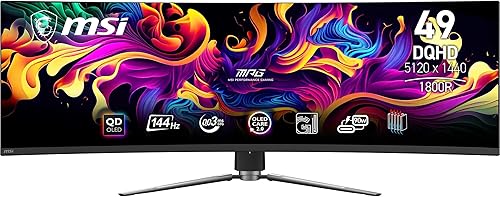
- 4The best 49-inch OLED monitors: Odyssey OLED G9 or MSI 491CQP?
- 5The best 49-inch VA monitors: G91F, Arozzi Nova 49 or LG 49GR85DC
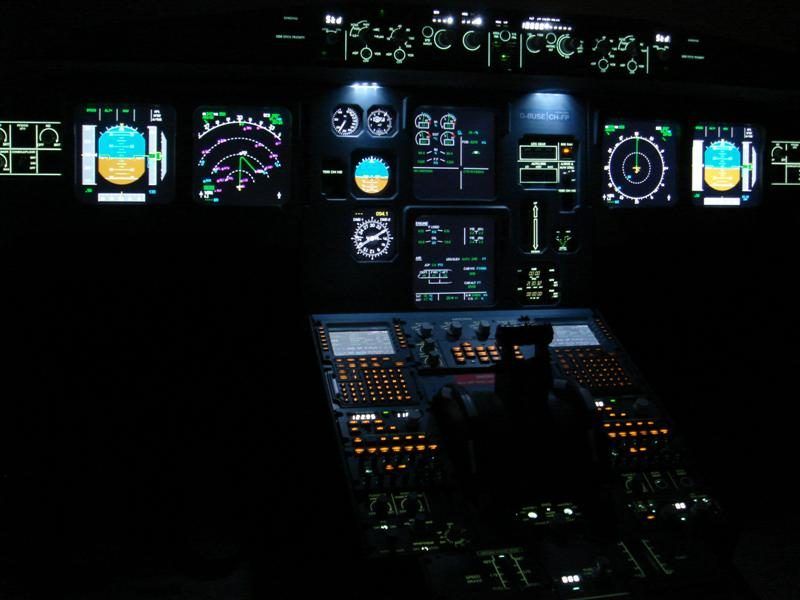
- 6Sim racing, flight sims, multitasking: what 32:9 really changes
- 7Which graphics card for gaming at 5120 x 1440?
- 8Choosing the right graphics card for 32:9
- 932:9 compatibility, game by game
- 10Pitfalls to avoid before buying a 49-inch monitor
- 11Budget: what to plan for a 49-inch monitor
- 12FAQ: 49-inch monitors and 32:9 super ultrawide
- 13Conclusion: choose based on your games, your desk and your graphics card