Which CPU for an RTX 5060 in 2026? The AMD and Intel processors that won’t bottleneck your card (1080p, 1440p, AM4 upgrade)

which cpu for rtx 5060 rtx 5060 bottleneck ryzen 5 7500f rtx 5060 i5 14400f rtx 5060 best cpu for rtx 5060 ryzen 5 5600 rtx 5060

Which processor should you pair with an RTX 5060 in 2026? Ryzen 5 7500F, 7600 or 9600X on AM5, i5-14400F or Core Ultra 5 225F on Intel, Ryzen 5 5600 on AM4: the right pick for your resolution, what the PCIe 3.0 measurements show, and when an X3D is worth it.

The short answer: which CPU for your RTX 5060?

The RTX 5060 is a 1080p card with 8 GB of GDDR7 and a PCIe 5.0 x8 link. It doesn’t need a big processor: in the vast majority of games the card sets the limit, not the CPU. A recent 6-core is enough, and every bit of budget saved on the processor is better spent on RAM, an SSD or a better monitor.

In short: for a new PC, pick a Ryzen 5 7500F or a Ryzen 5 7600 on AM5, or a Core i5-14400F if you want to stay on DDR4 with Intel. If you already have a Ryzen 5 5600 on a B550 motherboard, keep it: it runs an RTX 5060 without any problem. The one real trap is an old PCIe 3.0 motherboard, and we explain why below.

This guide is about pairing a CPU with an RTX 5060. For a more powerful card, see our guide which CPU for an RTX 5070 or 5070 Ti, and for a general ranking, our best gaming processor guide.

Your situation Recommended CPU Alternative Why
New PC, 1080p at 60 to 144 Hz Ryzen 5 7500F Ryzen 5 7600 Zen 4 6-core on AM5: the RTX 5060 stays the limiting factor in almost every game
New PC, you want to keep the platform for a long time Ryzen 5 9600X Ryzen 5 7600 Zen 5, 65 W, and an AM5 socket that should still get new generations
New Intel PC, DDR4 RAM already on hand Core i5-14400F Core i5-13400F LGA 1700 supports DDR4 and DDR5, 10 cores (6 P + 4 E)
New Intel PC, recent platform Core Ultra 5 225F Core i5-14400F LGA 1851, PCIe 5.0, but DDR5 only
AM4 PC with a Ryzen 5 5600 and a B550 board Keep your 5600 Ryzen 7 5700X3D No need to change platform for an RTX 5060
1080p esports at 240 Hz and above Ryzen 7 7800X3D Ryzen 5 9600X 3D V-Cache helps when the CPU is the limit, but it is overkill for most players
Swipe to view more

Why the CPU matters so little with an RTX 5060

The processor prepares each frame, the graphics card draws it. With a mid-range card like the RTX 5060, the card almost always reaches its limits before a recent 6-core processor does, even at 1080p. The CPU only becomes the bottleneck in three cases: esports games pushed beyond 200 frames per second, very CPU-hungry games (strategy, simulation, large open worlds, MMOs), and old 4-core processors or anything from before 2020.

The RTX 5060 sits at roughly the level of an RTX 4060 Ti. A Zen 3 or newer Ryzen 5, or a 12th-generation or newer Core i5, keeps up with it in most cases. We won’t give you made-up FPS figures or a bottleneck calculator: “bottleneck calculators” output estimated percentages, not measured ones, and they vary enormously from game to game.

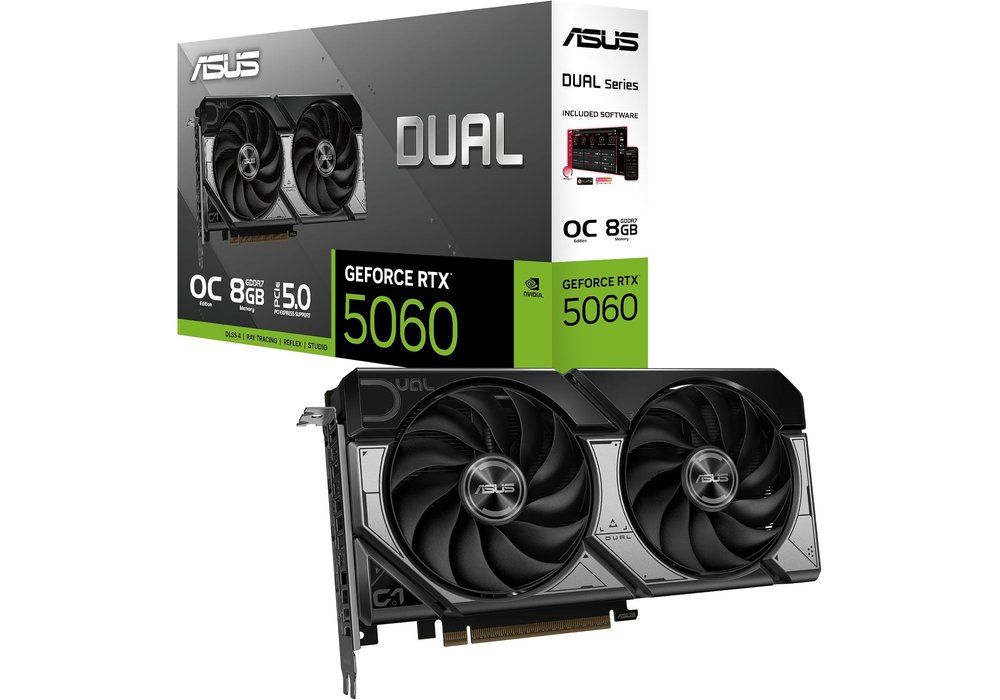
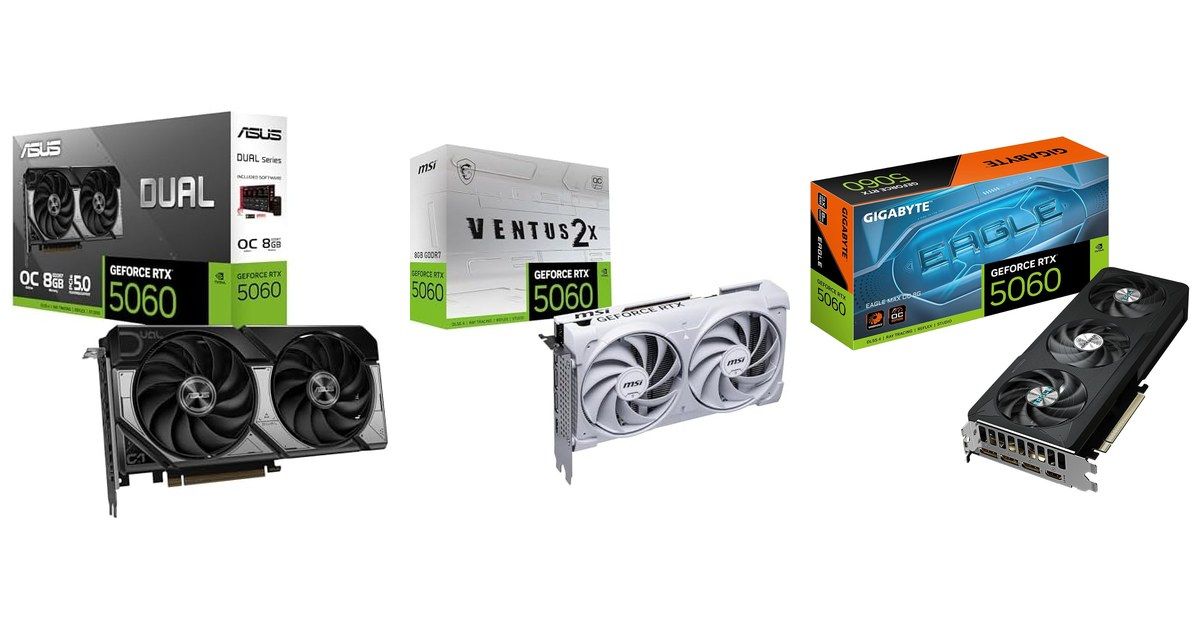
Carte graphique ASUS Dual GeForce RTX 5060 OC 8 Go et sa boîte Click to enlarge

At 1440p the RTX 5060 works even harder and the processor matters even less. The real problem at 1440p is its 8 GB of video memory in recent games at Ultra quality: no processor will help you there. If you are serious about 1440p, look at the RTX 5060 Ti 16 GB instead.

The real trap: the RTX 5060 on a PCIe 3.0 motherboard

The RTX 5060 uses only 8 PCIe lanes instead of 16. On PCIe 5.0 or 4.0 that is no problem. But on a PCIe 3.0 motherboard, bandwidth drops to about 8 GB/s in each direction, and it shows in some games.

Digital Foundry forced the slot to PCIe 3.0 and measured the RTX 5060 at 1080p: it keeps only 92.5% of its performance in Indiana Jones and the Great Circle, 92% in F1 24 and 88% in Black Myth: Wukong (Digital Foundry test). Hardwareluxx measured Cyberpunk 2077 at 1440p Ultra at 66.3 frames per second on PCIe 5.0, 64.9 on PCIe 4.0 and 62.8 on PCIe 3.0 (Hardwareluxx test). So PCIe 4.0 costs almost nothing, PCIe 3.0 costs a few percent, and up to more than 10% when video memory is saturated (TechSpot measurements on the 8 GB 5060 Ti).

Who is affected? AM4 motherboards A320, B350, B450 and A520, and the Ryzen 5 5500, 5600G and 5700G processors, which are limited to PCIe 3.0 even on a B550. A B550 or X570 board with a Ryzen 5 5600, 5700X or 5800X3D runs PCIe 4.0. On the Intel side, 12th, 13th and 14th generation on a B660, B760 or Z790 board are at least PCIe 4.0.

New AMD PC: Ryzen 5 7500F, 7600 or 9600X

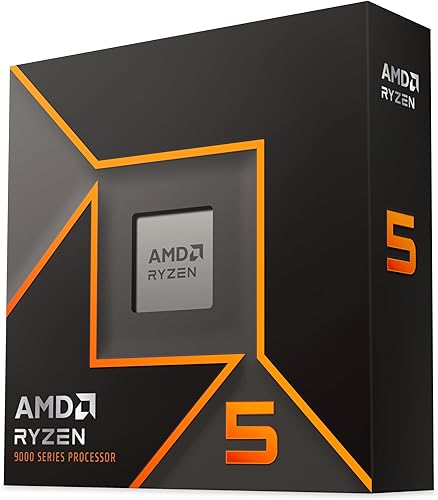
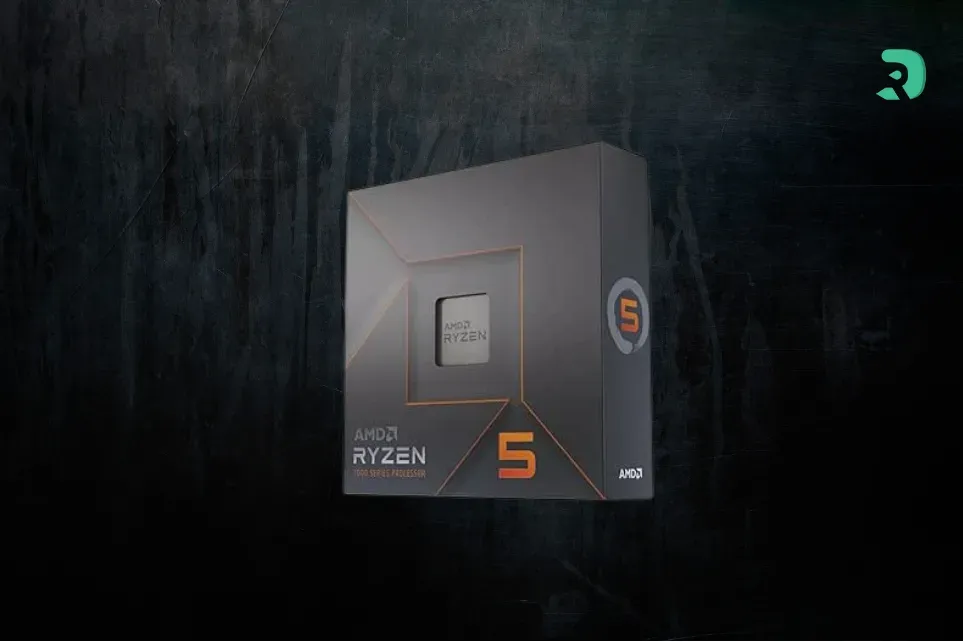
On AM5, the three 6-core, 12-thread Ryzen 5 chips do the job with an RTX 5060. The Ryzen 5 7500F is the most economical, but it has no integrated graphics: without a graphics card, no picture. The Ryzen 5 7600 adds a small Radeon iGPU, handy for troubleshooting, and comes with a Wraith Stealth cooler. We compared the two in our article Ryzen 5 7500 vs 7500F.

The Ryzen 5 9600X (Zen 5, 65 W) is a bit faster and is the most future-proof choice, but with an RTX 5060 the gap in games stays small. Take it if the difference from the 7600 is small at the time you buy, or if you plan to change graphics card later. For the motherboard, a B650 is plenty: see our guide B650 or B850.

AMD Ryzen 5 7500F

6 cores / 12 threads Zen 4 on AM5, 65 W, 32 MB of L3 cache, the version with no iGPU, sold without a cooler. The most economical AM5 Ryzen 5 for an RTX 5060.

Pros
  • The cheapest AM5 Ryzen 5
  • Same gaming level as the 7600
  • Upgradeable AM5 platform
Cons
  • No iGPU
  • Cooler to buy separately
FranceCheck the price in my country
AMD Ryzen 5 7600

6 cores / 12 threads Zen 4 on AM5, 65 W, with a Radeon iGPU and a Wraith Stealth cooler. An ideal partner for an RTX 5060.

Pros
  • iGPU for troubleshooting
  • Cooler included
  • Upgradeable AM5 platform
Cons
  • DDR5 required
  • A bit pricier than the 7500F
FranceCheck the price in my country
AMD Ryzen 5 9600X

6 cores / 12 threads Zen 5, 65 W: the fastest Ryzen 5 on AM5 and the most durable choice for a more powerful card later.

Pros
  • Zen 5, very good in games
  • Contained power draw
  • Headroom for a future card
Cons
  • No cooler included
  • Small gap from the 7600 with an RTX 5060
FranceCheck the price in my country

New Intel PC: Core i5-14400F, 13400F or Core Ultra 5 225F

The Core i5-14400F and Core i5-13400F share the same base: 10 cores (6 performance and 4 efficient) on the LGA 1700 socket, with no integrated graphics. Their big advantage: they accept DDR4, which remains much cheaper than DDR5 in 2026. If you already have 16 or 32 GB of DDR4, a DDR4 B760 board and a 14400F make a very sensible setup with an RTX 5060.

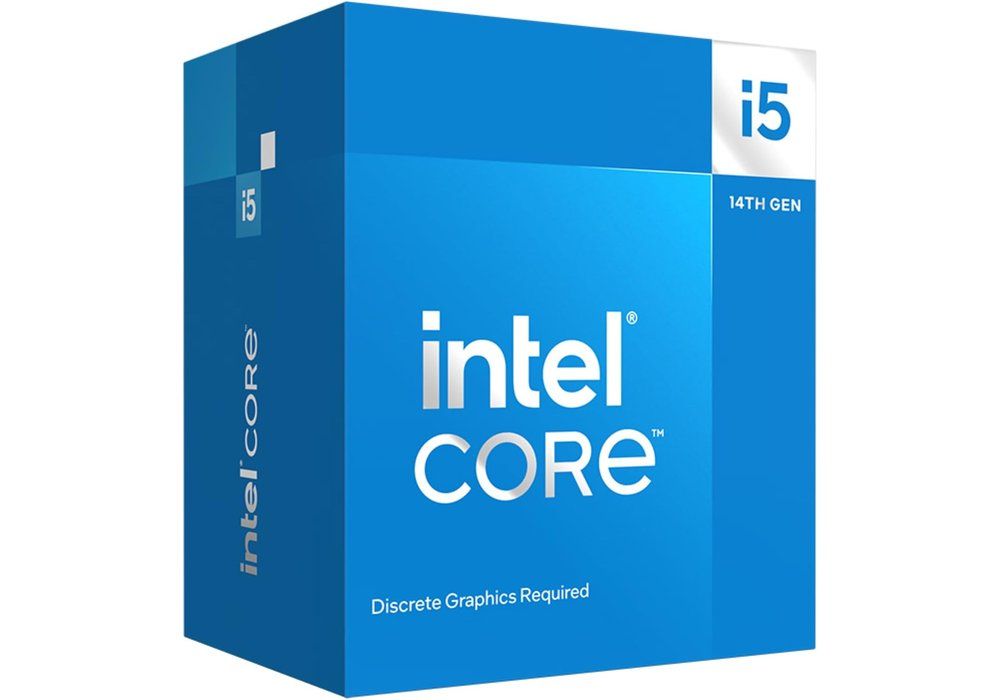
Boîte du processeur Intel Core i5-14400F, socket LGA 1700 Click to enlarge

One thing not to forget: before installing a 13th or 14th generation Intel processor, update the motherboard BIOS with the latest microcode (0x12B or newer), which fixes the instability problem of those generations.

The Core Ultra 5 225F (LGA 1851) brings a more recent platform with PCIe 5.0, but it requires an Intel 800-series motherboard (B860 or Z890) and DDR5. In games it does no better than the 14400F with an RTX 5060: choose it only if the whole platform costs you the same.

Intel Core i5-14400F

10 cores (6 P + 4 E), 16 threads, up to 4.7 GHz on LGA 1700. Supports DDR4 and DDR5, ideal for reusing your RAM.

Pros
  • Accepts DDR4
  • 10 cores for multitasking
  • Plenty of B760 boards
Cons
  • No iGPU
  • BIOS update essential
FranceCheck the price in my country
Intel Core i5-13400F

10 cores (6 P + 4 E), 20 MB of cache, up to 4.6 GHz. Almost identical to the 14400F in games with an RTX 5060.

Pros
  • Same base as the 14400F
  • DDR4 or DDR5
  • Good at 1080p
Cons
  • No iGPU
  • Platform with no upgrade path
FranceCheck the price in my country
Intel Core Ultra 5 225F

10 cores (6 P + 4 E) up to 4.9 GHz on LGA 1851, PCIe 5.0. The most recent Intel platform for an RTX 5060.

Pros
  • Recent PCIe 5.0 platform
  • Controlled power draw
Cons
  • DDR5 and a B860 / Z890 board required
  • No faster than a 14400F in games
FranceCheck the price in my country

Have an AM4 PC? Keep your processor

If you have a Ryzen 5 5600, a 5600X or a 5700X on a B550 or X570 motherboard, you have no reason to change platform for an RTX 5060. At 1080p, just enable the XMP / DOCP profile of your DDR4 RAM (3200 or 3600 MT/s) in the BIOS, and the card will run in very good conditions.

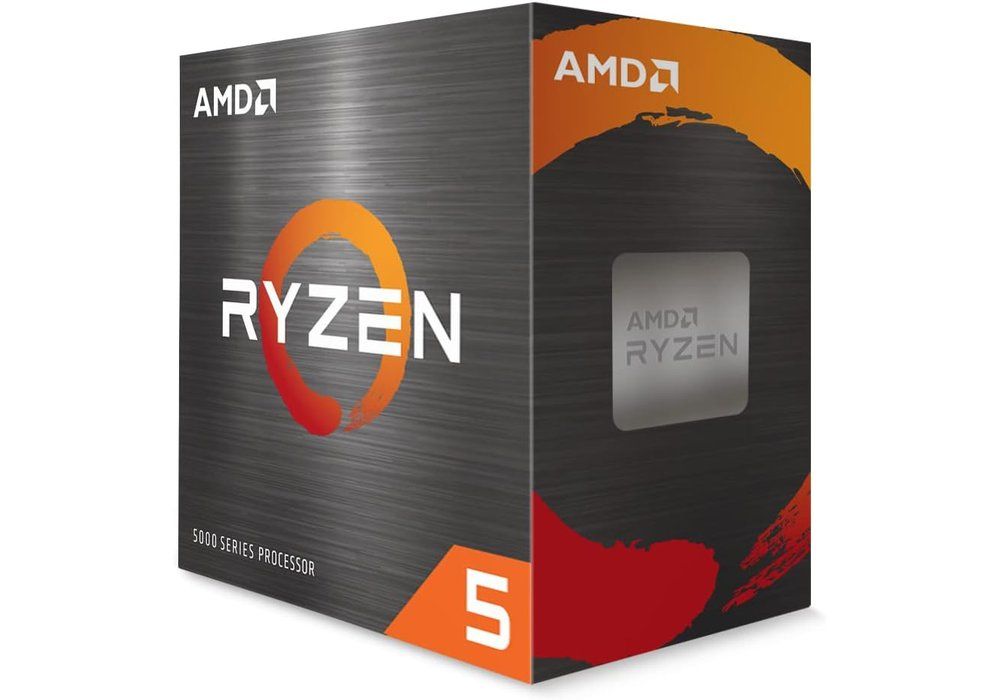
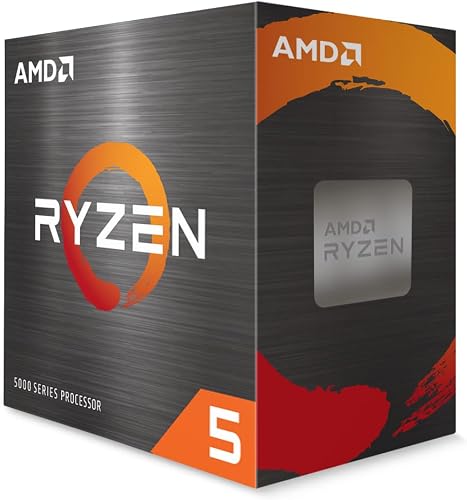
Boîte du processeur AMD Ryzen 5 5600, socket AM4 Click to enlarge

If your processor really is the limit (big strategy games, esports at a very high refresh rate), the simplest upgrade is a Ryzen 7 5700X3D or a 5800X3D on the same motherboard, after a BIOS update. With a Ryzen 5 5500 or a B450 board, keep in mind the PCIe 3.0 limit described above; we also cover it in our article Ryzen 5 5500F and PCIe 4.0.

AMD Ryzen 5 5600

6 cores / 12 threads Zen 3 on AM4, 65 W, Wraith Stealth cooler included. Enough for an RTX 5060 on a B550 board.

Pros
  • Cheap DDR4
  • Cooler included
  • Simple upgrade on AM4
Cons
  • End-of-life platform
  • PCIe 3.0 on B450 / A520
FranceCheck the price in my country

Do you need a Ryzen X3D with an RTX 5060?

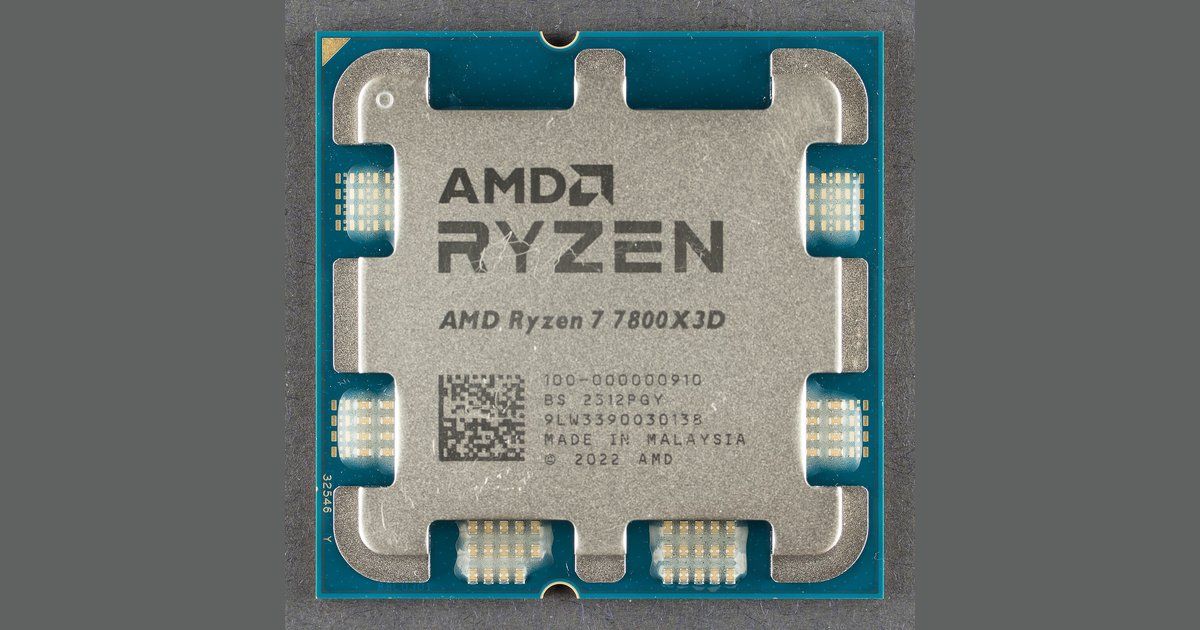
In most cases, no. 3D V-Cache helps when the processor is the limit, and with an RTX 5060 that is rare. The Ryzen 7 7800X3D makes sense in two situations: you mostly play esports games on a 240 Hz or faster screen, or you plan to move to an RTX 5070 Ti or something more powerful in a year or two without changing the processor. Otherwise, the money is better spent on the graphics card.

AMD Ryzen 7 7800X3D

8 cores / 16 threads with 3D V-Cache. Useful for 240 Hz esports or a future high-end card, overkill otherwise.

Pros
  • Excellent when the CPU is the limit
  • Keeps headroom for a big card
Cons
  • Overkill for an RTX 5060
  • 120 W, a serious cooler is advised
FranceCheck the price in my country

Mistakes to avoid

  • Putting an RTX 5060 on a B450 or A520 board: you lose a few percent, sometimes more than 10% when video memory saturates.
  • Overpaying for the processor: an X3D or a high-end 8-core won’t make an RTX 5060 faster at 1440p.
  • Forgetting the BIOS: a Ryzen 9000 on an old B650 board, or a 13th or 14th generation Intel without up-to-date microcode, is a guarantee of trouble at first boot.
  • Buying a 7500F with no graphics card on hand: without an iGPU, you can’t troubleshoot the PC if the card fails.
  • Staying on single-channel memory: two sticks rather than one, 16 GB minimum and ideally 32 GB (see how much RAM for a gaming PC).
  • Underrating the power supply: Nvidia recommends a 550 W power supply for a PC with an RTX 5060.

FAQ

Does a Ryzen 5 5600 bottleneck an RTX 5060?

Very little on a B550 or X570 board: the card remains the limiting factor in most games. The 5600 can limit in a few esports games at a very high refresh rate or in very CPU-hungry games, and the Ryzen 7 5700X3D is then the simplest upgrade.

Ryzen 5 7500F or Ryzen 5 7600 for an RTX 5060?

Gaming performance is almost identical. The 7600 adds an iGPU and a cooler in the box; the 7500F is more interesting if the price gap pays for a better cooler.

Core i5-14400F or Ryzen 5 7500F?

With an RTX 5060, the two are equal in practice. The 14400F is the right choice if you reuse DDR4; the 7500F if you start a new DDR5 platform with room to upgrade on AM5.

Does the RTX 5060 work on a PCIe 3.0 motherboard?

Yes, but you lose a few percent of performance, and more in games that saturate the 8 GB of video memory. Digital Foundry measured between 88 and 92.5% of performance on PCIe 3.0 depending on the game, at 1080p.

Is the same processor enough for an RTX 5060 Ti?

Yes. The 5060 Ti is a bit faster, but a Ryzen 5 7600 or an i5-14400F keeps up with it too. For an RTX 5070 and above, see our dedicated guide.

Conclusion

For an RTX 5060 in 2026, don’t overpay for the processor. A Ryzen 5 7500F or a 7600 on AM5, a Core i5-14400F on the Intel side or your current Ryzen 5 5600 on a B550 are enough. Above all, check that your motherboard is at least PCIe 4.0, and keep the remaining budget for RAM, an SSD or a graphics card with more video memory.