B650 vs B850: which should you choose for your AM5 PC in 2026?

B650 vs B850 AM5 motherboard AMD chipset

B650 or B850 for an AM5 PC in 2026? Real differences (Gen5 NVMe), ≤10% / −20% price rule, comparison table, and the best-known boards on DropReference.

B650 vs B850: the real question before you buy your AM5 motherboard

You’re building an AM5 PC in 2026 and stuck on the chipset: B650 or B850? Buyer-first spoiler: this is not an FPS debate. Your Ryzen and GPU play the same on both. The difference is mainly guaranteed PCIe 5.0 storage on B850, AMD’s lineup refresh, and the street price of the day on a specific model.

Click to enlarge

In this guide you get a simple rule to decide, an honest comparison table, and the best-known B650 / B850 motherboards to compare on DropReference — without inventing prices.

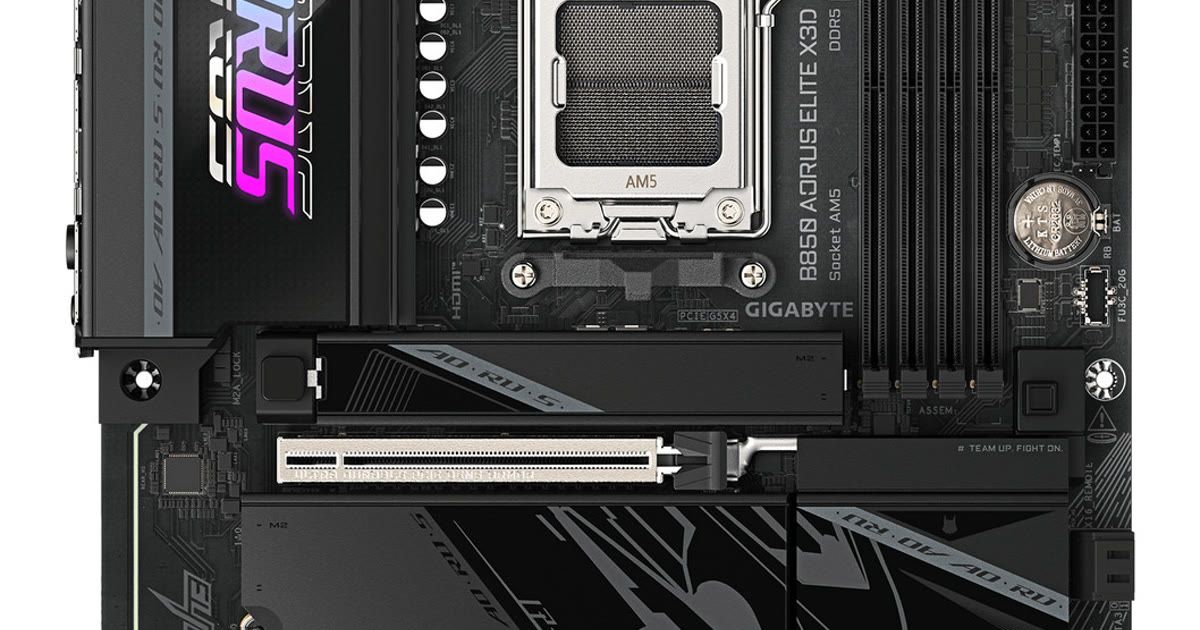
Aiming at a premium Ryzen X3D build? We already published a dedicated write-up on the Gigabyte B850 AORUS ELITE X3D: Turbo Mode / VRM angle — a different brief from this head-to-head.

Real B650 vs B850 difference (spoiler: no magic FPS)

Per AMD chipset specs (official AM5 page) and Tom’s Hardware / TechSpot analysis: B850 mandates at least one PCIe 5.0 M.2. On B650, Gen5 NVMe stays optional depending on the vendor. Both allow CPU overclocking and DDR5 EXPO.

Under AMD’s baseline, the GPU slot often stays PCIe 4.0 on B650 and B850 — some B850 boards route Gen5 x16, but that’s not the main marketing differentiator. For 1080p/1440p gaming, you don’t “gain” CPU/GPU FPS by moving B650 → B850.

  • B850: guaranteed primary Gen5 NVMe + newer platforms (Wi‑Fi 6E/7, fresher BIOS more often).
  • B650: still very valid; Gen5 M.2 sometimes present (especially B650E / premium models), stock thinning out.
  • AMD announced the channel transition B650 → B850: B650 is getting scarce, good deals remain interesting.
  • USB, SATA, M.2 count, VRM, BIOS Flashback: depends on the model, not the chipset sticker alone.

Pick the board, not the number. A solid discounted B650 Tomahawk beats a poorly equipped entry B850.

Choose your delivery country to see prices based on your location

Filters

Aucun résultat trouvé

No results found

Try adjusting your search criteria

You can also set up notifications for the active filter and get alerted about restocks, price drops, etc.

To do this, you need to be connected via discord

Choose your delivery country to see prices based on your location

Filters

Aucun résultat trouvé

No results found

Try adjusting your search criteria

You can also set up notifications for the active filter and get alerted about restocks, price drops, etc.

To do this, you need to be connected via discord

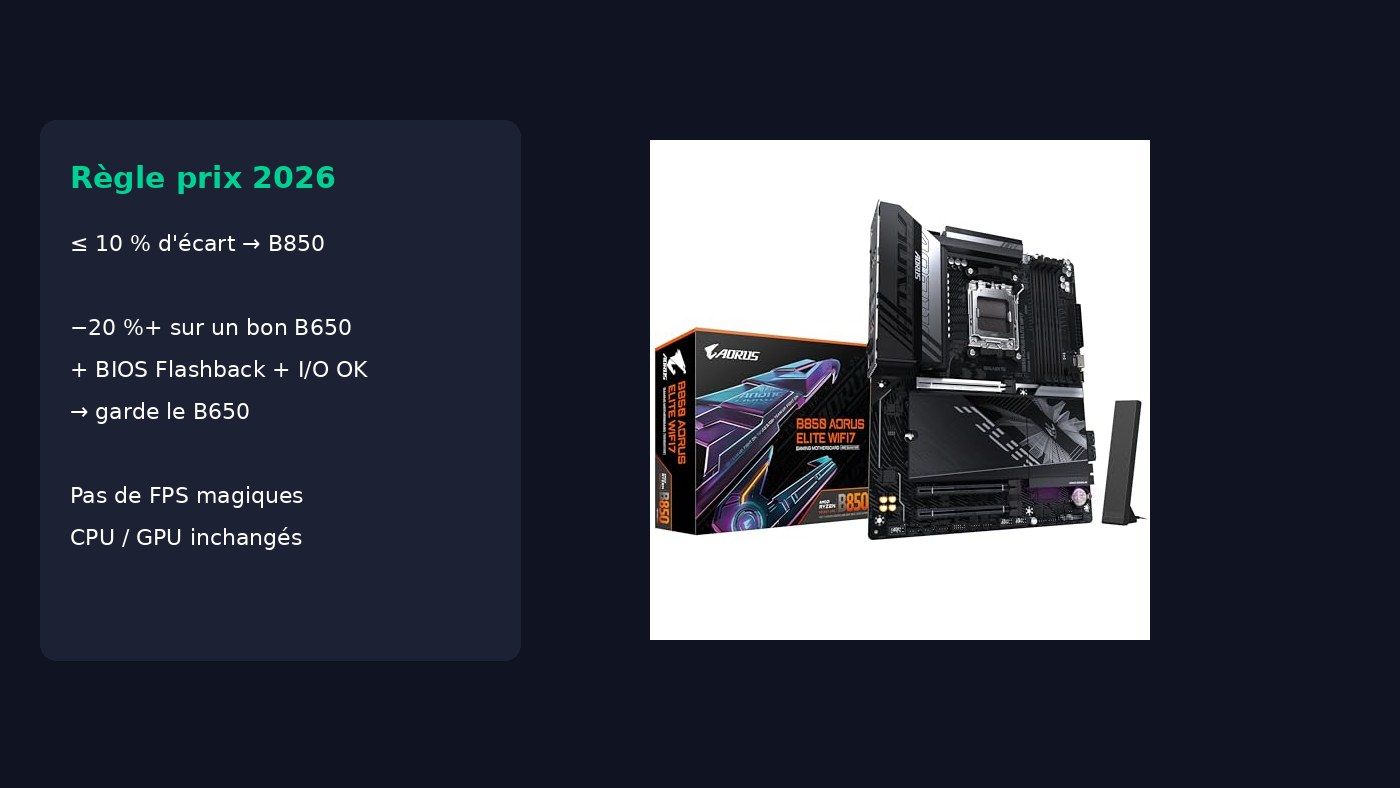
The 2026 price rule: when to take B850, when to keep B650

Click to enlarge

Here’s the heuristic I use in store (or on DropReference):

  • Gap ≤ ~10% between a good B850 and the equivalent B650 → take the B850 (Gen5 NVMe + platform longevity).
  • B650 is at −20% or more, with BIOS Flashback, OK I/O (USB-C, HDMI/DP if needed), decent VRM for your CPU → keep the B650, put the difference into GPU/SSD.
  • You already want a Gen5 SSD “for later” or you’re staying on AM5 long-term → B850 by default.
  • Ultra-budget build / non-X3D CPU / a single Gen4 NVMe → a clean B650 is more than enough.

I’m not locking in any invented price here: street prices move every week. Compare live on the DropReference product pages on the day.

Criterion B650 (typical) B850 (typical)
Socket / CPU OC AM5 · CPU OC + EXPO AM5 · CPU OC + EXPO
M.2 PCIe 5.0 Optional (board-dependent) Guaranteed (at least 1×)
GPU slot (AMD baseline) PCIe 4.0 x16 PCIe 4.0 x16 (Gen5 optional per vendor)
USB / SATA Board-dependent (often USB-C + up to 4 SATA on platform) Board-dependent — often more modern I/O
Typical 2026 Wi‑Fi Wi‑Fi 6 / 6E depending on board Often Wi‑Fi 6E or Wi‑Fi 7 on mid/high
Street price Compare on DR (often end-of-life sales) Compare on DR (new midrange wave)
Best for Tight budget, −20%+ deal, Gen4 needs Fresh 2026 build, Gen5 SSD, platform headroom
Swipe to view more

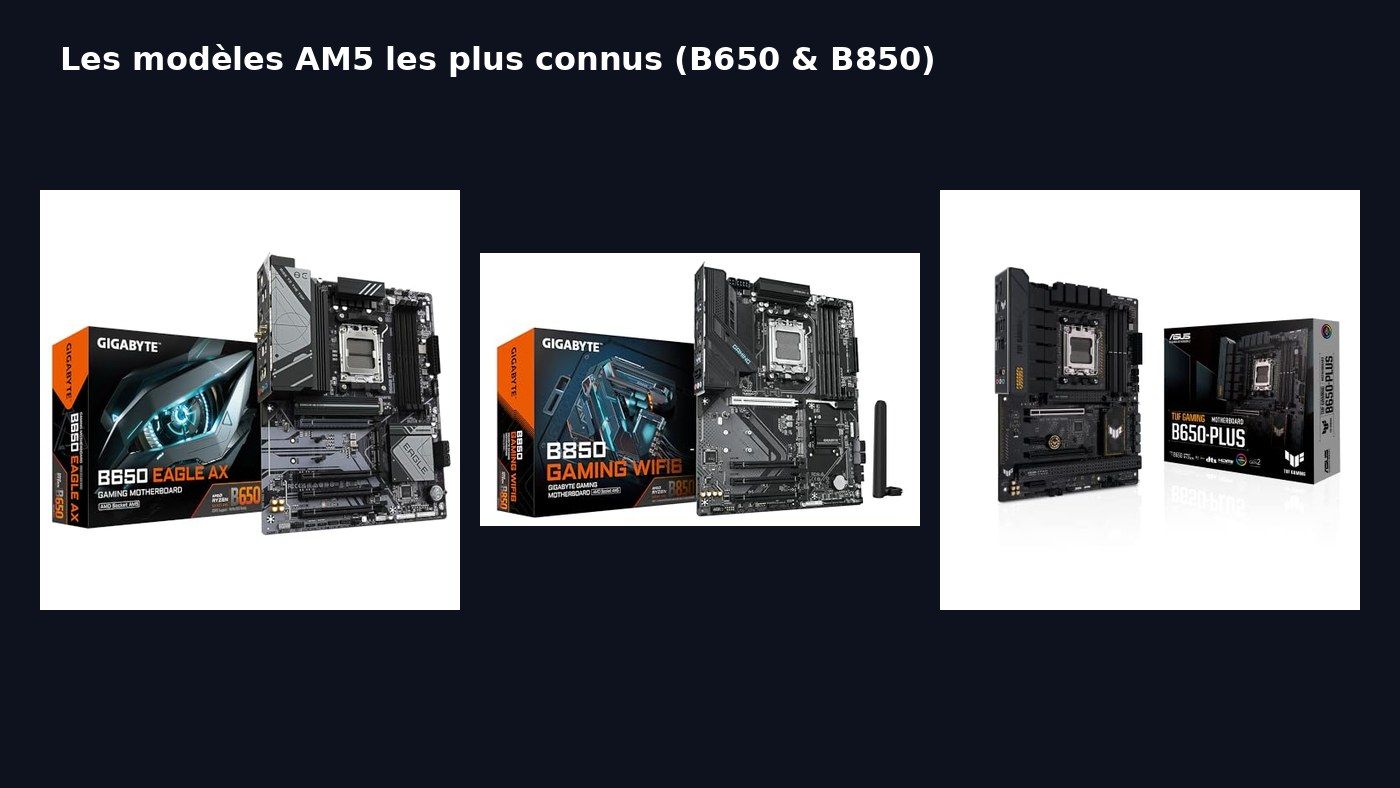
The best-known B650 and B850 boards to watch in 2026

Click to enlarge

Not an exhaustive list: the references builders and DropReference see most often. For each board: who it’s for, buyer-first pros/cons. Prices = compare live on DR.

B650 side: safe picks that still make sense

B650 isn’t “dead”: it’s in transition. If you find one of these boards well-equipped at a good price, it remains an excellent AM5 base through the end of socket life.

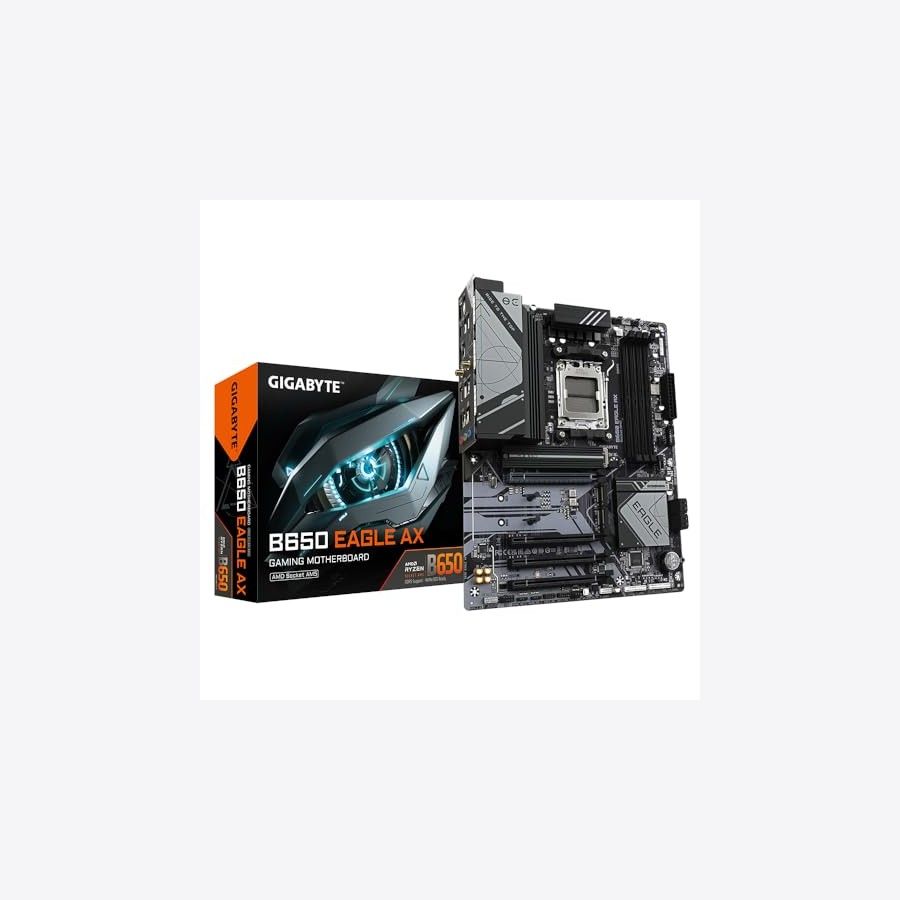
GIGABYTE B650 EAGLE AX

GIGABYTE B650 EAGLE AX

the entry-level B650 that still ticks Wi‑Fi

Gen5 storage
VRM / big CPUs
Value for money
Connectivity & I/O
Wi‑Fi / networking

Pros

  • • Often aggressive pricing on DR to start an AM5 build
  • • Built-in AX Wi‑Fi (no dongle needed)
  • • BIOS Flashback / Q-Flash on the Gigabyte lineup
  • • Enough for non-extreme Ryzen 5 / 7 gaming

Cons

  • • Simpler VRM and I/O than a Tomahawk / TUF
  • • Gen5 M.2 is not this EAGLE’s strong suit
  • • Budget finish: fewer heatsinks / premium ports
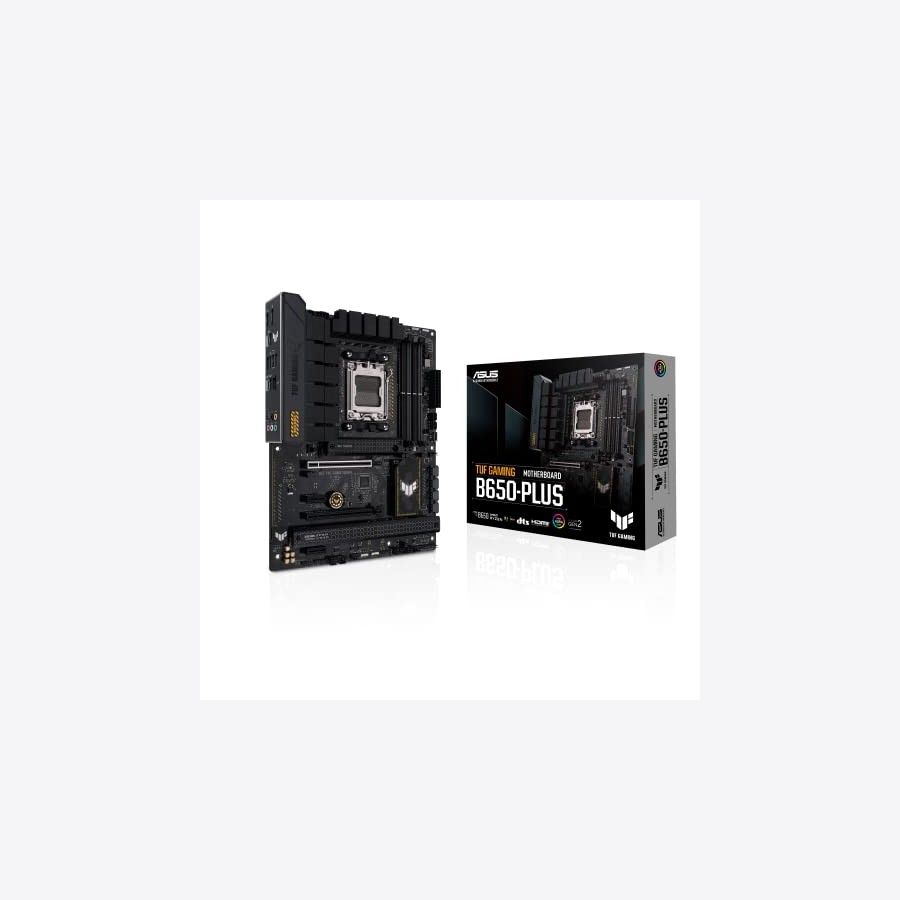
ASUS TUF GAMING B650-PLUS

ASUS TUF GAMING B650-PLUS

the solid TUF without necessarily paying for Wi‑Fi

Gen5 storage
VRM / big CPUs
Value for money
Robustness / BIOS
Connectivity & I/O

Pros

  • • Solid TUF platform, mature ASUS BIOS on AM5
  • • Good VRM / slot balance for midrange gaming
  • • Often BIOS Flashback + clear I/O
  • • Excellent base if you’re already on Ethernet

Cons

  • • No-Wi‑Fi version: dongle or cable required
  • • Less “storage future-proof” than a solid B850
  • • TUF looks aren’t for every white build
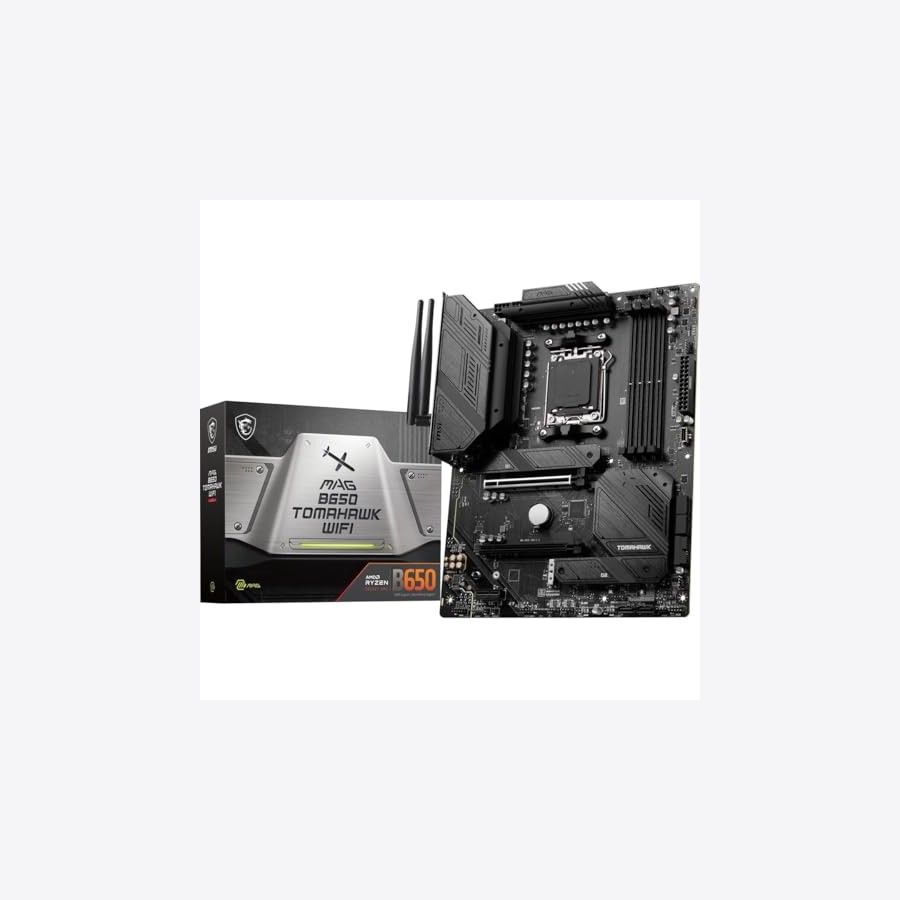
MSI MAG B650 Tomahawk WiFi

MSI MAG B650 Tomahawk WiFi

the midrange B650 reference we still recommend

Gen5 storage
VRM / big CPUs
Value for money
Connectivity & I/O
Wi‑Fi / networking

Pros

  • • Tomahawk = VRM / M.2 / I/O sweet spot for years
  • • Built-in Wi‑Fi + solid MAG gaming package
  • • Often the best B650 deal when it’s on sale
  • • Perfect for 7600 / 7700 / 7800X3D without drama

Cons

  • • Stock getting scarce (B850 transition)
  • • Gen5 storage depends on revision / config — check the product page
  • • If the gap vs a B850 Tomahawk / Gaming Plus is small → switch
Choose your delivery country to see prices based on your location

Filters

Aucun résultat trouvé

No results found

Try adjusting your search criteria

You can also set up notifications for the active filter and get alerted about restocks, price drops, etc.

To do this, you need to be connected via discord

B850 side: the sensible default for a new build

Starting a brand-new PC in 2026 without a wild B650 deal? B850 is the default choice. Here are three heavily viewed / clicked models — from accessible GAMING WIFI6 to ELITE Wi‑Fi 7 and TUF.

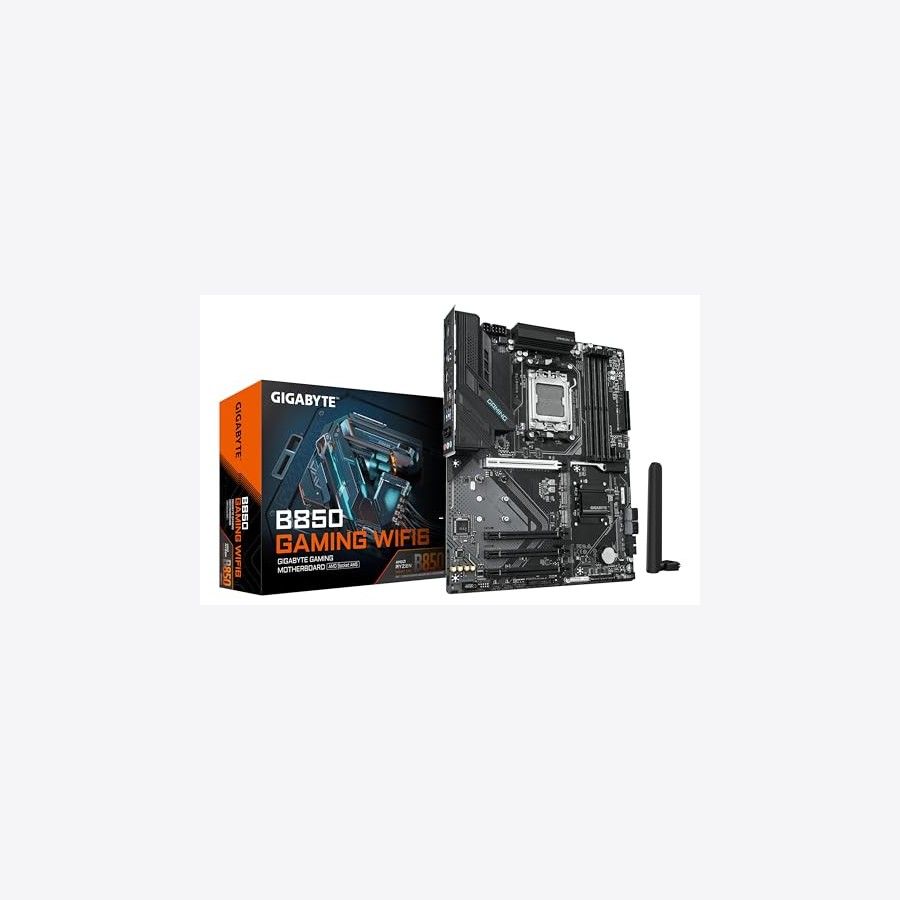
GIGABYTE B850 GAMING WIFI6

GIGABYTE B850 GAMING WIFI6

the affordable B850 most requested on DR

Gen5 storage
VRM / big CPUs
Value for money
Connectivity & I/O
Wi‑Fi / networking

Pros

  • • High demand (strong DR traffic): availability + often healthy pricing
  • • B850 chipset → Gen5 M.2 in the platform brief
  • • Built-in Wi‑Fi 6 for a no-hassle build
  • • Solid “new 2026 build” entry without jumping to ELITE

Cons

  • • Less premium than an AORUS ELITE WIFI7 (VRM / I/O / Wi‑Fi 7)
  • • Midrange gaming finish — check M.2 count carefully
  • • If you want native Wi‑Fi 7, aim higher at ELITE / TUF
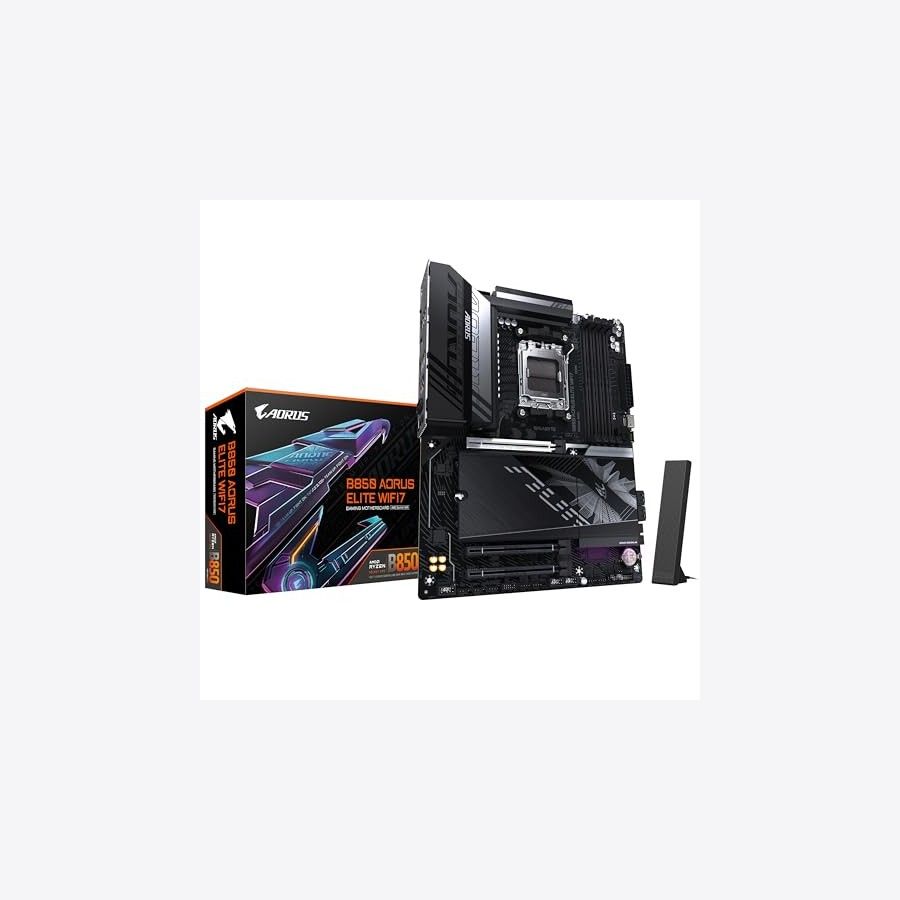
GIGABYTE B850 AORUS ELITE WIFI7

GIGABYTE B850 AORUS ELITE WIFI7

the versatile mid/high AORUS (non-X3D variant)

Gen5 storage
VRM / big CPUs
Value for money
Connectivity & I/O
Wi‑Fi / networking

Pros

  • • Wi‑Fi 7 + fuller ELITE package than GAMING WIFI6
  • • Strong pick if you’re staying on AM5 for a long time
  • • Convenient AORUS / Q-Flash ecosystem
  • • Clear positioning under X870E without breaking the bank

Cons

  • • Pricier than GAMING WIFI6 — justify it with I/O / VRM / Wi‑Fi 7
  • • Not the X3D Turbo variant (separate DR article)
  • • Always compare the delta vs TUF B850-PLUS WIFI on the day
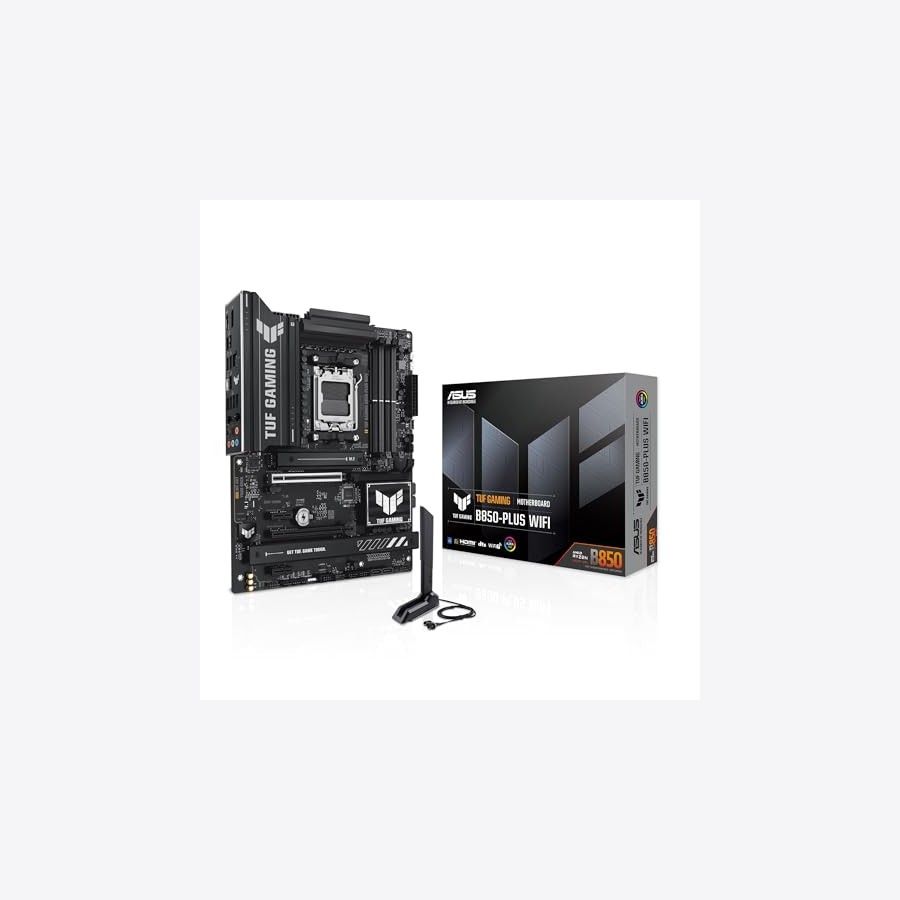
ASUS TUF GAMING B850-PLUS WIFI

ASUS TUF GAMING B850-PLUS WIFI

the TUF B850 “I want something tough with Wi‑Fi”

Gen5 storage
VRM / big CPUs
Value for money
Robustness / BIOS
Connectivity & I/O

Pros

  • • TUF heritage: BIOS, toughness, gaming clearances
  • • Built-in Wi‑Fi + B850 Gen5 storage brief
  • • Very strong AORUS ELITE alternative depending on deals
  • • Ideal if you like the Armoury / TUF ecosystem

Cons

  • • Military TUF look: not neutral in a soft white/RGB build
  • • Watch the price delta vs GAMING WIFI6 on a tight budget
  • • Exact features (M.2 count / LAN): check the DR page before buying
Choose your delivery country to see prices based on your location

Filters

Aucun résultat trouvé

No results found

Try adjusting your search criteria

You can also set up notifications for the active filter and get alerted about restocks, price drops, etc.

To do this, you need to be connected via discord

Who should take B650, who should take B850?

B850 is for you if:

  • You’re building a new PC and want the 2026 platform brief (Gen5 NVMe locked in).
  • The price gap vs the equivalent B650 is small (≤ ~10%).
  • You’re planning a Gen5 SSD now or within 12–18 months.
  • You want a board with newer BIOS / Wi‑Fi without jumping to X870E.

Keep B650 if:

  • You have a real deal (−20%+), Flashback OK, I/O that matches your use.
  • You’re staying on Gen4 NVMe (plenty for games / OS).
  • Your CPU doesn’t need a monster VRM and the chosen board is solid (Tomahawk / TUF).
  • You put the difference into the GPU — often the best FPS upgrade.

For a broader AM5 board overview, also see our best motherboards guide (linked article) if you’re still torn between B-series and X-series.

FAQ — B650 vs B850

Does B850 give more FPS in games?

No. At equal CPU/GPU/RAM, the chipset doesn’t “unlock” magic FPS. The value is connectivity, Gen5 storage, and platform freshness.

Do my Ryzen 7000 / 9000 work on both?

Yes, AM5 socket. Mainly check BIOS (Flashback if the CPU is newer than the boxed revision).

What about B650E then?

B650E more broadly guaranteed Gen5 (GPU + M.2) than standard B650. In 2026, for a new purchase, you mainly compare discounted B650 vs current B850 — look at the model page, not just the name.

Where do I compare prices?

On each DropReference product page (EANs above): live pricing avoids invented ranges in a frozen article.

And the B850 AORUS ELITE X3D?

It’s a premium variant aimed at Ryzen X3D (Turbo Mode, stronger VRM). Soft-link to product page 4719331882365 and the dedicated article already published — we don’t redo the deep-dive here.

Verdict: choose the board and the price, not the sticker
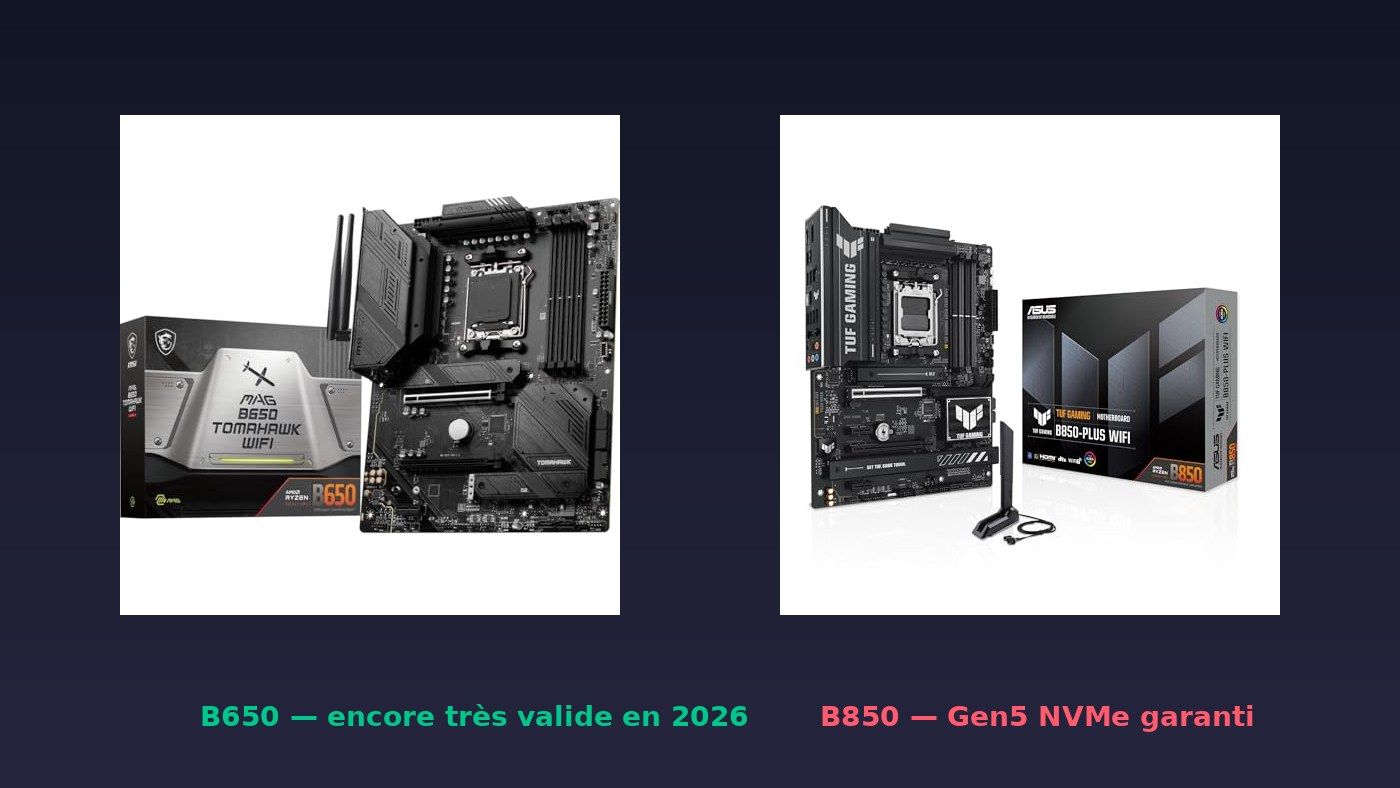
In 2026, B850 is the smart default for a new AM5 build — especially if the delta vs B650 is small. B650 remains excellent whenever a Tomahawk / TUF / EAGLE AX opens a real price gap with Flashback and OK I/O.

Simple recipe: set your motherboard budget, open the 6 product pages above on DropReference, apply the ≤10% / −20% rule, and put the rest on the GPU. That’s how you gain FPS — not with the chipset number.

Fact-check sources: AMD AM5 chipsets · Tom’s Hardware (B650→B850 transition) · TechSpot AM5 chipset guide.