Which CPU for the Intel Arc B580 (and B570) in 2026? CPU overhead, Resizable BAR and the Ryzen / Core chips that get the most out of it

which cpu for arc b580 best cpu for arc b580 arc b580 resizable bar arc b580 ryzen 5 5600 b580 cpu overhead cpu for arc b570

CPU overhead, Resizable BAR, pitfalls to avoid: find out which Ryzen or Core processor to pair with your Intel Arc B580 or B570 in 2026, from budget AM4 to AM5.

The essentials

In a few sentences. Since Intel driver 32.0.101.7028 (late August 2025), a Ryzen 5 5600 no longer holds back the B580 in optimized games. A recent 6-core processor is enough: there is no reason to aim for a flagship. However, Resizable BAR is mandatory, and you should avoid the Ryzen 5 8500G.

The landmarks to remember: on AM4, the Ryzen 5 5600 is the right starting point and the Ryzen 7 5700X3D the best upgrade; on AM5, the Ryzen 5 7600, Ryzen 5 7500F and Ryzen 5 9600X are the logical choices; on the Intel side, a Core i5-12400F, i5-14400F or Core Ultra 5 225F will do, as long as the motherboard supports Resizable BAR.

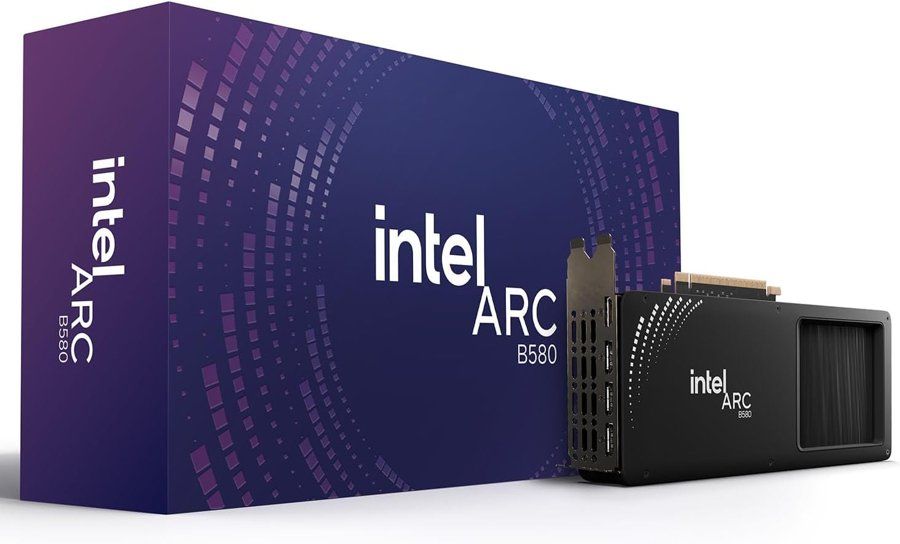
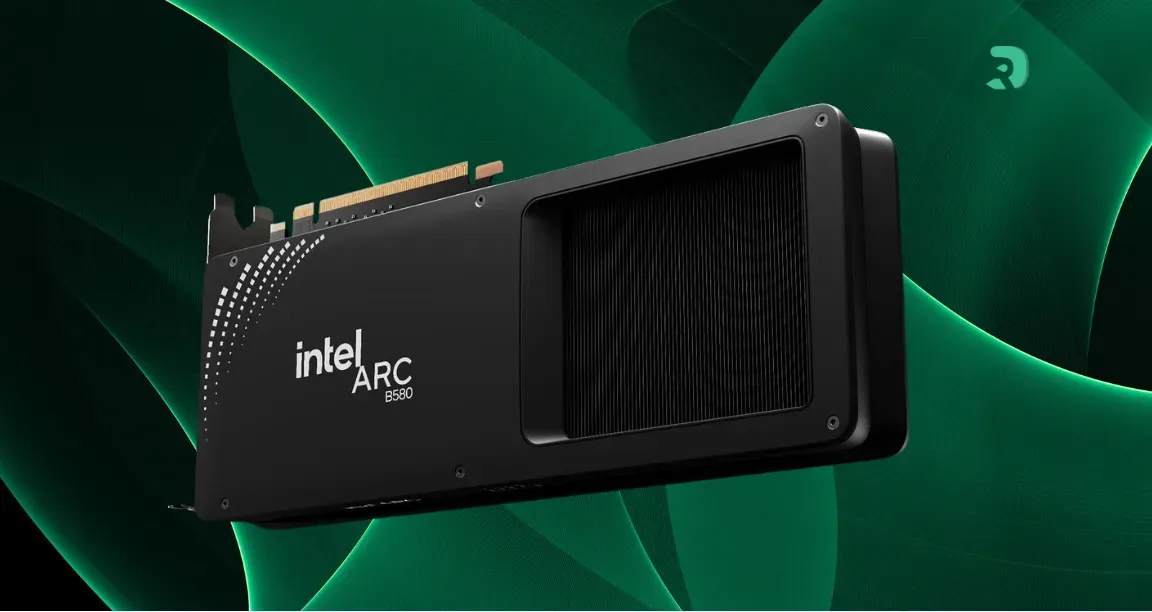
Intel Arc B580 Limited Edition 12 GB, product photo Click to enlarge

Why the processor matters more than with an AMD or NVIDIA card

A graphics card needs the processor to prepare its frames. On Arc cards, the driver asks more work from the processor than the competition does: this is what is called CPU overhead. With a fast processor, nobody notices. With a slower one, the card waits, and frame rates drop more than expected.

Intel acknowledged the problem and fixed part of it with game-by-game optimizations, starting with driver 32.0.101.7028. Hardware Unboxed tests relayed by TechSpot measured the effect: in Spider-Man Remastered with a Ryzen 5 5600, the B580 went from 87 to 118 frames per second on average, on par with a Radeon RX 9060 XT 8 GB in the same test.

The problem has not gone away, though. With a Ryzen 5 2600, the overhead remains around 20 to 33% depending on the games tested. And in some titles, even a fast processor changes nothing: in Warhammer 40,000: Space Marine 2, the B580 tops out around 60 frames per second at medium settings, with a 9800X3D as with a 5600.

Processor tested What recent measurements show Key takeaway
Ryzen 7 9800X3D Reference with no CPU limit Serves as a comparison point, pointless for a B580
Ryzen 5 5600 Spider-Man Remastered: 118 frames per second, on par with the RX 9060 XT No real bottleneck left in optimized games
Ryzen 5 5600 Horizon Zero Dawn Remastered: 99 frames per second versus 126 with no limit A few games remain sensitive
Ryzen 5 2600 Overhead of around 20 to 33% depending on the game Replace it if you change graphics card
Swipe to view more

Across ten games, the RX 9060 XT 8 GB stayed on average about 30% faster than the B580 with a 5600, and about 27% with the 2600. That gap is not only down to overhead: it is also raw power. The B580's advantage remains its 12 GB of VRAM, which avoids the memory limits of 8 GB cards in recent games.

These figures come from tests on a limited number of games, with a specific driver: another game or another driver will give other results. Take them as orders of magnitude.

Resizable BAR: the starting requirement

Intel states that Resizable BAR must be enabled for the B580 and B570 to work properly. It is the first thing to check, even before choosing the processor.

Compatible platforms according to Intel. On the AMD side: Ryzen 3000 (except 3000G) and 5000 on a 500-series motherboard, Ryzen 7000, 8000 and 9000 on a 600 or 800-series motherboard. On the Intel side: 10th generation Core and newer, with support depending on the motherboard for 10th and 11th generations.

Platform Processors Chipset Resizable BAR
AM4 Ryzen 3000 (except 3000G), Ryzen 5000 500 series (B550, X570) Supported, enable it in the BIOS
AM5 Ryzen 7000, 8000, 9000 600 or 800 series Supported, enable it in the BIOS
Intel LGA1200 and LGA1700 10th to 14th generation Core Depends on the motherboard Supported, check the motherboard
Intel LGA1851 Core Ultra 200 series 800 series Supported
Swipe to view more

How to enable it. Enter the BIOS, enable Above 4G Decoding, save and reboot, then enable Re-Size BAR Support (it may be called Smart Access Memory depending on the motherboard). Intel's Driver & Support Assistant lets you check that the feature is active.

A 400-series AMD motherboard, or a BIOS that is too old, often blocks the option. Update the BIOS before buying a B580 for an existing PC.

The Ryzen 5 8500G trap (and AM5 APUs)

Intel notes that the B580 has reduced performance with the Ryzen 5 8500G: this processor provides only four PCIe 4.0 lanes to the graphics card. The B580 uses a PCIe 4.0 x8 link; with only four lanes, it loses bandwidth.

If you are considering an AM5 APU for its integrated graphics, it is not the right choice for a B580 or B570. Go for a Ryzen 5 7600, a 7500F or a 9600X, which give the card all of their PCIe lanes. The guides we consulted warn against the same 8500G, and our comparison of AMD processors details the other options.

AM4: the Ryzen 5 5600 and the 5700X3D

If you already have a 500-series AM4 motherboard with DDR4, this is the cheapest route. The Ryzen 5 5600 is the processor that served as the reference for TechSpot's measurements: 6 cores, 12 threads, and no real bottleneck left in games optimized by Intel.

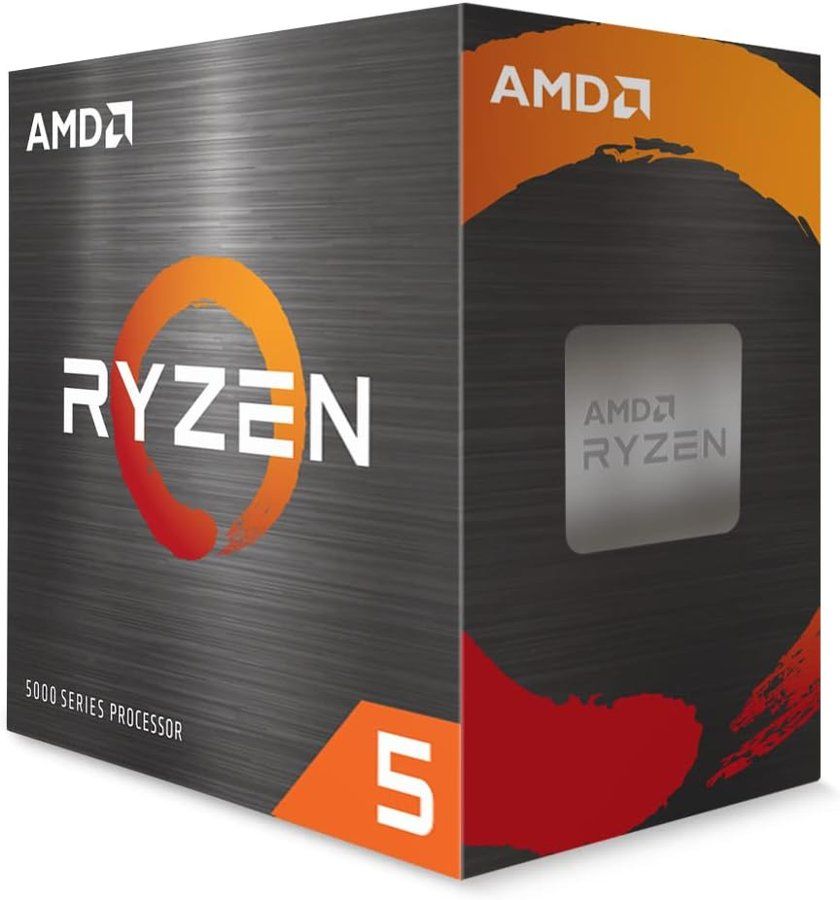
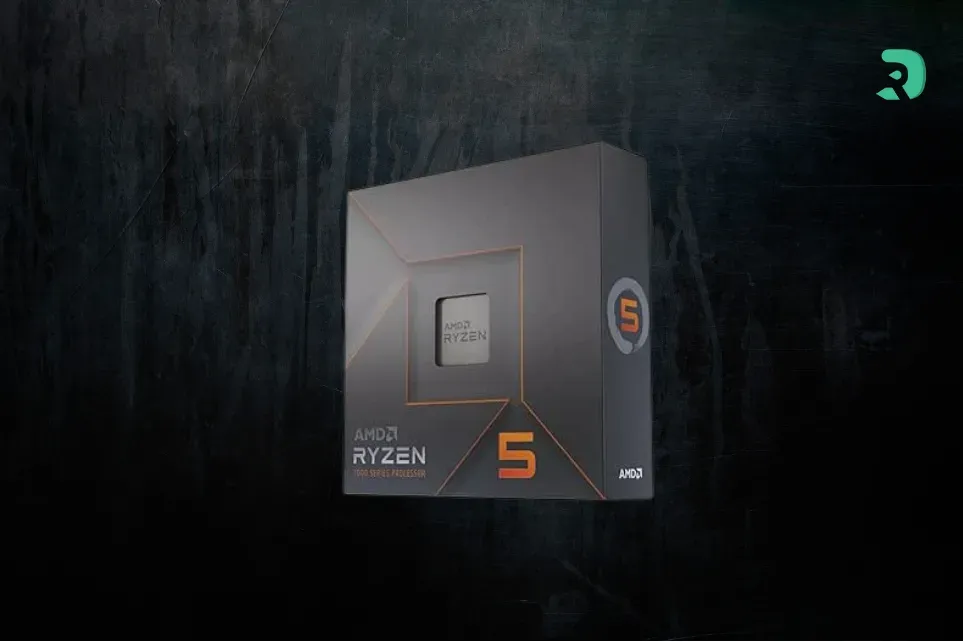
AMD Ryzen 5 5600 box, AM4 processor, product photo Click to enlarge

If your AM4 PC is newer, or if you want to move up without changing motherboard, the Ryzen 7 5700X3D is the best AM4 upgrade. Its enlarged cache helps in games that depend heavily on the processor, a case where the B580 is most sensitive.

In both cases, check your motherboard: a 400-series board (B450, X470) does not always support Resizable BAR or PCIe 4.0. On PCIe 3.0, the B580 works, but with half the bandwidth; the loss is often small, but a PCIe 4.0 motherboard is better suited.

AM5: Ryzen 5 7600, 7500F and 9600X

If you are building a new PC, AM5 remains the long-term route: you can change processor later without changing motherboard. The trade-off is DDR5, which remains expensive in 2026; we cover the topic in our DDR4 vs DDR5 comparison, and the choice of motherboard in our B650 vs B850 guide.

The Ryzen 5 7600 is the all-round choice: 6 Zen 4 cores and good single-core performance, which helps against overhead. The 7500F is its budget version, without integrated graphics; it is enough for a B580, which has its own video output anyway.

The Ryzen 5 9600X is the newest of the three: Zen 5, 6 cores, with a single-core performance gain. It costs a little more than the 7600, and for a B580 the real gain will often be small, because the card remains the limiting factor in most games. It mostly makes sense if you plan to change graphics card later.

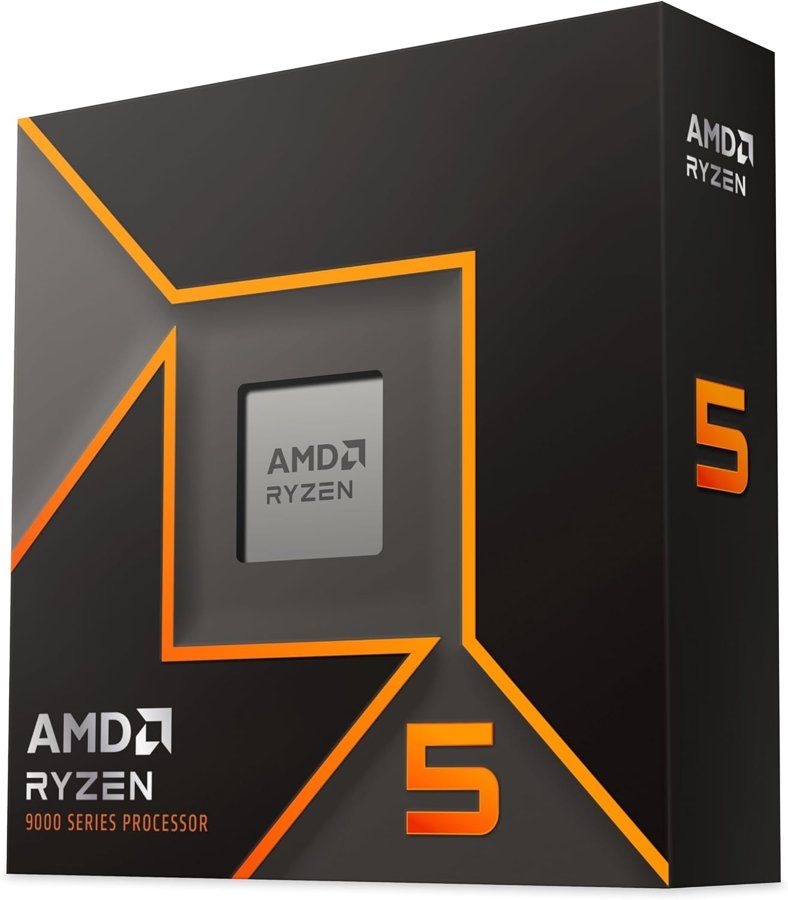
AMD Ryzen 5 9600X box, AM5 processor, product photo Click to enlarge

On the Intel side: 12th and 14th generation Core, or Core Ultra 5

If you already have an Intel platform, you can keep it: Intel states that 10th generation and newer Core processors are compatible with the B580, provided the motherboard supports Resizable BAR. A Core i5-12400F or i5-14400F, both 6-core without integrated graphics, remain consistent choices. We did not find them in TechSpot's measurements, so we do not quantify their overhead: the logic is the same as for a recent 6-core Ryzen.

For a new Intel PC, the Core Ultra 5 225F is the recent route: 10 cores (6 P-cores and 4 E-cores) on the LGA1851 socket, up to 4.9 GHz. It has no integrated graphics, which is no problem with a B580. As with the 9600X, the real gain with a B580 depends mostly on the game; compare with the AM5 chips before deciding, and read our best gaming processor guide to place these models.

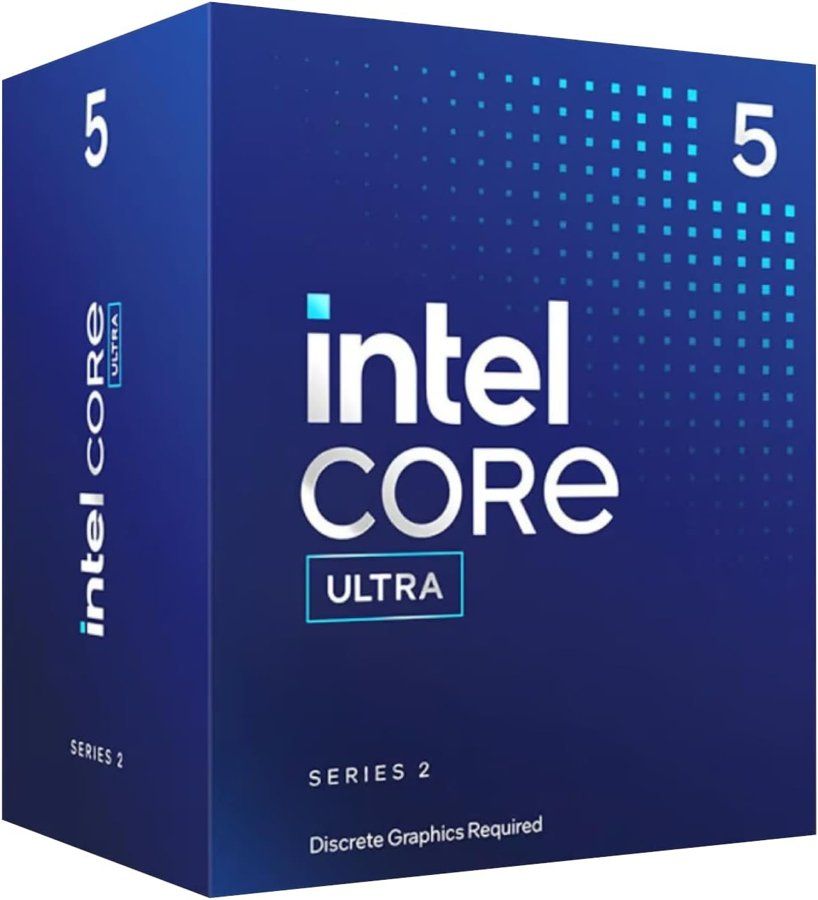
Intel Core Ultra 5 225F box, LGA1851 processor, product photo Click to enlarge

Which card: B580 or B570?

The choice of processor also depends on the card. The B580 carries 12 GB of GDDR6 and targets 1440p with tuned settings; the B570 has 10 GB and is more comfortable at 1080p. Both suffer from overhead in the same way, so the processor advice is identical.

Also think about the power supply: Intel recommends at least 600 W with an 8-pin PCIe connector for the B580.

Which processor for your situation

Your situation Recommended processor Why
500-series AM4 PC, tight budget Ryzen 5 5600 Reference for B580 tests, cooler included
500-series AM4 PC, you want to move up Ryzen 7 5700X3D More cache, better in CPU-limited games
New PC, tight budget Ryzen 5 7500F or Ryzen 5 7600 Upgradeable AM5, recent 6 cores
New PC, you will change graphics card later Ryzen 5 9600X Zen 5, more headroom for a future card
Existing Intel platform Core i5-12400F or i5-14400F Compatible if the motherboard supports Resizable BAR
New Intel PC Core Ultra 5 225F LGA1851, 10 cores, no needless integrated graphics
To avoid Ryzen 5 8500G and Ryzen 5 2600 Only four PCIe lanes; high overhead
Swipe to view more

And what about the future of Arc cards?

Intel has abandoned gaming GPUs: Arc Celestial was cancelled and the B770 never shipped, as we detailed in our news article on Intel abandoning gaming GPUs. That does not make the B580 any worse today, but it is worth knowing that driver optimizations, like the one against overhead, remain at Intel's discretion.

If you are still torn between an Arc card and a competitor, our guide to the processor for an RTX 5060 shows how the same question arises on the NVIDIA side.

FAQ

What is the best processor for the Arc B580?

There is no single one: a Ryzen 5 7600 or a Ryzen 5 9600X are recent choices with no compromise, and a Ryzen 5 5600 remains enough on AM4. A flagship brings nothing with a B580.

Is the B580 held back by a Ryzen 5 5600?

Not in optimized games. With driver 32.0.101.7028 and later, TechSpot measures 118 frames per second in Spider-Man Remastered, on par with an RX 9060 XT. A few games remain sensitive, such as Horizon Zero Dawn Remastered or Space Marine 2.

Is Resizable BAR mandatory for the B580?

Yes, according to Intel. Without it, performance drops. Enable Above 4G Decoding and then Re-Size BAR Support in the BIOS.

Can you use an Intel processor with a B580?

Yes. Intel states that 10th generation and newer Core processors are compatible, provided the motherboard supports Resizable BAR. 12th and 14th generation Core and Core Ultra 200 series are consistent choices.

Why avoid the Ryzen 5 8500G with a B580?

Because this processor provides only four PCIe 4.0 lanes to the graphics card, which reduces performance according to Intel.

Is an old Ryzen 5 2600 enough for a B580?

It is the least favorable case: the overhead remains around 20 to 33% depending on the games tested, and the motherboard often does not support Resizable BAR. If you buy a B580, plan to change the processor as well.

Do you need DDR5 for a B580?

No. A Ryzen 5 5600 with DDR4 is more than enough. DDR5 only makes sense if you are building an AM5 or LGA1851 PC for the long run.

Our conclusion

For a B580 or B570 in 2026, the rule is simple: a recent 6-core processor, Resizable BAR enabled, and nothing more. Keep your AM4 if you have one, and get a Ryzen 5 5600 or a 5700X3D; build on AM5 if you are starting from scratch; avoid the Ryzen 5 8500G. The models detailed above show current offers where available.