- 1Which webcam should you pick for streaming in 2026?
- 2A 1080p 60 fps corner cam: Logitech StreamCam
- 3A full-screen 4K facecam: Logitech BRIO Stream
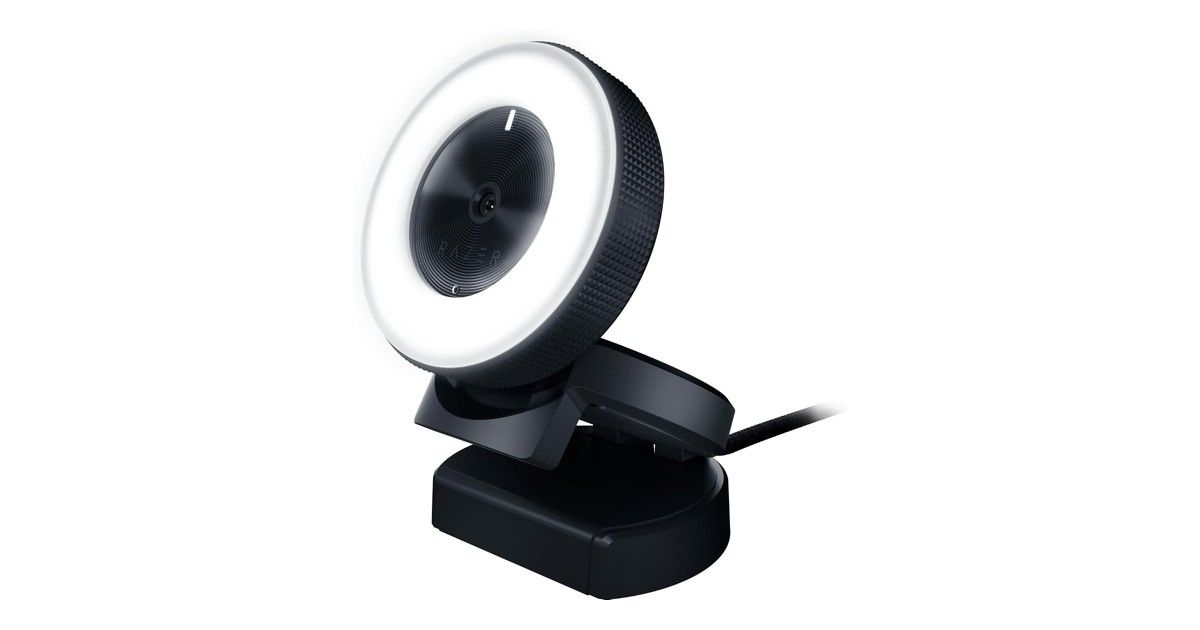
- 4A poorly lit room: Razer Kiyo and its ring light
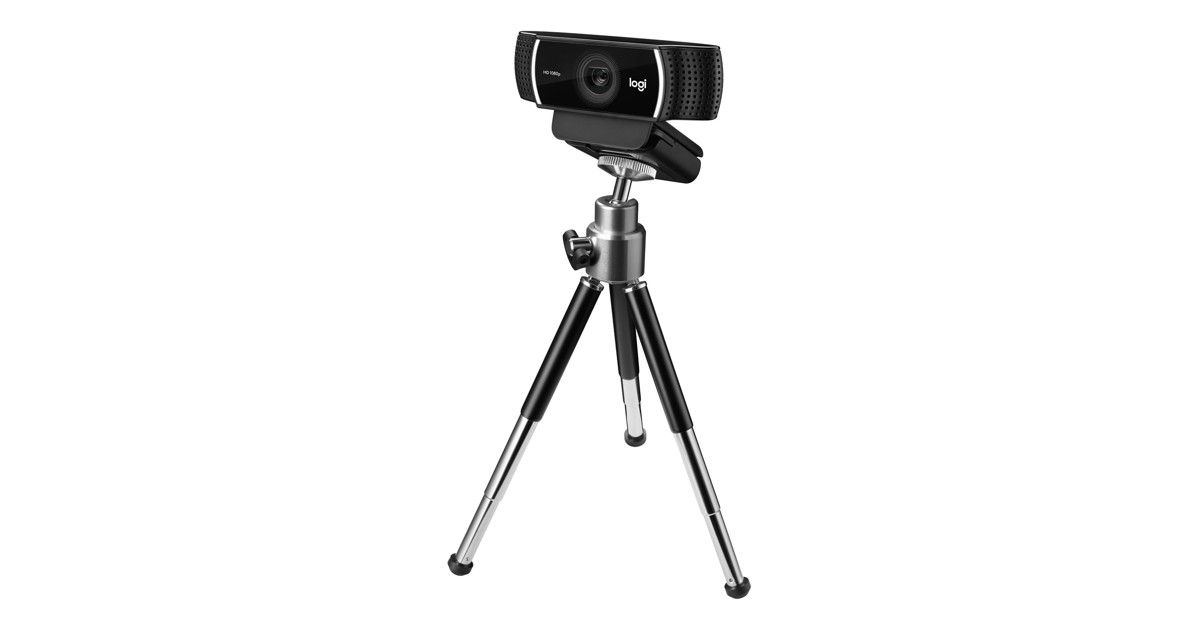
- 5Budget streaming: Logitech C922 Pro Stream, and the C920
- 6Video calls and auto-framing: Logitech BRIO 500, and the BRIO 105
- 7How to set up your webcam (OBS, lighting, USB)
- 8Catalogue models at a glance
- 9FAQ
- 10Verdict
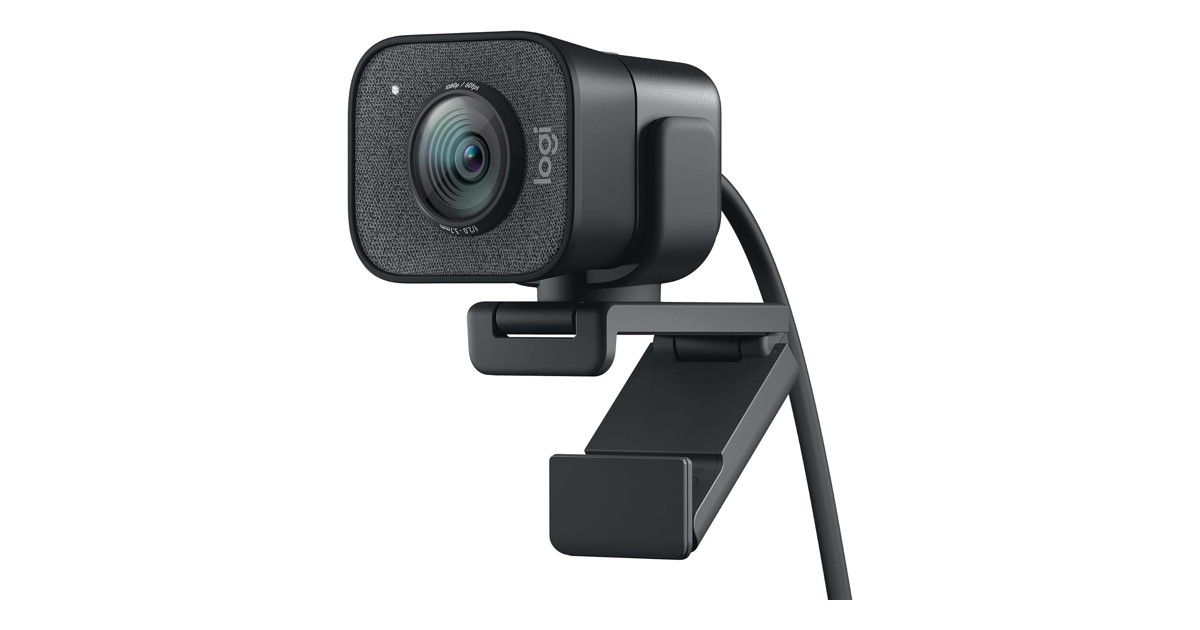
The best webcam for streaming depends mainly on how large you appear on screen and on your room, not on a single ranking. For a small corner cam, 1080p at 60 fps usually looks smoother. For a full-screen facecam, 4K keeps more detail or gives you room to crop. In a dark room, built-in lighting matters more than resolution alone. For video calls, auto-framing and a privacy shutter often matter more than streaming features.
Google’s top results often highlight the OBSBOT Meet 2, the Insta360 Link 2 and the Elgato Facecam 4K. Those three models are not in our catalogue: we say so clearly. Here we compare what we actually list: the Logitech BRIO Stream 4K, the original BRIO 4K, the BRIO 500, the BRIO 105, the StreamCam, the C922 Pro Stream, the C920 HD Pro and the Razer Kiyo.
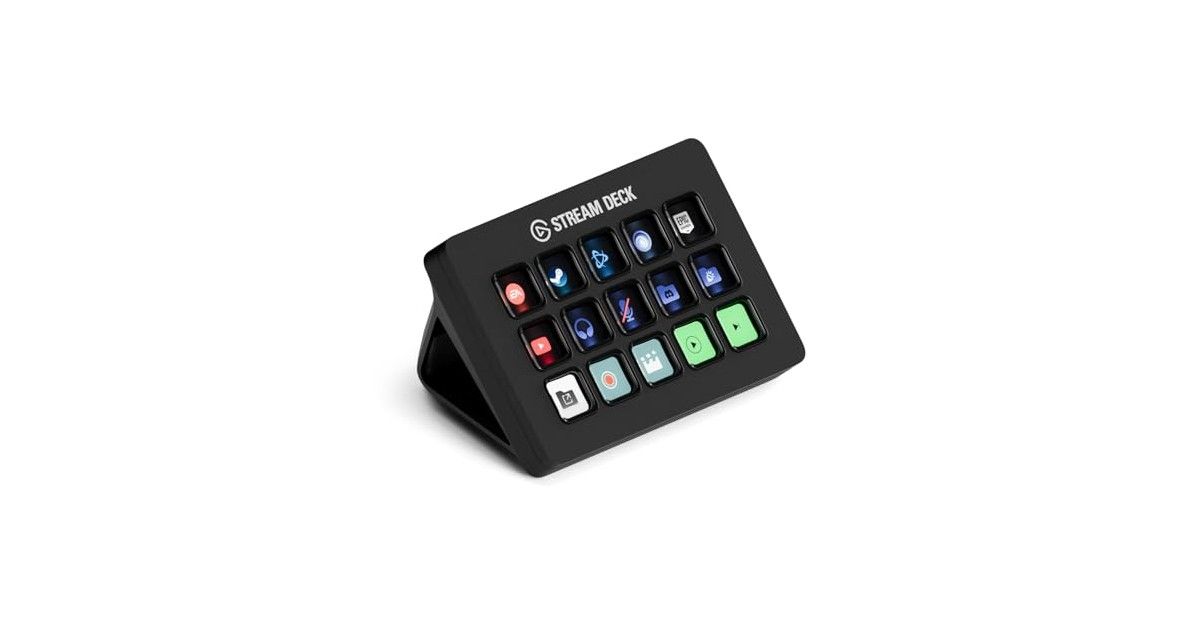
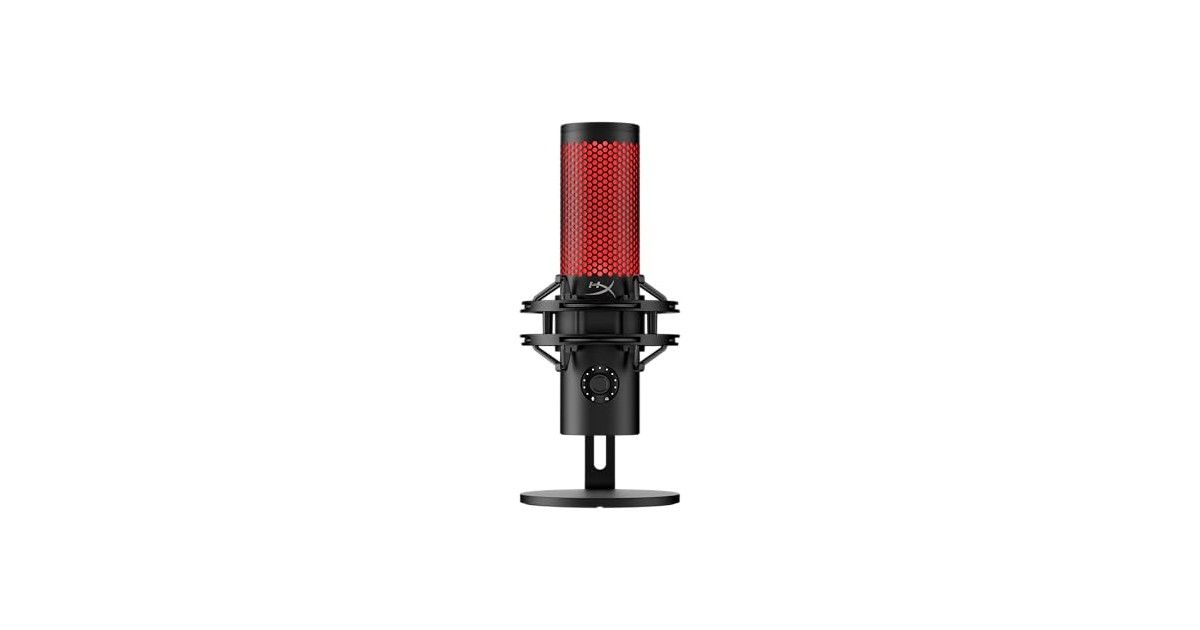
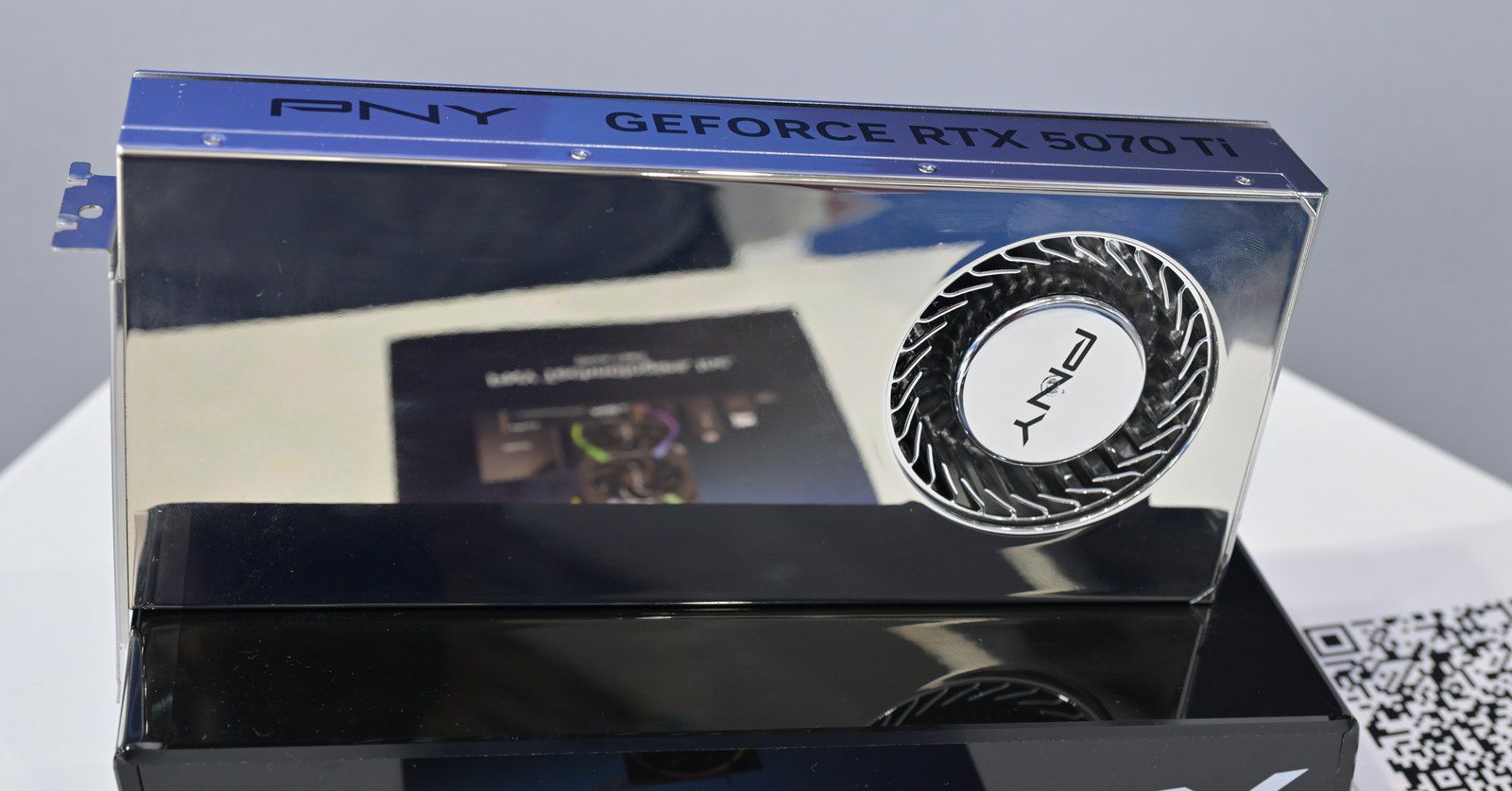
For the rest of a stream setup, see also our Stream Deck guide, our USB mic guide for streamers and our top 3 graphics cards for streaming.