yuux
Co-founder of DropReference, I'm here to give you the best tips to build the gaming PC of your dreams!
yuux
Co-founder of DropReference, I'm here to give you the best tips to build the gaming PC of your dreams!
Our 2026 top 3 graphics cards for streaming and gaming: RTX 5070 Ti, RX 9070 XT and Arc B580, compared on what matters for live video (encoders, codecs accepted by Twitch and YouTube, VRAM), plus alternatives and basic settings.
The RTX 5070 Ti is the sweet spot of the Blackwell lineup for streamers. It packs two ninth-generation NVENC encoders (the RTX 5070 has one) and 16 GB of GDDR7 on a 256-bit bus, according to Nvidia’s official spec sheet. Two encoders give you headroom to stream and record locally at the same time, or to send several quality levels with Twitch Enhanced Broadcasting.
According to Tom’s Hardware, the RTX 5070 Ti is the best high-end card right now, but its street price sits well above MSRP for about 5% more baseline performance than an RX 9070 XT. Check your power supply too (16-pin connector, 300 W for the card according to Nvidia) with our guide on which PSU for an RTX 5070 Ti.
Streamers who game at 1440p, target 2K on Twitch or AV1 on YouTube, and want to record at the same time. For the right processor, see our guide to the best CPU for an RTX 5070 or 5070 Ti.
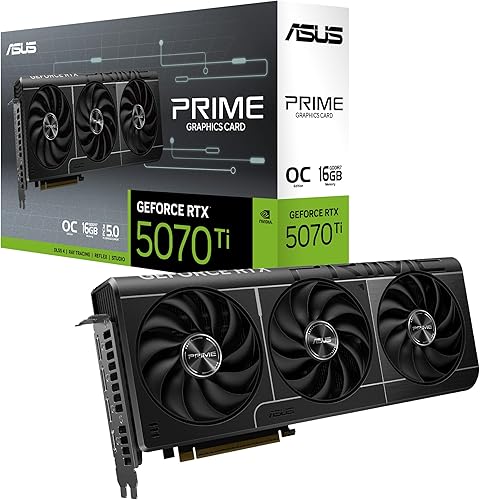
Our top pick for streaming: two ninth-gen NVENC encoders, AV1 and 16 GB of GDDR7 to game at 1440p while you broadcast.
 Check the price in my country
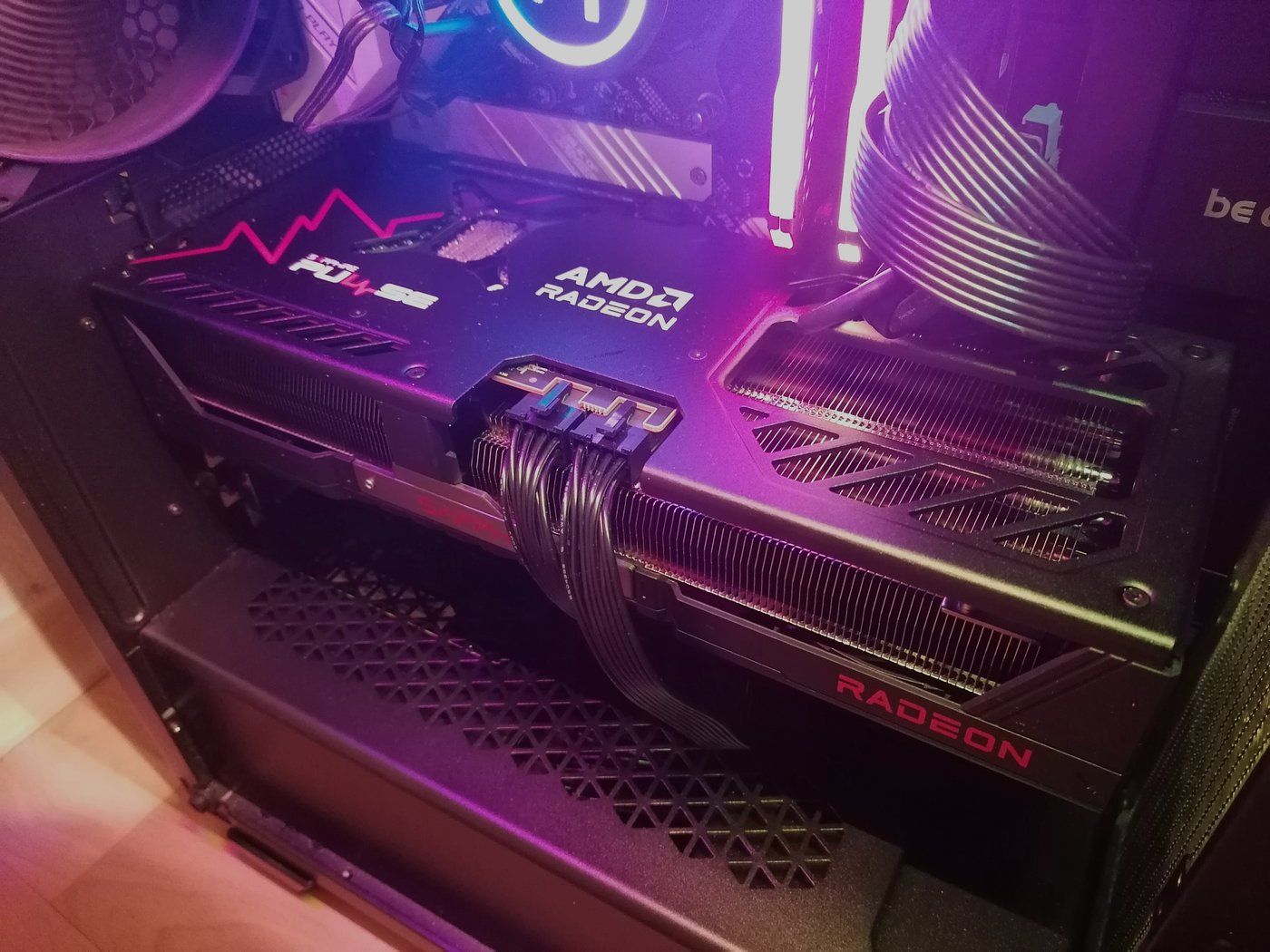
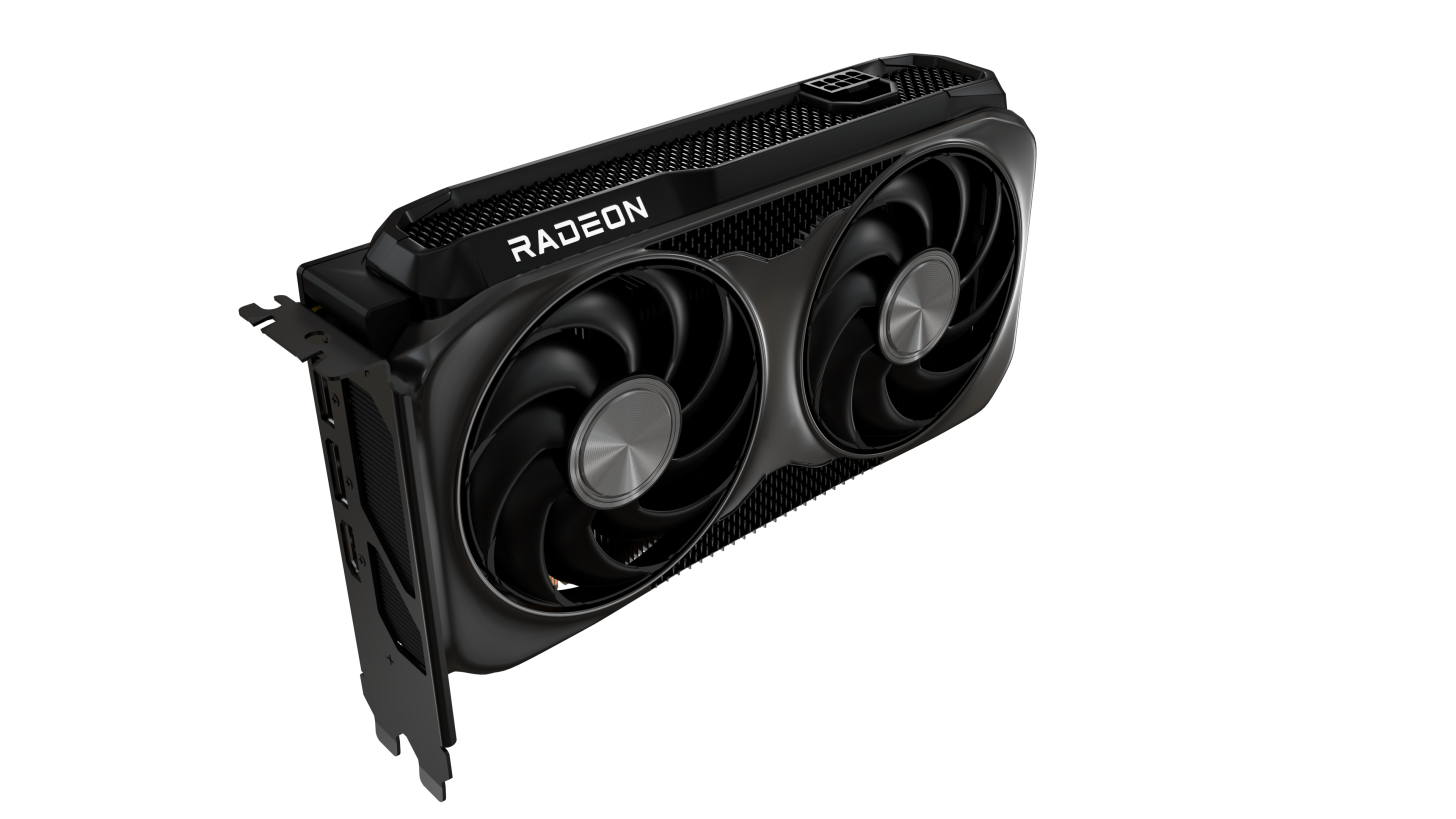
For years the encoder was the Radeon weak spot for streaming. With RDNA 4, AMD re-architected its encoder: H.264 quality, the codec Twitch uses at 1080p, improves clearly, AV1 gains B-frames and AMD claims about 11% better HEVC quality (Neowin). The RX 9070 XT pairs that encoder with 16 GB of GDDR6 and gaming performance close to the RTX 5070 Ti.
 Click to enlarge
In the same Chiphell test, at the maximum quality preset, the RX 9070 XT’s AV1 encoder is about four times slower than one NVENC encoder: about 107 frames per second at 1080p (plenty for a 60 fps live stream), but about 27 frames per second at 4K. For 4K live streams or heavy video exports, Nvidia keeps the edge. In games, Tom’s Hardware finds FSR 4 adoption less consistent than DLSS.
Gamers who want the most frames per second for their budget and stream at 1080p. Our RX 9070 XT page covers its gaming performance in detail.

The best gaming value, with the new RDNA 4 encoder that clearly improves the H.264 used on Twitch.
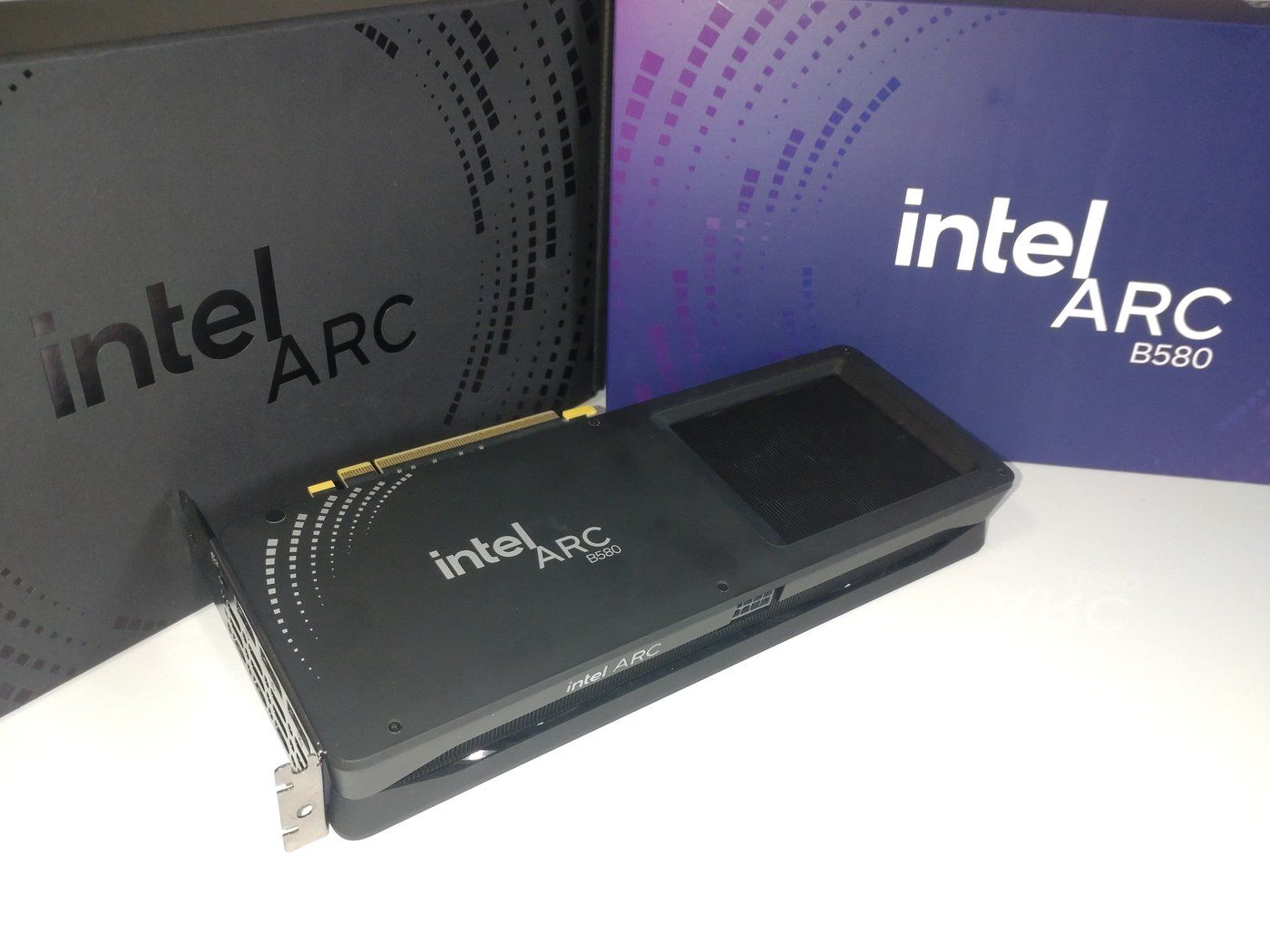
Check the price in my countryThe Arc B580 is still the most affordable current card for AV1 streaming. According to Intel’s spec sheet, it has two multi-format codec engines that encode H.264, HEVC and AV1, with 12 GB of GDDR6 on a 192-bit bus. That is more memory than most 8 GB cards in the same segment.
 Click to enlarge
Intel has reportedly cancelled its upcoming Arc Celestial gaming cards according to Tom’s Hardware (see our article on Intel and the future of Arc GPUs), but the B580 still gets drivers: the latest release is dated October 2, 2026 on Intel’s support page. One user reported encoding stutter when the GPU runs at 100%, fixed by turning off hardware-accelerated GPU scheduling (HAGS) in Windows (Intel forum). Its PCIe 4.0 x8 link is also less comfortable on an older PCIe 3.0 motherboard.
Streamers starting out at 1080p, or anyone building a second PC just for encoding. For the whole Intel lineup, see our Intel Arc graphics card guide.
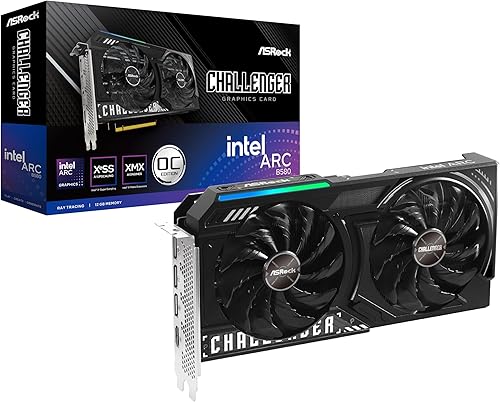
The entry ticket to AV1 streaming: two media engines and 12 GB of VRAM, ideal at 1080p or in a dedicated streaming PC.
Check the price in my country| Criterion | RTX 5070 Ti | RX 9070 XT | Arc B580 |
|---|---|---|---|
| Hardware encoder | 2 ninth-gen NVENC | RDNA 4 encoder (AMF) | 2 Xe media engines |
| Encoding codecs | H.264, HEVC, AV1 | H.264, HEVC, AV1 | H.264, HEVC, AV1 |
| Encoding highlight | AV1 Ultra High Quality mode, 4:2:2 | Improved H.264, AV1 B-frames | HEVC 4:2:2 and 4:4:4 |
| VRAM | 16 GB GDDR7, 256-bit | 16 GB GDDR6, 256-bit | 12 GB GDDR6, 192-bit |
| Upscaling in games | DLSS 4 (Multi Frame Generation) | FSR 4 | XeSS 2 |
| Twitch Enhanced Broadcasting | Yes | Yes | Yes |
| Target gaming resolution | 1440p to 4K | 1440p to 4K | 1080p to 1440p |
The best encoder is useless if the platform does not accept the codec. Here is what the platforms document as of October 2026:
For a broader gaming-focused ranking, see our guide to the best graphics card in 2026.

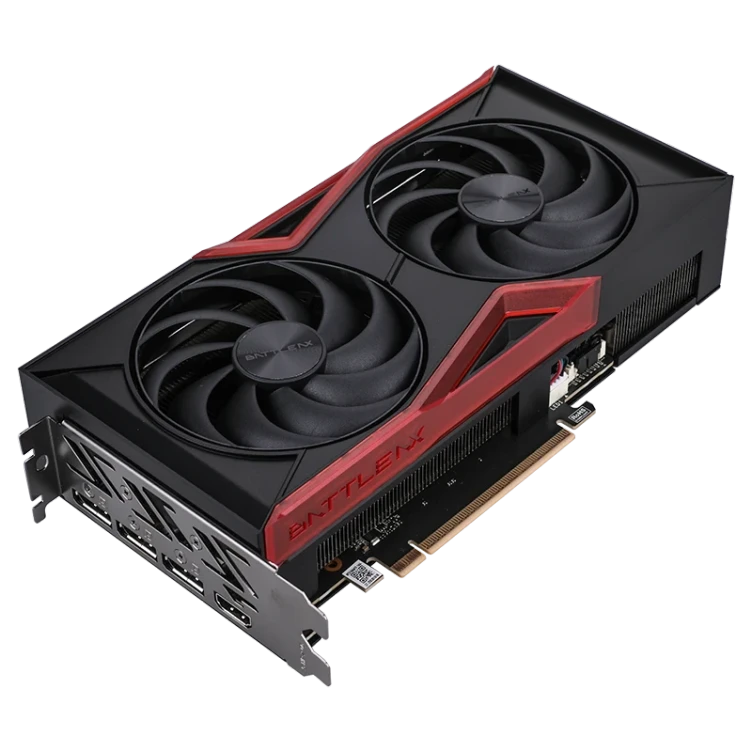
The more affordable Nvidia alternative: one ninth-gen NVENC encoder, perfect for a single 1080p or 1440p stream.
Check the price in my countryNo. NVENC is still the benchmark for speed and encoder count, but AMD’s RDNA 4 encoder and Intel’s Arc engines deliver close quality at the same bitrate. The right choice depends mostly on your platform and budget.
Not right now: Twitch uses H.264 up to 1080p and HEVC for 2K. AV1 is useful on YouTube and for local recordings.
12 GB is a good minimum in 2026 if you game at 1080p with OBS open, 16 GB for 1440p and demanding new games.
Graphics card prices are moving a lot right now: compare live offers below before you buy.
Sources: Nvidia, Nvidia Blackwell white paper, Nvidia RTX 5080, AMD, Neowin, Chiphell, Intel, Twitch, YouTube, Tom’s Hardware.
98 Listed Products
Starting at
370€
Starting at
370€
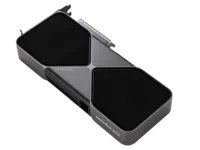
57 Listed Products
Starting at
1,149€
Starting at
1,149€

57 Listed Products
Starting at
326€
Starting at
326€
50 Listed Products
Starting at
855€
Starting at
855€
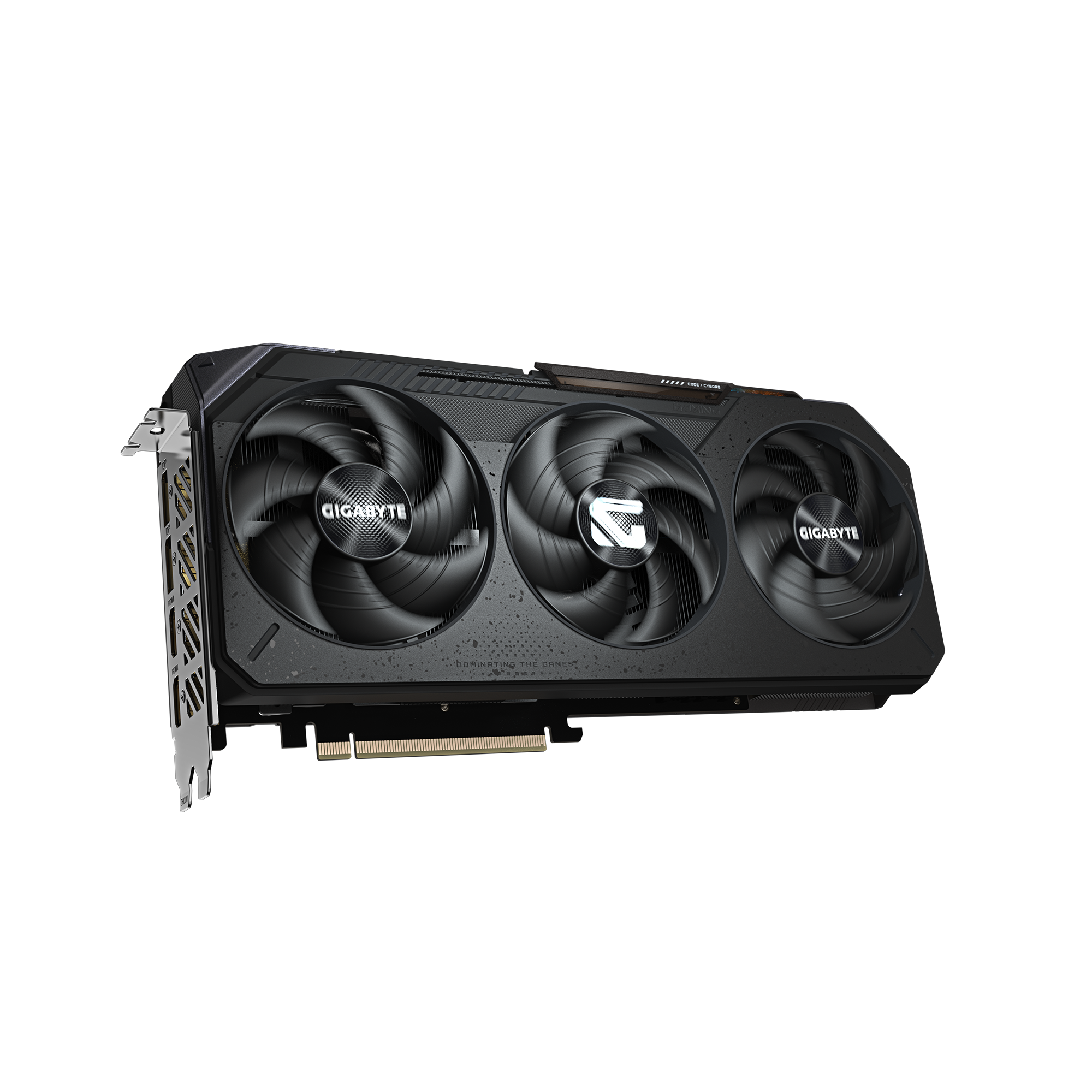
49 Listed Products
Starting at
823€
Starting at
823€
43 Listed Products
Starting at
780€
Starting at
780€
39 Listed Products
Starting at
429€
Starting at
429€
37 Listed Products
Starting at
277€
Starting at
277€
34 Listed Products
Starting at
3,899€
Starting at
3,899€
26 Listed Products
Starting at
413€
Starting at
413€

25 Listed Products
Starting at
404€
Starting at
404€
20 Listed Products
Starting at
519€
Starting at
519€
19 Listed Products
Starting at
705€
Starting at
705€
18 Listed Products
Starting at
644€
Starting at
644€
17 Listed Products
Starting at
729€
Starting at
729€
15 Listed Products
Starting at
287€
Starting at
287€
15 Listed Products
Starting at
806€
Starting at
806€
15 Listed Products
Starting at
548€
Starting at
548€
14 Listed Products
Starting at
900€
Starting at
900€
12 Listed Products
Starting at
1,590€
Starting at
1,590€
12 Listed Products
Starting at
28€
Starting at
28€
12 Listed Products
Starting at
2,710€
Starting at
2,710€
11 Listed Products
Starting at
274€
Starting at
274€
8 Listed Products
Starting at
1,090€
Starting at
1,090€
8 Listed Products
Starting at
629€
Starting at
629€
8 Listed Products
Starting at
632€
Starting at
632€
7 Listed Products
Starting at
578€
Starting at
578€
7 Listed Products
Starting at
694€
Starting at
694€
7 Listed Products
Starting at
352€
Starting at
352€
6 Listed Products
Starting at
212€
Starting at
212€
6 Listed Products
Starting at
466€
Starting at
466€
5 Listed Products
Starting at
360€
Starting at
360€
5 Listed Products
Starting at
932€
Starting at
932€
5 Listed Products
Starting at
1,082€
Starting at
1,082€
5 Listed Products
Starting at
230€
Starting at
230€

4 Listed Products
Starting at
739€
Starting at
739€
4 Listed Products
Starting at
1,316€
Starting at
1,316€
4 Listed Products
Starting at
1,099€
Starting at
1,099€
4 Listed Products
Starting at
307€
Starting at
307€
4 Listed Products
Starting at
170€
Starting at
170€
4 Listed Products
Starting at
1,144€
Starting at
1,144€
3 Listed Products
Starting at
1,990€
Starting at
1,990€

3 Listed Products
Starting at
1,109€
Starting at
1,109€
3 Listed Products
Starting at
1,102€
Starting at
1,102€
3 Listed Products
Starting at
1,162€
Starting at
1,162€
3 Listed Products
Starting at
884€
Starting at
884€
2 Listed Products
Starting at
979€
Starting at
979€
2 Listed Products
Starting at
315€
Starting at
315€
2 Listed Products
Starting at
335€
Starting at
335€

2 Listed Products
Starting at
640€
Starting at
640€
2 Listed Products
Starting at
567€
Starting at
567€
2 Listed Products
Starting at
4,990€
Starting at
4,990€
2 Listed Products
Starting at
626€
Starting at
626€
2 Listed Products
Starting at
250€
Starting at
250€
2 Listed Products
Starting at
1,300€
Starting at
1,300€
1 Listed Products
Starting at
3,938€
Starting at
3,938€
1 Listed Products
Starting at
833€
Starting at
833€
1 Listed Products
Starting at
1,171€
Starting at
1,171€
1 Listed Products
Starting at
1,009€
Starting at
1,009€
1 Listed Products
Starting at
1,700€
Starting at
1,700€
1 Listed Products
Starting at
877€
Starting at
877€
1 Listed Products
Starting at
391€
Starting at
391€