yuux
Co-founder of DropReference, I'm here to give you the best tips to build the gaming PC of your dreams!
yuux
Co-founder of DropReference, I'm here to give you the best tips to build the gaming PC of your dreams!
- 1The short answer: which low-profile cooler should you choose?
- 2Before you buy: the 4 measurements to check
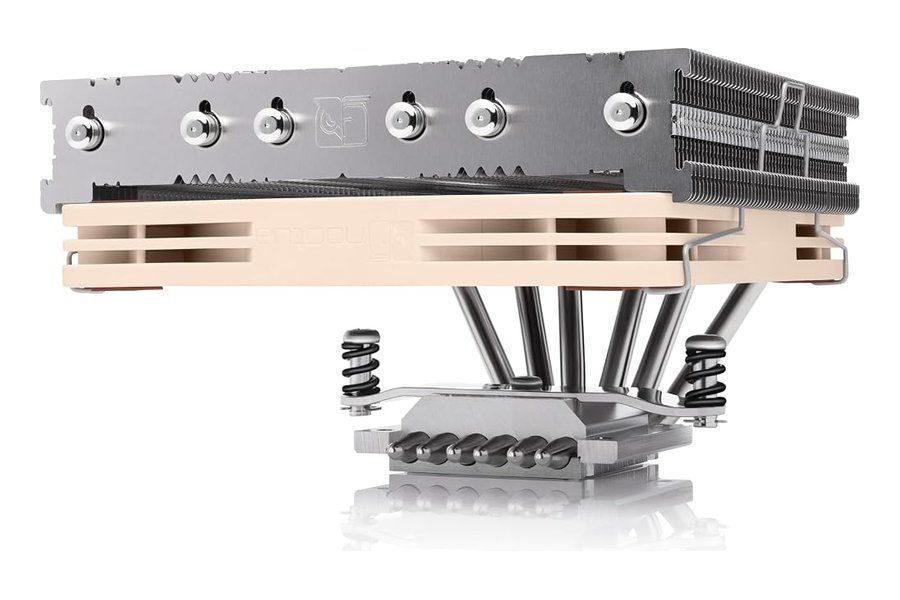
- 3Up to 77 mm: Noctua NH-L12Sx77, the reference
- 4The alternatives at 75 to 77 mm: Thermalright AXP120-X77 and be quiet! Shadow Rock LP
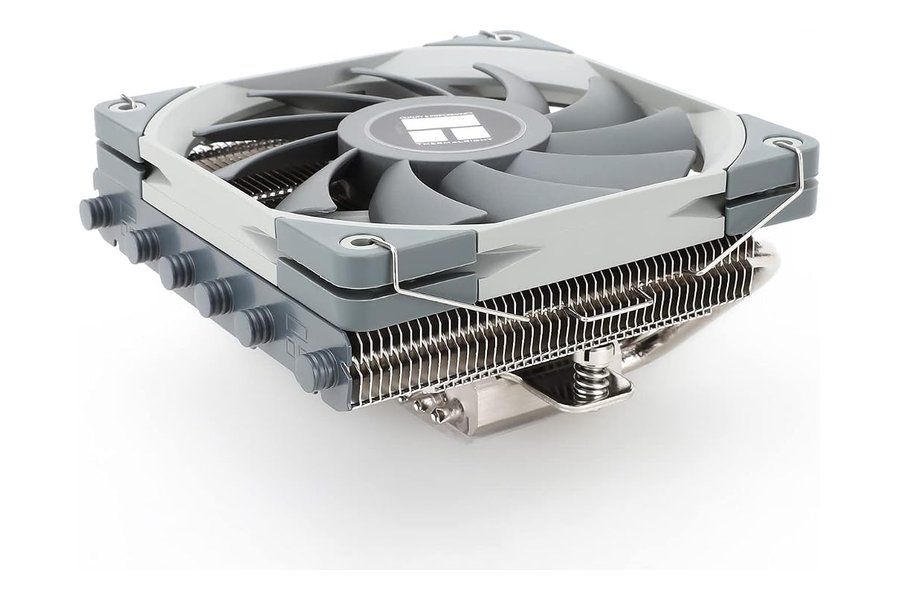
- 5Between 65 and 70 mm: Thermalright AXP120-X67, the best value
- 6The alternatives at 66 to 67 mm: Scythe Big Shuriken 4 and Jonsbo HP600
- 7Between 50 and 60 mm: ID-Cooling IS-55
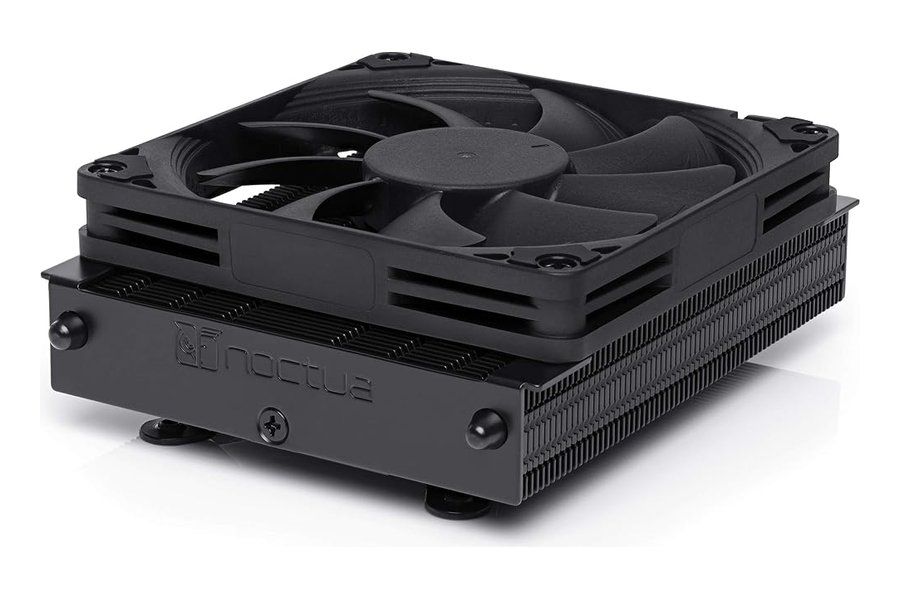
- 8Under 40 mm: Noctua NH-L9a-AM5 and NH-L9i-17xx
- 9Which low-profile cooler for your processor?
- 10Mistakes to avoid
- 11FAQ
- 12Our verdict