Best Graphics Card for VR in 2026: RTX 5070 Ti, RX 9070 XT or RTX 5080?

graphics card for VR best GPU for VR 2026 GPU for VR Steam Frame PC requirements Quest 3 PC graphics card

2026 buyer’s guide to the best graphics card for VR: RTX 5070 Ti, RX 9070 XT and RTX 5080 compared for Steam Frame, Meta Quest 3 and PC VR headsets, wired or wireless (AV1, HEVC), with VRAM tiers and configs to aim for.

Which graphics card for VR in 2026?

In VR, the graphics card has to render two images at once, hold 90 frames per second or more without drops, and often encode the stream for a wireless headset. In 2026, Valve’s Steam Frame (launched September 14, VR.org) and the Meta Quest 3 make that choice even more central: the first is a streaming-first headset, the second remains the Quest reference for PC VR via Link, Air Link or Virtual Desktop.

Quick answer: the RTX 5070 Ti is the best pick for most headsets (Quest 3, Steam Frame, Index), the RX 9070 XT offers the best performance for the money with hardware AV1, and the RTX 5080 matters for very high-resolution headsets and heavy sims. Aim for 16 GB of VRAM.

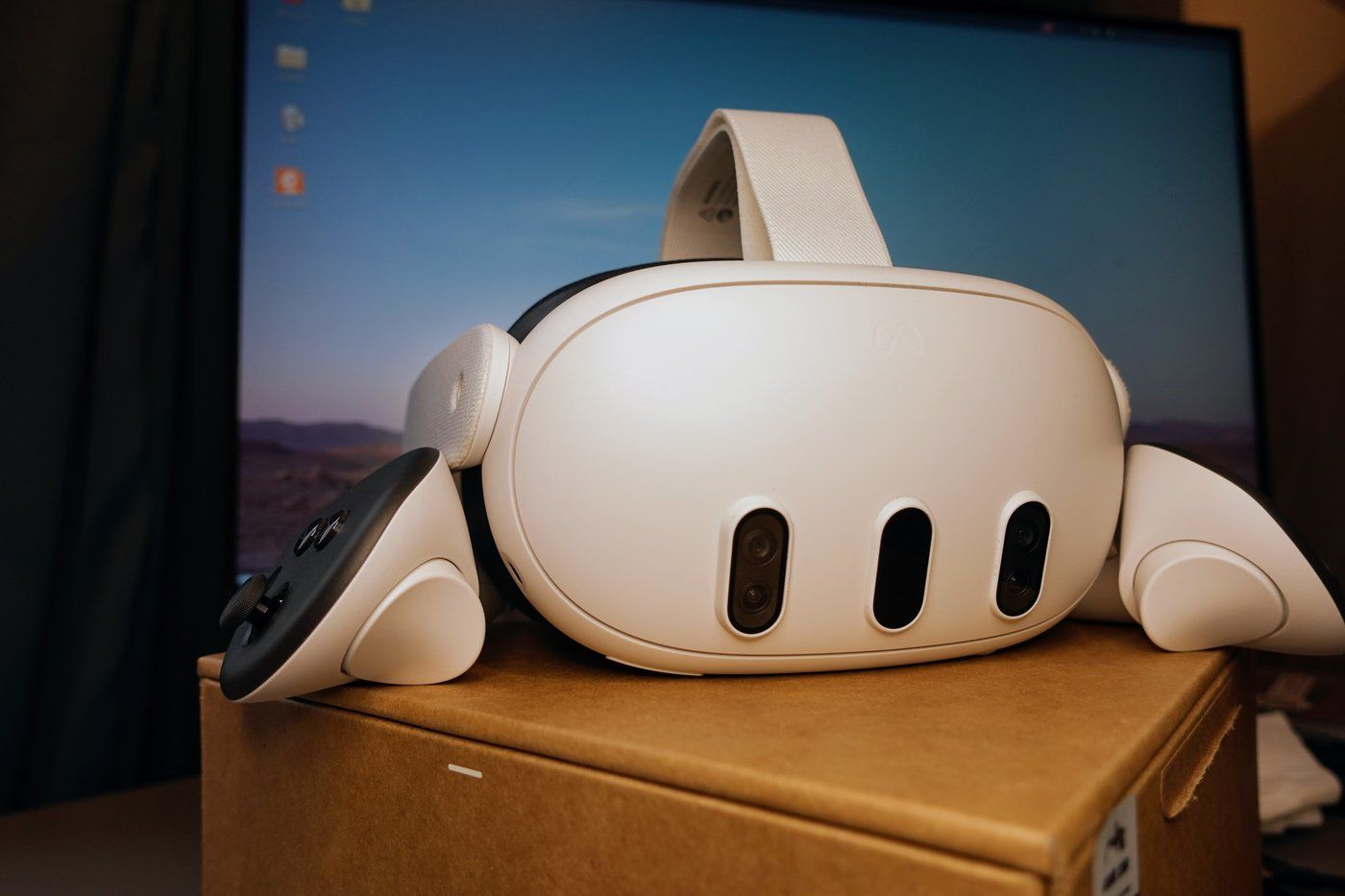
Casque Meta Quest 3 vue de face Click to enlarge
Rank Card VRAM Wireless encoder Best for
1 GeForce RTX 5070 Ti 16 GB GDDR7 2 ninth-gen NVENC (H.264, HEVC, AV1) Quest 3, Steam Frame, Index: play and stream wirelessly
2 Radeon RX 9070 XT 16 GB GDDR6 RDNA 4 AMF encoder (H.264, HEVC, AV1) Best value, Quest 3 and Steam Frame
3 GeForce RTX 5080 16 GB GDDR7 2 ninth-gen NVENC High-resolution headsets, sims and high supersampling
Swipe to view more

Why VR asks more than a classic gaming PC

Unlike a flat screen, a headset shows one image per eye, often around 2,000 × 2,000 pixels, at 90 Hz or more. The Quest 3 runs 2,064 × 2,208 per eye at 90 or 120 Hz; the Steam Frame, 2,160 × 2,160 per eye from 72 to 120 Hz, with an experimental 144 Hz mode (PC Gamer, UploadVR). In practice that is heavier than a 4K game, and micro-stutters quickly cause discomfort.

  • Wired (DisplayPort / USB Link): the GPU pushes pixels directly. Ports and drivers matter as much as raw power.
  • Wireless (Steam Frame, Air Link, Virtual Desktop): the GPU must also encode the video stream. A hardware AV1 or HEVC encoder becomes a real criterion.
  • VRAM: 16 GB is the comfortable floor in 2026 for Quest 3 and Steam Frame with supersampling. 8 GB cards hit the wall quickly.

Steam Frame, Quest 3 and PC VR headsets: what changes for the GPU

Steam Frame (Valve): streaming first

Valve opened Steam Frame reservations on September 14, 2026 (VR.org). The headset runs SteamOS and can play standalone, but it is built first to stream your Steam library from a PC. It has no DisplayPort or HDMI input: the PC link goes through the included USB wireless adapter (dedicated 6 GHz band) or home Wi‑Fi (Steamworks docs, UploadVR).

Valve does not publish a “recommended GPU” list for streaming: according to the GDC 2026 talk, “if it runs well on your host PC, it will run well on Steam Frame” (Valve / Steamworks slides). For standalone mode only, the Verified program targets 72 fps at 1,728 × 1,728 in VR (compatibility docs). In PC VR, your graphics card and encoder carry the load.

DisplayPort headsets (Index, Bigscreen Beyond, Pimax…)

An Index (1,440 × 1,600 per eye, up to 144 Hz) still runs fine on a current mid-range card. Headsets like Bigscreen Beyond or Pimax Crystal, around 2,560 to 2,880 per eye, push toward an RTX 5080 or better according to English-language guides such as GPU Drip.

Headset Resolution (per eye) PC link GPU to aim for (2026)
Meta Quest 3 2,064 × 2,208 @ 90/120 Hz USB Link, Air Link, Virtual Desktop RTX 5070 Ti or RX 9070 XT
Steam Frame 2,160 × 2,160 @ 72–120 Hz USB wireless adapter (6 GHz) or Wi‑Fi RTX 5070 Ti or RX 9070 XT
Valve Index 1,440 × 1,600 @ 120/144 Hz DisplayPort RTX 5070 / RX 9070 and up
High-resolution headset (Beyond, Crystal…) ≈ 2,560–2,880 DisplayPort RTX 5080 and up
Swipe to view more

1. Nvidia GeForce RTX 5070 Ti: the best VR pick for 2026

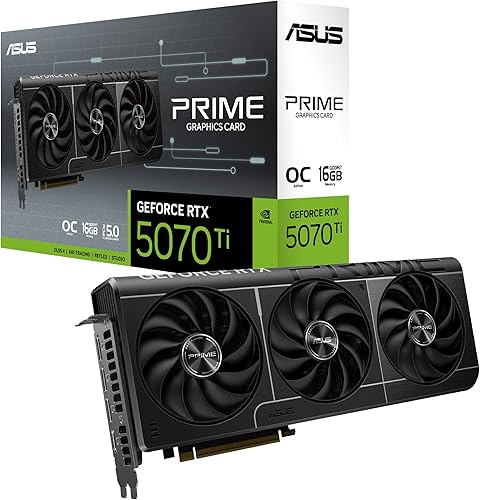
The RTX 5070 Ti is the Blackwell sweet spot for VR. It offers 16 GB of GDDR7 on a 256-bit bus and two ninth-generation NVENC encoders (H.264, HEVC, AV1), versus one on the RTX 5070 (Nvidia spec sheet). Two encoders give headroom for wireless Quest 3 or Steam Frame streaming while keeping power for stereo rendering.

Why it works in VR

  • 16 GB of VRAM: the comfortable floor for Quest 3 and Steam Frame with supersampling.
  • Hardware AV1 and HEVC for Virtual Desktop, Air Link and Steam Frame streaming.
  • Two NVENC units: useful if you also record or stream your VR session (see our top 3 GPUs for streaming).
  • DLSS 4 in some flatscreen titles brought to VR; Multi Frame Generation still needs a per-title check in a headset.

The trade-off

According to Tom’s Hardware, the RTX 5070 Ti is still the best high-end card right now, but its street price often sits above MSRP for about 5% more baseline performance than an RX 9070 XT. Check your power supply (300 W for the card according to Nvidia, 16-pin connector) with our guide on which PSU for an RTX 5070 Ti.

Who it is for

Quest 3, Steam Frame or Index: you want a current card, 16 GB, and a top encoder for wireless use. Our RTX 5080 vs 5070 Ti page helps if you are tempted to step up.

2. AMD Radeon RX 9070 XT: the best value

The RX 9070 XT pairs 16 GB of GDDR6, strong raster performance and an RDNA 4 encoder with AV1, HEVC and H.264. Meta lists it for Link, and Virtual Desktop uses it for AV1 on Quest 3. It is the AMD option to aim for if you want to keep budget for the headset or a Wi‑Fi 6E/7 router.

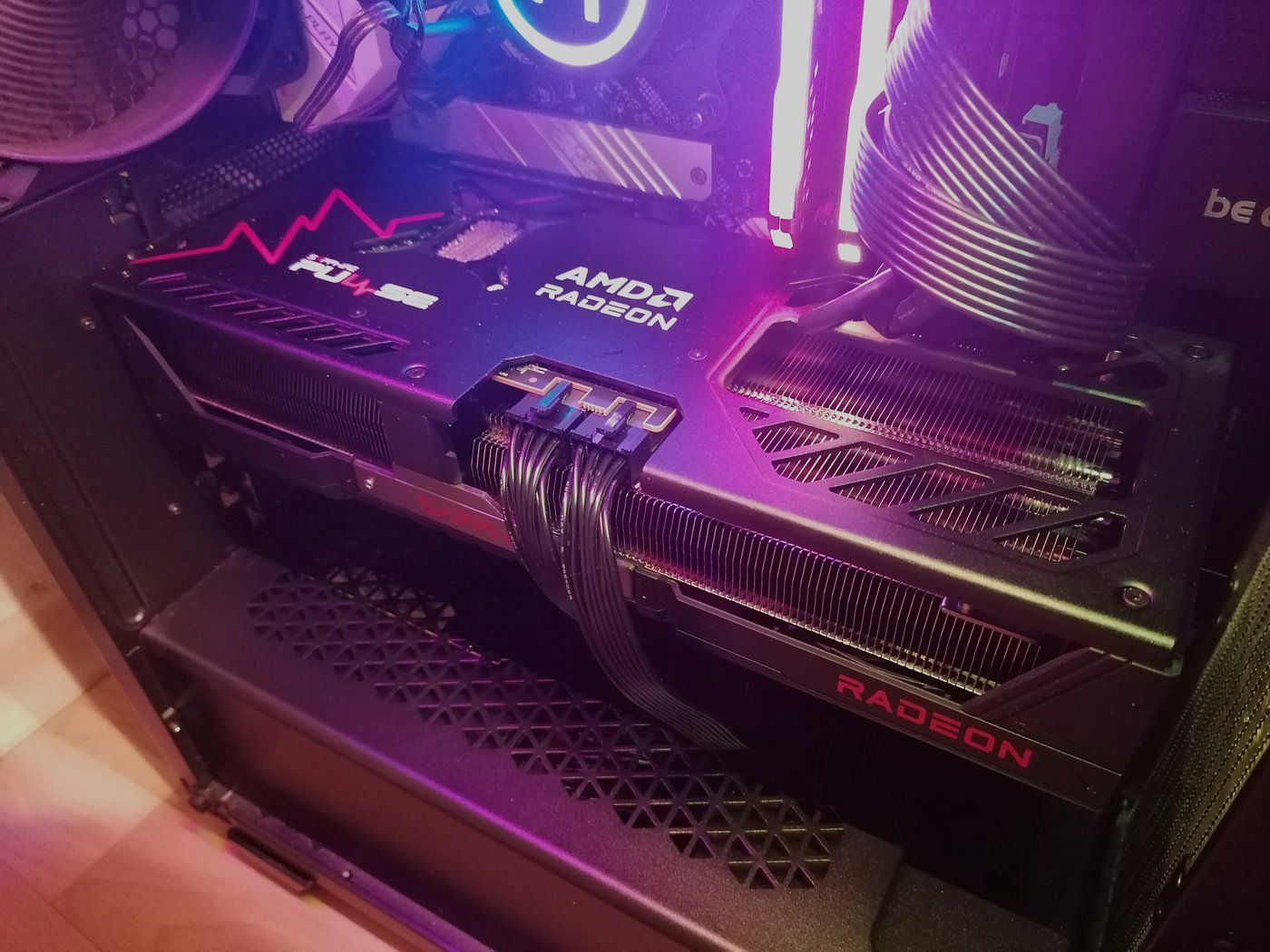
Sapphire Pulse Radeon RX 9070 XT installée dans un PC Click to enlarge

Why it works in VR

  • 16 GB of VRAM, the same floor as the 5070 Ti.
  • Hardware AV1 for wireless Quest 3 streaming.
  • Often cheaper than the 5070 Ti at similar flatscreen performance (Tom’s Hardware).
  • Meta Horizon Link compatible (RX 9070 and 9070 XT listed).

The trade-off

The VR ecosystem (SteamVR, some mods, capture tools) is still more polished on Nvidia on average. On the encoder side, RDNA 4 has improved a lot, but Nvidia keeps the edge on encoder count and some creator workflows. Our RX 9070 XT page covers its gaming performance.

Who it is for

You prioritize performance per dollar, play mostly raster titles, and stream to a Quest 3 or Steam Frame.

3. Nvidia GeForce RTX 5080: when you need more headroom

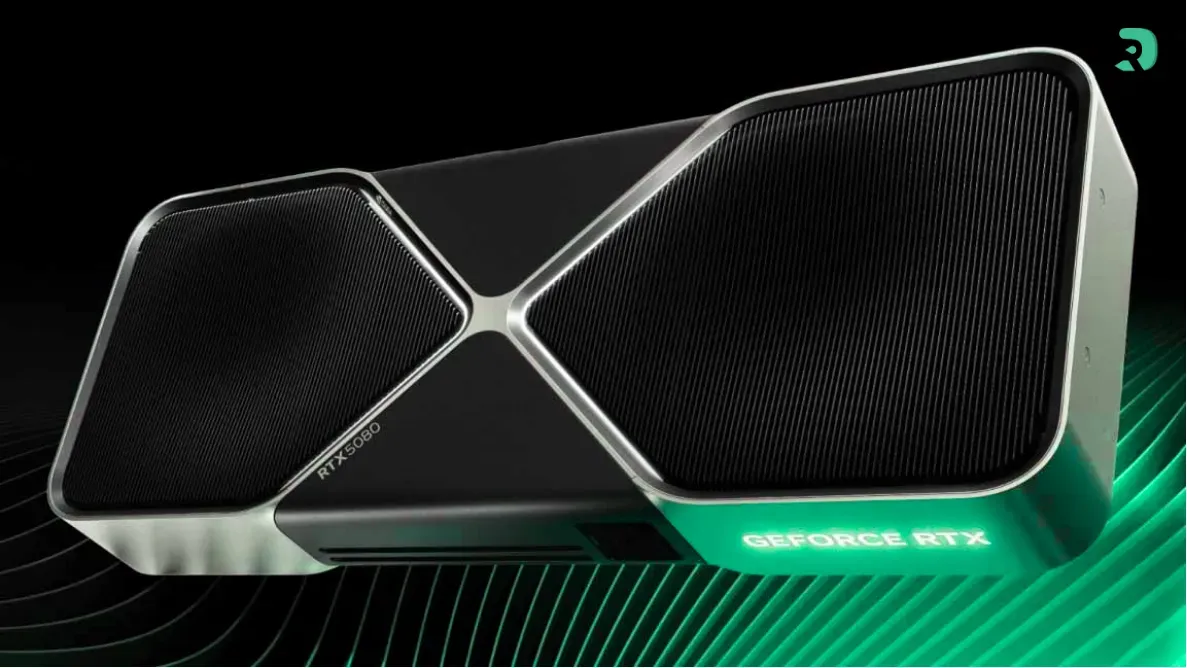
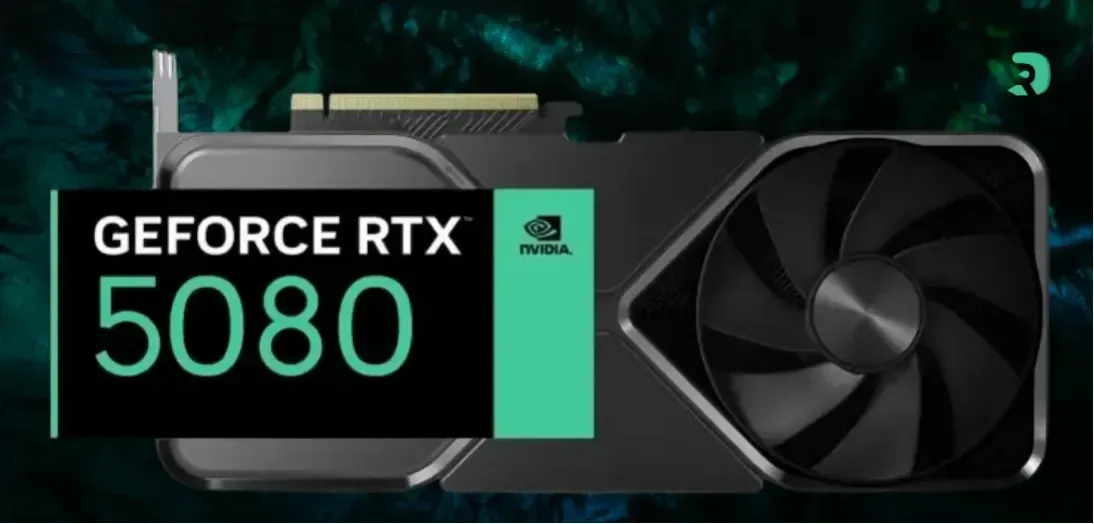
The RTX 5080 keeps 16 GB of GDDR7 but steps up compute, still with two ninth-generation NVENC encoders (Nvidia spec sheet). It becomes relevant when you push supersampling, heavy mods (crowded VRChat, sims) or a headset clearly above Quest 3 / Steam Frame.

Why it works in VR

  • Headroom for high supersampling and sims (flight, racing).
  • Same AV1/HEVC encode stack as the 5070 Ti, with more GPU for rendering.
  • A good pick if you share the card between VR and 4K flatscreen gaming.

The trade-off

For a Quest 3 or Steam Frame in a “standard” use case, the 5070 Ti is often enough. The 5080 is justified mainly by headset resolution and the heaviest games. Details in our RTX 5080 guide.

Criterion RTX 5070 Ti RX 9070 XT RTX 5080
VRAM 16 GB GDDR7 16 GB GDDR6 16 GB GDDR7
Encoders 2 ninth-gen NVENC 1 RDNA 4 encoder (AMF) 2 ninth-gen NVENC
Wireless codecs H.264, HEVC, AV1 H.264, HEVC, AV1 H.264, HEVC, AV1
Meta Link Yes (RTX 50 series) Yes (listed) Yes (RTX 50 series)
Target Quest 3 / Steam Frame / Index Same target, better price HR headsets / sims / high SS
Swipe to view more

Wired or wireless: which encoder for your card?

  • Steam Frame: included USB adapter on a dedicated 6 GHz link, or less reliable home Wi‑Fi (Steamworks). Valve does not publicly document a mandatory consumer codec; what matters is that the game runs well on the host PC.
  • Quest 3 + Virtual Desktop: prefer AV1 (or 10-bit AV1) if your card encodes it in hardware (RTX 40/50, RX 7000/9000). High-bitrate H.264+ still helps in very motion-heavy games (UploadVR).
  • Quest 3 + Air Link / Link: follow Meta’s list; RTX 50 and RX 9070 XT are supported. Arc: not supported for Link today.
  • DisplayPort headset: no network encoding, but DP 1.4/2.1 ports and a GPU that can hold native resolution plus supersampling.

Alternatives by budget

  • RX 9060 XT 16 GB: entry-level RDNA 4 with 16 GB, useful to start on Quest 3 at reasonable settings. See our RX 9060 XT review.
  • RTX 5070 (12 GB): solid ninth-gen NVENC, but only 12 GB: it hits limits sooner when you raise supersampling or mods.
  • Older RTX 4070 / RX 7800 XT: still mentioned by Hivr, but outdated as a new-buy recommendation versus RTX 50 / RX 9000.

For a broader ranking outside VR, see our guide to the best graphics card in 2026.

FAQ

Which graphics card for the Steam Frame?

Valve does not publish a minimum GPU for PC streaming. In practice, aim for a current card with 16 GB and an AV1/HEVC encoder (RTX 5070 Ti or RX 9070 XT) to stay comfortable at 2,160 × 2,160 per eye.

Which graphics card for Quest 3 PC VR?

Meta recommends at least an RTX 20 or RX 6000, and lists RTX 50 and RX 9070 XT. For comfortable play in 2026 with supersampling, an RTX 5070 Ti or RX 9070 XT is the right tier.

Do you really need 16 GB of VRAM for VR?

Yes to stay comfortable on Quest 3 and Steam Frame. Recent guides (Hivr, GPU Drip) converge on 16 GB; 12 GB still works, 8 GB becomes a bottleneck.

AMD or Nvidia for wireless VR?

Both encode AV1 on current generations. Nvidia is often simpler (drivers, tools, dual NVENC on 5070 Ti / 5080). AMD mainly wins on price at similar performance.

Key takeaways

  • Default pick for 2026: RTX 5070 Ti.
  • Best value: RX 9070 XT.
  • Very high-resolution headset or heavy sims: RTX 5080.
  • 16 GB of VRAM and an AV1/HEVC encoder if you play wirelessly.

Stock and street prices move fast: compare live offers below before you buy.

Sources: Meta (Horizon Link), Steamworks Steam Frame, Steam Frame setup, standalone compatibility, VR.org, UploadVR, PC Gamer, UploadVR Virtual Desktop, Nvidia 5070 family, Nvidia 5080, Tom’s Hardware, Hivr, GPU Drip.