Advanced Shader Delivery and FSR 4.1 on Older Radeon GPUs: Free FPS, and When to Upgrade

Advanced Shader Delivery FSR 4.1 RX 6000 FSR 4.1 RX 7000 shader compilation stutter upgrade RX 6700 XT

Advanced Shader Delivery and FSR 4.1 are coming to Radeon RX 5000, 6000 and 7000 cards. We explain what each technology really does, which GPUs are supported, what FSR 4.1 costs on an older Radeon according to independent tests, and when upgrading to an RX 9060 XT or RX 9070 XT makes more sense.

What changes for your older Radeon (in short)

In October 2026, two free upgrades landed for Radeon owners at roughly the same time. They do not do the same thing, and that is exactly what JayzTwoCents’ video from October 25 (over 400,000 views) tends to blur:

  • Advanced Shader Delivery (ASD): precompiled shaders delivered with the game. The result is much less waiting on first launch and fewer shader compilation stutters. It does not raise average FPS, but games run smoother from the start. It works on every RDNA Radeon, so from the RX 5000 series onward.
  • FSR Upscaling 4.1: AMD’s AI upscaler, first exclusive to the RX 9000 series and extended to the RX 7000 series in July 2026, now comes to the RX 6000 series with the Adrenalin 26.10.1 driver released on October 20. Image quality is much cleaner than with FSR 3.1, but it costs some performance compared with FSR 3.1.

The real FPS gain comes from being able to drop one step in internal resolution (for example Performance instead of Quality) without wrecking image quality. Here is the full picture, with sourced numbers.

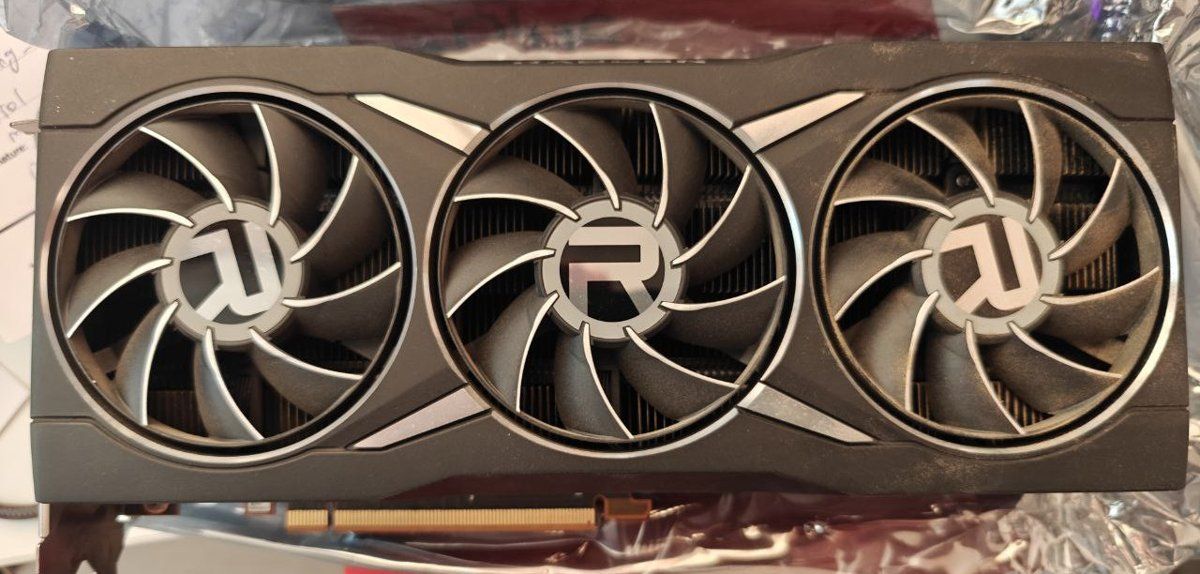
Carte graphique AMD Radeon RX 6800 XT de référence Click to enlarge

Advanced Shader Delivery: what is it exactly?

A DirectX 12 game has to compile its shaders for your graphics card and driver. That happens either behind a long shader compilation screen, or on the fly while you play, which causes micro-stutters. And it all has to be redone after every driver update.

With ASD, Microsoft moves that work to the cloud: the developer provides a database of the game’s shaders, the store compiles it for each GPU and driver, then downloads it with the game. On first launch, the game finds its shaders ready to use. When it works, a “Precompiled shaders installed” message appears at launch (source: Microsoft DirectX blog).

Requirements on Radeon

  • Windows 11 24H2 or later.
  • An RDNA 1, RDNA 2, RDNA 3, RDNA 3.5 or RDNA 4 Radeon, so RX 5000, RX 6000, RX 7000, RX 9000 and recent integrated GPUs.
  • Adrenalin 26.6.1 or later, plus up-to-date Xbox Gaming Services.
  • A supported game, bought or downloaded through the Xbox PC app or the Microsoft Store (Game Pass included).

The big limitation: storefronts

On October 21, 2026, Microsoft announced ASD availability on AMD, Intel, Nvidia and Qualcomm GPUs, and said it is coming soon to Steam and the Epic Games Store, without a specific date. Today, if you mostly play on Steam, ASD does not change anything for you yet. Developers also have to add support game by game.

Measured gains

Microsoft claims up to 95% shorter loading times. Independent tests reported by GinjFo on an RX 9070 XT point the same way, with big differences between games:

Game Without ASD With ASD Source
Forza Horizon 6 (RX 7600 + Ryzen 7 5800) Almost 1 min 30 s 4 s Microsoft
Forza Horizon 6 (RX 9070 XT) 48 s 2 s Tests reported by GinjFo
The Outer Worlds 2 (RX 9070 XT) 2 min 52 s 9 s Tests reported by GinjFo
Avowed (RX 9070 XT) Baseline 78% less precompilation time Tests reported by GinjFo
Hogwarts Legacy (RX 9070 XT) Baseline 56% shorter loading Tests reported by GinjFo
Ninja Gaiden 4 (RX 9070 XT) Baseline No loading gain, 1% low +10% Tests reported by GinjFo
Silent Hill f (RX 9070 XT) Stutters in town Stutters still present Tests reported by GinjFo
Swipe to view more

Shader compilation stutter: ASD is not Radeon’s only weapon

While testing the free SCS Killer tool, Hardware Unboxed found another Radeon advantage. Since the Adrenalin 26.9.2 driver, AMD extends background DirectX 12 shader compilation to all Unreal Engine 5 games. It was already active for Unreal Engine 4 games and a few titles such as Cyberpunk 2077 and Halo Infinite.

  • In Tiny Tina’s Wonderlands, the Radeon tested ran without stutter from the very first launch. With an RTX 5090, the 1% low only went from 45 to 147 FPS after precompiling with SCS Killer.
  • In Final Fantasy VII Rebirth, the Radeon kept its 1% low above 60 FPS, while the RTX 5070 dropped into single digits at times without SCS Killer.
  • AMD still recommends about 15 minutes of gameplay for background compilation to finish. Performance can be slightly lower in the meantime.
  • The Radeon limitation: according to SCS Killer, AMD’s driver shader cache is fixed at 16 GB and cannot be increased, unlike Nvidia’s.

Note that neither ASD nor these tools fix traversal stutter (when new areas load), which is common in Unreal Engine 5 games.

FSR 4.1: which Radeon GPUs are supported?

On the RX 9000 series, FSR 4.1 runs in FP8 on dedicated hardware. For the RX 7000 and then the RX 6000 series, AMD adapted the model to INT8, which runs on the regular shader units. That explains the higher performance cost (sources: AMD and Tom’s Hardware).

FSR 4.1 only works in games that integrate FSR 4, or FSR 3.1 and later through the DLL upgrade in Adrenalin. AMD claims more than 400 supported games. For now it is DirectX 12 only: Vulkan support, and therefore Linux, has been announced but is not here yet. To compare with Nvidia’s DLSS, read our DLSS 4 vs FSR 4 comparison.

Generation Advanced Shader Delivery FSR Upscaling 4.1 AI Frame Generation FSR 3 Frame Generation
RX 5000 (RDNA 1) Yes (Adrenalin 26.6.1+) No (FSR 3.1 max) No Yes
RX 6000 (RDNA 2) Yes (Adrenalin 26.6.1+) Yes, INT8 model (Adrenalin 26.10.1+) No Yes
RX 7000 (RDNA 3) Yes Yes, INT8 model (since July 2026) No Yes
RX 9000 (RDNA 4) Yes Yes, native FP8 model Yes Yes
Swipe to view more

How much does FSR 4.1 really cost on an older Radeon?

The most complete test so far comes from ComputerBase: 13 games, driver 26.10.1, FSR 4.1 compared with FSR 3.1 at the same quality level (geometric means):

Card 1440p Quality: FSR 3.1 then 4.1 Difference 4K Performance: FSR 3.1 then 4.1 Difference
RX 6950 XT (RDNA 2) 82.3 then 74.4 FPS About -10% 68.0 then 54.9 FPS About -19%
RX 7900 GRE (RDNA 3) 86.9 then 75.6 FPS About -13% 70.1 then 53.5 FPS About -24%
RX 9070 GRE (RDNA 4) 85.6 then 82.7 FPS About -3% 69.7 then 63.1 FPS About -10%
Swipe to view more

What other tests show

  • ComputerBase records up to a 35% loss in the worst case at 4K on the RX 6950 XT. The good news: the model tweaked for RDNA 2 costs slightly less than the RX 7000 version.
  • Tom’s Hardware measured about a 13% cost on an RX 6900 XT in Cyberpunk 2077 at 4K, Balanced mode.
  • On an RX 6700 XT, VCG’s five-game test reported by Hardware & Co concludes that the cost is real but not a deal-breaker, with an image far better than FSR 3.1: much less shimmering on fences and foliage.
  • Ancient Gameplays reaches the same conclusion on an RX 6750 XT: official FSR 4.1.2 gives the best image, and it can be used in online games such as Battlefield 6 or Call of Duty.

As Tom’s Hardware points out, the better quality of FSR 4.1 often lets you drop one step, for example Performance instead of Balanced, which offsets its cost. That is where the free FPS come from. For a high-end RDNA 2 card like the RX 6900 XT, it noticeably extends its useful life.

FSR 4.1.2 Lite: the lighter version

“FSR 4.1.2 Lite” is the name players gave, after the library version, to the lighter model AMD built for Ryzen AI 9 laptops and Ryzen Z2 handhelds. It is less than half the size of the regular INT8 model (sources: Tom’s Hardware and FramesGames).

  • On a desktop RX 6000 card, the driver automatically loads the full INT8 model. There is no Lite option in Adrenalin.
  • Lite is faster but slightly less detailed. Forcing it requires third-party tools such as OptiScaler, which break the library signature: avoid this in any game with anti-cheat.

How to enable ASD and FSR 4.1

  • Install AMD Adrenalin 26.10.1 or later, required for FSR 4.1 on the RX 6000 series.
  • For ASD: Windows 11 24H2 minimum and up-to-date Xbox Gaming Services. Install the Xbox PC app before downloading the game, and keep your driver up to date.
  • For FSR 4.1: with the game closed, open Adrenalin, go to Gaming then Graphics, and enable “AMD FSR Upscaling”. In game, select FSR 3.1 or FSR 4 in the options, then the quality mode (method described by AMD).
  • Try Quality mode first, then move to Balanced or Performance if you need more FPS.

What JayzTwoCents says, and the nuance to keep in mind

In his video, Jay talks about a “free” gain that could range from 1x to 2x depending on the case. That is a rough figure given off the cuff, not a measurement: compared with native rendering, upscaling gains a lot, but compared with FSR 3.1, FSR 4.1 costs a few percent on an older Radeon. His advice on when to upgrade, however, is spot on: if you keep having to lower the upscaling mode, from Quality to Balanced and then Performance, and you start to notice the loss of detail, your card is reaching the end of the road.

When is it better to upgrade?

Keep your RX 6000 or RX 7000 card if:

  • you play at 1080p or 1440p, and FSR 4.1 in Quality or Balanced mode gives you a comfortable frame rate;
  • your card has at least 12 GB of VRAM, like the RX 6700 XT;
  • you mostly play games that support FSR 3.1 or FSR 4.

Move to an RX 9000 card if:

  • you have to stay in Performance mode, even at 1440p, to keep a playable frame rate;
  • you want AI Frame Generation and Ray Regeneration, which are exclusive to the RX 9000 series;
  • you want playable ray tracing: RDNA 4 is a big leap over RDNA 2, as our RX 9060 XT review shows.

On RDNA 4, FSR 4.1 only costs about 3% at 1440p according to ComputerBase, versus about 10% on an RX 6950 XT. On the budget side, GPU prices remain high in 2026 and AMD is reportedly preparing an increase (see our article on the expected price hike): always check real-time stock before buying. Our best graphics card guide completes this selection.

Sapphire Pulse RX 6700 XT 12GB GDDR6

Sapphire Pulse RX 6700 XT 12GB GDDR6

the RDNA 2 card revived by FSR 4.1

1440p
Value
AI features
Ray tracing

Pros

  • • 12 GB of VRAM, still comfortable at 1080p and 1440p
  • • Official FSR 4.1 since driver 26.10.1
  • • Advanced Shader Delivery support

Cons

  • • FSR 4.1 costs more than on RDNA 4
  • • No AI Frame Generation
  • • Limited ray tracing
  • • No current US offer

Radeon stock in real time

Graphics card prices are moving a lot right now. Track offers in real time on DropReference before you decide:

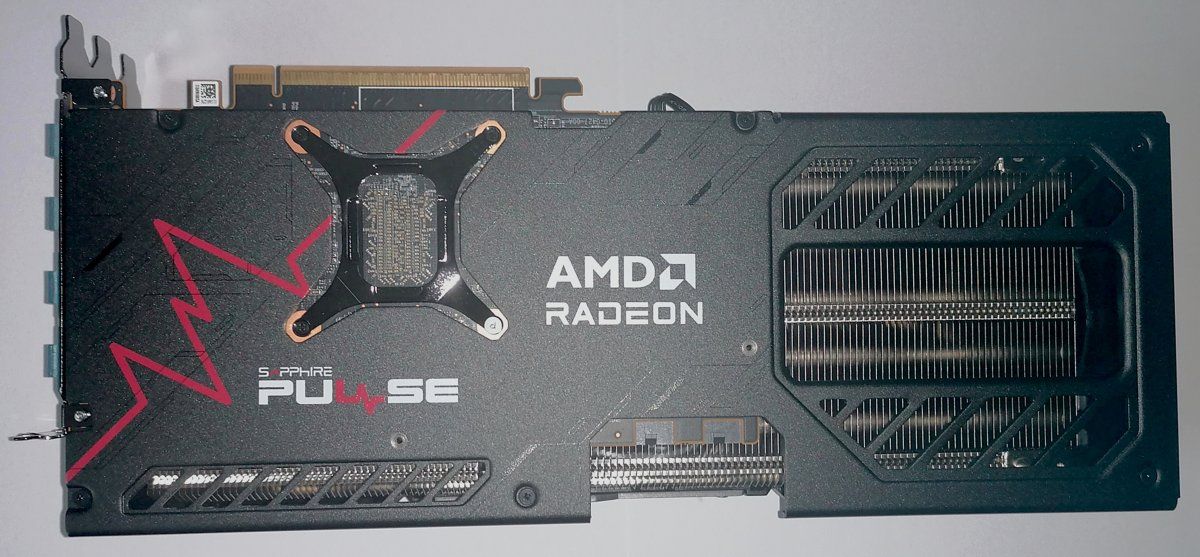
Backplate d une Sapphire Pulse Radeon RX 9070 XT Click to enlarge
Choose your delivery country to see prices based on your location

Filters

ASRock Radeon 9060 XT 16GB GDDR6 128-bit

530€

(9 Vendors)
Color: White
Good brand RGB Generous VRAM
ASUS DUAL Radeon RX 9060 XT 16GB GDDR6 White

635€

(10 Vendors)
Brand: Asus
Top brand Generous VRAM
Asus Dual Radeon RX9060XT 8GB GDDR6

440€

(9 Vendors)
Length: 202
Top brand
Sapphire Pulse Radeon RX 9060 XT GAMING OC 8GB GDDR6 Black

526€

(12 Vendors)
5 (1)
Length: 244
Top brand
PowerColor RX9060XT Z16G-A 16GB GDDR6 Black

689€

(11 Vendors)
Length: 200
Top brand Generous VRAM
Sapphire RX 9060 XT Pure 16GB GDDR6 White

631€

(9 Vendors)
Length: 240
Top brand RGB Generous VRAM
ASUS 90YV0LF1-M0NA00 0dB Dual BIOS

652€

(14 Vendors)
Length: 304
Top brand Generous VRAM
XFX Swift RX 9060 XT OC Triple Fan 16GB GDDR6

723€

(1 Vendors)
Length: 290
Good brand Generous VRAM
Gigabyte Radeon RX 9060 XT Gaming OC ICE 16GB GDDR6

699€

(15 Vendors)
Brand: Gigabyte
Good brand RGB Generous VRAM
Asus Prime Radeon RX 9060 XT 2.5-slot Triple Fans

539€

(7 Vendors)
Length: 304
Top brand
ASUS DUAL RX 9060 XT 16GB GDDR6 2xDP HDMI

614€

(11 Vendors)
Length: 202
Top brand RGB Generous VRAM
XFX SWIFT RX 9060 XT OC 16GB GDDR6 Black

679€

(10 Vendors)
Color: Black
Good brand Generous VRAM
XFX SWIFT RX 9060 XT OC 16GB GDDR6 White

729€

(6 Vendors)
Length: 290
Good brand Generous VRAM
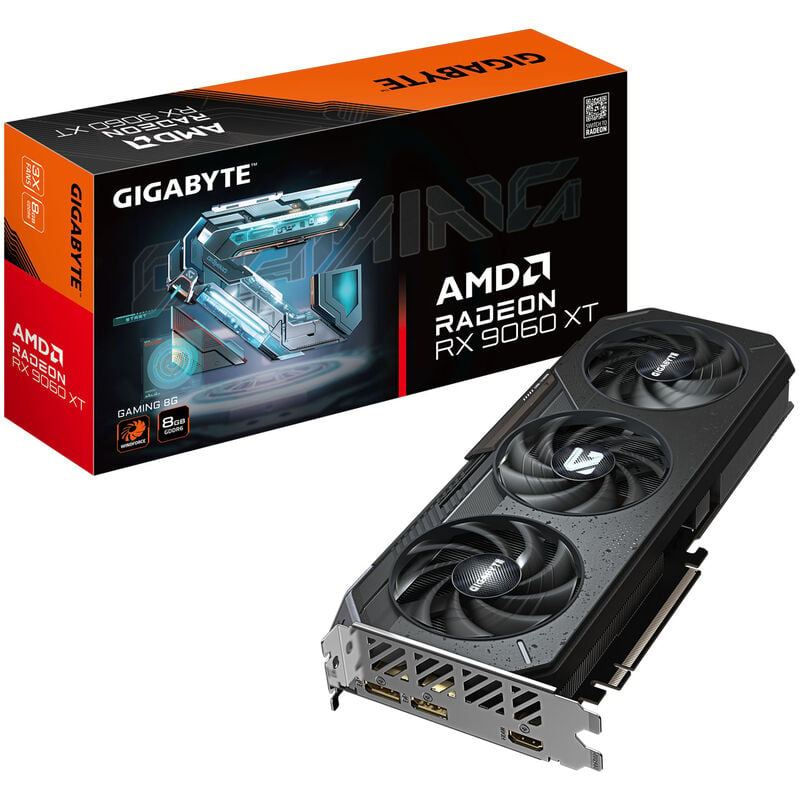
Gigabyte Radeon RX 9060 XT GAMING 8GB GDDR6 WINDFORCE

499€

(1 Vendors)
Brand: Gigabyte
Good brand RGB
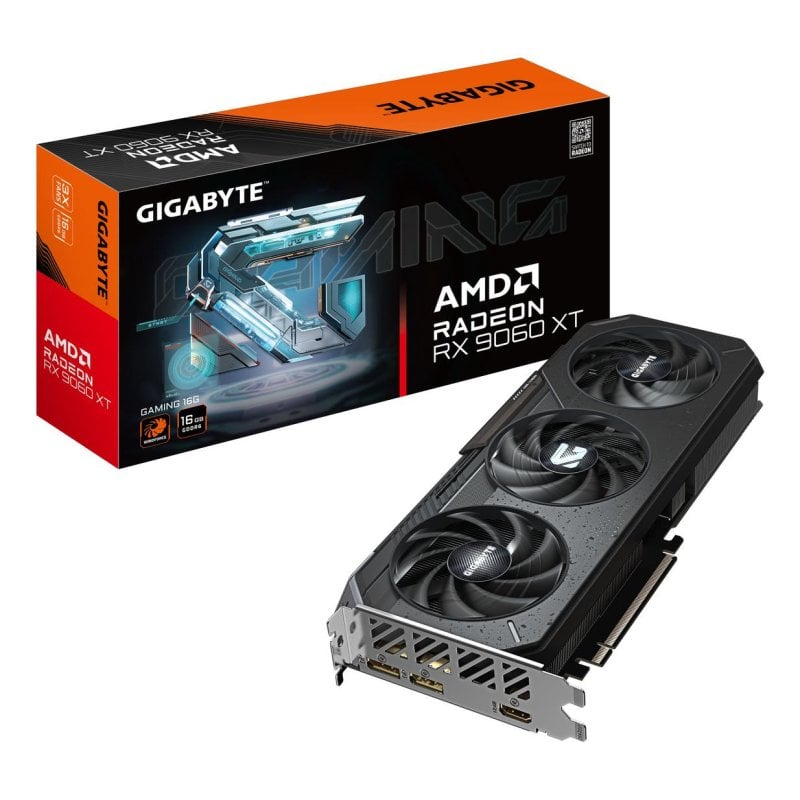
Gigabyte Radeon RX 9060 XT GAMING 16GB GDDR6

649€

(5 Vendors)
Brand: Gigabyte
Good brand RGB Generous VRAM
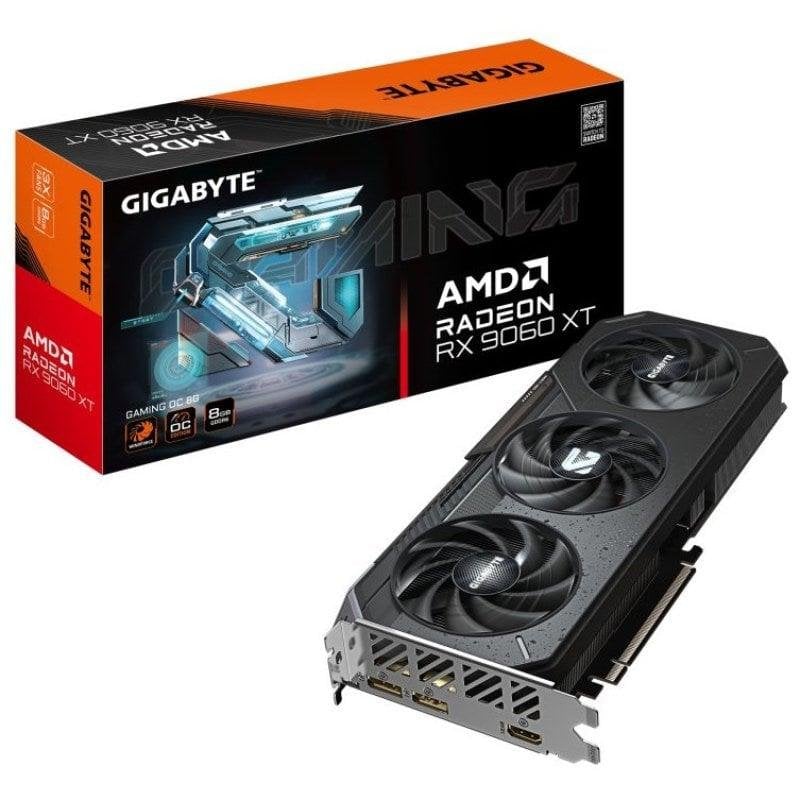
Gigabyte Radeon RX 9060 XT GAMING OC 8GB GDDR6

448€

(9 Vendors)
Brand: Gigabyte
Good brand RGB
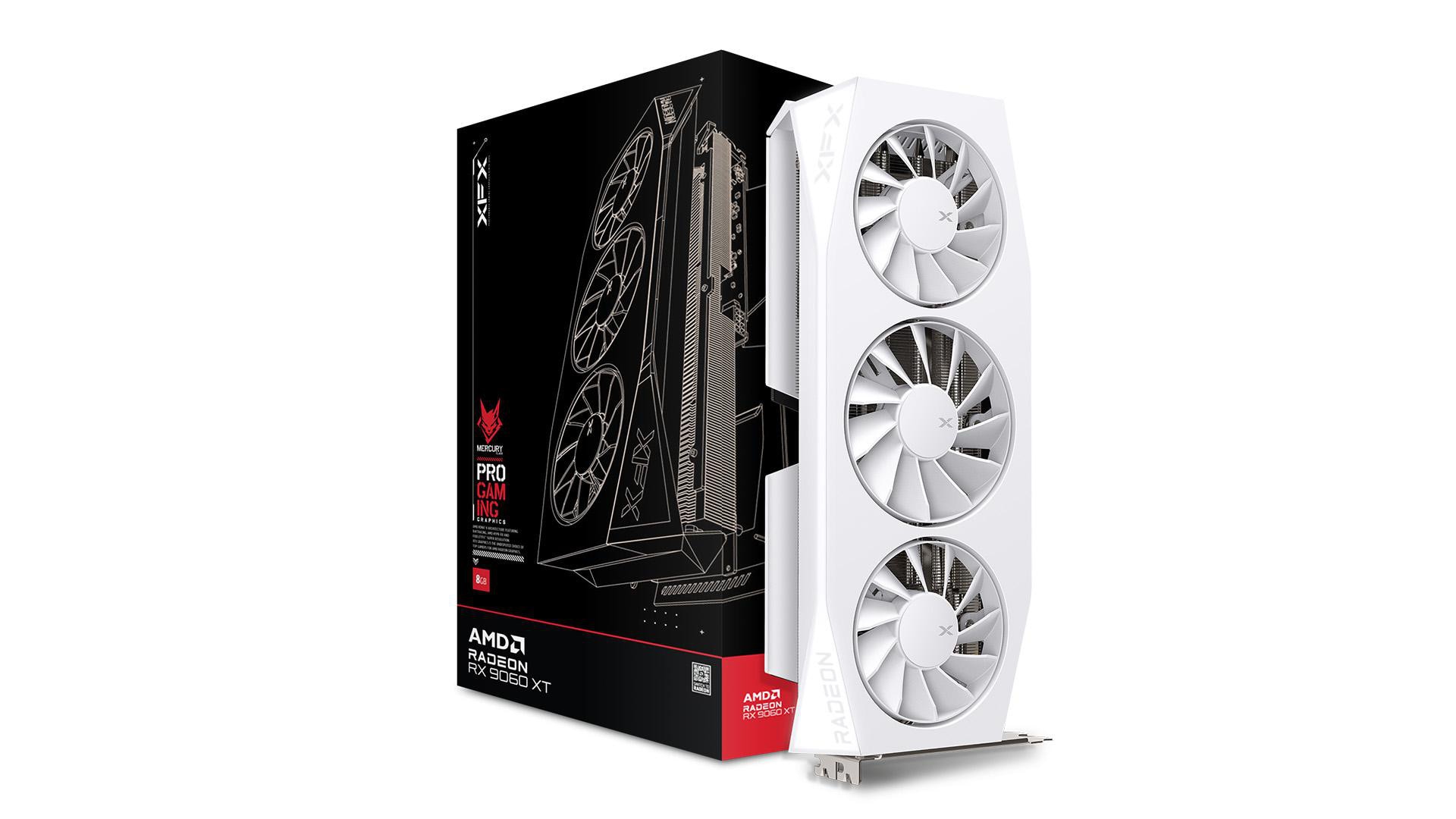
XFX RX-96TMERCW9 Mercury OC 16GB GDDR6 White

709€

(7 Vendors)
Length: 320
Good brand Long card RGB Generous VRAM
Sapphire Nitro+ RX 9060 XT GAMING OC 16GB Gray

729€

(12 Vendors)
Length: 300
Top brand RGB Generous VRAM
ASUS Dual Radeon RX 9060 XT 16GB GDDR6 White Edition

969€

(1 Vendors)
Brand: Asus
Top brand Generous VRAM
Gigabyte RX 9060 XT GAMING OC 16GB GDDR6 WINDFORCE Black

657€

(13 Vendors)
Brand: Gigabyte
Good brand RGB Generous VRAM
PowerColor RX9060XT Hellhound OC 8GB GDDR6 Black

499€

(1 Vendors)
Length: 310
Top brand Long card
XFX Swift RX 9060 XT OC White 16GB GDDR6

659€

(3 Vendors)
Length: 270
Good brand Generous VRAM
XFX RX 9060 XT OC 8GB

569€

(3 Vendors)
Length: 270
Good brand
Sapphire RX 9060XT GAMING OC 16GB Black

699€

(12 Vendors)
Length: 240
Top brand Generous VRAM
Sapphire Pulse RX 9060 XT 8GB GDDR6

549€

(8 Vendors)
Brand: Sapphire
Top brand

FAQ

Does Advanced Shader Delivery increase FPS?

Not average FPS. It mainly removes the compilation wait on first launch and reduces shader stutter. In some games the 1% low improves, for example +10% in Ninja Gaiden 4 according to the tests reported by GinjFo.

Does ASD work on Steam?

Not yet. Microsoft has announced it for Steam and the Epic Games Store without giving a date. For now, you need the Xbox PC app or the Microsoft Store.

Does FSR 4.1 work on an RX 5700 XT?

Not officially: the RX 5000 series stays on FSR 3.1. It does, however, benefit from Advanced Shader Delivery.

Should you use FSR 4.1.2 Lite on an RX 6000 card?

No, unless you play single-player and know what you are doing. The driver installs the full model, which gives the best image. Forcing Lite requires third-party tools that are incompatible with anti-cheat.

Conclusion

ASD and FSR 4.1 genuinely extend the life of Radeon RX 6000 and RX 7000 cards: less waiting and stutter on one side, a much cleaner upscaled image on the other. It is not magic: FSR 4.1 costs about 10% versus FSR 3.1 on an RX 6950 XT at 1440p, and ASD still depends on the store and the game. If your card holds up in Quality or Balanced mode, keep it. If you live in Performance mode, an RX 9060 XT or an RX 9070 XT becomes the best investment.

Sources: Microsoft DirectX (10/21/2026), Microsoft DirectX (AMD preview), AMD Newsroom, ComputerBase, Tom’s Hardware, GinjFo, Hardware & Co, JayzTwoCents, Hardware Unboxed and Ancient Gameplays.