Intel Core Ultra 5 250K Plus: complete test, benchmarks, and verdict (April 2026)

intel core ultra 5 250k plus gaming processor 2026 arrow lake refresh

The 250K Plus is priced at $265 and is shaking up the mid-range CPU market. We have analyzed all the tests to tell you if it's worth it.

Arrow Lake Refresh: Intel is back in the race for value for money

$265. That's what NewEgg is asking for the new Intel Core Ultra 5 250K Plus in this early April 2026. And frankly, when you look at what Intel has put in it, it's starting to get very serious compared to AMD's Ryzen 5 9600X. The 245K had left a bitter taste — too expensive for what it offered, not enough E cores, memory support limited to DDR5-6400. Intel has clearly taken notes.

The 250K Plus is the "we corrected our mistakes" version of Arrow Lake. We go from 14 to 18 cores (6 Performance + 12 Efficiency), the L2 cache climbs to 30 MB (against 14 MB implicit on the 245K), the boost reaches 5.3 GHz and DDR5 is supported natively up to 7200 MT/s . All for an MSRP of $199 — roughly 30% less than the 245K at its launch.

We have compiled the results from Tom's Hardware, Gamers Nexus, TechSpot, Club386, and PC Gamer to give you a complete overview of what this processor is worth. Gaming, productivity, power consumption, temperatures — everything is covered.

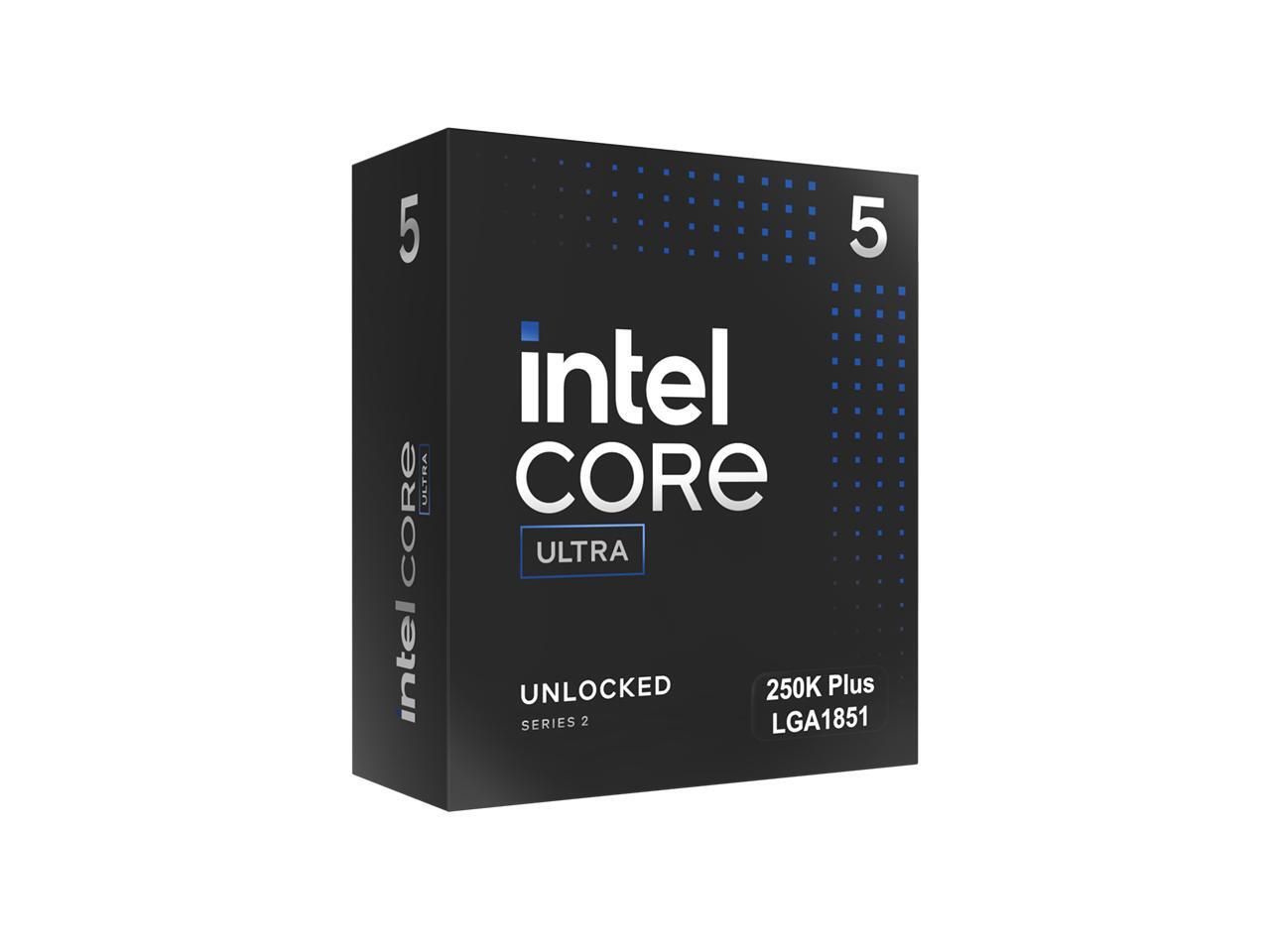
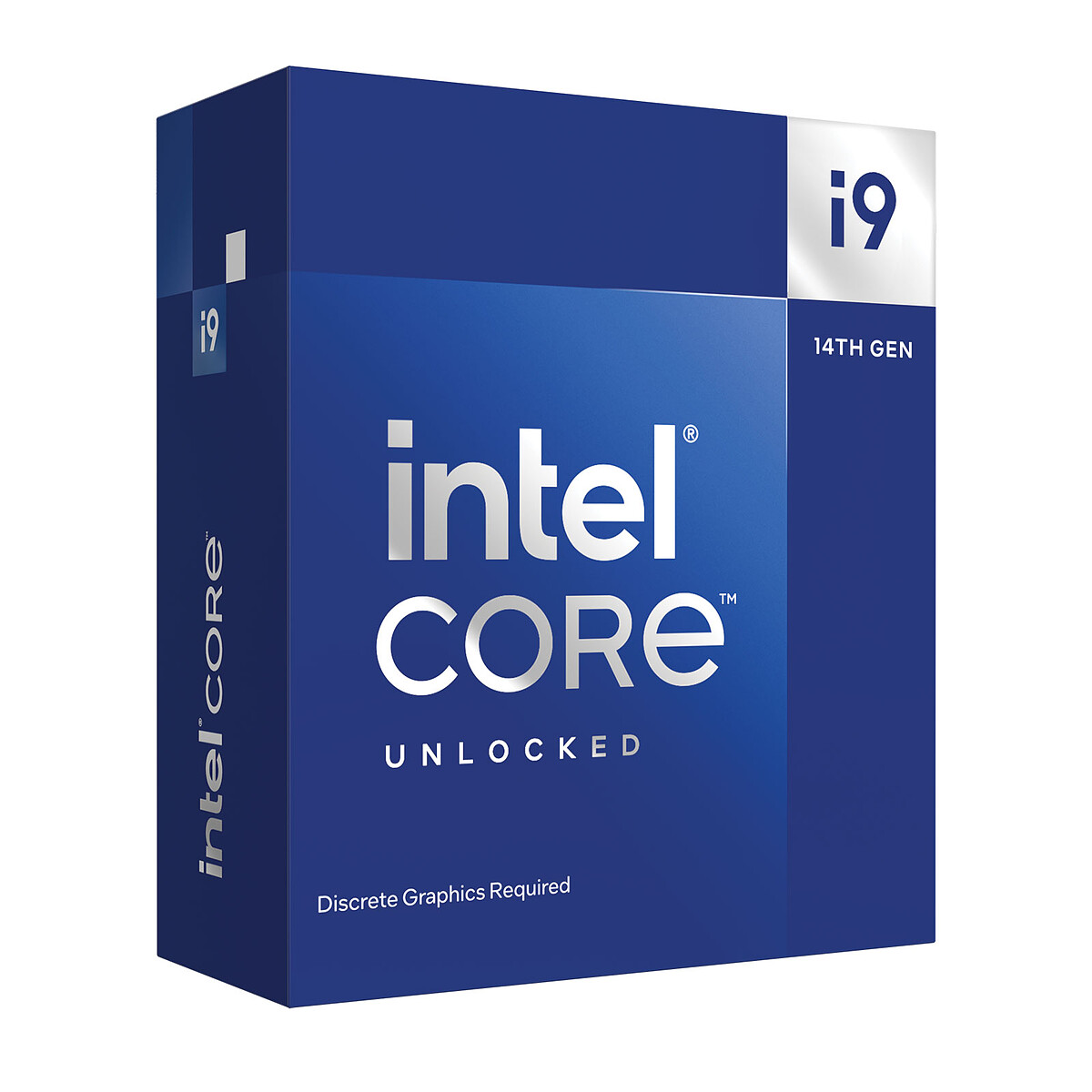
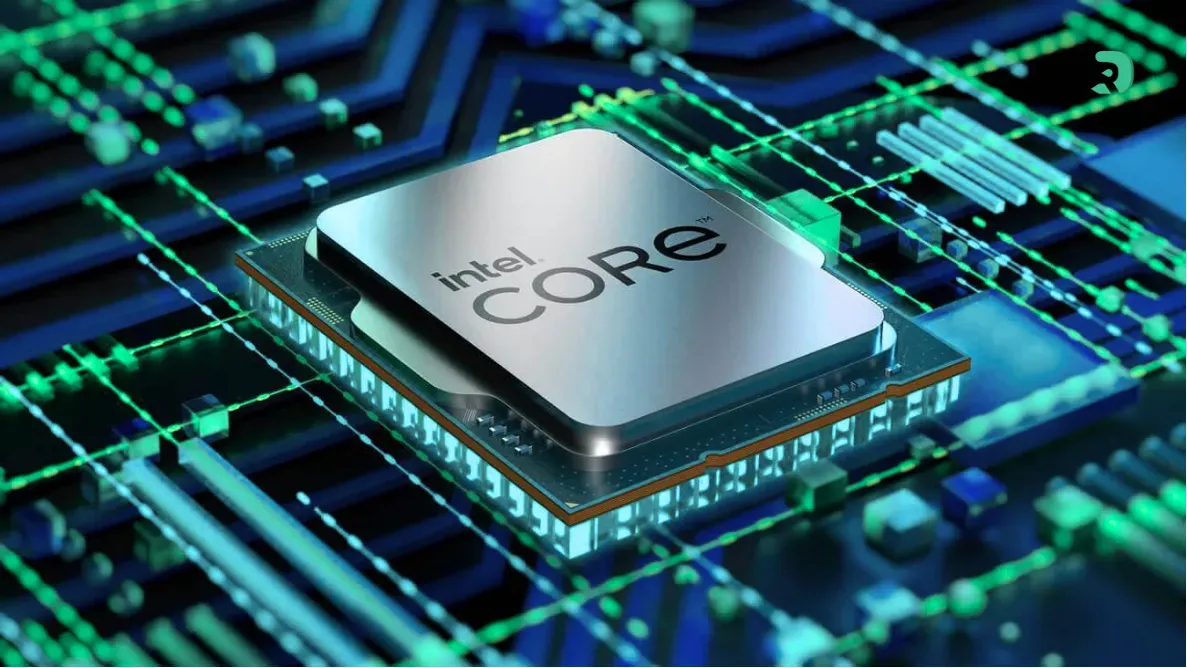
Intel Core Ultra 5 250K Plus processeur Arrow Lake Refresh Click to enlarge

Complete technical specifications of the Core Ultra 5 250K Plus

Before diving into the benchmarks, let's lay the groundwork. Here's what you have under the hood with this processor:

Feature Intel Core Ultra 5 250K Plus
Architecture Arrow Lake Refresh (Intel Core Ultra Series 2)
Prise LGA 1851
Cores / Threads 18 (6P + 12E) / 18
Base frequency (P-cores) 4.2 GHz
Base frequency (E-cores) 3.3 GHz
Max Turbo Frequency (P-cores) 5.3 GHz
Max Turbo Frequency (E-cores) 4.6 GHz
L2 Cache 30 MB
L3 Cache (Smart Cache) 30 MB
TDP (Processor Base Power) 125 W
Maximum Turbo Power 159 W
Memory support DDR5 up to 7200 MT/s
Maximum memory capacity 256 GB
PCIe PCIe 5.0 (x16 + x4) / PCIe 4.0
Integrated GPU Intel Graphics (UHD)
Overclocking Yes (K unlocked)
Engraving Intel 20A (P-cores) + TSMC N3B (tile)
Compatible Chipsets Z890, B860 (with BIOS update)
PVC 199 $ (~234 € in France)
Release Date March 26, 2026
Swipe to view more
Choose your delivery country to see prices based on your location

Filters

AMD Ryzen 7 7800X3D 5.0GHz Turbo AM5 Socket

AMD Ryzen 7 7800X3D 5.0GHz Turbo AM5 Socket

288€

(8 Vendors)
Chipset: r7-7800x3D
Gem Gaming / Streaming
AMD Ryzen 7 7800X3D AM5

AMD Ryzen 7 7800X3D AM5

247€

(4 Vendors)
Chipset: r7-7800x3D
Gem Gaming / Streaming
AMD Ryzen 7 9800X3D Black Zen 5 AM5

AMD Ryzen 7 9800X3D Black Zen 5 AM5

437€

(13 Vendors)
5 (2)
Chipset: r7-9800x3D
Gem Gaming / Streaming
AMD Ryzen 5 9600X Black 65W AM5 DDR5 PCIe5

AMD Ryzen 5 9600X Black 65W AM5 DDR5 PCIe5

181€

(16 Vendors)
Chipset: r5-9600x
AMD Ryzen 5 5600 Multicolor AM4 65W

AMD Ryzen 5 5600 Multicolor AM4 65W

119€

(9 Vendors)
Chipset: r5-5600
Gaming
AMD Ryzen 7 9700X 3.8 GHz PCIe 5.0 65W

AMD Ryzen 7 9700X 3.8 GHz PCIe 5.0 65W

255€

(8 Vendors)
Chipset: r7-9700x
Gaming / Streaming
AMD Ryzen 7 5700X AM4 3.4 GHz

AMD Ryzen 7 5700X AM4 3.4 GHz

164€

(6 Vendors)
Chipset: r7-5700x
Gaming / Streaming
AMD Ryzen 9 9950X3D 3D V-Cache AM5 5.7 GHz

AMD Ryzen 9 9950X3D 3D V-Cache AM5 5.7 GHz

600€

(17 Vendors)
5 (1)
Chipset: r9-9950x3D
Editing + / Streaming +
AMD Ryzen 5 5600 3500 MHz Noir

AMD Ryzen 5 5600 3500 MHz Noir

120€

(4 Vendors)
Chipset: r5-5600
Gaming
AMD Ryzen 5 7500F 3.7 GHz AM5

AMD Ryzen 5 7500F 3.7 GHz AM5

117€

(6 Vendors)
Chipset: r5-7500f
Gaming
AMD Ryzen 7 5800X Black AM4 No iGPU

AMD Ryzen 7 5800X Black AM4 No iGPU

192€

(13 Vendors)
Chipset: r7-5800x
Gaming / Streaming
AMD Ryzen 7 5700X AM4

AMD Ryzen 7 5700X AM4

158€

(2 Vendors)
Chipset: r7-5700x
Gaming / Streaming
AMD Ryzen 5 7600X Black Zen 4 AM5

AMD Ryzen 5 7600X Black Zen 4 AM5

158€

(16 Vendors)
Chipset: r5-7600x
AMD Ryzen 5 5500 Multicolor 65W AM4

AMD Ryzen 5 5500 Multicolor 65W AM4

78€

(13 Vendors)
Chipset: r5-5500
Gaming
AMD Ryzen 5 5500 Black 3.6-4.2 GHz

AMD Ryzen 5 5500 Black 3.6-4.2 GHz

74€

(7 Vendors)
Chipset: r5-5500
Gaming
AMD Ryzen 7 9800X3D 5.2GHz Boost AM5 Socket

AMD Ryzen 7 9800X3D 5.2GHz Boost AM5 Socket

433€

(4 Vendors)
Chipset: r7-9800x3D
Gem Gaming / Streaming
AMD Ryzen 7 9850X3D 8 core 96 MB L3 cache

AMD Ryzen 7 9850X3D 8 core 96 MB L3 cache

467€

(16 Vendors)
Graphics: true
Gaming / Streaming
AMD Ryzen 5 7500X3D

AMD Ryzen 5 7500X3D

207€

(11 Vendors)
Chipset: r5-7500x3D
Intel Core i5-12400F Black 6-core No iGPU

Intel Core i5-12400F Black 6-core No iGPU

121€

(4 Vendors)
Chipset: i5-12400f
Gaming
AMD Ryzen 5 5600 Wraith Stealth

AMD Ryzen 5 5600 Wraith Stealth

125€

(1 Vendors)
Chipset: r5-5600
Gaming
AMD Ryzen 7 5700X 3.4 GHz 8 cores 16 threads

AMD Ryzen 7 5700X 3.4 GHz 8 cores 16 threads

165€

(4 Vendors)
Chipset: r7-5700x
Gaming / Streaming
AMD Ryzen 7 9700X Black Zen 5 AM5

AMD Ryzen 7 9700X Black Zen 5 AM5

279€

(16 Vendors)
Chipset: r7-9700x
Gaming / Streaming
AMD Ryzen 5 5600XT AM4 65W 4.7 GHz Boost

AMD Ryzen 5 5600XT AM4 65W 4.7 GHz Boost

136€

(15 Vendors)
Chipset: r5-5600x
Gaming
AMD Ryzen 7 7800X3D Black 5.0 GHz Boost

AMD Ryzen 7 7800X3D Black 5.0 GHz Boost

347€

(17 Vendors)
Chipset: r7-7800x3D
Gem Gaming / Streaming
Intel Core Ultra 7 265KF 3.9 GHz and 5.5 GHz 125W no iGPU

Intel Core Ultra 7 265KF 3.9 GHz and 5.5 GHz 125W no iGPU

248€

(14 Vendors)
Chipset: icu7-265kf
Not very interesting Gaming / Streaming

What changes compared to the Core Ultra 5 245K

The 245K was 6P + 8E, which means 14 cores and 14 threads. Not bad, but a bit short against the Ryzen 5 9600X which also hit hard in gaming with its 6 Zen 5 cores, while consuming less. Intel responded by adding 4 additional E-cores , by pushing the L2 cache from ~14 MB to 30 MB, and increasing the P-core frequencies by 100 MHz. DDR5 support also increases from 6400 to 7200 MT/s native.

Result in the field? According to tests by Tom's Hardware and TechSpot:

Core Ultra 5 250K Plus Core Ultra 5 245K Deviation
Cores / Threads 18 / 18 (6P+12E) 14 / 14 (6P+8E) +4 E-cores
L2 + L3 Cache 30 + 30 MB ~14 + 24 MB +22 MB total
Boost max P-core 5.3 GHz 5.2 GHz +100 MHz
DDR5 native 7200 MT/s 6400 MT/s +800 MT/s
Gaming (average) Baseline -8.5 to -9% +9%
Productivity (average) Baseline -25% +25%
Gaming consumption ~154 W ~126 W +22%
Temperature ~3°C lower Baseline Fresher despite consumption
Swipe to view more

The 25% productivity gain is massive - and it's directly linked to the 4 additional E-cores and doubled cache. In gaming, we're looking at 8-9% improvement, which is decent for a refresh. The only downside: power consumption increases by 22% in gaming. But - and surprisingly - the 250K Plus is running 3°C cooler that the 245K despite this increase in power. Intel has clearly worked on thermal optimization

Productivity benchmarks: Cinebench, Blender, compilation

This is where the 250K Plus shows its muscles. The 18 cores make a real difference in multi-threaded workloads, and the results are frankly good for a CPU at $265.

Cinebench 2026

In multi-thread, the 250K Plus tape 7,406 points To put this into perspective: it's only 1% behind the Core Ultra 7265K — a processor that costs $100 more. And it's 11% behind the Core Ultra 7270K Plus, which is still very decent considering the price difference. Compared to the Ryzen 59600X? 86% faster in multi-thread . Yes, you read correctly. The 9600X's 6 cores are no match for the 250K Plus's 18 cores in this type of workload.

In single-thread, it's tighter but the 250K Plus keeps the advantage: 6% in front of the 9600X and it even beats the previous generation Core i9-14900K. The 5.3 GHz Lion Cove P-cores are doing a good job.

Overall productivity (Blender, Photoshop, Premiere, compilation)

According to tests compiled by Gamers Nexus and TechSpot on a suite of applications including Blender, Adobe Photoshop, Premiere Pro, 7-Zip, and code compilation: the 250K Plus is on average 9% faster than the 245K (Intel announces 13%, but the reality of independent benchmarks tempers it a bit). Faced with the Ryzen 5 9600X, the lead is clear: the 250K Plus outperforms the AMD processor in almost all application tests .

One thing to note: Intel claims up to 45% lead over the 245K in Cinebench multi, but it's logical — you have 4 more cores and a much larger cache. The real gain in everyday apps (video editing, photo editing, dev) is more around 20-25%. It's already huge for a refresh.

Benchmark 250K Plus 245K Ryzen 5 9600X Ultra 7 265K
Cinebench 2026 Multi 7,406 points ~5,100 points ~3,980 points ~7,480 points
Cinebench 2026 Single Top tier -3% -6% Comparable
Geekbench 6 Multi 21,542 points ~17,200 points ~13,500 points ~22,000 points
PassMark Multi 53,561 points ~44,600 points ~26,000 points ~55,700 points
Pi Calculation (5 billion) 126.5 seconds ~142 s ~144 s ~120 s
Overall productivity (geomean) Baseline -9% -25 to -85% +10%
Swipe to view more

Gaming benchmarks: FPS per game

Well, productivity is good, but you want to know: does it perform? Short answer: yes, and quite well. The 250K Plus ranks just behind heavyweights like the 270K Plus in gaming, and it performs equally — or even better — than the Ryzen 5 9600X in most of the tested titles.

According to the Gamers Nexus comparison on 14 games, the 250K Plus is on average 2% in front of the Ryzen 5 9600X in presets medium, 3% in ultra . Not a chasm, but a consistent advantage. And above all, the 250K Plus shines on the 1% lows — micro-stutters are better managed thanks to the larger cache.

Tests benchmark processeur illustration Click to enlarge
Game (1080p) 250K Plus (Avg FPS) 245K Ryzen 5 9600X Ultra 7 270K Plus
Cyberpunk 2077 (RT Ultra + DLSS) 118 / 93 (1% low) 115 / 84 107 / 72 Approximately 125 out of 100
Cyberpunk 2077 (Medium) 109 / 67 (1% low) 100 / 62 Approximately 107 / Approximately 64 About 115 / About 72
Baldur's Gate 3 109 FPS avg ~101 FPS ~106 FPS ~115 FPS
F1 25 253 FPS avg ~234 FPS ~248 FPS ~267 FPS
Starfield 147 FPS avg Better 1% lows than 245K ~145 FPS ~147 FPS
Marvel Rivals (Ultra) +12-15% compared to 9600X Baseline Baseline ~+18%
Flight Simulator (High) 174 / 141 (1% low) N/A N/A N/A
Average 14 games (vs 9600X) +2% (medium) / +3% (ultra) -8.5% Baseline +5%
Swipe to view more

The advantage of 1% lows

One thing that stands out from almost all tests: the 250K Plus handles frame rate drops better than the 245K and the 9600X. In Cyberpunk 2077 at RT Ultra, the 1% lows go from 84 FPS (245K) to 93 FPS — and the 9600X is at 72 FPS. It's a difference you feel in the game. Micro-stutters, small freezes when it loads in the background — the 250K Plus handles it better thanks to its additional E-cores that absorb system tasks while the P-cores handle the rendering.

Starfield, it's even more obvious: the 1% and 0.1% lows of the 250K Plus are higher than those of the 245K while the average FPS are almost identical. The 30MB L3 cache clearly makes its effect felt here.

Consumption and temperatures

This is the point where Intel still needs to make progress. The 250K Plus pulls 154 watts at full load, which is 22% more than the 245K in gaming. And in multi-thread productivity, we reach the maximum turbo of 159 W . It's far from the Ryzen 5 9600X which is much more sober — but hey, you have 12 more cores, they need to be powered.

The interesting thing is the temperature . Despite higher power consumption, the 250K Plus runs 3°C cooler than the 245K under load. According to Club386, it reaches around 68°C in Cinebench with a good tower cooler — nothing alarming. A Noctua NH-D15 or a 240mm AIO is more than enough. No need to bring out the 360mm.

Metric 250K Plus 245K Ryzen 5 9600X
Gaming consumption ~154 W ~126 W ~90-100 W
Max power consumption (multi-thread) 159 W ~140 W ~88 W
Temperature under load ~65-68°C ~68-71°C ~55-60°C
Performance/watt ratio (Cinebench) 22.65 pts/W 23.84 pts/W ~45 pts/W
Recommended cooling Tower >150W / AIO 240mm Tower >120W / AIO 240mm Stock cooler or basic tower
Swipe to view more

In terms of performance/watt ratio, AMD maintains the advantage — and by far. The 9600X delivers about 45 points per watt in Cinebench compared to 22.65 for the 250K Plus. But this ratio does not tell the whole story: the 250K Plus delivers 86% more performance for 57% additional consumption. It remains a good deal in absolute value.

Overclocking and motherboard compatibility

The "K" suffix is not there just for show: the 250K Plus is fully unlocked. The first OCs reported by the community show margins up to 5.5 GHz+ on the P-cores with a robust cooling. But honestly, the gain in gaming is marginal once past 5.3 GHz — it's mainly in productivity that OC makes a real difference.

On the motherboard side, the 250K Plus uses the socket LGA 1851 and works with chipsets Z890 and B860 (after BIOS update for cards released before March 2026). The Z890 from MSI, ASUS, Gigabyte, and ASRock all support DDR5 in OC up to 9200-9600 MT/s depending on the models. A good DDR5-6000 CL30 or CL36 kit remains the sweet spot for this CPU.

Important point: if you already have a Z890 card with a 245K, you can upgrade to the 250K Plus with a simple BIOS flash. No need to sell everything.

Facing competition: the big comparison

We start from scratch. Here's how the 250K Plus compares to the CPUs you're probably hesitating to get in April 2026:

Ultra 5 250K Plus Ultra 5 245K Ryzen 5 9600X Ultra 7 270K Plus
Price (USA, April 2026) ~$265 ~$230-250 ~$240-260 ~$360-400
Cores / Threads 18 / 18 14 / 14 6 / 12 24 / 24
Boost max 5.3 GHz 5.2 GHz 5.4 GHz 5.5 GHz
Total cache (L2+L3) 60 MB ~38 MB ~38 MB 60+ MB
Gaming (relative) Baseline -9% -1 to -3% +5%
Productivity (relative) Baseline -25% -85% +10%
Consumption (multi-thread) 159 W ~140 W ~88 W ~250 W
DDR5 native 7200 MT/s 6400 MT/s 5600 MT/s 7200 MT/s
Verdict Best value for money Outdated The direct competitor High-end
Swipe to view more

250K Plus vs Ryzen 5 9600X: the duel at the top

This is THE match of this generation in the $250 range. In pure gaming, the two are neck and neck - 1 to 3% difference depending on the games, it's invisible to the naked eye. But as soon as you do something other than playing (streaming, editing, compiling, 3D rendering), the 250K Plus outperforms the 9600X. 86% more performance in Cinebench multi , it's not a gap, it's a chasm.

However, if your number one criterion is consumption and you want a sober machine, the 9600X remains unbeatable. And if you're 100% gaming with nothing else, AMD's X3D models (when they come out in Zen 5) may further complicate things for Intel.

250K Plus vs 245K: the obvious upgrade

If you have a 245K, is it worth upgrading to the 250K Plus? Honestly, no — unless you do a lot of productivity. The 25% multi-thread gain is tempting, but in gaming it's 8-9% and you pay in consumption. Now, if you start from scratch in LGA 1851, there is no reason to buy a 245K when the 250K Plus exists at the same price or almost.

Verdict: who is this processor for?

The Core Ultra 5 250K Plus, that's the best CPU at ~$200 at the moment if you want a versatile processor. Solid gaming, excellent productivity for the price, LGA 1851 platform that still has a future. Tom's Hardware, Gamers Nexus, and TechSpot are unanimous on this point.

It is made for you if:

  • You build a new PC in 2026 with a mid-range budget
  • You play AND you stream / edit / develop
  • You want a CPU that will not be obsolete in 2 years
  • You are already in LGA 1851 and you want to upgrade from a 245K or a 14th gen i5

It is NOT made for you if:

  • You are looking for maximum energy efficiency (take the Ryzen 5 9600X)
  • You want the ultimate gaming without compromise (wait for the X3D or get a 270K Plus)
  • You already have a 245K and you only play games (the upgrade is not worth it)

FAQ

Is the Core Ultra 5 250K Plus good for gaming?

Yes. It sits just behind the Core Ultra 7 270K Plus and is on par with the Ryzen 5 9600X, while offering better 1% lows in most titles. For 1080p and 1440p, it's more than enough. It's not a "pure gaming CPU" like AMD's future X3D, but it gets the job done without compromise.

Which motherboard to choose for the 250K Plus?

Any LGA 1851 motherboard with Z890 or B860 chipset will do the job. For overclocking, prioritize a Z890 with robust VRMs (MSI PRO Z890-S WiFi, ASUS ROG Strix Z890-A, Gigabyte Z890 Gaming X WiFi7). For gaming without OC, a B860 is sufficient and will save you $80-100.

250K Plus or Ryzen 5 9600X?

If you only do gaming: it's all the same, choose the one that is the cheapest with the motherboard. If you do gaming + productivity (streaming, editing, compiling): take the 250K Plus without hesitation — it is 25 to 86% faster in multi-thread depending on the load.

Do you need a special heatsink for the 250K Plus?

A good tower air cooler (Noctua NH-D15, be quiet! Dark Rock Pro 5, Thermalright Peerless Assassin) or a 240mm AIO is sufficient. No need for 360mm unless you plan to overclock beyond 5.5 GHz. The maximum TDP of 159W is manageable by most mid-range coolers.

What RAM to use with the Core Ultra 5 250K Plus?

The sweet spot is a DDR5-6000 CL30 or CL36 kit in 2x16 GB (32 GB). The 250K Plus natively supports DDR5 up to 7200 MT/s, but gains beyond 6000 MT/s are marginal in gaming. In productivity, 32 GB is the comfortable minimum in 2026 — 64 GB if you do heavy 3D rendering or compile large projects.

Does the 250K Plus support PCIe 5.0?

Yes. You have a PCIe 5.0 x16 slot for your graphics card and a PCIe 5.0 x4 slot for an NVMe Gen5 SSD. But in practice, no current graphics card saturates the PCIe 4.0 x16, so it's mainly a question of longevity. For the SSD, a Gen5 NVMe can reach 12-14 GB/s in sequential read — useful if you handle large files.