STALKER 2 patch 2.0.6: AMD GPU crashes targeted (and what to do if it still crashes)

STALKER 2 patch 2.0.6 GPU AMD

Official Steam patch from 18 Sep 2026: AMD GPU crash-fix backports + high-priority crashes. Post-patch checklist (mods, Adrenalin, GSC report) and Deluxe/Ultimate −30% promo through 30 Sep.

Patch 2.0.6: GSC finally goes after AMD GPU crashes (and other “high-priority” ones)

If you play S.T.A.L.K.E.R. 2: Heart of Chornobyl on PC with an AMD Radeon card and the game hard-crashes without warning, on 18 September 2026 GSC Game World shipped a focused hotfix: patch 2.0.6. This is not a big content drop — it’s a minor stability patch, announced officially on Steam, that backports several AMD GPU-related crash fixes plus other crashes marked as high priority.

In this DropReference piece we unpack exactly what the Steam news says (nothing invented), what it means for Radeon players, and especially what to do if it still crashes after installing — mods, drivers, overclocks, support reports. We also flag the Deluxe / Ultimate −30% promo through 30 September 2026, confirmed in the same patch notes.

Primary source: official Steam news “Stalkers! Patch 2.0.6 is ready to be downloaded” (app 1643320), dated Friday 18 September 2026. Consistent relays: Console PC Gaming, MP1st, and others. We lean on the GSC text first.

What patch 2.0.6 actually contains (Steam notes, line by line)

Contenu du patch 2.0.6 : correctifs AMD GPU et crashes prioritaires Click to enlarge

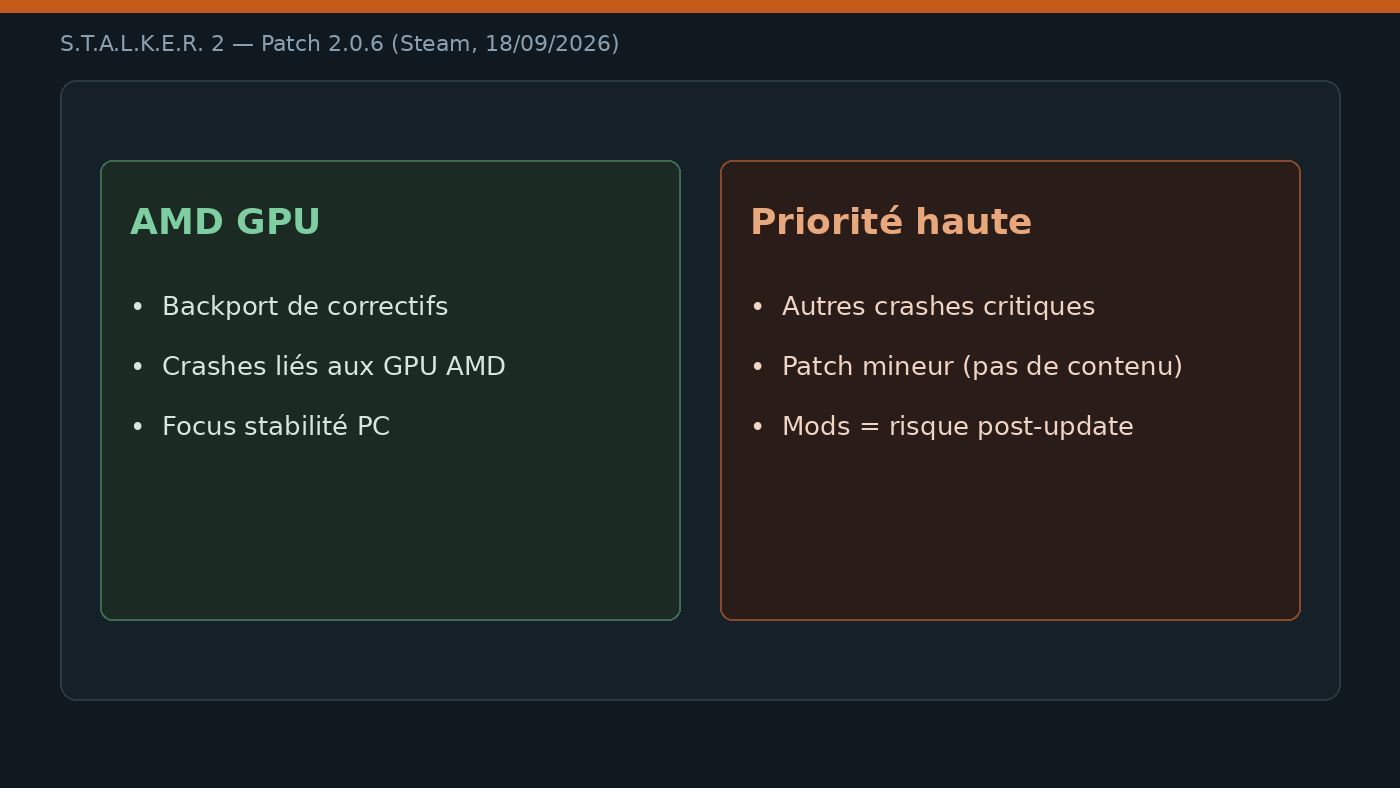
GSC frames 2.0.6 as a “minor crash fix patch” for stalkers who bump into too many “crashing anomalies”, especially in the “AMD region” (their tongue-in-cheek way of saying: AMD GPU setups). Only two changelog lines — but they’re clear:

  • Backported several fixes for AMD GPU-related crashes. — several fixes already ready elsewhere were backported into this branch for AMD GPU crashes.
  • Fixed several other high-priority crashes. — other non-AMD “high-priority” crashes are fixed too.

What it does not include: no new content, no gameplay overhaul, no GPU-by-GPU matrix (RX 7000 / 9000 / iGPU), no benchmarks. It’s deliberately narrow and stability-first. On consoles the same wave is often listed as update 1.022 (game version 2.0.6) — this article stays focused on PC Steam, where AMD crashes were loudest in the community.

Useful context if you follow the patch cadence: 2.0.5 (10 Sep 2026) was a big “200+ fixes” wave, 2.0.4 (late August) notably fixed a post-C4 softlock, and 2.0.6 puts the sniper scope back on AMD GPU crashes. The Zone moves in small steps — this one aims squarely at the “black screen / hard crash / back to desktop” Radeon scenario.

Why AMD players were (and still are) in the crosshairs

STALKER 2 runs on Unreal Engine 5 with a demanding render path (Lumen / Nanite depending on presets, FSR upscaling, and so on). On PC, GPU crashes are never “just the game” or “just the driver”: it’s often the cocktail of shader compilation, VRAM pressure, aggressive Adrenalin overclocks, overlays, and sometimes an engine bug tied to a GPU family.

GSC is not publishing an “RX 7800 XT yes / RX 9070 XT no” matrix here. They only say they backported several AMD crash fixes. Builder translation: if you were crashing after 2.0.5 (or earlier) on Radeon, install 2.0.6 first, test without mods, and only then dig into the tech checklist. Conversely, if you’re on NVIDIA/Intel Arc and already crashing, the second bullet (“other high-priority crashes”) may help you too — but the official messaging still leans AMD.

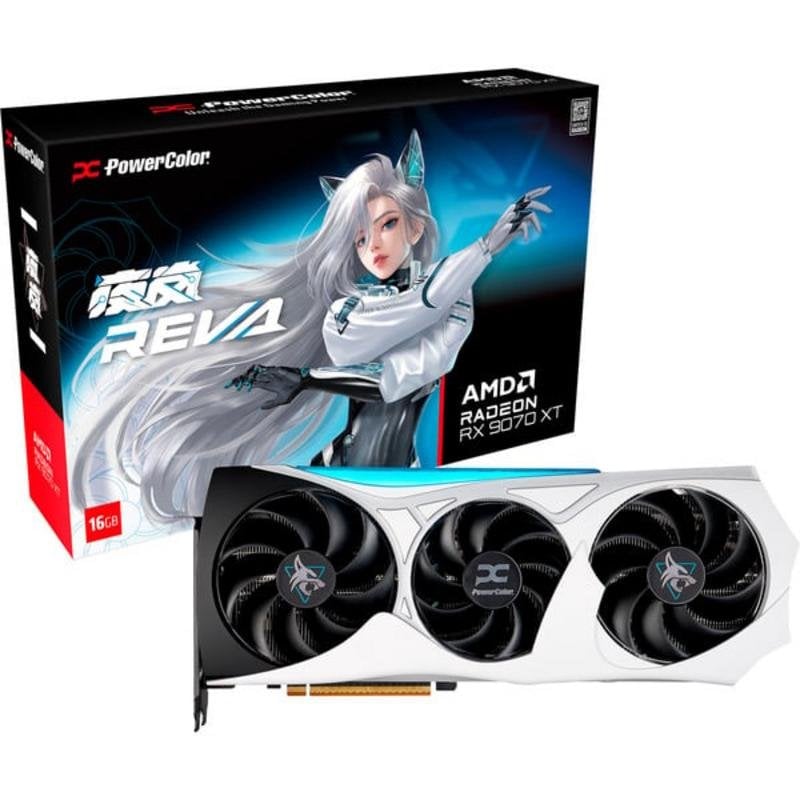
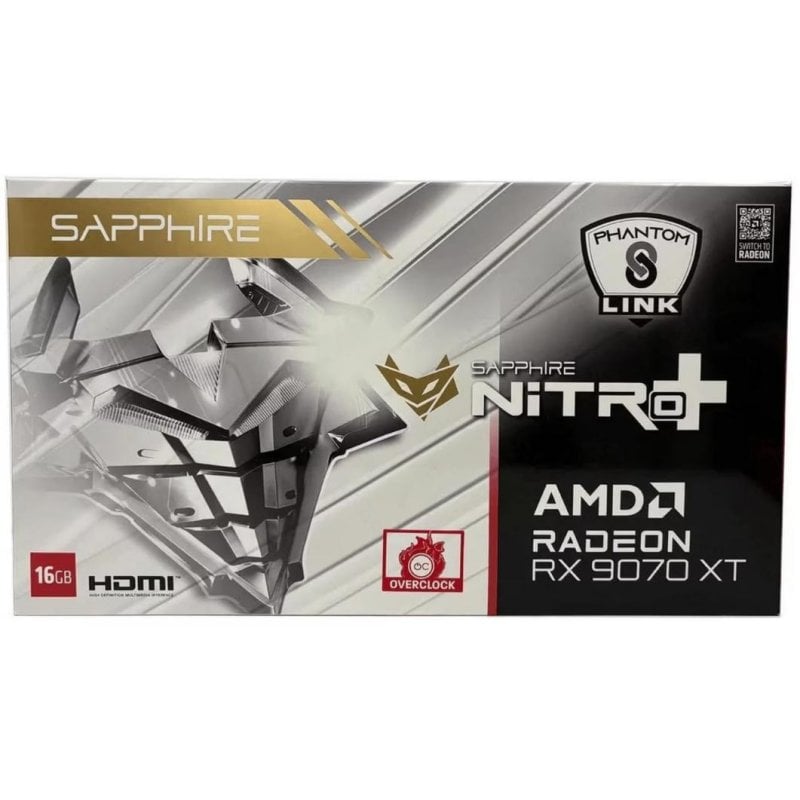
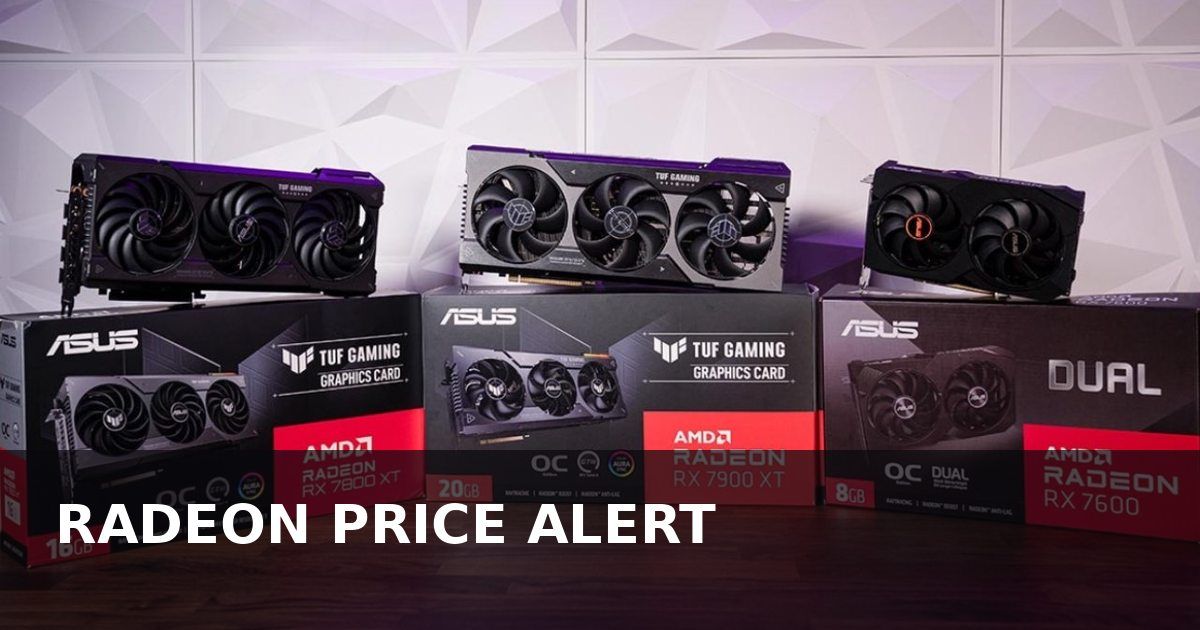
On the DropReference hardware side, current Radeons (RX 9000 first) remain very present in 1440p / 4K “price/performance” builds. If you’re watching the GPU market right now — price hikes, stock, 9070 / 9070 XT / 9060 XT SKUs — remember that game stability ≠ datasheet: a great-on-paper card can still kick you out of the Zone if the engine or driver bugs. That’s why a patch like this matters, even a “minor” one.

Choose your delivery country to see prices based on your location

Filters

Gigabyte Radeon RX 9070 XT Gaming OC 16GB GDDR6 Black

795€

(16 Vendors)
Length: 288
4K Good brand RGB Generous VRAM
ASUS PRIME-RX9070XT-O16G 16GB GDDR6 OC Black

765€

(13 Vendors)
Chipset: 9070 XT
4K Top brand Generous VRAM
ASUS PRIME RX 9070 XT White OC 16GB GDDR6

790€

(9 Vendors)
5 (1)
Brand: Asus
4K Top brand Generous VRAM
Sapphire RX 9070XT GAMING 16GB GDDR6 PULSE Black

834€

(14 Vendors)
Length: 320
4K Top brand Long card Generous VRAM
XFX RX 9070 XT Gaming Edition 16GB GDDR6 Black

789€

(9 Vendors)
Length: 325
4K Good brand Long card RGB Generous VRAM
ASROCK Radeon RX 9070 XT Challenger 16GB GDDR6

846€

(7 Vendors)
Brand: ASRock
4K Good brand RGB Generous VRAM
PowerColor RX9070XT Reaper 16GB GDDR6 Black

829€

(7 Vendors)
Length: 289
4K Top brand Generous VRAM
Sapphire Nitro+ RX 9070XT Gaming OC 16GB GDDR6 Gray

869€

(12 Vendors)
Length: 331
4K Top brand Long card RGB Generous VRAM
Sapphire Radeon RX 9070 XT 16GB GDDR6 White

848€

(14 Vendors)
5 (1)
Length: 320
4K Top brand Long card RGB Generous VRAM
XFX RX 9070XT 16GB GDDR6 Triple Fan Gaming Edition White

812€

(10 Vendors)
Length: 325
4K Good brand Long card Generous VRAM
XFX Mercury RX 9070XT OC 16GB GDDR6 Black

849€

(9 Vendors)
Length: 360
4K Good brand Long card RGB Generous VRAM
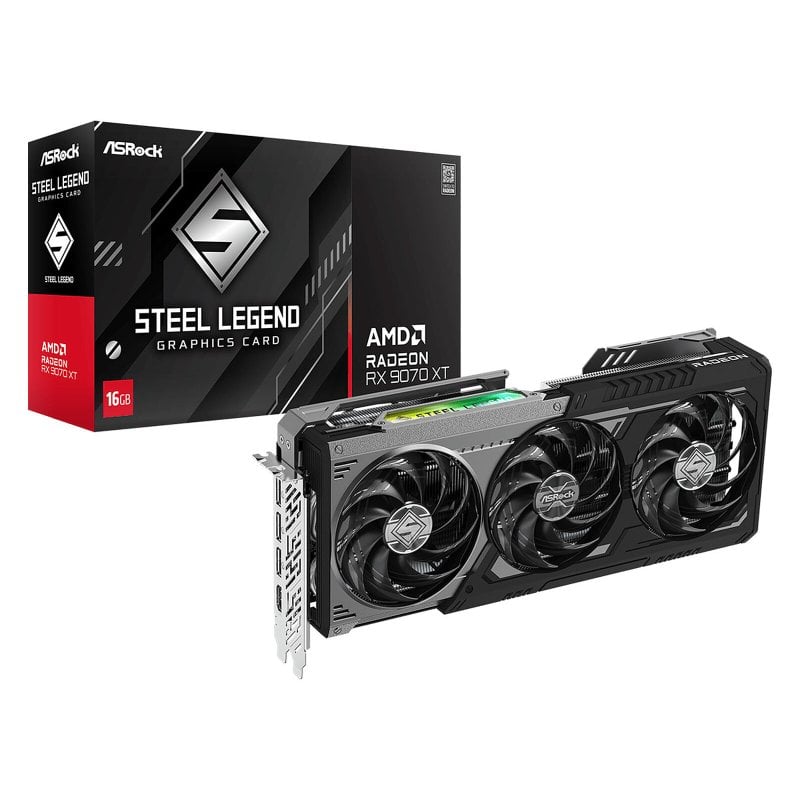
ASRock RX9070XT Steel Legend 16GB GDDR6 3 fans

789€

(12 Vendors)
Color: White
4K Good brand RGB Generous VRAM
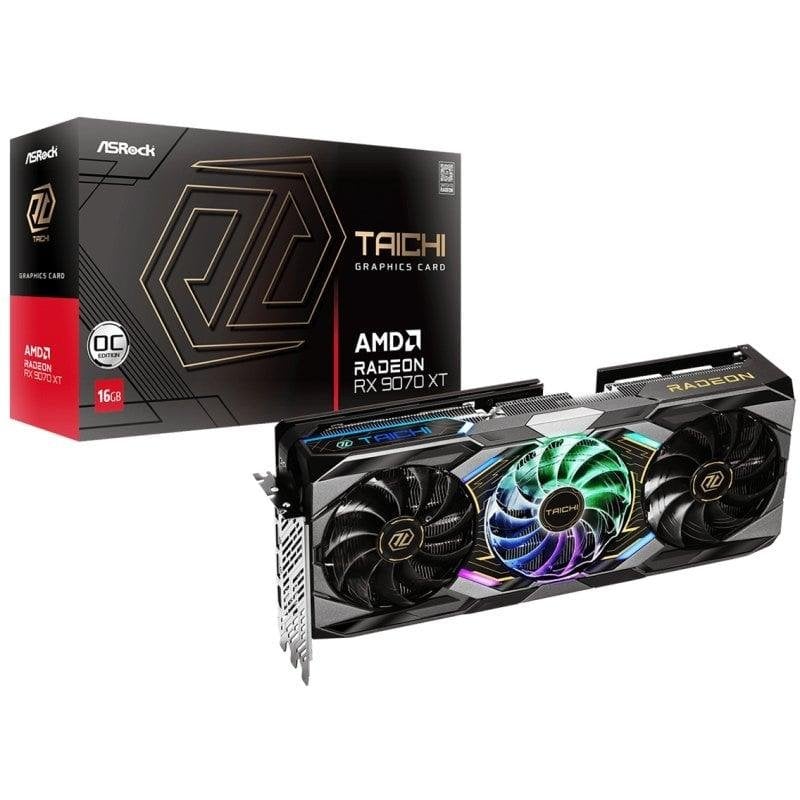
ASRock RX 9070 XT Taichi OC 16GB GDDR6

849€

(8 Vendors)
Length: 330
4K Good brand Long card RGB Generous VRAM
ASUS TUF RX9070XT-GAMING 16GB GDDR6 Black

880€

(11 Vendors)
Length: 330
4K Top brand Long card RGB Generous VRAM
ASRock RX 9070 XT Dark Edition 16GB GDDR6 Black

799€

(7 Vendors)
Brand: ASRock
4K Good brand RGB Generous VRAM
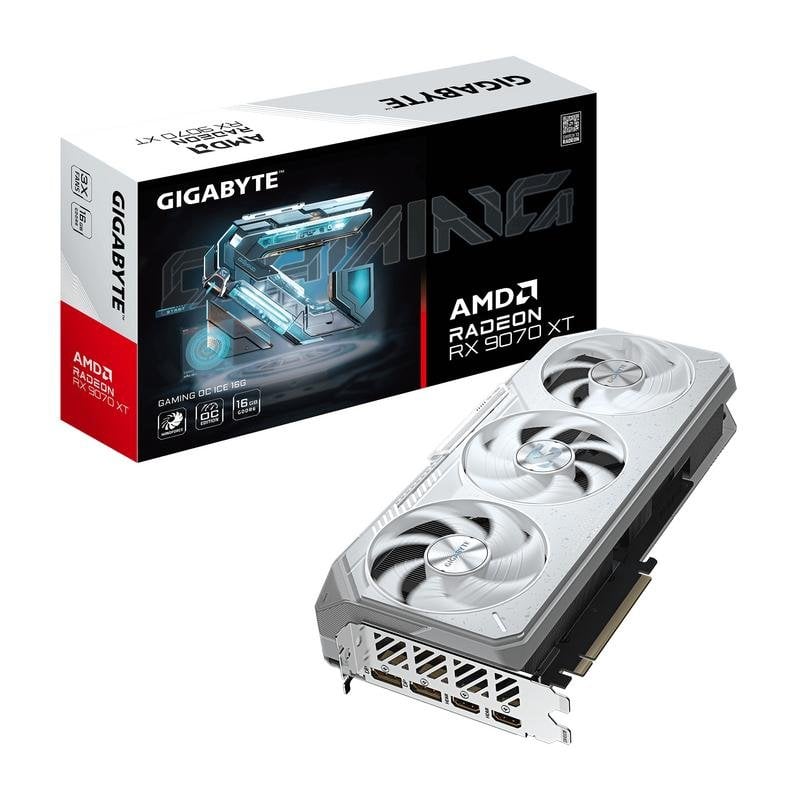
Gigabyte Radeon RX 9070 XT GAMING OC 16GB GDDR6

805€

(16 Vendors)
Brand: Gigabyte
4K Good brand RGB Generous VRAM
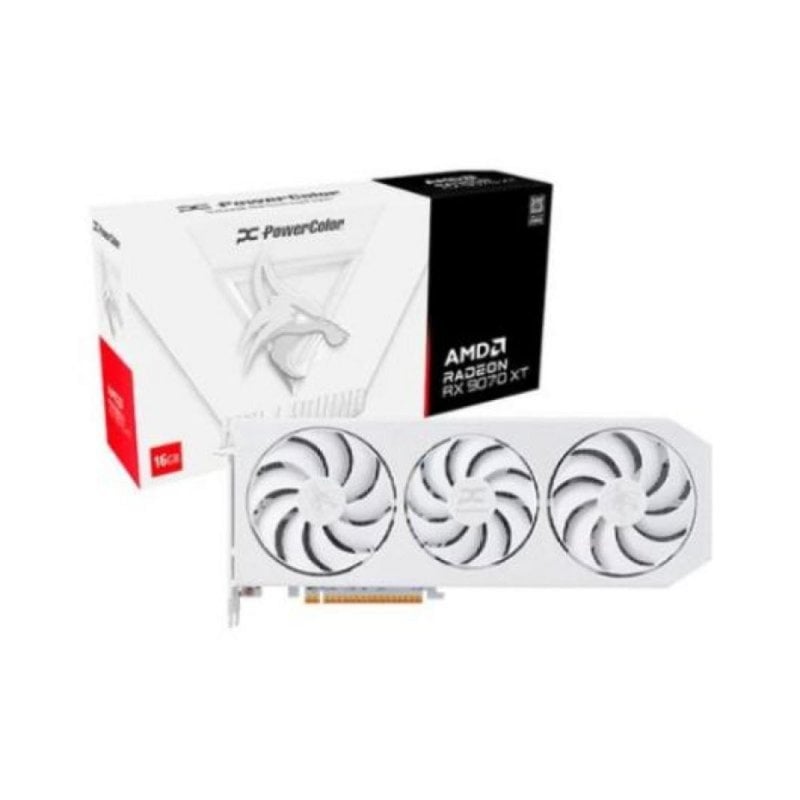
PowerColor Hellhound RX 9070 XT White 16GB GDDR6

809€

(6 Vendors)
Brand: Powercolor
4K Top brand Long card Generous VRAM
Gigabyte AORUS RX 9070 XT ELITE 16GB GDDR6 Black

899€

(8 Vendors)
Length: 339
4K Good brand Long card RGB Generous VRAM
PowerColor RX9070XT Red Devil 16GB GDDR6 OC

939€

(9 Vendors)
Length: 352
4K Top brand Long card RGB Generous VRAM
PowerColor RX 9070 XT Hellhound OC 16GB GDDR6

885€

(8 Vendors)
Brand: Powercolor
4K Top brand Long card RGB Generous VRAM
PowerColor Radeon RX 9070 XT Hellhound 16GB GDDR OC Black

872€

(10 Vendors)
Length: 327
4K Top brand Long card RGB Generous VRAM
Sapphire Nitro+ RX 9070 XT 16GB RAM Crimson

899€

(12 Vendors)
Brand: Sapphire
4K Top brand Long card RGB Generous VRAM
ASUS PRIME RX9070XT OC 16GB GDDR6 Black/White

895€

(2 Vendors)
Length: 312
4K Top brand Generous VRAM
XFX Mercury RX 9070XT OC 16GB GDDR6

880€

(2 Vendors)
Length: 360
4K Good brand Long card RGB Generous VRAM
Sapphire Nitro+ RX 9070XT 16GB GDDR6 White

1,148€

(4 Vendors)
Brand: Sapphire
4K Top brand Generous VRAM

Post-patch checklist: what to do if it still crashes after 2.0.6

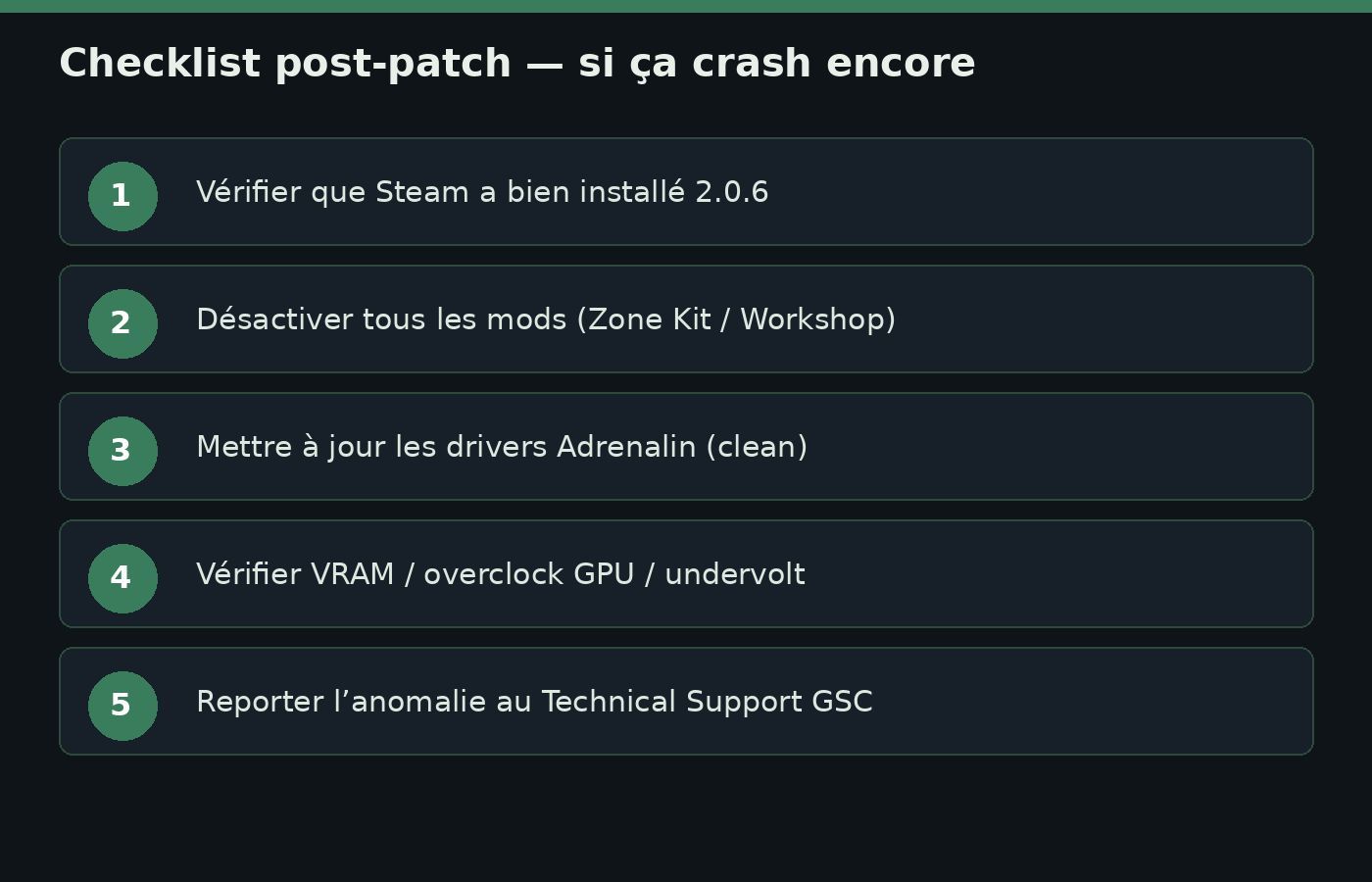
Checklist post-patch si STALKER 2 crash encore après 2.0.6 Click to enlarge

The Steam patch notes are crystal clear on one point: mods can break after an update. GSC phrases it Zone-style (“the Zone is ever-changing…”) then switches to support mode: if you hit perf or stability issues after a new update, disable your mods first. Only then dig into technical support.

Here’s the DropReference checklist, in the order I’d run it on my own PC:

1. Confirm 2.0.6 is actually installed

In Steam → STALKER 2 → Properties → Updates, verify the client downloaded the latest depot. Restart Steam if the patch stays “pending”. In-game, the version string should show 2.0.6 (console equivalents are often listed as 1.022 on patch-note sites). If you’re on a beta / alternate depot, switch back to the default branch for the test.

2. Kill every mod (Workshop, Zone Kit, manual paks)

Disable Workshop, remove local paks/mods, and if you use The Zone Kit (GSC’s modding tool, which moved to Phase 2 in early September 2026), assume a modding tool is not an instant compatibility guarantee after an engine hotfix. Test vanilla for a real session (not just the menu): leave base, dense zone, combat, save/reload. If the crash vanishes in vanilla, your culprit is almost certainly mods — re-enable one by one.

3. Adrenalin drivers: clean install, not just “Update”

On Radeon, a simple “check for updates” often isn’t enough after recurring GPU crashes. Aim for: clean uninstall (DDU in Safe Mode if you know how), then reinstall the latest Adrenalin AMD recommends for your GPU. Don’t stack a community overclock profile (“+15% power”) on the day you validate an anti-crash patch. First return to stock clocks, disable experimental undervolts, and cut stacked overlays (Adrenalin + Discord + Steam + MSI Afterburner at once is often chaos).

4. VRAM, graphics presets, and upscaling

A “GPU” crash isn’t always a driver bug: at 1440p/4K ultra with ray tracing / heavy effects, an 8–12 GB card can saturate. Drop textures a notch, rein in broken frame generation / upscaling, try FSR Quality vs native. Also note whether the crash always hits the same spot (shader compile, zone entry, explosion, photo mode): that helps GSC support a lot.

5. Game files + Windows crash info

Steam → Verify integrity of game files. If you run tools like Special K / ReShade / injectors, disable them for the test. Check Windows Event Viewer (Application Error / WHEA / Display) around the crash time: a Timeout Detection and Recovery (TDR) or a repeated engine error points you somewhere. Keep a screenshot of game version + GPU + driver.

6. Report the anomaly to GSC Technical Support

The patch notes ask explicitly: if you hit an “anomaly” that shouldn’t be in the game, report it to the Technical Support Center. Attach: confirmed 2.0.6, exact GPU (e.g. RX 7800 XT / 9070 XT), Adrenalin driver, crashlog / DxDiag, and whether you’re vanilla or modded. Without that, GSC can’t prioritize the next wave. Editor support entry point: support.gsc-game.com (plus links listed in the Steam news / game hub).

Steam promo: Deluxe and Ultimate at −30% through 30 September 2026

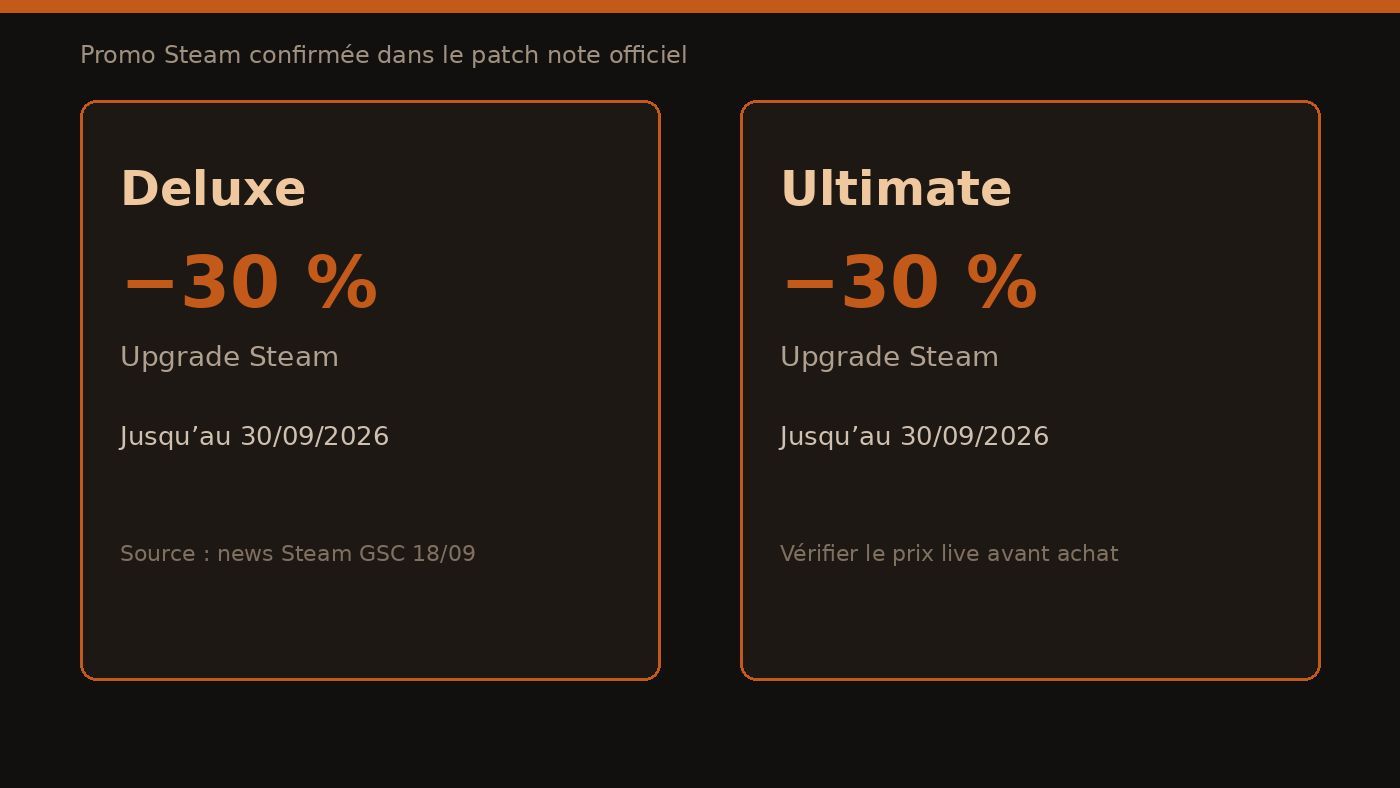
Promo Steam Deluxe et Ultimate -30% jusqu’au 30 septembre 2026 Click to enlarge

In the same Steam news from 18 Sep 2026, GSC announces upgrade discounts: through 30 September, you can grab Deluxe or Ultimate at −30%. This isn’t a price invented by a comparison site: it’s written in the official patch notes. At writing time (20 September 2026), the window is therefore still open — but Steam can adjust local display (bundles, ownership of prior games, regional pricing). Always check the live price on the S.T.A.L.K.E.R. 2 Steam page before buying.

Useful reminder without marketing fluff: the Deluxe Upgrade mainly adds cosmetic / weapons / bonus quest / artbook-OST content per the Steam page, while Ultimate bundles Deluxe + Ultimate content + the Season Pass (including the Cost of Hope expansion listed in the packs). If you already own the base game and you’re hesitating, the −30% off through 30 Sep is exactly when “grab the upgrade now” can make sense — if you actually want that content, not just because a red badge is blinking.

DropReference doesn’t sell keys: we flag the promo because it’s attached to the patch notes, and because many AMD players rushing the hotfix will also see the storefront. No invented dollar prices here: Steam shows amounts for your store region.

Where 2.0.6 sits in the recent timeline

To place it without drowning the point:

  • 1 September 2026 — The Zone Kit moves to Phase 2 (big modding-tool update).
  • 10 September 2026 — Patch 2.0.5, massive “200+ fixes” wave.
  • 18 September 2026 — Patch 2.0.6, AMD crash focus + high-priority crashes + Deluxe/Ultimate −30% promo through 30 Sep.

The cadence is classic long-tail post-launch: big fix passes, then targeted hotfixes when a crash class shows up in telemetry / reports. 2.0.6 clearly sits in the second bucket. If you were waiting for a “content” patch or Zone economy rebalance, this is not that one — and GSC says so outright (“minor crash fix patch”).

FAQ — Patch 2.0.6, AMD crashes, and what’s next

Does patch 2.0.6 fix every crash on AMD GPUs?

No, and GSC doesn’t promise that. The official text talks about several backported fixes for crashes related to AMD GPUs, plus other high-priority crashes. If you still crash after 2.0.6 on vanilla + stock drivers, run the checklist then file a support report with logs.

I’m on NVIDIA / Intel Arc: should I install 2.0.6 anyway?

Yes. It’s a general stability patch even if the messaging leads with AMD. The second changelog bullet (“other high-priority crashes”) isn’t Radeon-only. And sitting one anti-crash hotfix behind helps nobody.

Will my Workshop mods survive 2.0.6?

Not guaranteed. GSC explicitly warns that an update can “shift the Zone’s structure” for modded players, and recommends disabling mods if you hit post-patch issues. Zone Kit Phase 2 or not: validate vanilla first.

Is the Deluxe / Ultimate −30% promo still valid on 20 September 2026?

Per the Steam news from 18 Sep 2026, the discount runs through 30 September. On 20 Sep we’re still inside the announced window. Confirm on the Steam page (price and end date can vary by region / bundle). We invent no dollar prices.

Difference between PC version 2.0.6 and console “update 1.022”?

Several patch-note sites list the same stability payload under update 1.022 on consoles, with game version 2.0.6. The AMD GPU detail is mostly a PC topic; on console you mainly get the “high-priority crashes” basket. When in doubt, trust the in-game version number and your platform’s notes.

What belongs in a good crash report to GSC?

Exact version (2.0.6), GPU + VRAM, exact Adrenalin driver, vanilla vs mod list, frequency / repro steps, and crash files / DxDiag. Say whether it’s a hard driver crash, a freeze, or a return-to-desktop. The more reproducible it is, the better the odds it feeds the next hotfix.

DropReference verdict: a small patch, a real priority if you crash on Radeon
Patch 2.0.6 won’t reinvent the Zone. It isn’t sold that way. For AMD Radeon configs that were chaining crashes, though, this is exactly the kind of hotfix you want soon after a big wave (2.0.5): targeted backport + high-priority crashes, without waiting for the next content train.

Your roadmap: install 2.0.6 → test without mods → clean Adrenalin / stock clocks → if it still breaks, detailed report to GSC support. And if you were eyeing Deluxe/Ultimate, the −30% window through 30 Sep 2026 is written in black and white in the same Steam notice — just check the live price before you click.

Sources: Steam News — Patch 2.0.6 (18 Sep 2026), S.T.A.L.K.E.R. 2 Heart of Chornobyl store page, relays Console PC Gaming / MP1st. Support: GSC Technical Support.