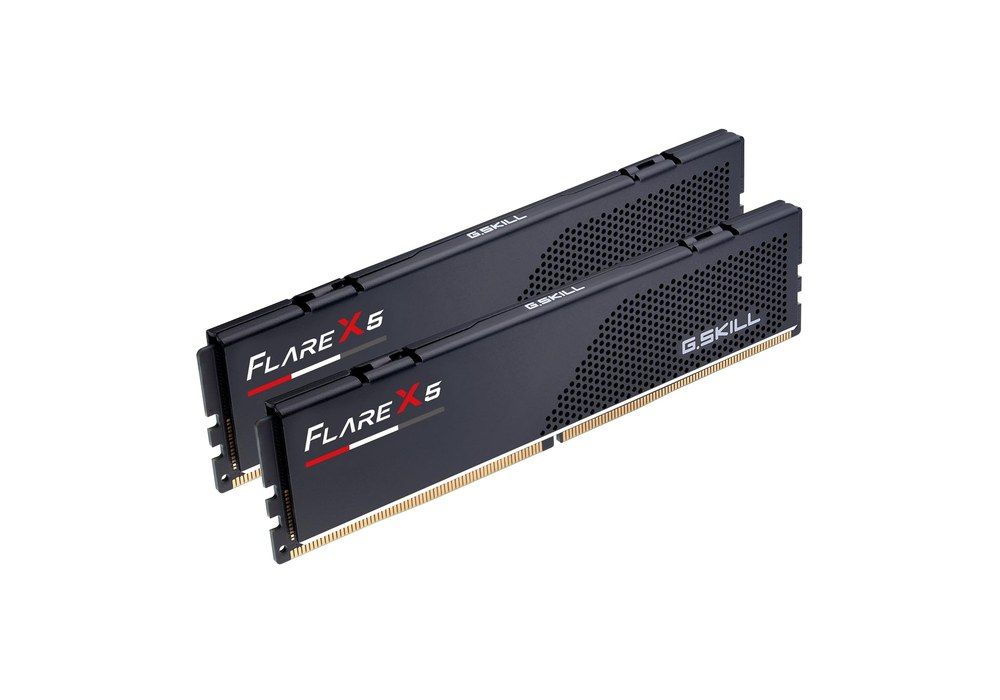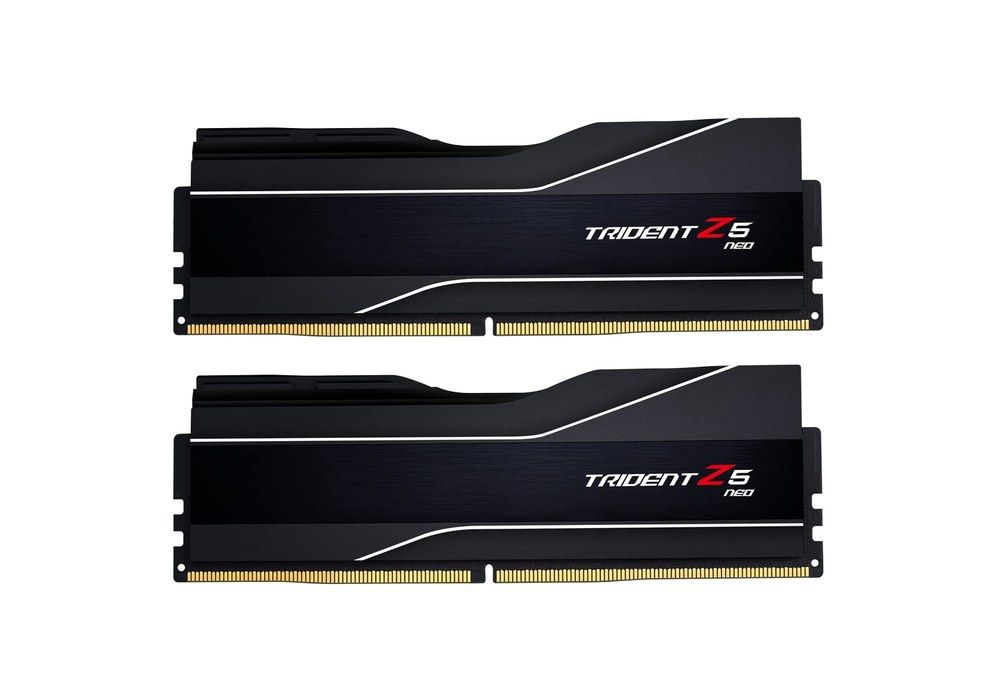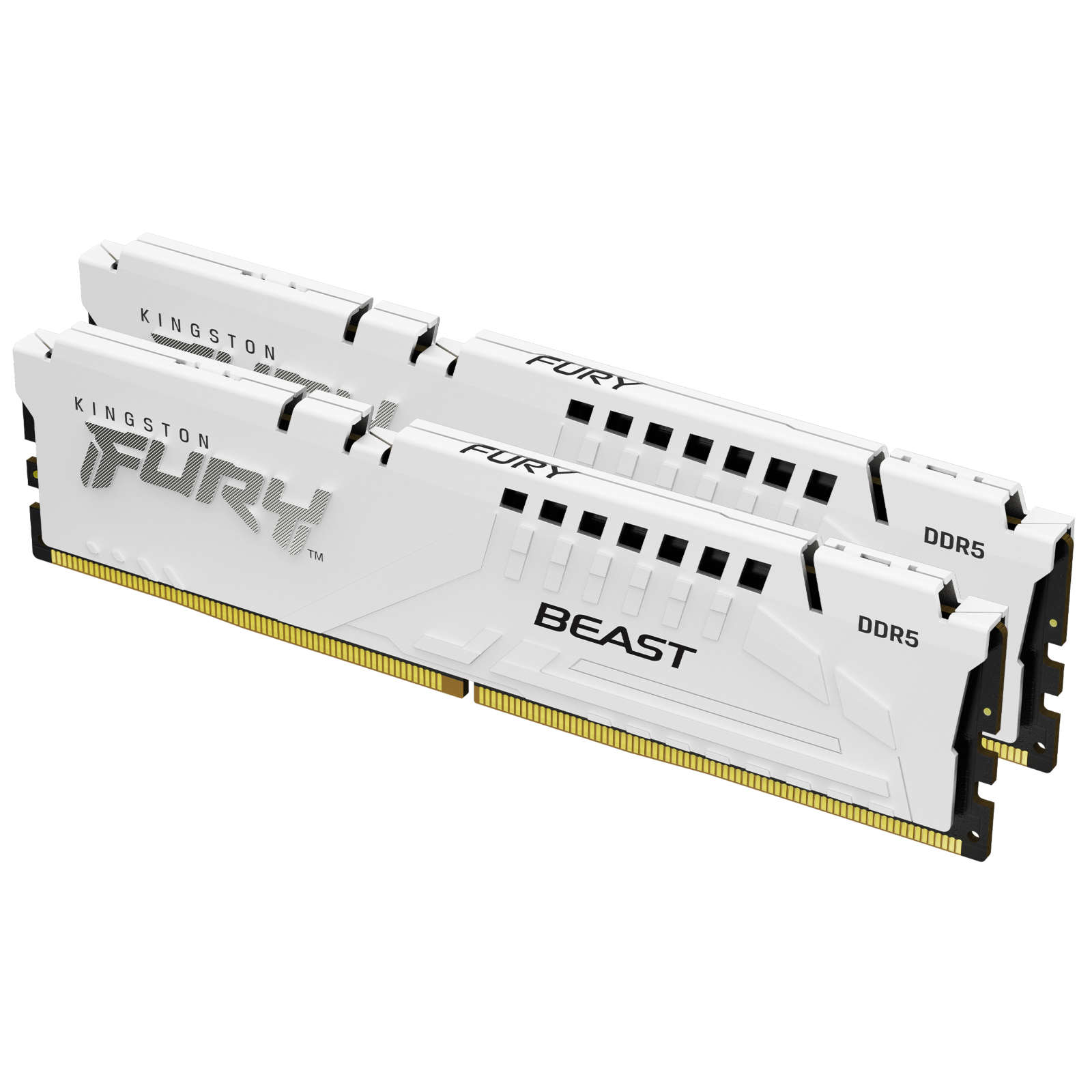
- 1The short answer: DDR5-6000 CL30 EXPO, in two sticks
- 2What AMD actually says about the 9800X3D
- 3Why DDR5-6000 CL30, and not something faster
- 432 GB or 64 GB for a 9800X3D?
- 5EXPO, XMP and the right move in the BIOS
- 6Two sticks, not four
- 732 GB kits that just work
- 864 GB: two 32 GB sticks, still 6000 CL30
- 9One step tighter: the Flare X5 in CL28
- 10Stick height and a large air cooler
- 11Frequently asked questions
- 12The choice to keep
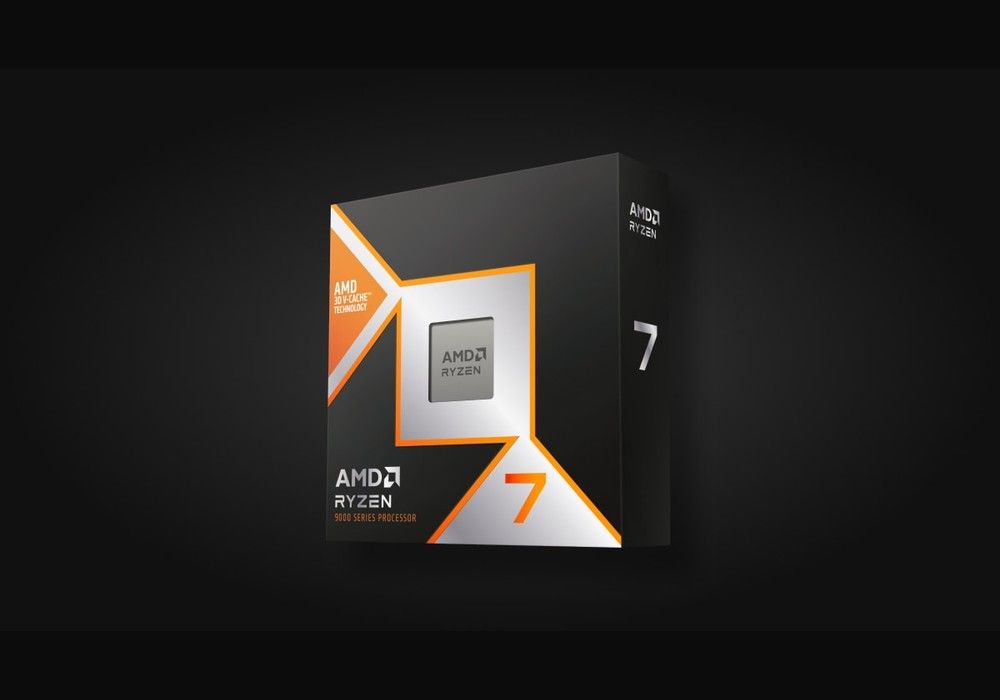
For a Ryzen 7 9800X3D, the kit that still lands correctly in 2026 is DDR5-6000 CL30 with an AMD EXPO profile, in two sticks: 2 x 16 GB for gaming, 2 x 32 GB if you really work on large projects or keep a lot of software open at once.
Click to enlarge
That is not the speed AMD validates out of the box. On the official 9800X3D product page, system memory is DDR5 dual channel, up to 256 GB, with a maximum speed of DDR5-5600 in two modules (single or dual rank) and only DDR5-3600 in four modules. AMD EXPO technology is listed. Moving to 6000 means enabling an overclocking profile in the BIOS, not staying on the JEDEC default.
Why 6000 anyway? At launch, the test platforms AMD sent already ran 2 x 16 GB DDR5-6000. On Zen 5, AMD indicated that DDR5-6000 in a 1:1 ratio — memory controller at 3,000 MHz and Infinity Fabric (FCLK) at 2,000 MHz — remains the balance point. At 6000 MT/s, a CL30 CAS is 10 ns of real latency, versus 12 ns at CL36. Beyond that, many boards switch to 2:1, and the large 3D cache on the 9800X3D already absorbs a good share of memory round trips: 7200 or 8000 kits bring very little in games.
In short: a 32 GB DDR5-6000 CL30 EXPO kit in two sticks covers almost every gaming PC around this processor. Step up to 64 GB (still as 2 x 32 GB) for creation work, virtual machines, or heavy multitasking. Enable EXPO, and avoid filling all four slots if you want to stay at 6000. For cooling this 120 W CPU, see also which CPU cooler for a Ryzen 7 9800X3D. The wider DDR5 kit landscape is in our DDR5 RAM guide for 2026.