Which cooler for the Intel Core Ultra 7 270K Plus (and 250K Plus) in 2026? Dual tower, 240 or 360 mm AIO depending on your use

270k plus cooler 270k plus 360 aio 250k plus cooling lga 1851 cooler core ultra 7 270k plus cooler 270k plus 240 aio

At Intel default limits, a dual tower is enough. A 240 or 360 mm AIO takes over if the BIOS lifts the cap, around 250-300 W.

125 W, 250 W or 159 W: what the chip actually has to shed

Intel gives two useful figures for cooling. Processor Base Power (125 W on both chips) is the power level the CPU is expected to sustain at base frequency under a steady load. Maximum Turbo Power is the ceiling it can hold for more than a second: 250 W on the 270K Plus, 159 W on the 250K Plus. The vendor also notes that this ceiling can be configured by the motherboard maker: some boards already start above Intel’s limits.

The 250K Plus, with 6 P-cores + 12 E-cores and a 5.3 GHz boost, is therefore much easier to keep in check. The 270K Plus climbs to 5.5 GHz and can genuinely approach 250 W in all-core load, or more if the BIOS lets go of the leash.

Processor Cores Max turbo Base / turbo power Max temp.
Core Ultra 7 270K Plus 24 (8P + 16E) 5.5 GHz 125 W / 250 W 105 °C
Core Ultra 5 250K Plus 18 (6P + 12E) 5.3 GHz 125 W / 159 W 105 °C
Swipe to view more

Default Intel limits or an unlocked BIOS: the nuance in our advice

This is why reviews do not all say the same thing. In our review, the 86 °C Hardware Unboxed measured in Cinebench with a 360 mm AIO led us to set aside small single-tower air coolers and aim for a 240 mm AIO at minimum, ideally a 360 mm, for sustained productivity. We are not walking that reading back: it describes the case where you want headroom, or where the board pushes the CPU past Intel’s cap.

At Intel’s default settings, the picture changes. A March 2026 Tencent/QQ test pins the FPU wall at 250 W: aside from a slightly short top-down cooler, dual towers and AIOs hold the load. The frequency gap between a mid-range dual tower and a high-end 360 mm AIO stays under 100 MHz, hard to notice day to day. Tech4Gamers, still at the 250 W limit, measures about 232 W and 75 °C in Cinebench 2026 with a 360 mm AIO. ThePCEnthusiast, in AIDA64 on the same 270K Plus, sees the NH-D15 G2 at 75 °C versus 67 °C for a 360 mm AIO: the AIO wins a few degrees, the high-end air cooler stays well inside the limit.

When the BIOS lifts the limits, power climbs back around 300 W (about 302 W in a Bilibili test relayed by watercooling.jp, around 310 W in the Unlimited protocol of the Tencent/QQ test). In that case, the DeepCool AK620 G2 hit 104 °C (right next to Intel’s 105 °C cap) versus 87 °C for a 360 mm AIO, and air coolers, even a 240 mm AIO, start to saturate. Our “240 mm AIO minimum” mainly describes that situation, not a 270K Plus left on Intel’s limits. Before you buy, check the power ceilings in the BIOS.

In games, a dual tower is enough

In games, the 270K Plus does not stay glued to 250 W. Tech4Gamers typically measures it between 90 and 130 W in CPU-focused benchmarks; other protocols go a little higher, without returning to all-core Cinebench levels. In that range, a mid-range dual tower has plenty of headroom, including on the 250K Plus. A 240 or 360 mm AIO becomes interesting if you export, render or compile for hours, or if you leave the BIOS unlocked.

Hardware Canucks’ 2026 comparison, relayed by Hardware & Co, points the same way: this is a performance plateau, tested on both the Ryzen 7 9800X3D and the Core Ultra 7 270K Plus. The Thermalright Phantom Spirit 120 SE, too often filed as “entry level”, almost always stays near the top, with often small gaps against much more expensive dual towers and against a reference 360 mm AIO (the Corsair Nautilus 360 RS in that comparison).

Which tier to pick

The table below groups coolers by use case, from mid-range dual towers to 360 mm AIOs. It does not list US prices.

Use case Cooling type Typical fit
Gaming, Intel limits (270K Plus or 250K Plus) Mid-range dual tower A mid-range dual-tower air cooler
250K Plus, or gaming on a tight budget Capable single tower (Freezer 36 class) A strong single-tower air cooler
Silence / finish, Intel limits Premium dual tower A premium dual-tower air cooler
Productivity at Intel limits 240 mm AIO, or premium dual tower A 240 mm AIO, or a premium dual tower
Unlocked BIOS, long exports, max headroom 360 mm AIO A 360 mm AIO, including premium RGB models
Swipe to view more

Mid-range dual towers, often the best choice

If you leave Intel’s limits in place and mostly game, start here. The Phantom Spirit 120 SE (7 heatpipes, 154 mm, LGA 1851) is the model that stands out of the 2026 comparisons for performance versus cost. The Peerless Assassin 120 SE, a slightly simpler design (6 heatpipes, 155 mm), remains a very close dual tower, often a step below in the rankings. On the listing we originally checked, the PA 120 SE highlights LGA 1700: the 1851 socket uses the same footprint, and other offers of the same model already list 1851. Check the mounting kit in the box.

A single tower for the 250K Plus, and for gaming without overspending

The ARCTIC Freezer 36 is not a dual tower: it is a push-pull single tower, 4 heatpipes, 159 mm, with an official contact frame for LGA 1851 and LGA 1700, and a six-year warranty. On the 250K Plus (159 W max) and in games on the 270K Plus, it has enough to work with. In unlocked all-core load on the 270K Plus, you will be more comfortable with a dual tower or an AIO. MPN ACFRE00121A is the standard Freezer 36, not the black variant or the A-RGB model.

Premium dual towers: silence, headroom and finish

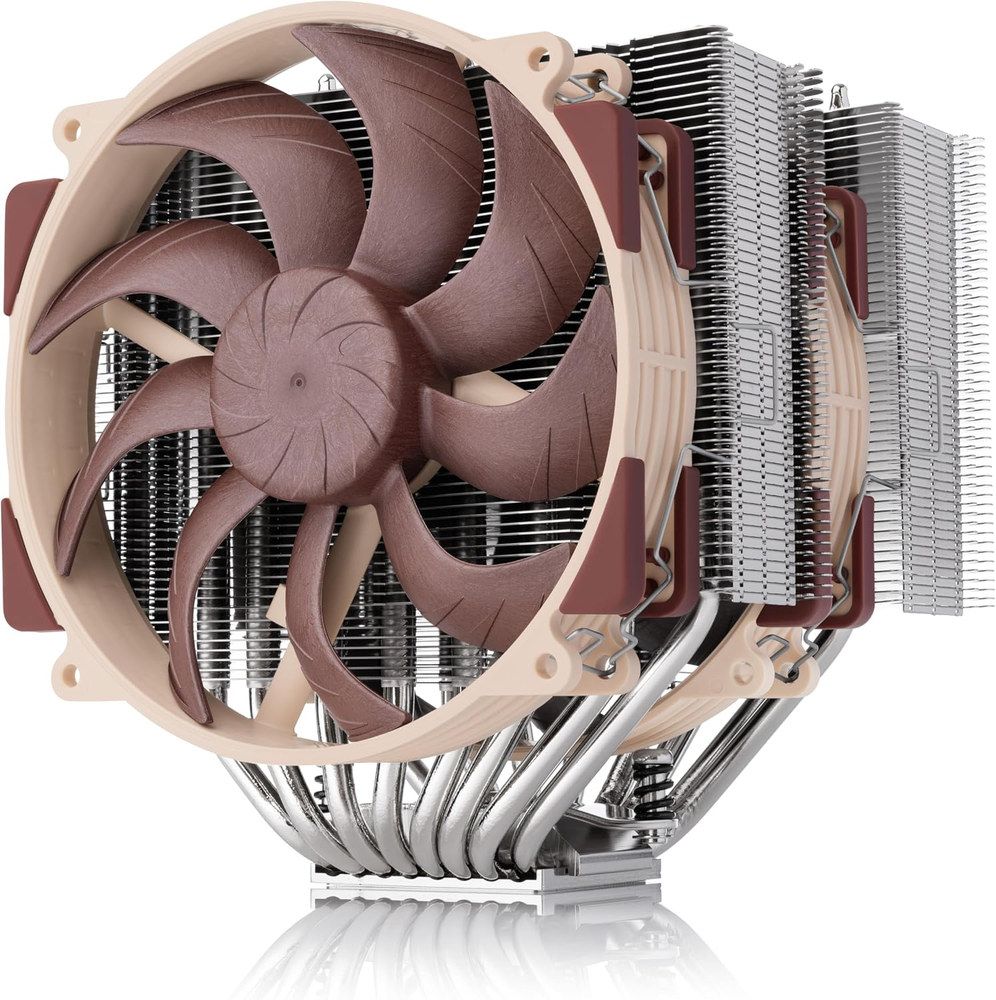
If you want more silence, a better finish or a little more headroom at Intel’s limits, the next tier exists without jumping straight to liquid. The DeepCool AK620 G2 (6 heatpipes, 159 mm, LGA 1851 with a planned offset mount) was specifically measured on the 270K Plus with limits lifted: 104 °C in the Bilibili protocol, right next to the cap. That shows both that a good dual tower still holds the CPU, and that it no longer has headroom in this scenario. The be quiet! Dark Rock Pro 5 (7 heatpipes, 168 mm) focuses mainly on silence. The Noctua NH-D15 G2, standard beige version, remains the air reference: official NSPR of 228 on the 270K Plus, versus 169 for the NH-U12A, 168 mm height, 6-year warranty. ThePCEnthusiast’s 75 °C in AIDA64 was measured on the chromax.black version, thermally the same, different finish.

Noctua NH-D15 G2 standard version, dual-tower air cooler, product photo Click to enlarge

240 mm AIO: the productivity tier at Intel’s limits

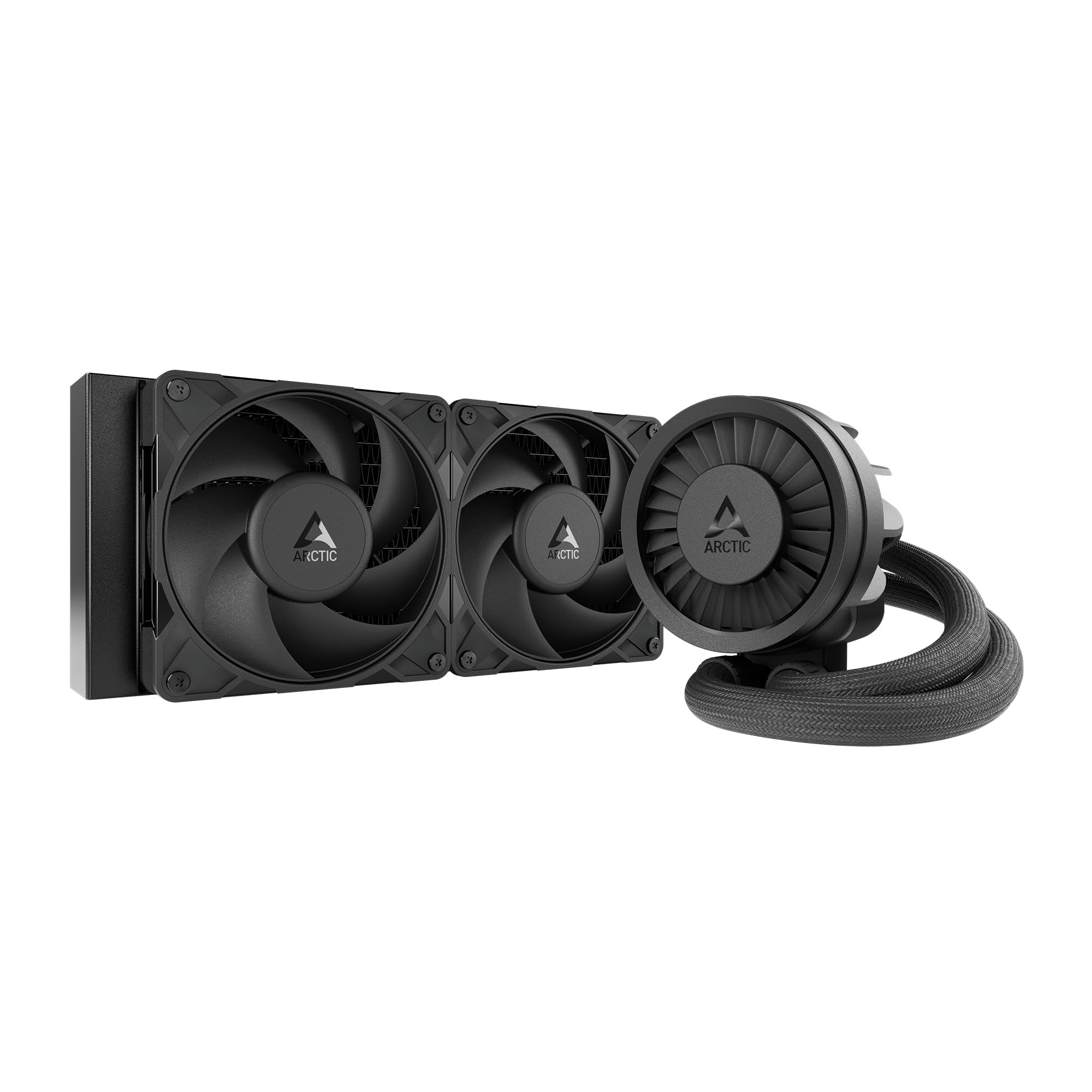
A 240 mm AIO makes sense if you stay at Intel’s limits and want a little more headroom than a dual tower in all-core load, or if the case struggles with a large 168 mm air cooler. In the Tencent/QQ test, a 240 mm still holds the 270K Plus at 250 W; once the limits are lifted, the gap versus a 360 mm widens (about 3 °C at first, closer to 6 °C in Unlimited) and the 240 mm starts to struggle. The ARCTIC Liquid Freezer III Pro 240 (38 mm radiator, LGA 1851 frame, VRM fan) and the Corsair Nautilus 240 RS (LGA 1851, two RS120 fans) are the two exact models in this tier. For the 250K Plus, a 240 mm is already very generous.

360 mm AIO: when the BIOS lifts the limits, or for everyday headroom

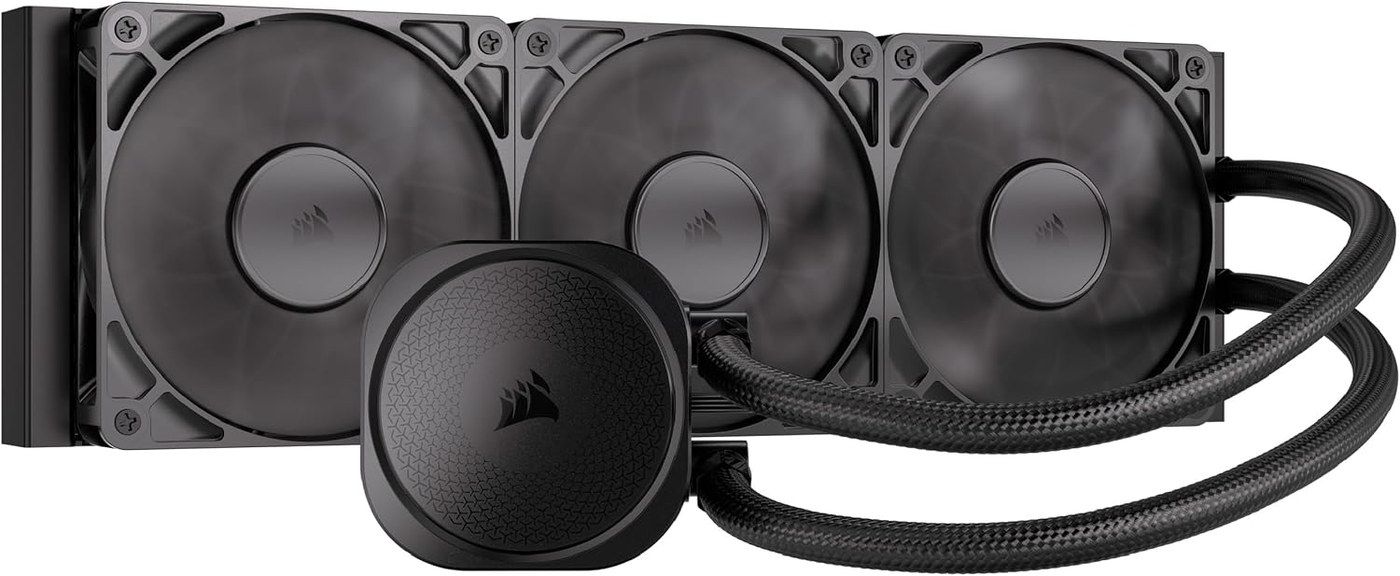
The 360 mm becomes the most relaxed choice as soon as you export often, leave the BIOS unlocked, or simply want headroom and less noise under load. It is also the format the Nautilus vendor recommends for the 270K Plus, and the one that takes 8 °C off the NH-D15 G2 in ThePCEnthusiast’s test (67 °C versus 75 °C). The Liquid Freezer III Pro 360 takes the 240 mm recipe and goes wider. The Nautilus 360 RS is the comparison reference in the 2026 Canucks round-up. The iCUE Link Titan II 360 RX RGB aims at the high end (RGB, Link ecosystem, LGA 1851).

Corsair Nautilus 360 RS, black 360 mm AIO, product photo Click to enlarge

LGA 1851 mounting, offset, height and RAM

LGA 1851 reuses the LGA 1700 dimensions: most recent coolers already include the kit, or reuse the same one. Still check for an 1851 mention (or an up-to-date kit) before buying an older model. On Arrow Lake, shifting the cooler or the cold plate slightly toward the hot spot of the die can save a few degrees: around 1 °C in the Tencent/QQ test, 2 °C (air) to 4 °C (360 mm AIO) in the Bilibili protocol relayed by watercooling.jp. It is not mandatory, but it is worth it if the vendor provides an offset (the AK620 G2 does, for example).

For the case, aim for at least 154 mm of clearance for a Phantom Spirit, 159 mm for a Freezer 36 or an AK620 G2, and 168 mm for a Dark Rock Pro 5 or an NH-D15 G2. Very tall RAM remains the point to watch on large dual towers, especially the NH-D15 G2. For an AIO, radiator space (front or top) matters, not height above the socket. The basics of choosing a cooler, beyond a specific CPU, are also in our guide to picking a CPU cooler. If you are weighing this against a Ryzen 7 9800X3D, the reasoning (dual tower vs 360 mm AIO) is the same, with much lower power on the X3D side: see which cooler for the 9800X3D.

FAQ

Is a dual-tower air cooler enough for the 270K Plus?

Yes, at Intel’s default limits, and even more so in games (typically 90 to 130 W). A Phantom Spirit 120 SE or a similar mid-range cooler is the most reasonable starting point. Move to a 240 or 360 mm AIO if you want headroom in sustained productivity, or if the BIOS lifts the limits toward 250-300 W.

Why does our review talk about a 240 mm AIO minimum?

Because Hardware Unboxed measured 86 °C in Cinebench with a 360 mm AIO, a demanding scenario close to what we see when the limits are pushed. That recommendation is not wrong: it describes the “headroom / heavy load / unlocked BIOS” case. It just has to be read alongside the default tier, where a good dual tower is enough. The detail is in our 270K Plus review.

What about the Core Ultra 5 250K Plus?

At 159 W max, a capable single tower such as the Freezer 36 is enough in the vast majority of cases, including under load. A dual tower or a 240 mm AIO mainly adds silence and headroom, not a decisive frequency gain.

Do you need a 360 mm AIO by default?

No. A 360 mm is the most relaxed choice for long exports and boards that are already unlocked, not a requirement for gaming at Intel’s limits.

Will my LGA 1700 cooler fit LGA 1851?

Often yes: both sockets share the same footprint and many kits are shared. Check the vendor’s official list, especially on an older model, and confirm case height and RAM clearance.