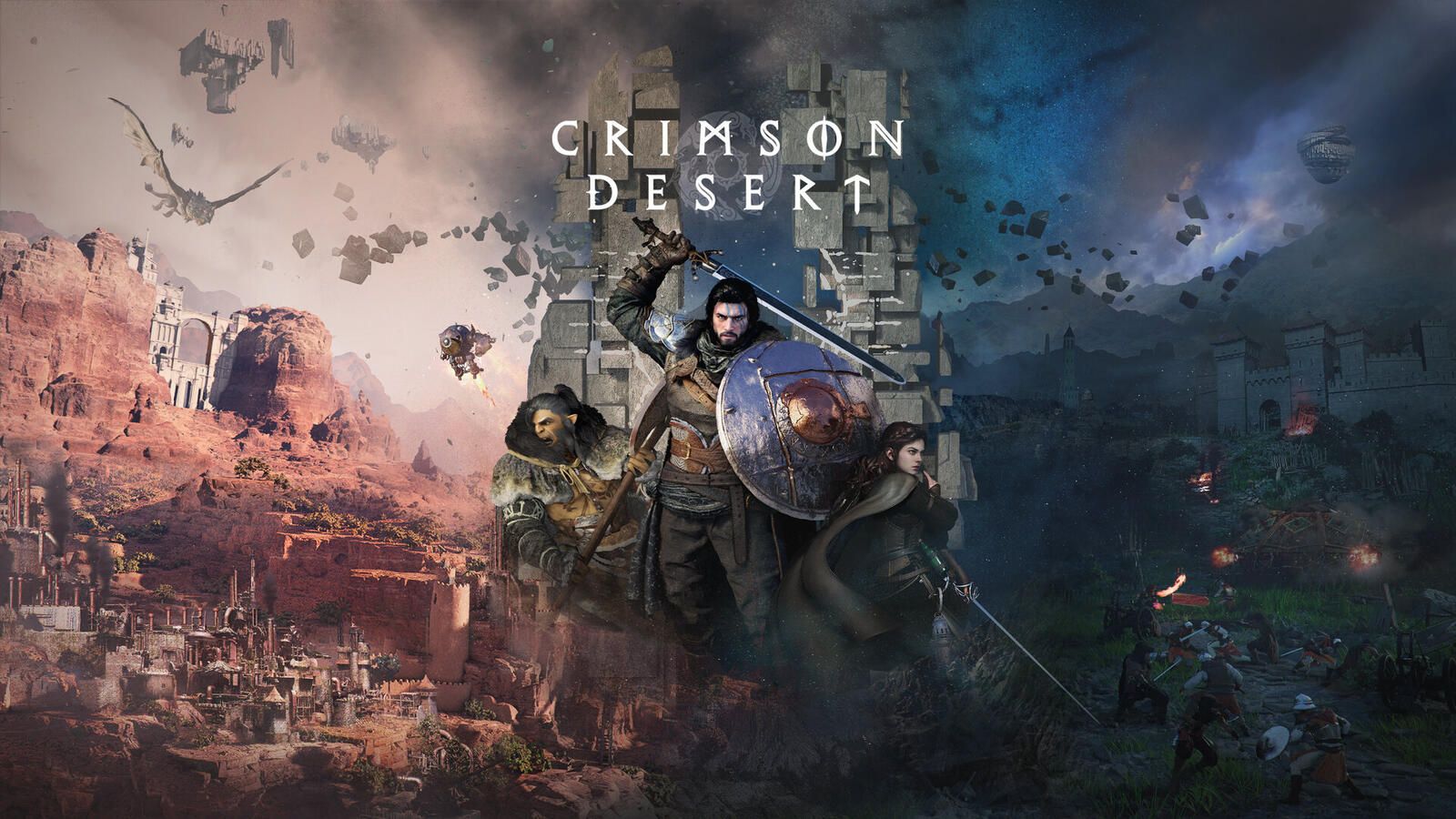
PC Configuration for Crimson Desert: Minimum, Recommended, and 4K Specs (2026)

PC setup Crimson Desert Crimson Desert specifications Crimson Desert minimum requirements

Can your PC run Crimson Desert? All official configurations, from minimum to 4K Ultra, with our component recommendations and real benchmarks.

Author
yuux
Co-founder of DropReference, I'm here to give you the best tips to build the gaming PC of your dreams!

Crimson Desert on PC: is your setup sufficient?

150 GB on the SSD, 16 GB of RAM minimum, and a GPU that isn't from the time of Methuselah. That's the minimum requirement for Crimson Desert, the latest open world game from Pearl Abyss released on March 19, 2026. But between "it runs" and "it's beautiful," there's a gap.

The game offers five official configuration levels, from the minimum (1080p upscaled to 30 FPS, for struggling setups) to the Ultra which targets native 4K at 60 FPS. And spoiler: for this last level, you need to open your wallet.

We will detail everything here: each tier with the exact components, the real FPS observed in-game, and our concrete recommendations by budget. If you just want to know if your machine is up to par, you're in the right place.

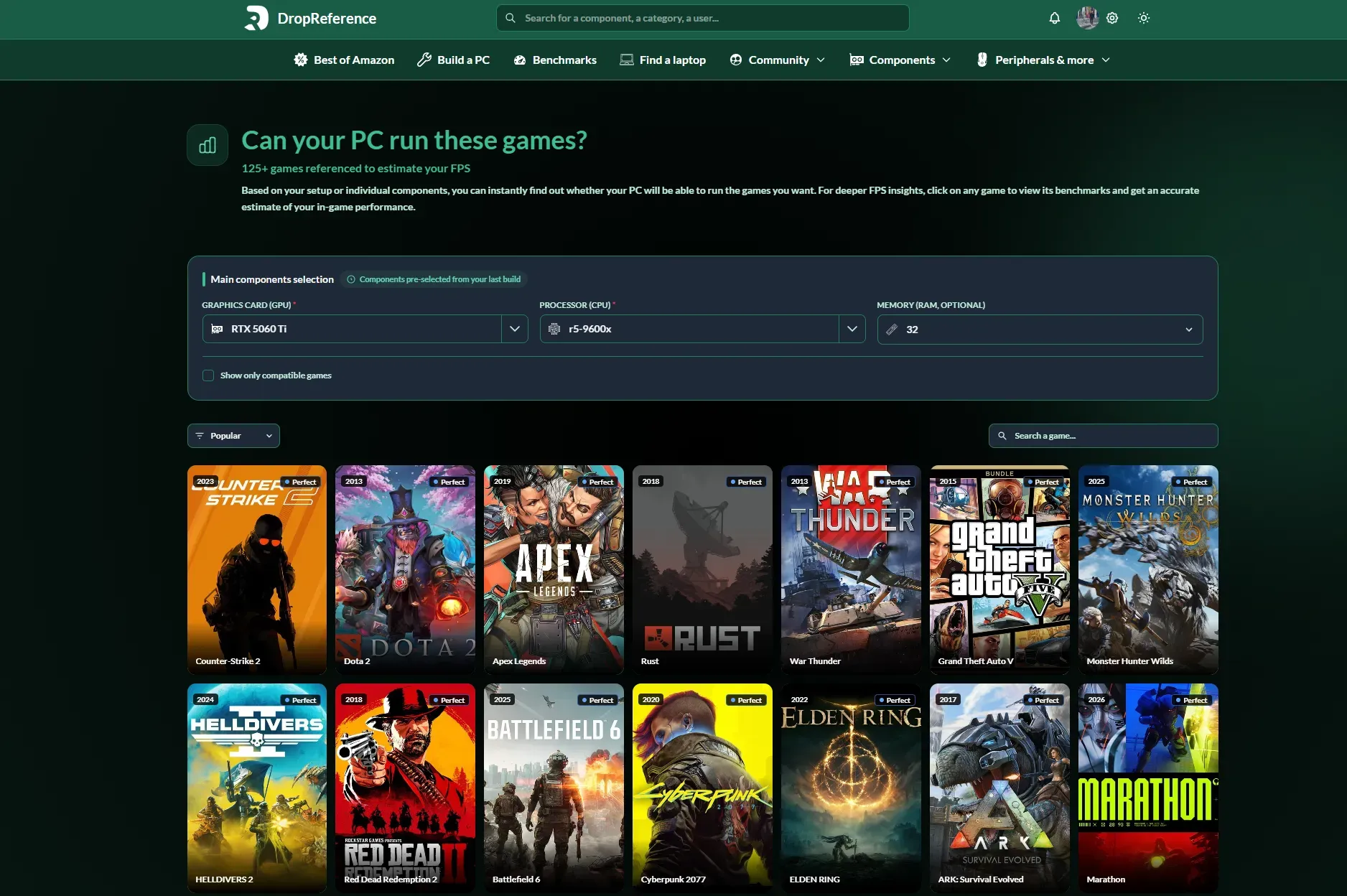
And if you want to see the exact performance of your graphics card on Crimson Desert, we have a dedicated benchmark tool on DropReference: benchmarks Crimson Desert by GPU .

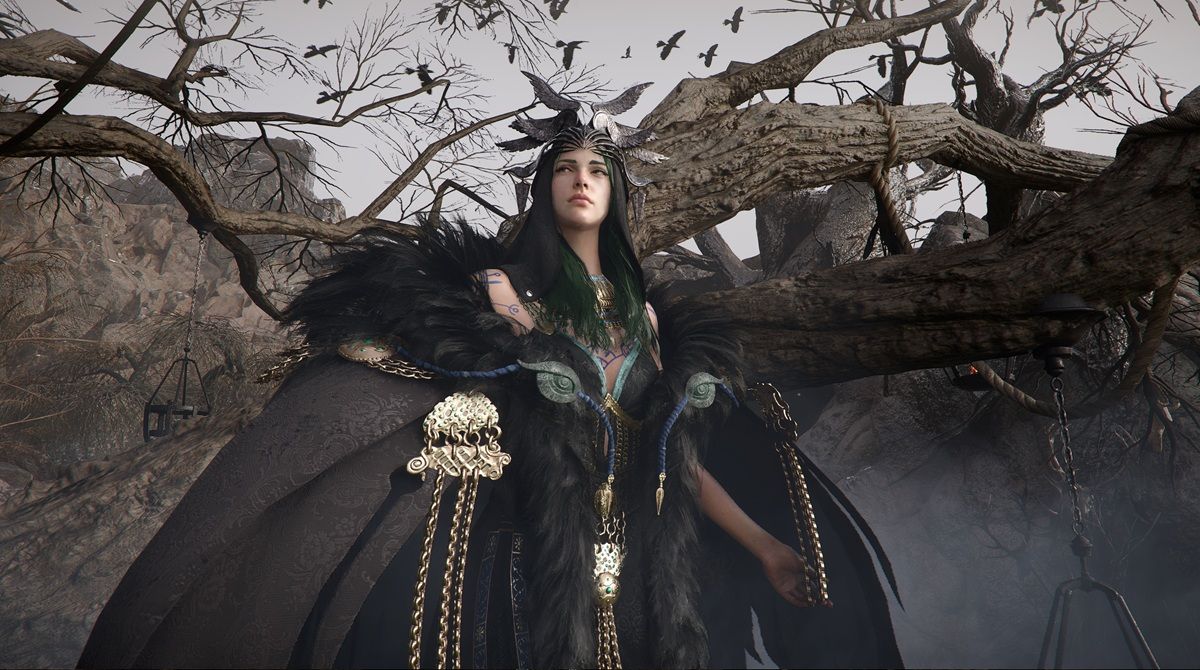
Crimson Desert paysage open world configuration PC Click to enlarge

The 5 official configuration levels

Pearl Abyss has divided the specs into five levels. It's quite rare for a publisher to be so precise, and it helps a lot to know where your machine stands. A complete overview.

Minimum configuration (1080p upscaled, 30 FPS)

The bare minimum to start the game. We are talking about rendering in 900p upscaled to 1080p via FSR, all capped at 30 FPS. It's playable, but don't expect a visual feast.

  • CPU : AMD Ryzen 5 2600X / Intel Core i5-8500
  • GPU : NVIDIA GTX 1060 / AMD RX 5500 XT
  • RAM : 16 GB
  • Storage : 150 GB SSD (mandatory)
  • Operating System : Windows 10 64-bit (minimum 22H2)
  • DirectX : 12

Concretely, if you have a PC from 2018-2019 with a GTX 1060, you're good. But at 30 FPS upscaled, it's for troubleshooting. The SSD is non-negotiable given the size of the open world — on an HDD, loading times are catastrophic.

Low Configuration (1080p native, 30 FPS)

A step above. Here we are in native 1080p (without upscaling), still at 30 FPS. The sharpness difference is visible, especially on vegetation textures and characters in the distance.

  • CPU : AMD Ryzen 5 2600X / Intel Core i5-8500
  • GPU : NVIDIA GTX 1660 / AMD RX 6500 XT

The CPU remains the same as the minimum tier — it's really the GPU that makes the difference here. A GTX 1660 or an RX 6500 XT can be found second-hand for not much.

High Configuration (1440p native, 60 FPS)

Here we start talking. 1440p native at 60 FPS on High settings, that's where Crimson Desert really becomes beautiful. Textures, lighting, draw distance — everything steps up a notch.

  • CPU : AMD Ryzen 5 7600X / Intel Core i5-12600K
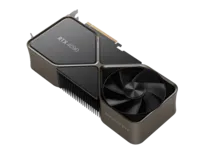
  • GPU : NVIDIA RTX 4070 / AMD RX 7700 XT

The RTX 4070 runs around 80 FPS at 1440p in benchmarks, with dips to 60-65 in dense areas (cities, multiple battles). The RX 7700 XT is almost on par. It's the quality-price ratio if you play on a 1440p screen.

Ultra Configuration (4K native, 60 FPS)

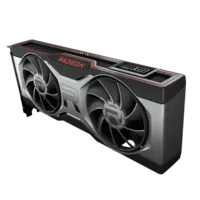
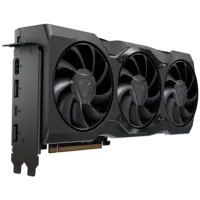
The threshold that hurts the wallet. 4K native at 60 FPS without upscaling, in Ultra settings. Pearl Abyss recommends nothing less than an RTX 5070 Ti or an RX 9070 XT.

  • CPU : AMD Ryzen 7 7700X / Intel Core i5-13600K
  • GPU : NVIDIA RTX 5070 Ti / AMD RX 9070 XT

Let's be honest: native 4K at a constant 60 FPS, even with an RTX 5070 Ti, is tight in combat zones or cities. In practice, enabling DLSS Quality or FSR Quality gives you an almost identical rendering with 20-30% more FPS. In short, even in Ultra, upscaling is your friend.

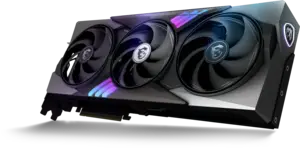
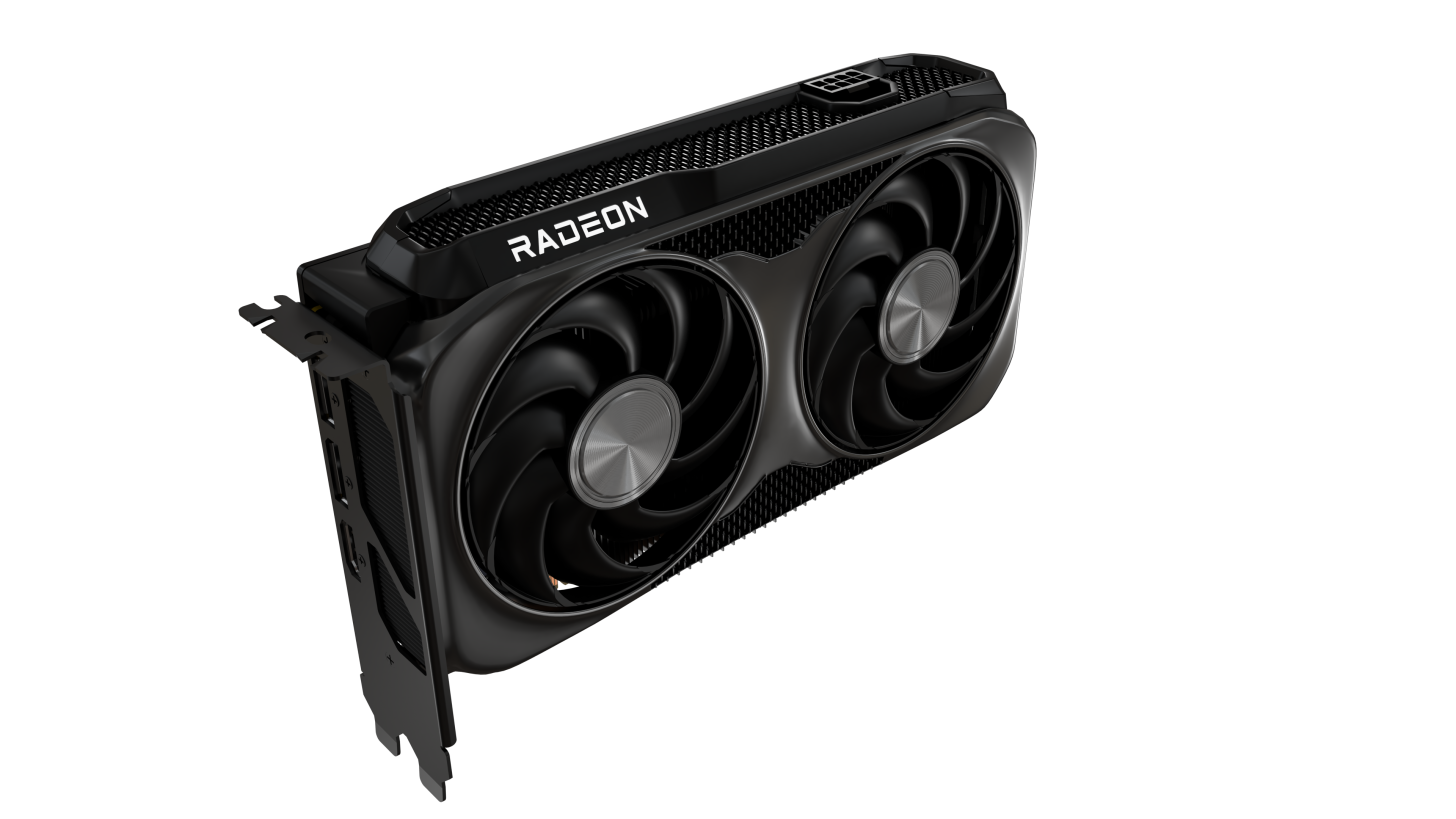
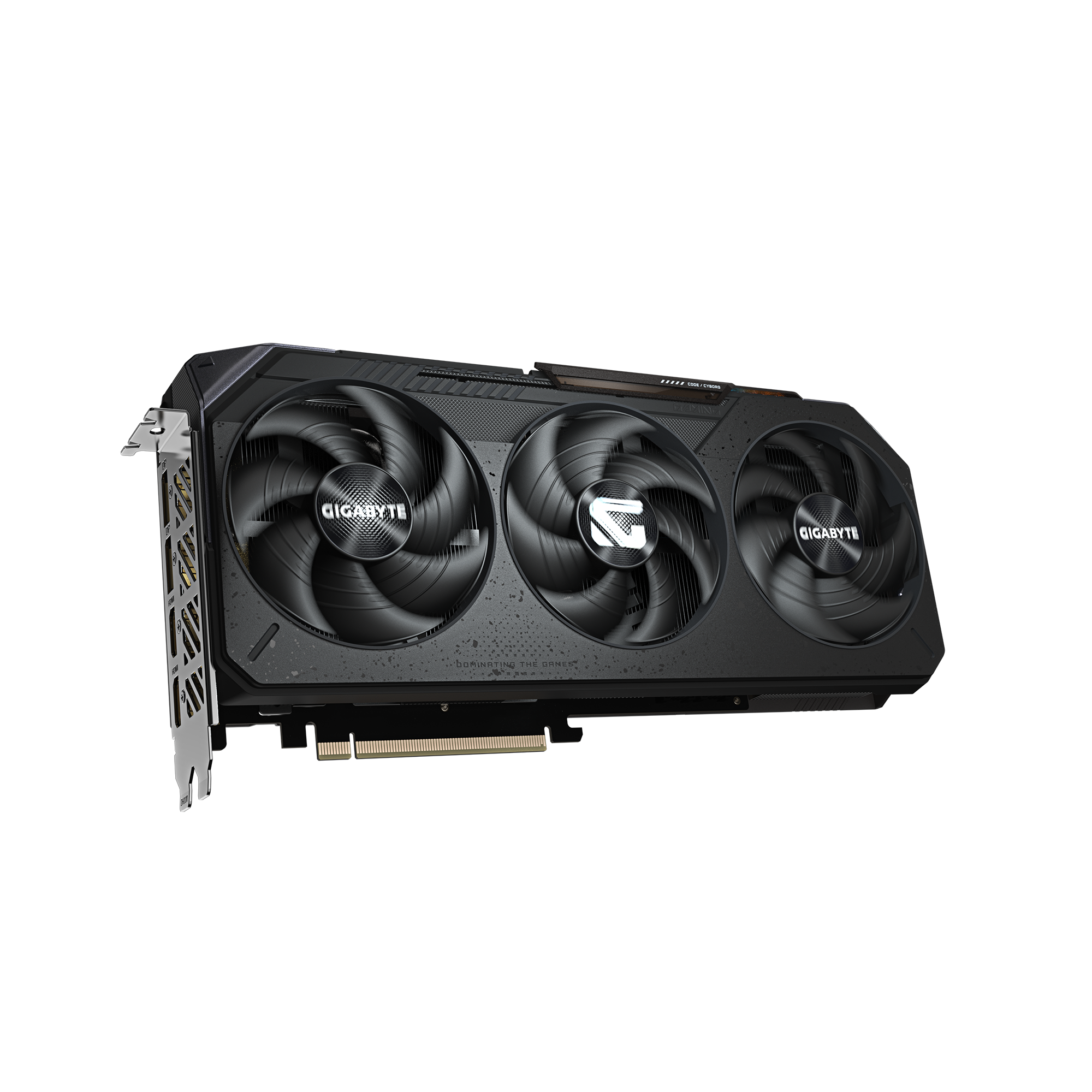
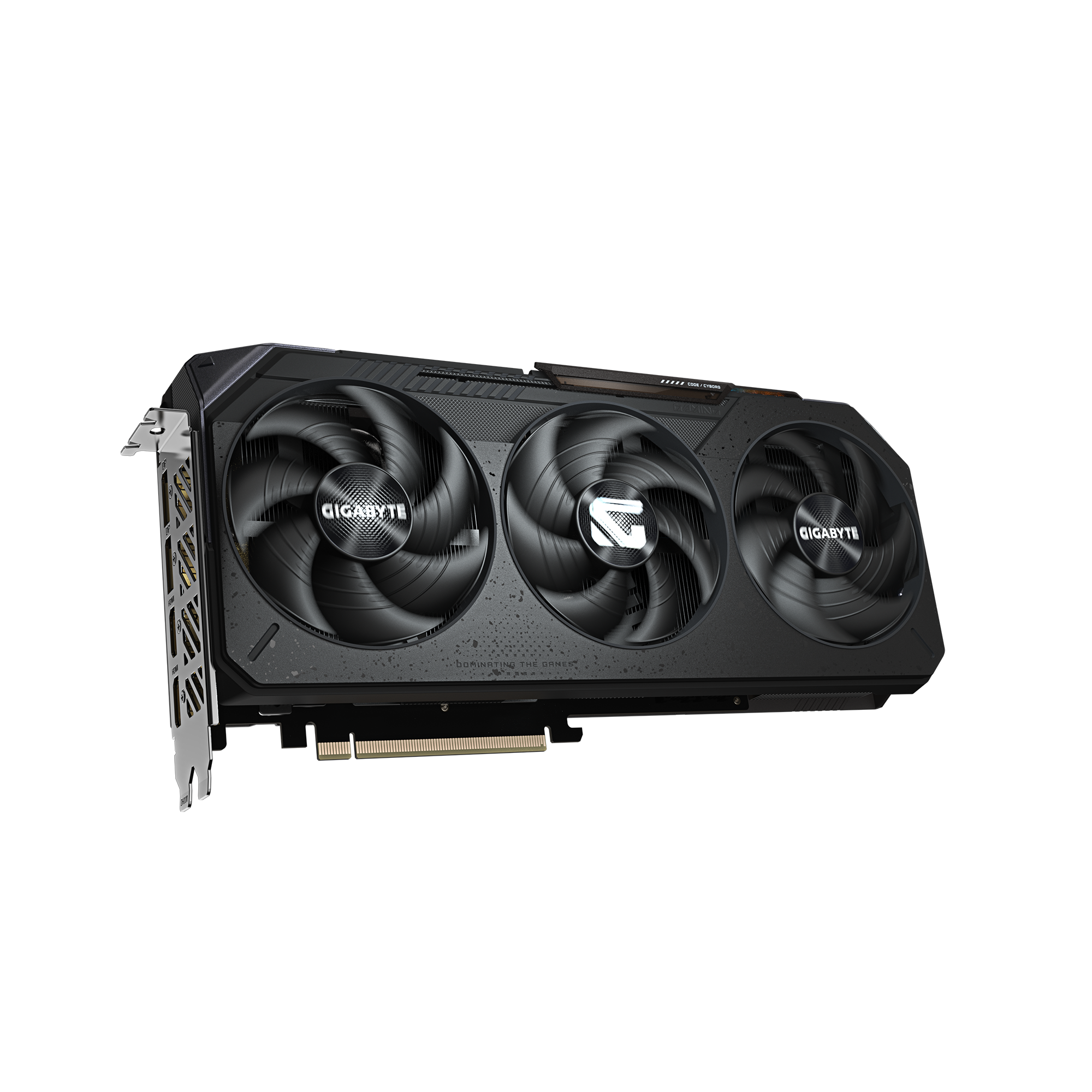
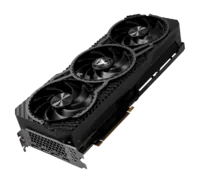
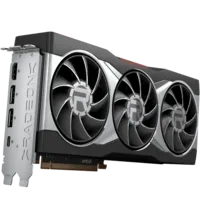
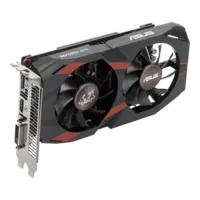
For a comprehensive guide to the best graphics cards for gaming, we have a dedicated article: best graphics card for Crimson Desert

Bearing Resolution / FPS Processor GPU Memory
Minimum 1080p upscaled / 30 FPS Ryzen 5 2600X / i5-8500 GTX 1060 / RX 5500 XT 16 GB
Low 1080p native / 30 FPS Ryzen 5 2600X / i5-8500 GTX 1660 / RX 6500 XT 16 GB
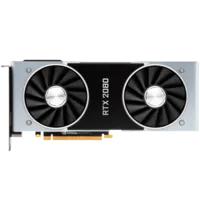
Recommended 1080p / 60 FPS Ryzen 5 5600X / i5-11600K RTX 2080 / RX 6700 XT 16 GB
Élevé 1440p / 60 FPS Ryzen 5 7600X / i5-12600K RTX 4070 / RX 7700 XT 16 GB
Ultra 4K / 60 FPS Ryzen 7 7700X / i5-13600K RTX 5070 Ti / RX 9070 XT 16 GB
Swipe to view more

The real benchmarks: what to expect in gaming

The official specs are good, but real benchmarks tell a different story. Pearl Abyss has been rather conservative in its recommendations, and in fact, the game often runs better than expected.

Some concrete figures collected by the community and testers:

  • RTX 4070 in 1080p : ~117 FPS on average. Well above the recommended 60 FPS threshold. You can increase the settings to the maximum without any worries.
  • RTX 4070 in 1440p : ~80 FPS. Stack what is needed for a 1440p 144Hz screen with some margin.
  • RTX 3060 in 1080p : ~79 FPS. Correct for 1080p, but the dips in combat zones drop to 55-60.
  • RX 7600 in 1080p : ~59 FPS. That's fair. With FSR in Quality, you go up to 70-75 FPS, which makes the experience much smoother.
  • RTX 4070 in 4K : with DLSS Quality + Frame Generation, you hit 60-90 FPS. Without DLSS, it's dead (35-45 FPS).

Ray tracing is expensive: between 20 and 40% less FPS without Frame Generation. On an RTX 3060, forget about RT. On an RTX 4070, it's feasible in 1080p/1440p with DLSS enabled.

Do you want to see the exact FPS for your graphics card? We have compiled benchmarks for over 50 GPUs on DropReference: benchmarks Crimson Desert by configuration .

Choose your delivery country to see prices based on your location

Filters

RTX 5060 Ti

RTX 5060 Ti

88 Listed Products

Starting at

349€

RTX 5080

RTX 5080

63 Listed Products

Starting at

850€

RTX 5060

RTX 5060

62 Listed Products

Starting at

309€

RTX 5070

RTX 5070

60 Listed Products

Starting at

589€

RTX 5070 Ti

RTX 5070 Ti

56 Listed Products

Starting at

600€

RTX 3050

RTX 3050

46 Listed Products

Starting at

197€

9060 XT

9060 XT

45 Listed Products

Starting at

333€

9070 XT

9070 XT

41 Listed Products

Starting at

669€

RTX 5090

RTX 5090

36 Listed Products

Starting at

2,500€

RTX 5050

RTX 5050

31 Listed Products

Starting at

256€

RTX 3070 Ti

RTX 3070 Ti

25 Listed Products

Starting at

460€

RTX 3090

RTX 3090

25 Listed Products

Starting at

1,680€

RTX 3070

RTX 3070

24 Listed Products

Starting at

454€

RTX 3080

RTX 3080

23 Listed Products

Starting at

729€

9070

9070

22 Listed Products

Starting at

554€

RTX 3060 Ti

RTX 3060 Ti

20 Listed Products

Starting at

441€

6900 XT

6900 XT

16 Listed Products

Starting at

819€

7600

7600

16 Listed Products

Starting at

247€

RTX 4060 Ti

RTX 4060 Ti

15 Listed Products

Starting at

450€

RTX 3060

RTX 3060

15 Listed Products

Starting at

471€

RTX 2060

RTX 2060

15 Listed Products

Starting at

306€

RTX 3080 Ti

RTX 3080 Ti

14 Listed Products

Starting at

1,039€

GTX 1660 Super

GTX 1660 Super

12 Listed Products

Starting at

315€

RTX 4080

RTX 4080

12 Listed Products

Starting at

800€

6500 XT

6500 XT

12 Listed Products

Starting at

182€

RTX 4090

RTX 4090

11 Listed Products

Starting at

2,900€

6600 XT

6600 XT

11 Listed Products

Starting at

434€

6700 XT

6700 XT

10 Listed Products

Starting at

382€

A750

A750

10 Listed Products

Starting at

193€

RTX 4060

RTX 4060

10 Listed Products

Starting at

431€

6800 XT

6800 XT

9 Listed Products

Starting at

599€

7700 XT

7700 XT

9 Listed Products

Starting at

429€

RTX 4070

RTX 4070

9 Listed Products

Starting at

990€

GTX 1660

GTX 1660

9 Listed Products

Starting at

230€

7900 XT

7900 XT

8 Listed Products

Starting at

689€

GTX 1660 Ti

GTX 1660 Ti

7 Listed Products

Starting at

291€

RTX 3090 Ti

RTX 3090 Ti

7 Listed Products

Starting at

1,588€

6600

6600

7 Listed Products

Starting at

409€

7900 XTX

7900 XTX

6 Listed Products

Starting at

899€

7800 XT

7800 XT

6 Listed Products

Starting at

631€

GTX 1650

GTX 1650

6 Listed Products

Starting at

209€

6750 XT

6750 XT

6 Listed Products

Starting at

509€

A770

A770

5 Listed Products

Starting at

297€

RTX 2060 Super

RTX 2060 Super

5 Listed Products

Starting at

338€

GTX 1050 Ti

GTX 1050 Ti

5 Listed Products

Starting at

168€

6400

6400

5 Listed Products

Starting at

162€

6650 XT

6650 XT

4 Listed Products

Starting at

299€

6800

6800

4 Listed Products

Starting at

399€

B570

B570

4 Listed Products

Starting at

225€

RTX 4070 Super

RTX 4070 Super

4 Listed Products

Starting at

1,074€

RTX 2070

RTX 2070

3 Listed Products

Starting at

1,146€

RTX 4070 Ti Super

RTX 4070 Ti Super

3 Listed Products

Starting at

1,284€

RTX 4070 Ti

RTX 4070 Ti

3 Listed Products

Starting at

1,459€

RTX 2080

RTX 2080

3 Listed Products

Starting at

1,441€

RTX 2080 Super

RTX 2080 Super

3 Listed Products

Starting at

399€

7900 GRE

7900 GRE

2 Listed Products

Starting at

623€

6950 XT

6950 XT

2 Listed Products

Starting at

1,434€

RTX 2070 Super

RTX 2070 Super

2 Listed Products

Starting at

1,385€

7600 XT

7600 XT

2 Listed Products

Starting at

642€

B580

B580

1 Listed Products

Starting at

335€

RTX 4080 Super

RTX 4080 Super

1 Listed Products

Starting at

1,990€

RTX 2080 Ti

RTX 2080 Ti

1 Listed Products

Starting at

2,082€

Our recommendations by budget

OK, you know the official benchmarks. But concretely, how much does it cost to build a setup that can run Crimson Desert correctly? Here are three realistic setups.

Config budget (~$650-750) : 1080p 60 FPS

The goal: 1080p smooth at Medium-High settings. No need to break the bank.

  • CPU : AMD Ryzen 5 5600 (~$130) or Intel i5-12400F (~$140)
  • GPU : RX 6700 XT used (~$190) or RTX 3060 12GB (~$210)
  • RAM : 16 GB DDR4 3200 MHz (~$35)
  • SSD : 500 GB NVMe (~$35) + HDD for the rest

With this config, you hit around 60-80 FPS at 1080p with Medium settings. Activate FSR in Quality to gain 10-15 FPS without any visible loss. This is the "recommended" tier by Pearl Abyss, nothing more, nothing less.

Mid-range setup (~$1,100-1,300): 1440p 60 FPS

The sweet spot to enjoy gaming in 1440p High without compromise.

  • CPU : AMD Ryzen 5 7600X (~$210) or Intel i5-13600KF (~$270)
  • GPU : RTX 4070 (~$530) or RX 7800 XT (~$500)
  • RAM : 32GB DDR5 6000 MHz CL30 (~$95-120)
  • SSD : 1 TB NVMe Gen4 (~$75)

The RTX 4070 delivers 80 FPS at 1440p in Crimson Desert. The RX 7800 XT does the same for a bit less. And with 32GB of RAM, you're set for the next few years - the game uses up to 14GB in open areas.

High-end config (~$1,900+): 4K Ultra

For those who want the complete visual slap in 4K.

  • CPU : AMD Ryzen 7 7700X (~$300) or Intel i5-14600K (~$320)
  • GPU : RTX 5070 Ti (~$850) or RTX 4080 Super (~$950)
  • RAM : 32GB DDR5 6000 MHz CL30
  • SSD : 2 TB NVMe Gen4

The RTX 5070 Ti is the official choice of Pearl Abyss for 4K/60. With DLSS 4 enabled, you easily exceed 60 FPS in Ultra. Ray tracing also works at this resolution without too much suffering.

Kingston FURY Beast 32GB (2x16GB) DDR5 6000MT/s CL30 — The RAM you need before it disappears

In the midst of a DDR5 shortage, this Kingston CL30 kit at 6000 MHz remains the best value for money on the market. Compatible with AMD EXPO and Intel XMP 3.0, low profile. If you are building a PC for Crimson Desert, grab it while it's still in stock at a decent price.

Pros
  • CL30 - the best latencies on the market at this price.
  • Compatible with AMD EXPO and Intel XMP 3.0.
  • Low profile, zero clearance issues with CPU coolers.
  • Often the cheapest DDR5-6000 kit still in stock.
Cons
  • Sleek design, no RGB
  • Fluctuating stock during shortage
FranceCheck the price in my country

DLSS, FSR, Frame Generation: the technologies that change everything

Crimson Desert supports DLSS 4 (with Multi Frame Generation on RTX 50), FSR 3 on the AMD side, and XeSS for Intel Arc. And these technologies literally transform the experience.

A concrete example: an RTX 4070 in native 4K runs at 35-45 FPS. Activate DLSS Quality + Frame Generation, and you go up to 60-90 FPS. Almost double. The loss of visual quality in DLSS Quality is almost invisible at 4K — you really have to zoom in to see the difference with the native.

On the AMD side, FSR 3 with Frame Generation also does a decent job, even if the upscaling quality remains a notch below DLSS. On an RX 7800 XT at 1440p, FSR Quality gives you a good 15-20% more FPS.

Our advice: if you play in 1080p with a minimal or Low config, activate FSR/DLSS in Balanced mode. In 1440p or 4K, switch to Quality. And Frame Generation, always activate it if your card supports it — it's free FPS.

Need help with your setup? The DropReference community is here

You're not sure which component to choose, or you want an opinion on your current setup before spending money? We have a tool for that on DropReference.

On the PC configuration tool , you can assemble your configuration component by component and see compatibilities in real time. But the real advantage is the community section : you ask your question ("I want to run Crimson Desert in 1440p for $1,100"), and enthusiasts respond with complete setups tailored to your budget and constraints.

It's free, it's fast, and it's more reliable than asking for advice from the seller at your local computer store. The configurations are based on real benchmarks and concrete feedback.

FAQ
Does Crimson Desert run on a laptop?

Yes, provided you have a dedicated GPU. A laptop with an RTX 3060 Mobile or an RTX 4060 Mobile runs the game at 1080p Medium-High without any issues. The Mobile versions consume less and heat up more, so expect 10-15% fewer FPS compared to desktop versions. Good cooling helps.

Do you need an SSD for Crimson Desert?

Yes, and it's marked in the minimum specs. The open world loads textures in constant streaming, and an HDD creates freezes and visible pop-in. A SATA SSD is sufficient, but an NVMe is preferable for initial loading times. And with 150 GB of storage required, make sure you have enough space.

16 GB or 32 GB of RAM for Crimson Desert?

16 GB is the official minimum and it's enough to play. But the game uses 12 to 14 GB in open world, which leaves little room for Windows and your Chrome tabs. If you're building a new PC, go for 32 GB straight away — with DDR5 prices having gone up lately, it's better to secure it now.

What graphics card to buy for Crimson Desert in 2026?

It depends on your target resolution. At 1080p, an RTX 3060 12GB or RX 6700 XT is enough. At 1440p, aim for an RTX 4070 or RX 7800 XT. At 4K, you need at least an RTX 4080 or RTX 5070 Ti. We have a full article on this: best graphics card for Crimson Desert .

How to see the FPS of my setup on Crimson Desert?

DropReference has compiled benchmarks for over 50 GPUs on Crimson Desert, with FPS per resolution and settings. You can find the exact performance of your card here: benchmarks Crimson Desert . And if you want to test your setup on 125+ games, the benchmark tool is available on the platform.