GeForce Now in 2026: reviews, subscriptions, FPS counter, and GPU alternatives

geforce now nvidia geforce now cloud gaming

GeForce Now, NVIDIA's cloud gaming service, promises 4K 120 fps without a gaming PC. We tested it, compared the subscriptions and alternatives. Here is our verdict.

What is GeForce Now exactly?

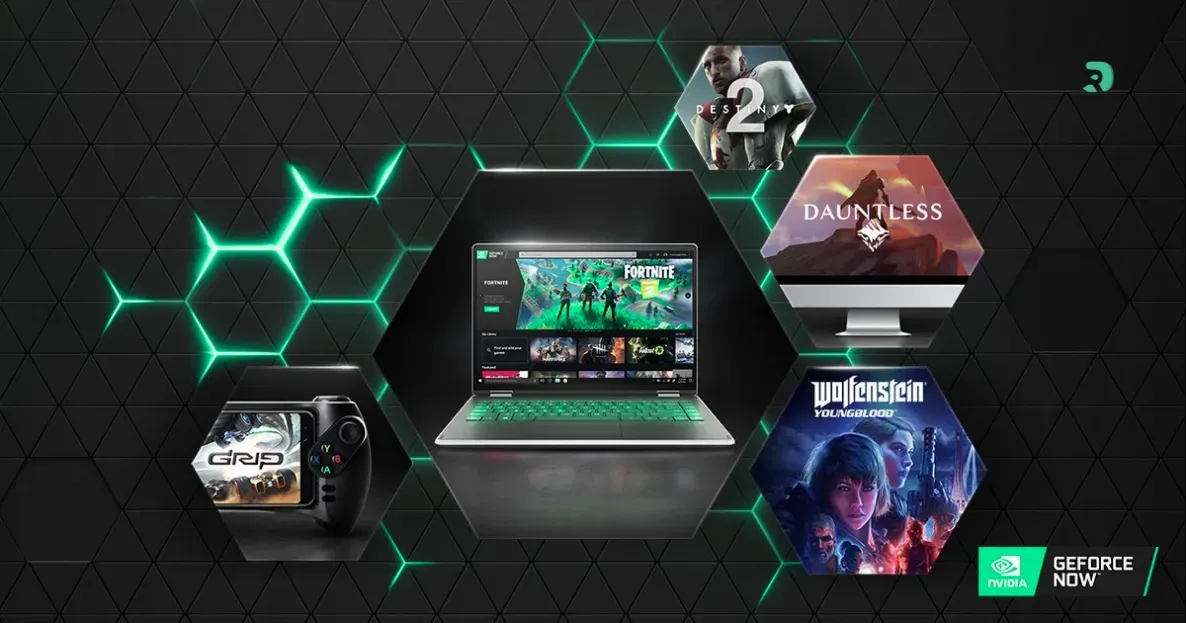
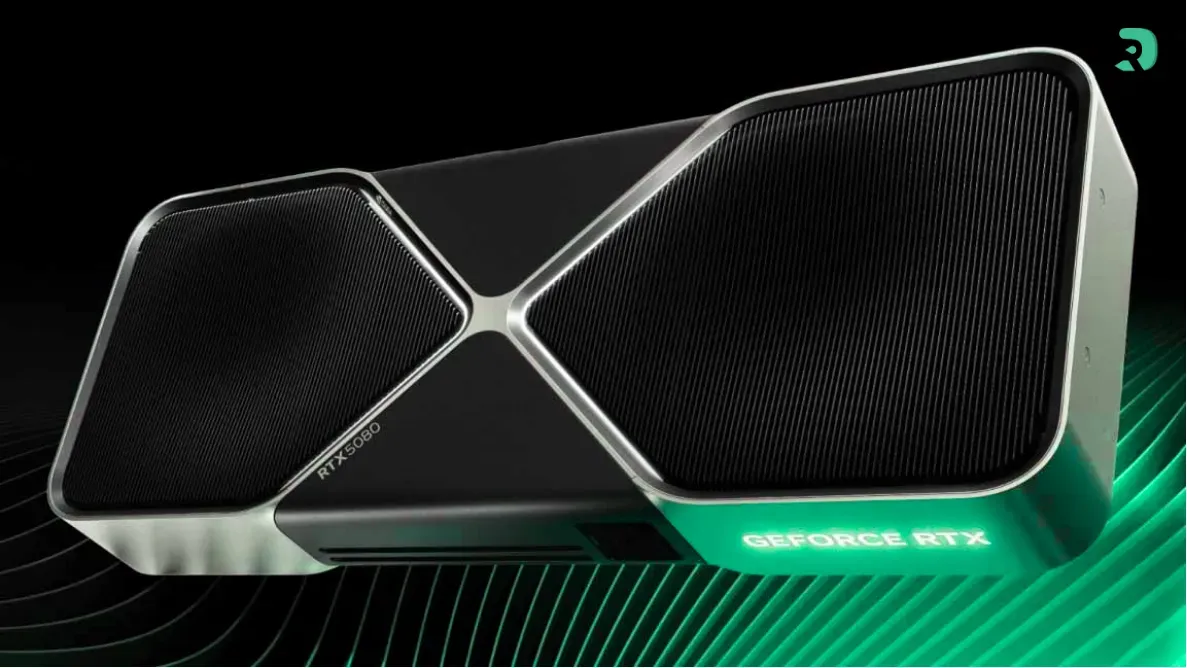
21.99 euros per month. That's what NVIDIA asks you to play in 4K HDR on a laptop that couldn't handle Minecraft natively. GeForce Now — or NVIDIA GeForce Now for those looking for the full name — it's NVIDIA's cloud gaming service. The principle is simple: you launch your Steam, Epic, or Ubisoft Connect games, but instead of running them on your machine, it's a server with an RTX 4080 (or even an RTX 5080 since early 2026) that does the job. You receive the video stream.

The thing is, cloud gaming has always had this reputation of "it's cool on paper, but in reality it lags." And frankly, in 2022-2023, it wasn't entirely false. But in March 2026, after six years of existence and servers now running on Blackwell architecture... the assessment has changed. Not completely, mind you — we're not going to sell you a dream — but enough to deserve a real overview.

With more than 4,000 compatible games and monthly additions (Kingdom Come Deliverance II, Crimson Desert, Death Stranding Director's Cut just in March 2026), the catalog is no longer the weak point it was at launch. The question now is rather: is it worth it financially? Does the quality follow? And above all, wouldn't you have been better off spending that money on a real graphics card?

geforce-now-cover Click to enlarge

How does NVIDIA GeForce Now work?

We're not going to give you a lecture, but the operation of GeForce Now deserves a second look. You connect to the application (available on PC, Mac, Android, iOS, Chrome browser, Steam Deck, Shield TV...), you link your Steam/Epic/Ubisoft/Xbox accounts, and you launch a game. The NVIDIA server installs it, launches it, and streams the result to you in real time.

Latency is the touchy subject in cloud gaming. Basically, every action you take (mouse click, keyboard key) must make a round trip to the server. On a decent fiber connection - let's say 50 Mbps on 5 GHz Wi-Fi or better on Ethernet - it's almost transparent in solo games and RPGs. In a competitive shooter like Valorant or CS2, you will feel the difference compared to local. It's not unplayable, but a player used to native 144 Hz will notice it.

On the required config side, it's the big advantage: you don't need anything . A Chromebook, an old MacBook Air, a smartphone with a Bluetooth controller — that's all you need. The only requirement is your internet connection. NVIDIA recommends a minimum of 25 Mbps for 1080p and 45 Mbps for 4K. In practice, plan for 40-50 Mbps to be comfortable in 1440p.

Setup gaming pour le cloud gaming GeForce Now Click to enlarge

GeForce Now subscriptions in 2026: how much does it cost?

NVIDIA offers three plans for its cloud gaming service. And since January 2026, there has been a major change: the limit of 100 hours per month applies now to all paying subscribers (except founding members before March 2021). 100 hours, that's about 3h20 per day. For most people, it's more than enough. But if you're the type to do 8-hour sessions on the weekend, it can be a problem.

Free (0 euro)

One-hour sessions max, 1080p at 60 fps, often long queue. It's a demo mode, let's be honest. You start, you test, you see if your connection holds. But playing seriously on it? Forget it. The session that cuts off in the middle of a boss fight is the kind of thing that makes you ragequit the service.

Performance (10.99 euros per month)

The GeForce Now subscription Performance, it's the sweet spot for many players. You switch to 1440p at 60 fps with RTX enabled, your sessions last up to 6 hours, and you access priority servers. Since 2025, the plan has been boosted with ultrawide and native 1440p support at no extra cost — the nice surprise.

You can also take per semester: 54.99 euros for 6 months, which is 9.17 euros per month. If you know you will use it regularly, it's the best deal.

Ultimate (21.99 euros per month)

The Ultimate tier pushes to 4K 120 fps with HDR, DLSS, and NVIDIA Reflex. Servers run on RTX 4080 and now RTX 5080 for some games. 8-hour sessions. This is heavy artillery.

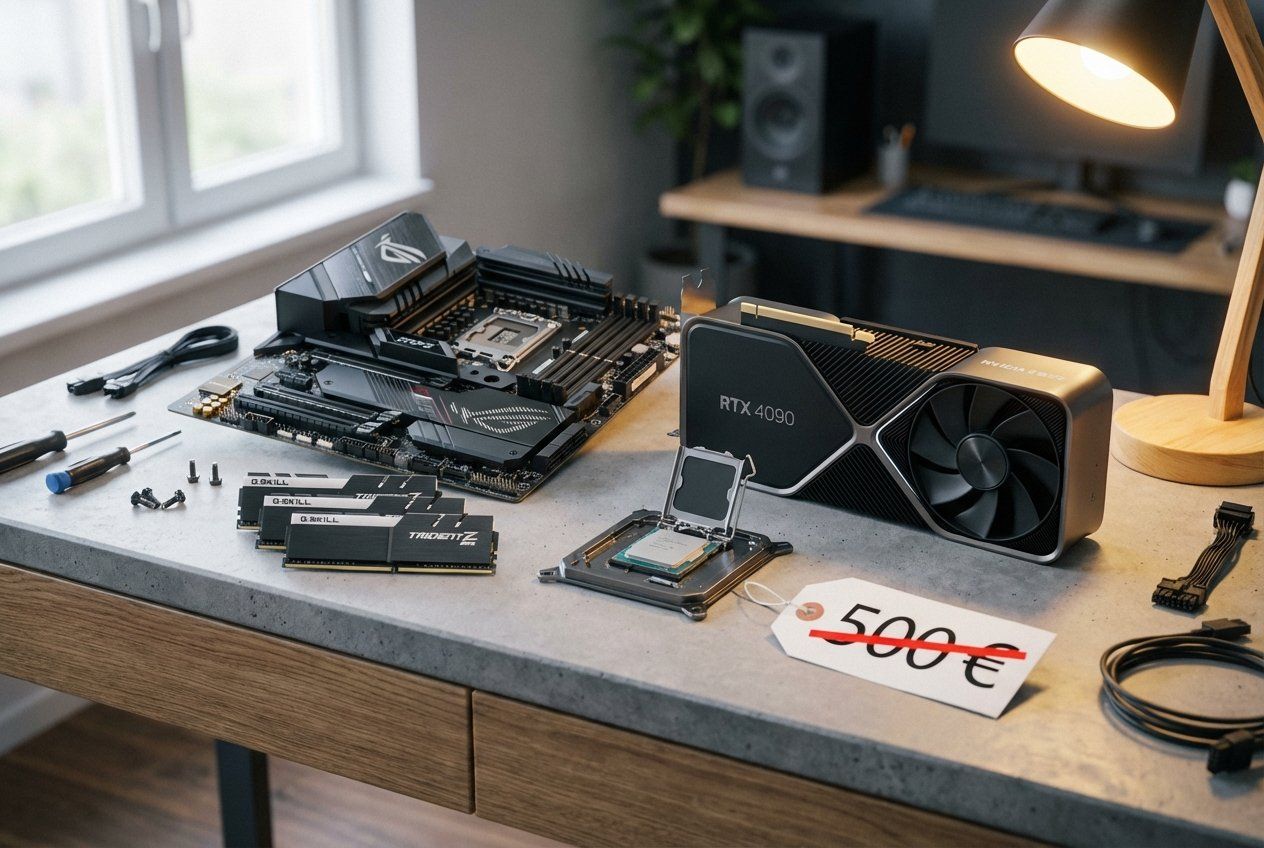
But 21.99 euros per month, that's 263.88 euros per year. In two years, you've spent over 500 euros — the price of an RX 9070 XT or an RTX 5070 that belongs to you. We'll come back to that.

And if you exceed 100 hours?

You can carry over up to 15 unused hours from the previous month. Beyond your limit, you automatically switch back to the Free mode (1h, queue). Packs of 15 additional hours are available — about 2.99 euros in Performance, 5.99 euros in Ultimate. It's not cheap for additional game time.

Free Performance Ultimate
Monthly price 0 euro €10.99 21.99 euros
Max resolution 1080p 1440p 4K
Maximum FPS 60 60 120 (240 in competitive)
Session duration 1 hour 6 hours 8 hours
RTX / DLSS No Yes Yes + Reflex + HDR
Monthly limit Unlimited (short sessions) 100h 100h
Server GPU Basique RTX Premium RTX 4080 / 5080
Swipe to view more

FPS counter on GeForce Now: how to display it?

The FPS counter GeForce Now , it's something that many are looking for and that NVIDIA doesn't really highlight. Yet it's native in the application. Here are the methods that work in March 2026.

Method 2: the shortcut Ctrl + Alt + F6

This shortcut displays FPS and network speed directly in the game. Honestly, it doesn't always work — especially if you have the Steam overlay enabled at the same time. But when it works, it's the fastest solution.

Method 3: via Steam

If your game goes through Steam, you can use Steam's built-in FPS counter. Shift + Tab to open the overlay, then Settings > In-Game > In-Game FPS Counter. Enable "High Contrast" mode otherwise you won't see anything on light games.

However, be aware: the FPS displayed via GeForce Now is the framerate of the remote server, not that of your screen. If the server generates 120 frames per second but your connection compresses the stream, you will not perceive the actual 120 fps. The most honest counter is the native overlay (Ctrl + G) which also shows network latency - that's the data that really matters in cloud gaming.

Cloud gaming streaming jeux vidéo Click to enlarge

DropReference's opinion: Is GeForce Now worth it in 2026?

We're going to be blunt. At DropReference, we spend our days tracking PC component prices. We know exactly how much a gaming setup costs in 2026. And our opinion on GeForce Now is... mixed.

The good side: for someone who does not want (or cannot) invest in a gaming PC, GeForce Now is the best cloud gaming option on the market. The streaming quality has taken a huge leap since the early days. Playing Cyberpunk 2077 in ultra RTX on a MacBook Air M1 is real, it works, and it's impressive. For students, casual gamers, or those who have a good laptop but no dedicated GPU, it is a gateway to AAA gaming without breaking the bank.

The problem is math. The Ultimate subscription costs 263 euros per year. In two and a half years, you've spent 660 euros. For this price, you can get an RTX 5070 or an RX 9070 XT — cards that run in 1440p ultra without any issues, without network dependency, without a 100-hour limit, and that belong to you for 4 to 5 years. Even the Performance plan at 10.99 euros is 132 euros per year. In 3 years, you have the budget for a good mid-range GPU.

And then there are things that bother us. The limit of 100 hours, introduced in mid-2025 for new subscribers and generalized in January 2026, is a clear setback. NVIDIA says it's to "not raise prices" — okay, but in the meantime you still pay the same and get less. The packs of additional hours at 3-6 euros for 15 hours are pure nickel-and-diming.

Network dependency is another major obstacle. Are you moving? Poor network for two weeks, no gaming. Your box crashes one weekend evening? Same. Your family streams Netflix at the same time and your bandwidth takes a hit? Goodbye smooth 4K. With a local GPU, you just play, period.

Our verdict: GeForce Now is an excellent plan B. It's great for troubleshooting, for gaming on the go, for testing before investing. But as a main gaming solution in the long term? We prefer to invest in hardware. The GPU, it loses value, yes. But at least it's there when you need it - no need for 45 Mbps of bandwidth to launch a solo game.
Manette gaming pour jouer sur GeForce Now Click to enlarge
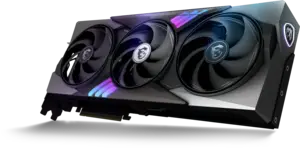
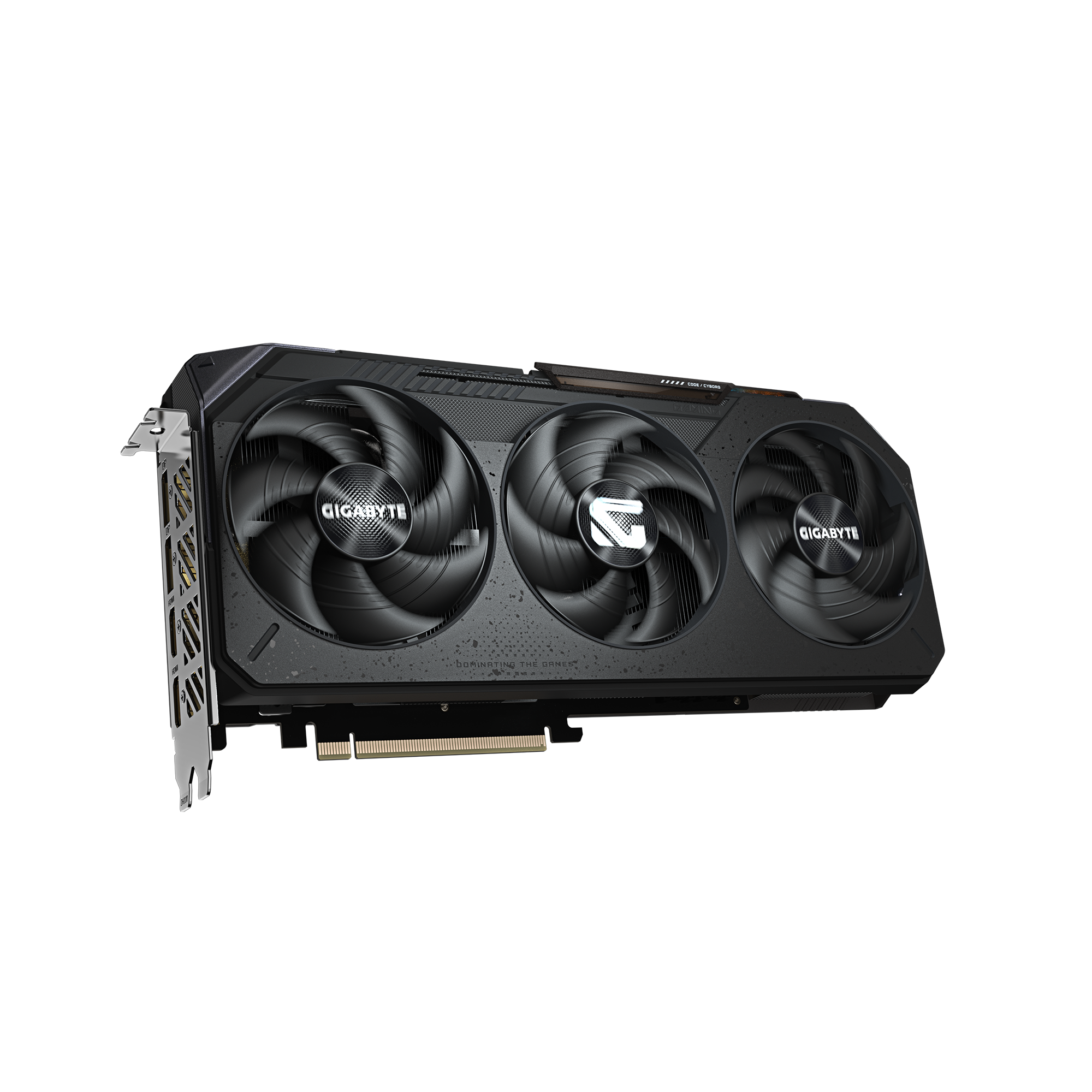
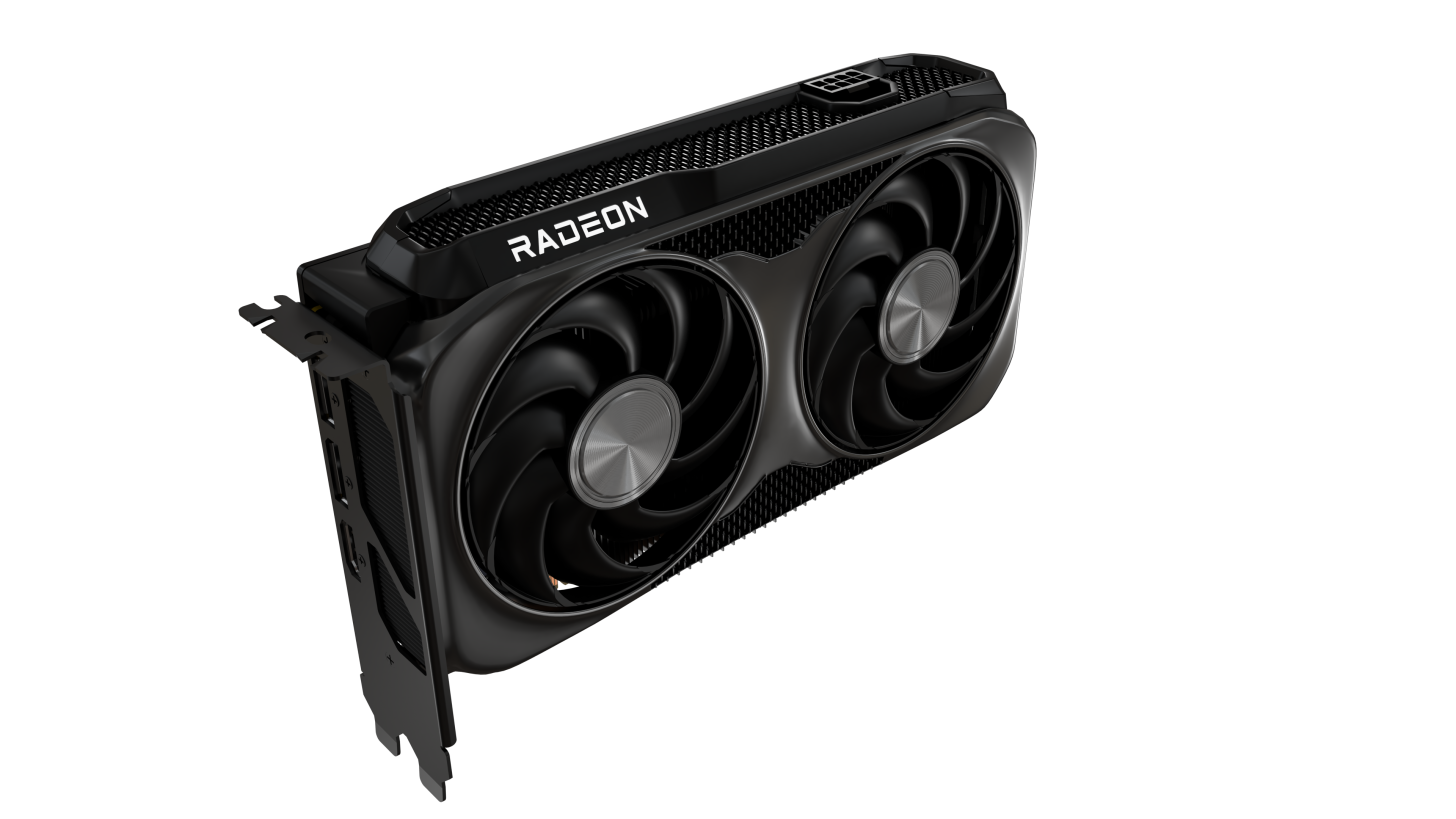
The alternative: invest in a GPU rather than renting cloud

If you read DropReference, you probably already know that hardware is our thing. And we sincerely believe that for many gamers, buying a graphics card remains the best investment. Not because cloud gaming is bad — we just said the opposite — but because in the long run, you're the one who wins.

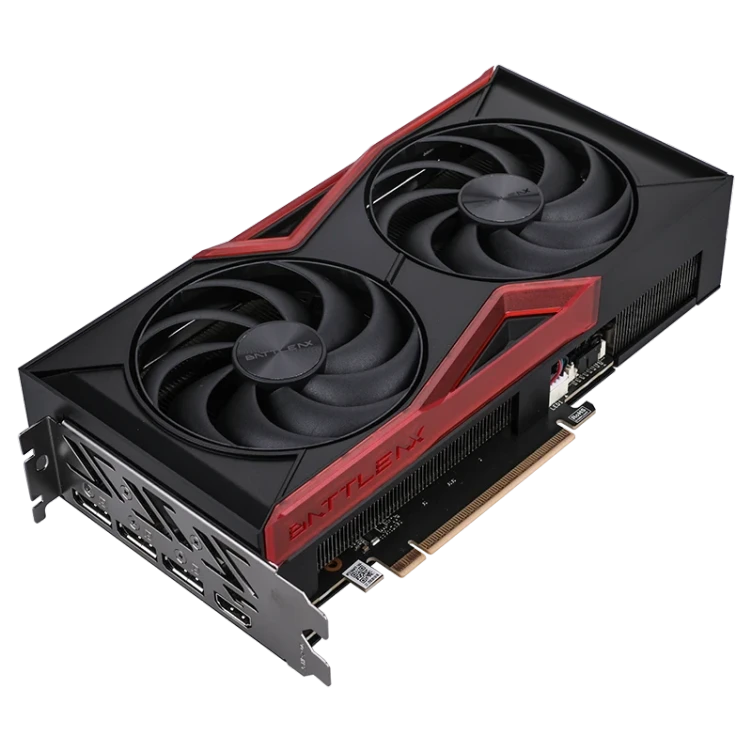
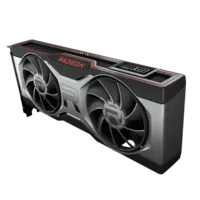
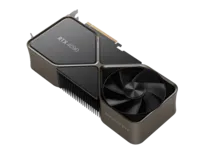
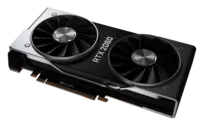
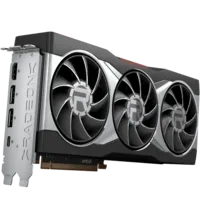
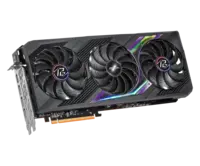
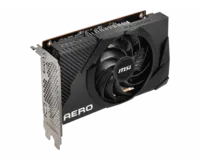
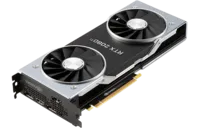
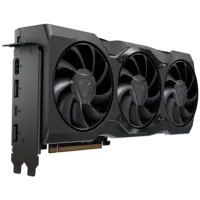
In March 2026, a RX 9070 XT is around 550-600 euros. A RTX 5070 revolves around 650 euros when it is in stock (yes, it's still a pain). These cards run most games in 1440p ultra at 80+ FPS. And with DLSS 4 or FSR 4, you easily push to 4K. No network latency. No hourly limit. No subscription.

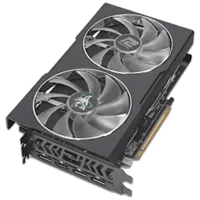
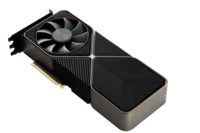
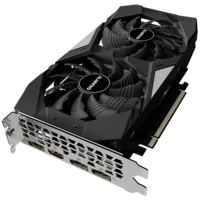
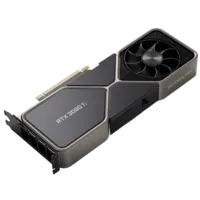
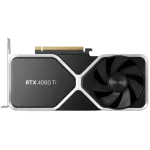
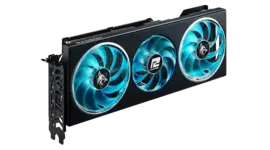
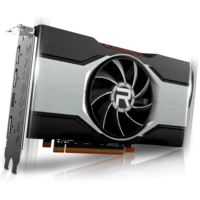
We have compiled below our GPU board so that you can compare prices in real time. If you already have a PC with a good processor and a decent power supply, upgrading the GPU is often the best decision.

Choose your delivery country to see prices based on your location

Filters

RTX 5060 Ti

RTX 5060 Ti

87 Listed Products

Starting at

349€

RTX 5080

RTX 5080

62 Listed Products

Starting at

1,210€

RTX 5060

RTX 5060

62 Listed Products

Starting at

309€

RTX 5070

RTX 5070

58 Listed Products

Starting at

589€

RTX 5070 Ti

RTX 5070 Ti

56 Listed Products

Starting at

889€

9060 XT

9060 XT

46 Listed Products

Starting at

329€

RTX 3050

RTX 3050

46 Listed Products

Starting at

179€

9070 XT

9070 XT

42 Listed Products

Starting at

660€

RTX 5090

RTX 5090

35 Listed Products

Starting at

3,300€

RTX 5050

RTX 5050

30 Listed Products

Starting at

256€

RTX 3070 Ti

RTX 3070 Ti

25 Listed Products

Starting at

487€

RTX 3070

RTX 3070

25 Listed Products

Starting at

19€

RTX 3090

RTX 3090

24 Listed Products

Starting at

1,680€

9070

9070

23 Listed Products

Starting at

558€

RTX 3080

RTX 3080

22 Listed Products

Starting at

729€

RTX 3060 Ti

RTX 3060 Ti

19 Listed Products

Starting at

452€

6900 XT

6900 XT

16 Listed Products

Starting at

755€

RTX 3060

RTX 3060

16 Listed Products

Starting at

450€

7600

7600

15 Listed Products

Starting at

247€

RTX 2060

RTX 2060

15 Listed Products

Starting at

302€

RTX 3080 Ti

RTX 3080 Ti

14 Listed Products

Starting at

1,039€

GTX 1660 Super

GTX 1660 Super

13 Listed Products

Starting at

305€

6700 XT

6700 XT

12 Listed Products

Starting at

382€

RTX 4080

RTX 4080

12 Listed Products

Starting at

1,390€

RTX 4060 Ti

RTX 4060 Ti

12 Listed Products

Starting at

450€

RTX 4090

RTX 4090

11 Listed Products

Starting at

2,900€

6600 XT

6600 XT

11 Listed Products

Starting at

434€

6500 XT

6500 XT

11 Listed Products

Starting at

182€

RTX 4060

RTX 4060

10 Listed Products

Starting at

430€

A750

A750

10 Listed Products

Starting at

193€

GTX 1650

GTX 1650

8 Listed Products

Starting at

209€

7900 XT

7900 XT

8 Listed Products

Starting at

699€

6800 XT

6800 XT

8 Listed Products

Starting at

599€

RTX 4070

RTX 4070

8 Listed Products

Starting at

990€

6600

6600

7 Listed Products

Starting at

399€

GTX 1660 Ti

GTX 1660 Ti

7 Listed Products

Starting at

291€

GTX 1660

GTX 1660

7 Listed Products

Starting at

230€

7700 XT

7700 XT

7 Listed Products

Starting at

429€

6750 XT

6750 XT

6 Listed Products

Starting at

501€

RTX 3090 Ti

RTX 3090 Ti

6 Listed Products

Starting at

1,534€

7900 XTX

7900 XTX

6 Listed Products

Starting at

899€

RTX 2060 Super

RTX 2060 Super

5 Listed Products

Starting at

346€

A770

A770

5 Listed Products

Starting at

297€

GTX 1050 Ti

GTX 1050 Ti

5 Listed Products

Starting at

152€

7600 XT

7600 XT

4 Listed Products

Starting at

544€

7800 XT

7800 XT

4 Listed Products

Starting at

531€

B570

B570

4 Listed Products

Starting at

229€

6650 XT

6650 XT

4 Listed Products

Starting at

299€

RTX 2080

RTX 2080

4 Listed Products

Starting at

399€

RTX 4070 Ti Super

RTX 4070 Ti Super

3 Listed Products

Starting at

1,266€

6400

6400

3 Listed Products

Starting at

163€

6950 XT

6950 XT

3 Listed Products

Starting at

1,190€

RTX 2070

RTX 2070

3 Listed Products

Starting at

1,143€

6800

6800

2 Listed Products

Starting at

795€

RTX 4070 Super

RTX 4070 Super

2 Listed Products

Starting at

1,231€

RTX 4070 Ti

RTX 4070 Ti

2 Listed Products

Starting at

1,459€

RTX 2070 Super

RTX 2070 Super

2 Listed Products

Starting at

1,385€

RTX 2080 Super

RTX 2080 Super

2 Listed Products

Starting at

1,156€

RTX 2080 Ti

RTX 2080 Ti

1 Listed Products

Starting at

2,082€

RTX 4080 Super

RTX 4080 Super

1 Listed Products

Starting at

1,990€

7900 GRE

7900 GRE

1 Listed Products

Starting at

626€

B580

B580

1 Listed Products

Starting at

333€

The cloud gaming alternatives to GeForce Now

GeForce Now is not alone in the market. If the service does not suit you — or if you want to compare before committing — here is what exists in March 2026.

Xbox Cloud Gaming (Game Pass Ultimate)

Included in the Game Pass Ultimate subscription (14.99 euros per month), Xbox Cloud Gaming gives you access to hundreds of games without owning them. This is the fundamental difference with GeForce Now: here, you do not play YOUR games, you play the Game Pass catalog. The quality is capped at 1080p 60 fps for now, which is below what NVIDIA offers. But if you are already a Game Pass subscriber, it's included — so make the most of it.

Shadow PC

Shadow, it's another concept: you rent a complete Windows PC in the cloud. You can install anything on it — Steam, Epic, mods, emulators, Photoshop if you want. It's more flexible than GeForce Now, but also more expensive (around 30 euros per month) and availability is random depending on the regions. If you want a real remote PC and not just for gaming, it's the best option.

Boosteroid

The European challenger. Boosteroid offers a wider catalog than GeForce Now on some titles, at an aggressive price (7.49 euros per month on an annual subscription). The max quality is 1080p 60 fps — no 4K here. Latency is decent in Western Europe, but variable. It's the budget option if you want cloud gaming without breaking the bank.

Amazon Luna

Available mainly in the US, Luna operates through thematic "channels." It's simple, it works, but the catalog is limited and the geographical coverage leaves something to be desired for Europeans. It is mentioned to be complete, but in France, it's not yet a real option.

Service Monthly Price Max Resolution Catalog Strengths
GeForce Now Ultimate 21.99 euros 4K 120 fps 4,000+ (your games) Image quality and NVIDIA technology
GeForce Now Performance 10.99 euros 1440p 60 fps 4,000+ (your games) Best cloud quality/price ratio
Xbox Cloud Gaming 14.99 euros (Game Pass) 1080p 60 fps Hundreds (Game Pass) Games included, no separate purchase
Shadow PC ~30 euros Up to 4K Unlimited (Full PC) Total flexibility
Boosteroid 7.49 euros (annual) 1080p 60 fps Large Lowest price
Swipe to view more

FAQ GeForce Now

Is GeForce Now free?

Yes, there is a free offer. It is limited to one-hour sessions in 1080p with a queue. It is sufficient to test the service, not to play regularly. Paid offers start at 10.99 euros per month (Performance).

What internet connection is needed for GeForce Now?

NVIDIA recommends 15 Mbps minimum, 25 Mbps for correct 1080p, and 45 Mbps for 4K. In practice, with a fiber connection and 5 GHz Wi-Fi, you will be fine. Ethernet remains the most stable option to minimize latency. Avoid 2.4 GHz Wi-Fi, it guarantees micro-cuts.

Do all Steam games work on GeForce Now?

No. Only games for which the publisher has given permission are available. The catalog includes over 4,000 titles as of March 2026, with additions every month. You can check compatibility on the official NVIDIA website or directly in the app.

How to display the FPS counter on GeForce Now?

Ctrl + G (PC) or Cmd + G (Mac) in-game, then tab Statistics. You can also try Ctrl + Alt + F6 for a quick display, or use the integrated FPS counter of Steam if your game is launched through this platform.

GeForce Now or buy a GPU: what to choose?

It depends on your situation. If you already have a PC with a good processor and plan to play for several years, buying a GPU is more cost-effective in the long run. If you don't have a gaming PC, if you want to play on the go, or if you want to try AAA gaming without heavy investment, GeForce Now is a very good entry point. In short: short term or mobility = GeForce Now, long term and guaranteed performance = physical GPU.

What is the 100-hour limit on GeForce Now?

Since January 2026, all paying subscribers (Performance and Ultimate) are limited to 100 hours of play per month. Unused hours (up to 15h) are carried over to the following month. Beyond that, you revert to Free mode. Additional hour packs are sold separately. Only founding members (subscribers before March 2021 continuously) are exempt.