yuux
Co-founder of DropReference, I'm here to give you the best tips to build the gaming PC of your dreams!
yuux
Co-founder of DropReference, I'm here to give you the best tips to build the gaming PC of your dreams!
- 1Blood of Dawnwalker on PC: where things stand (Nov 2026)
- 2The settings that actually matter
- 3Optimized settings by GPU: RTX 3060, 3060 Ti, 3080 (and AMD peers)
- 4Recommended presets by resolution (current cards)
- 5Benchmarks: 30 GPUs at 1080p Ultra native
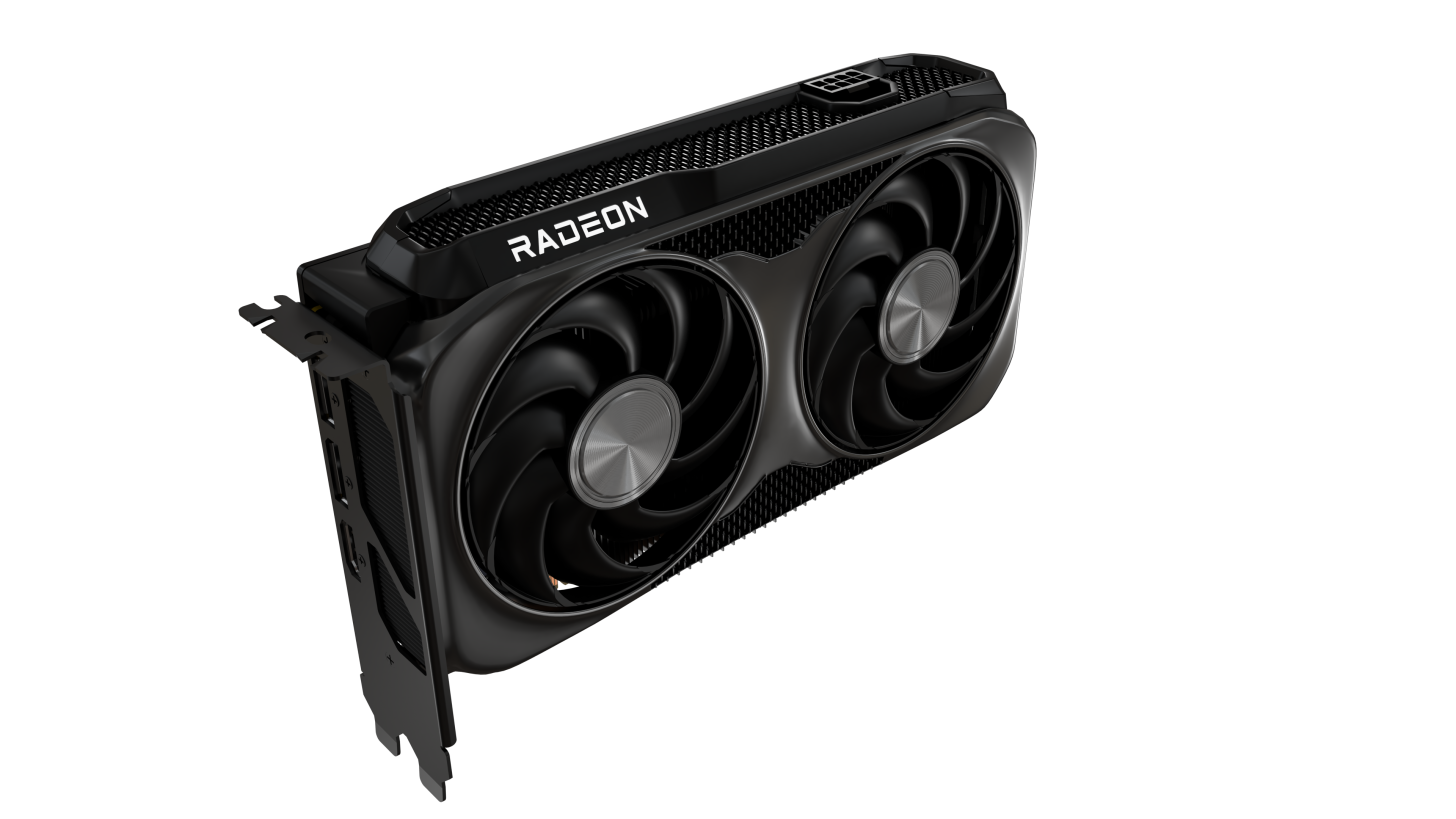
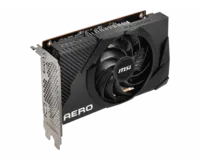
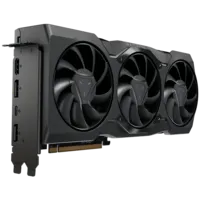
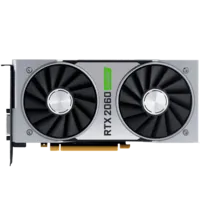
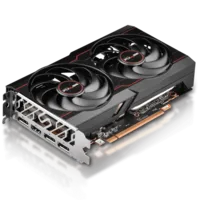
- 6Which GPU should you buy for Blood of Dawnwalker?
- 7Best value at 1080p/1440p: RTX 4060 / Arc B580
- 81440p sweet spot: RX 9070 XT
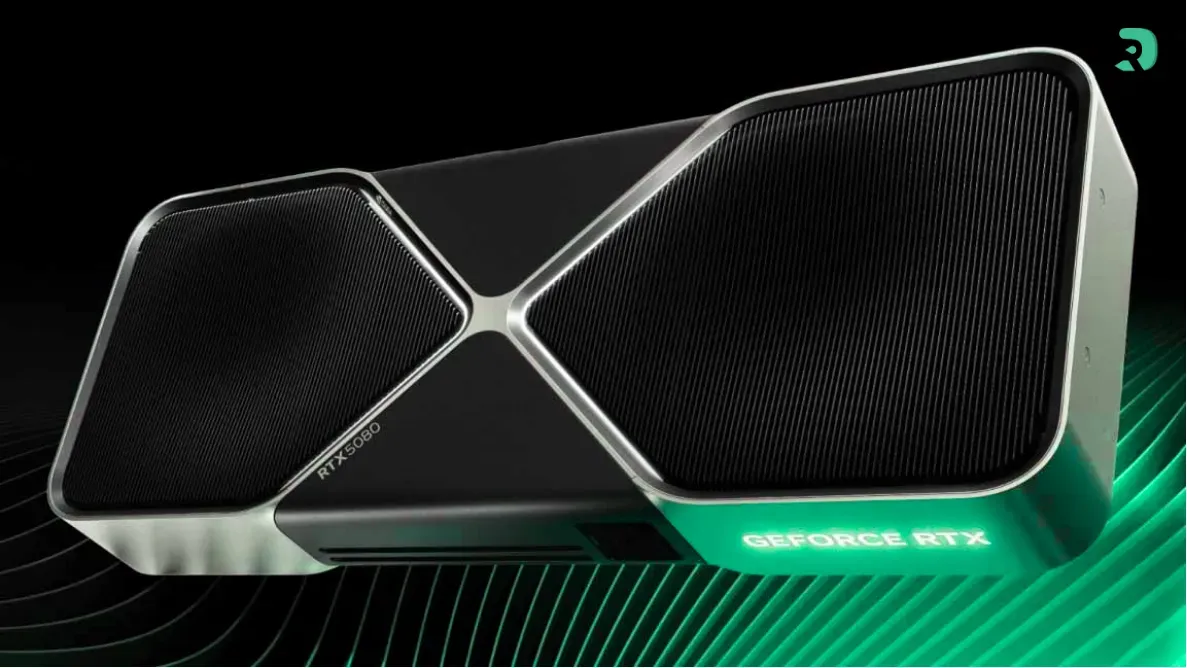
- 94K tank: RTX 5080
- 10DLSS vs FSR vs XeSS: which should you use?
- 11FAQ — Blood of Dawnwalker PC optimization