- 1The short answer: which hard drive for your NAS in 2026?
- 2What really matters in a NAS hard drive
- 3WD Red, Red Plus or Red Pro: the SMR trap
- 4Seagate IronWolf: the all-rounder, with data recovery included
- 5WD Red Plus and Red Pro: quiet first, then endurance
- 6Toshiba N300: 7,200 RPM and high capacities
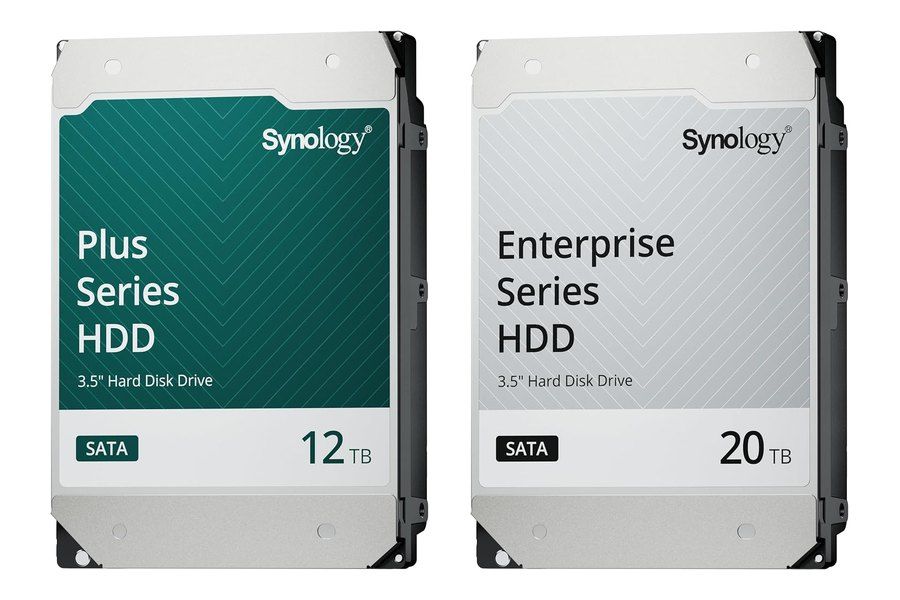
- 7Synology HAT3310 and HAT5310: do you need Synology drives?
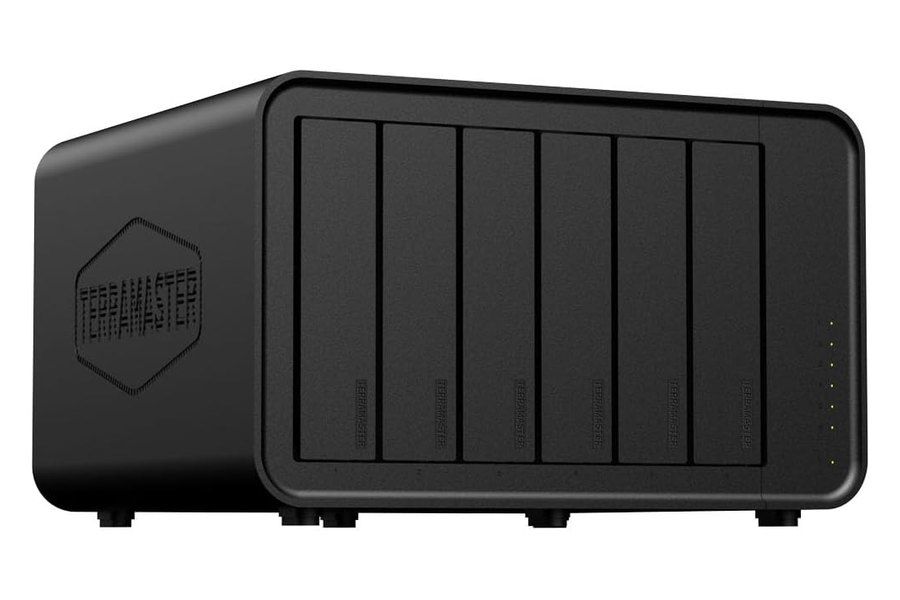
- 8TerraMaster F6-424 Max: which drives to put inside?
- 9For Plex or Jellyfin: the processor matters more than the drive
- 10Which capacity and which RAID should you choose?
- 11RAID is not a backup
- 12Mistakes to avoid
- 13FAQ
- 14Our advice
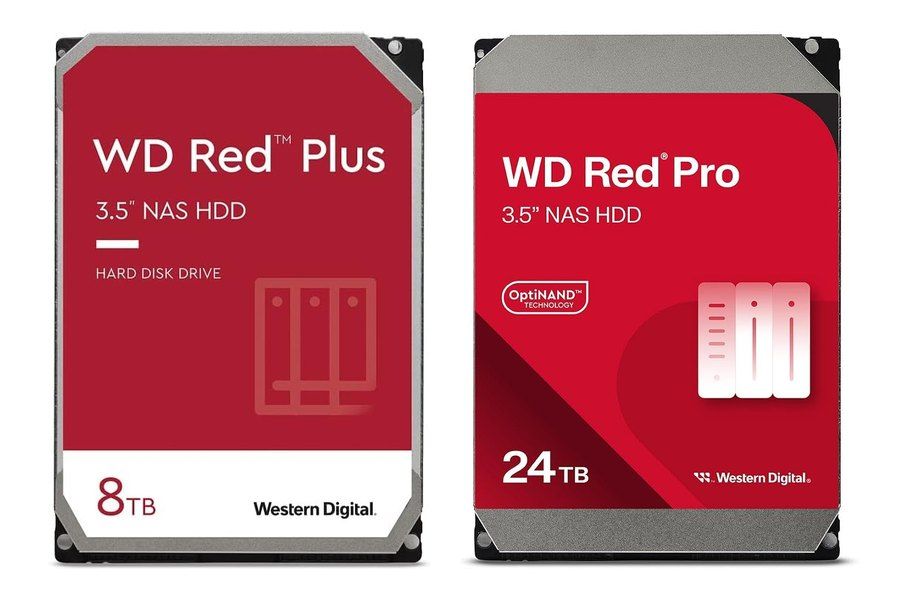
For a home NAS with 2 to 8 bays, three product lines do the job: the Seagate IronWolf, the WD Red Plus and the Toshiba N300. All three use CMR recording, are built to run 24/7, cope with vibration from neighboring drives and are rated for 180 TB per year with a 3-year warranty. The right pick then comes down to noise, capacity and the cost per terabyte on the day you buy.
In short: the WD Red Plus is the quietest for a NAS sitting in a living room or office, the IronWolf adds 3 years of Rescue data recovery, and the Toshiba N300 spins at 7,200 RPM even in its standard line and goes up to 22 TB. On a recent Synology, the HAT3310 (Plus series) and HAT5310 (Enterprise series) integrate best with DSM. For a NAS under constant load or with many bays, step up to the WD Red Pro or an enterprise-class drive.
The trap to avoid: the plain WD Red, without Plus or Pro, uses SMR on its smaller capacities. We explain below how to spot it from its model number. Also note: our catalog does not list a Synology DiskStation enclosure for now, so we cover the Synology drives and the TerraMaster F6-424 Max, which are in the catalog. For the US edition, we only show product cards for drives with a current US offer.