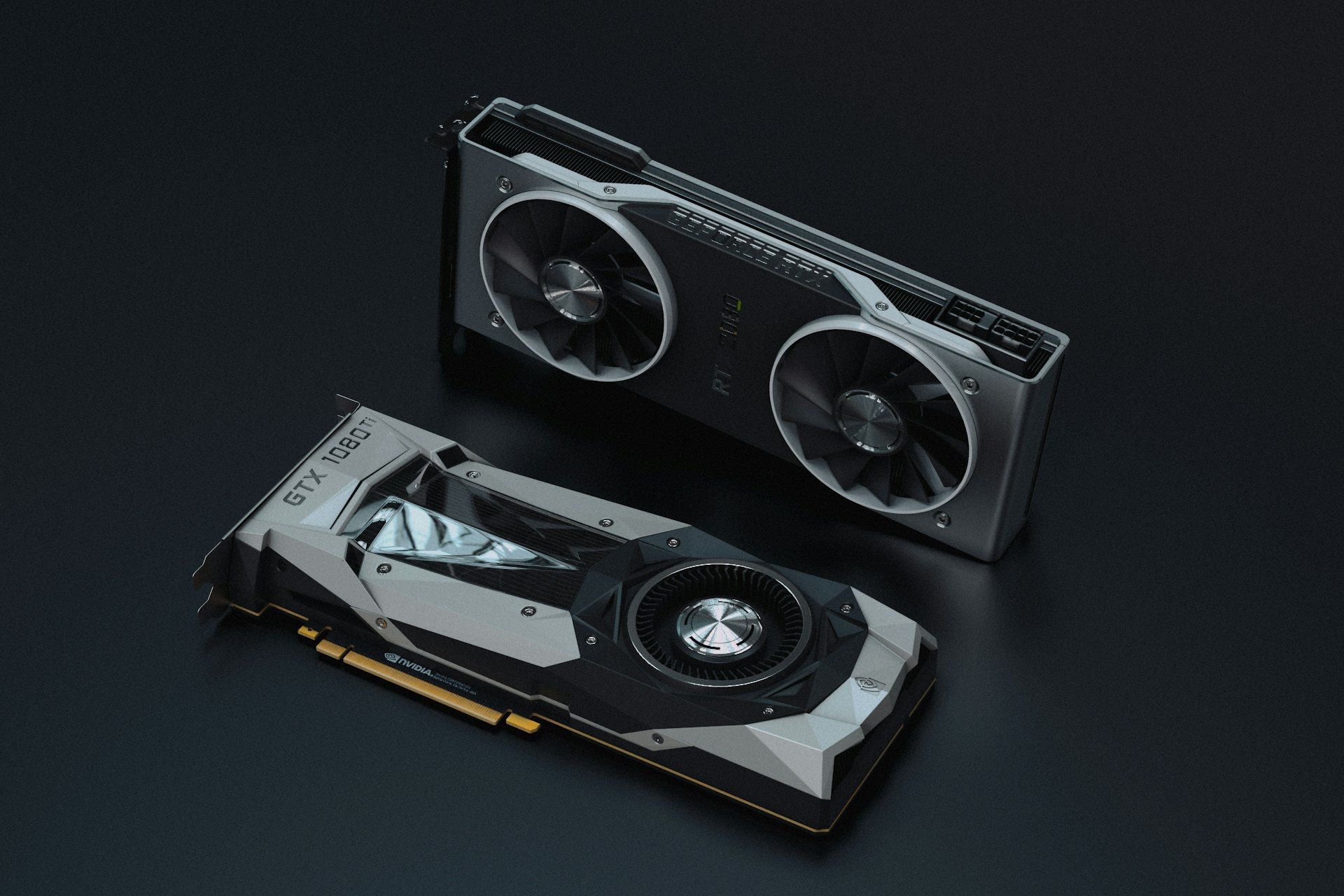
Best Graphics Card for AI in 2026: Top 3 RTX 50 Cards for Local AI, from 16 to 32 GB

AI graphics card best GPU for AI GPU for local AI local LLM GPU RTX 5060 Ti 16GB AI

Which graphics card should you buy for local AI in 2026? Our top 3 RTX 50 cards ranked by VRAM (16 to 32 GB), with a memory-per-model calculation and official NVIDIA specs.

Graphics card for local AI: why VRAM decides everything

Running an LLM (Llama, Mistral, Qwen…), generating images with Stable Diffusion or Flux, training a LoRA: locally, it all goes through the graphics card. And unlike gaming, raw power isn’t the first bottleneck, VRAM capacity is. If the model doesn’t fit in the card’s memory, it spills into system RAM and everything slows down, if it loads at all.

On the software side, the ecosystem is still built around CUDA: PyTorch, llama.cpp, Ollama and ComfyUI run natively on GeForce RTX cards. AMD is making progress with ROCm, but an NVIDIA card remains the easiest way to get started.

Deep learning et intelligence artificielle avec GPU Click to enlarge

Updated October 9, 2026: the RTX 5060 Ti 8 GB makes way for the 16 GB version, specs were checked against NVIDIA and manufacturer sheets, and availability was checked in the DropReference catalog. GPU prices rose sharply in 2026, which our advice takes into account.
How much VRAM for local AI? The simple math

Hugging Face’s Transformers documentation gives a simple rule: loading the weights of a model with X billion parameters takes roughly 2 × X GB of VRAM in bfloat16/float16 (4 × X GB in float32). A 7B model therefore weighs about 14 GB in 16-bit, and Llama 2 70B about 140 GB.

Quantization changes everything. In 4-bit, each parameter takes half a byte, so the weights weigh about X/2 GB (simple math). Hugging Face shows it with OctoCoder (15.5 billion parameters): 32 GB in bfloat16, 15 GB in 8-bit and just over 9 GB in 4-bit, measured. On top of the weights comes the context (KV cache), which grows with conversation length.

  • 8 GB: 7 to 8B models in 4-bit (about 4 GB of weights), with little room for context.
  • 16 GB: up to 14B in 4-bit with headroom (about 7 GB of weights), or around 24B (about 12 GB) with a short context.
  • 32 GB: up to 32B in 4-bit (about 16 GB) with plenty of context. A 70B in 4-bit (about 35 GB of weights) doesn’t fit entirely, even on an RTX 5090.

Memory bandwidth drives token generation speed. All three cards use 28 Gbps GDDR7, so bandwidth scales with bus width: 128-bit on the RTX 5060 Ti, 256-bit on the 5070 Ti and 512-bit on the 5090, or about 448, 896 and 1,792 GB/s (data rate × bus width ÷ 8).

Then there’s power: NVIDIA lists 180 W for the RTX 5060 Ti, 300 W for the 5070 Ti and 575 W for the 5090, with recommended power supplies of 600, 750 and 1,000 W. To size yours, follow our guide to choosing a PC power supply.

Choose your delivery country to see prices based on your location

Filters

RTX 5060 Ti

RTX 5060 Ti

92 Listed Products

Starting at

370€

RTX 5080

RTX 5080

76 Listed Products

Starting at

1,029€

RTX 5060

RTX 5060

63 Listed Products

Starting at

316€

RTX 5070 Ti

RTX 5070 Ti

55 Listed Products

Starting at

1,181€

RTX 5070

RTX 5070

52 Listed Products

Starting at

627€

9070 XT

9070 XT

50 Listed Products

Starting at

823€

9060 XT

9060 XT

42 Listed Products

Starting at

421€

RTX 3050

RTX 3050

38 Listed Products

Starting at

221€

RTX 5090

RTX 5090

31 Listed Products

Starting at

3,899€

RTX 5050

RTX 5050

27 Listed Products

Starting at

320€

9070

9070

26 Listed Products

Starting at

619€

RTX 3060

RTX 3060

25 Listed Products

Starting at

346€

RTX 3080

RTX 3080

24 Listed Products

Starting at

729€

RTX 3070

RTX 3070

21 Listed Products

Starting at

519€

RTX 3090

RTX 3090

20 Listed Products

Starting at

2,149€

RTX 3070 Ti

RTX 3070 Ti

18 Listed Products

Starting at

666€

RTX 3060 Ti

RTX 3060 Ti

15 Listed Products

Starting at

449€

7600

7600

14 Listed Products

Starting at

287€

6900 XT

6900 XT

14 Listed Products

Starting at

699€

RTX 4080

RTX 4080

13 Listed Products

Starting at

1,490€

RTX 3080 Ti

RTX 3080 Ti

12 Listed Products

Starting at

726€

GTX 1660 Super

GTX 1660 Super

12 Listed Products

Starting at

266€

RTX 2060

RTX 2060

11 Listed Products

Starting at

28€

RTX 4060 Ti

RTX 4060 Ti

10 Listed Products

Starting at

632€

6700 XT

6700 XT

9 Listed Products

Starting at

463€

RTX 4070 Super

RTX 4070 Super

8 Listed Products

Starting at

1,200€

6500 XT

6500 XT

7 Listed Products

Starting at

223€

6600 XT

6600 XT

7 Listed Products

Starting at

449€

7800 XT

7800 XT

7 Listed Products

Starting at

823€

RTX 4060

RTX 4060

7 Listed Products

Starting at

641€

RTX 4070

RTX 4070

6 Listed Products

Starting at

990€

GTX 1660 Ti

GTX 1660 Ti

6 Listed Products

Starting at

259€

B570

B570

6 Listed Products

Starting at

309€

RTX 3090 Ti

RTX 3090 Ti

5 Listed Products

Starting at

1,745€

GTX 1660

GTX 1660

5 Listed Products

Starting at

230€

RTX 4080 Super

RTX 4080 Super

5 Listed Products

Starting at

1,662€

GTX 1650

GTX 1650

5 Listed Products

Starting at

313€

7900 XT

7900 XT

4 Listed Products

Starting at

899€

RTX 4070 Ti Super

RTX 4070 Ti Super

4 Listed Products

Starting at

1,346€

6600

6600

3 Listed Products

Starting at

446€

RTX 2070

RTX 2070

3 Listed Products

Starting at

1,122€

RTX 2080

RTX 2080

3 Listed Products

Starting at

1,356€

RTX 4070 Ti

RTX 4070 Ti

3 Listed Products

Starting at

1,069€

RTX 2080 Super

RTX 2080 Super

3 Listed Products

Starting at

329€

6650 XT

6650 XT

3 Listed Products

Starting at

564€

RTX 4090

RTX 4090

2 Listed Products

Starting at

3,990€

RTX 2070 Super

RTX 2070 Super

2 Listed Products

Starting at

1,410€

6750 XT

6750 XT

2 Listed Products

Starting at

649€

7700 XT

7700 XT

2 Listed Products

Starting at

980€

6800 XT

6800 XT

2 Listed Products

Starting at

589€

6950 XT

6950 XT

2 Listed Products

Starting at

1,220€

7900 GRE

7900 GRE

2 Listed Products

Starting at

626€

6800

6800

2 Listed Products

Starting at

540€

A750

A750

2 Listed Products

Starting at

301€

RTX 2080 Ti

RTX 2080 Ti

2 Listed Products

Starting at

1,520€

6400

6400

2 Listed Products

Starting at

294€

GTX 1050 Ti

GTX 1050 Ti

2 Listed Products

Starting at

170€

7600 XT

7600 XT

1 Listed Products

Starting at

813€

RTX 2060 Super

RTX 2060 Super

1 Listed Products

Starting at

391€

A770

A770

1 Listed Products

Starting at

507€

B580

B580

1 Listed Products

Starting at

368€

7900 XTX

7900 XTX

1 Listed Products

Starting at

1,700€

Our top 3 graphics cards for AI in 2026

Three cards, three tiers: 16 GB at the lowest price, fast 16 GB and 32 GB for large models. All are RTX 50 cards (Blackwell architecture, 5th-gen Tensor Cores). On October 9, 2026, none of them had a current US offer in the DropReference catalog, so we show no dollar prices rather than converting euros.

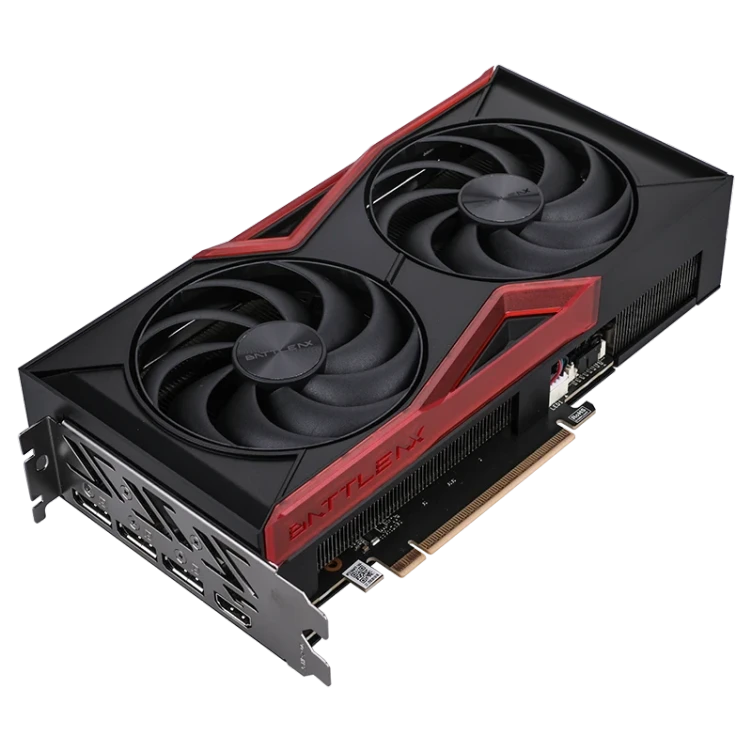
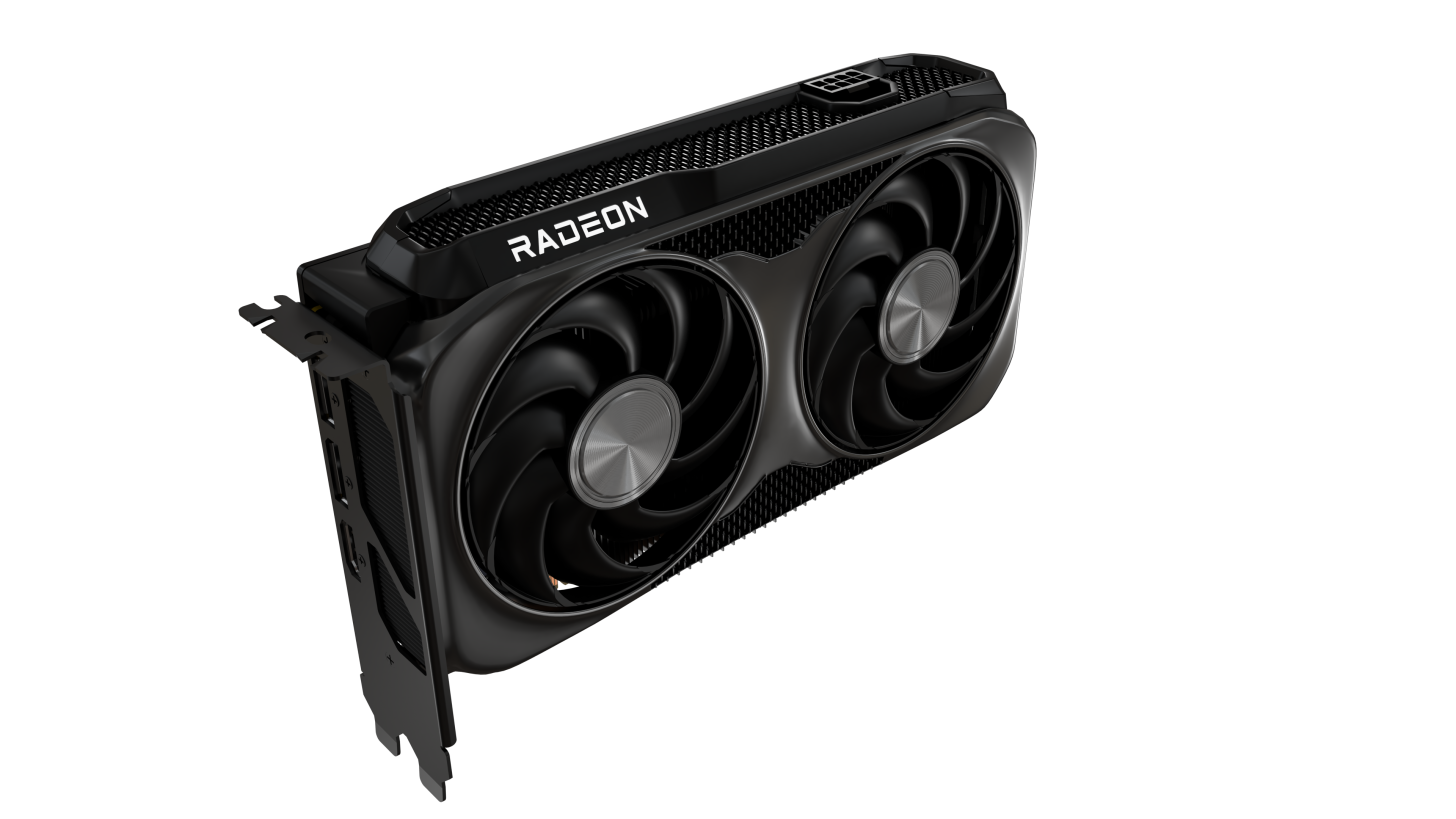
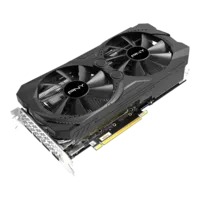
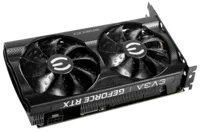
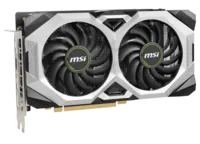
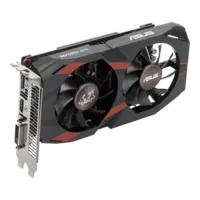
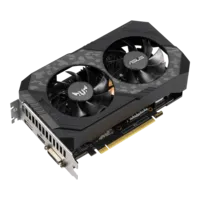
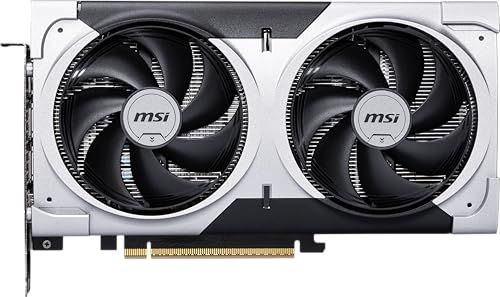
1. MSI RTX 5060 Ti 16G VENTUS 2X OC PLUS: 16 GB for the least money

This is the cheapest path to 16 GB of NVIDIA VRAM in our catalog, and the 16 GB version is the one to buy: twice the memory of the 8 GB model is the best investment you can make for AI.

According to NVIDIA, the RTX 5060 Ti packs 4,608 CUDA cores and 759 AI TOPS, with 16 GB of GDDR7 on a 128-bit bus. With 16 GB you can load a 14B model in 4-bit with room for context, and image generation leaves space for LoRAs and ControlNet.

The MSI card is very easy to fit: 227 × 126 × 41 mm, 180 W, a single 8-pin connector and a 600 W power supply recommended by MSI. It uses 8 PCIe 5.0 lanes, so on a PCIe 4.0 motherboard the link runs at half speed, which matters mostly when a model spills out of VRAM.

Its limit is the 128-bit bus: with the same model, token generation is clearly slower than on an RTX 5070 Ti, which has the same VRAM but twice the bandwidth.

MSI GeForce RTX 5060 Ti 16G VENTUS 2X OC PLUS

The cheapest way to get 16 GB of NVIDIA VRAM for local AI (ASIN B0F32NJG9T, Amazon.fr).

Pros
  • No current US offer (DropReference, October 9, 2026)
  • 16 GB of GDDR7: models up to 14B in 4-bit with headroom
  • 180 W, a single 8-pin, 600 W power supply
  • Compact: 227 mm long, dual fan
Cons
  • 128-bit bus: slower token generation than a 5070 Ti
  • PCIe 5.0 x8: half the PCIe bandwidth on a PCIe 4.0 motherboard
  • Listing shown is on Amazon.fr (France)
FranceCheck the price in my country

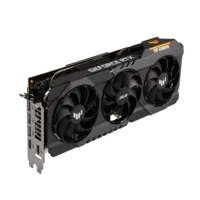
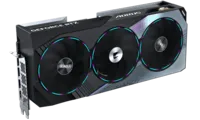
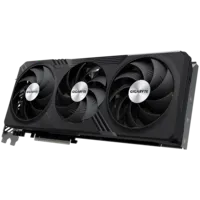
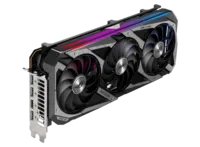
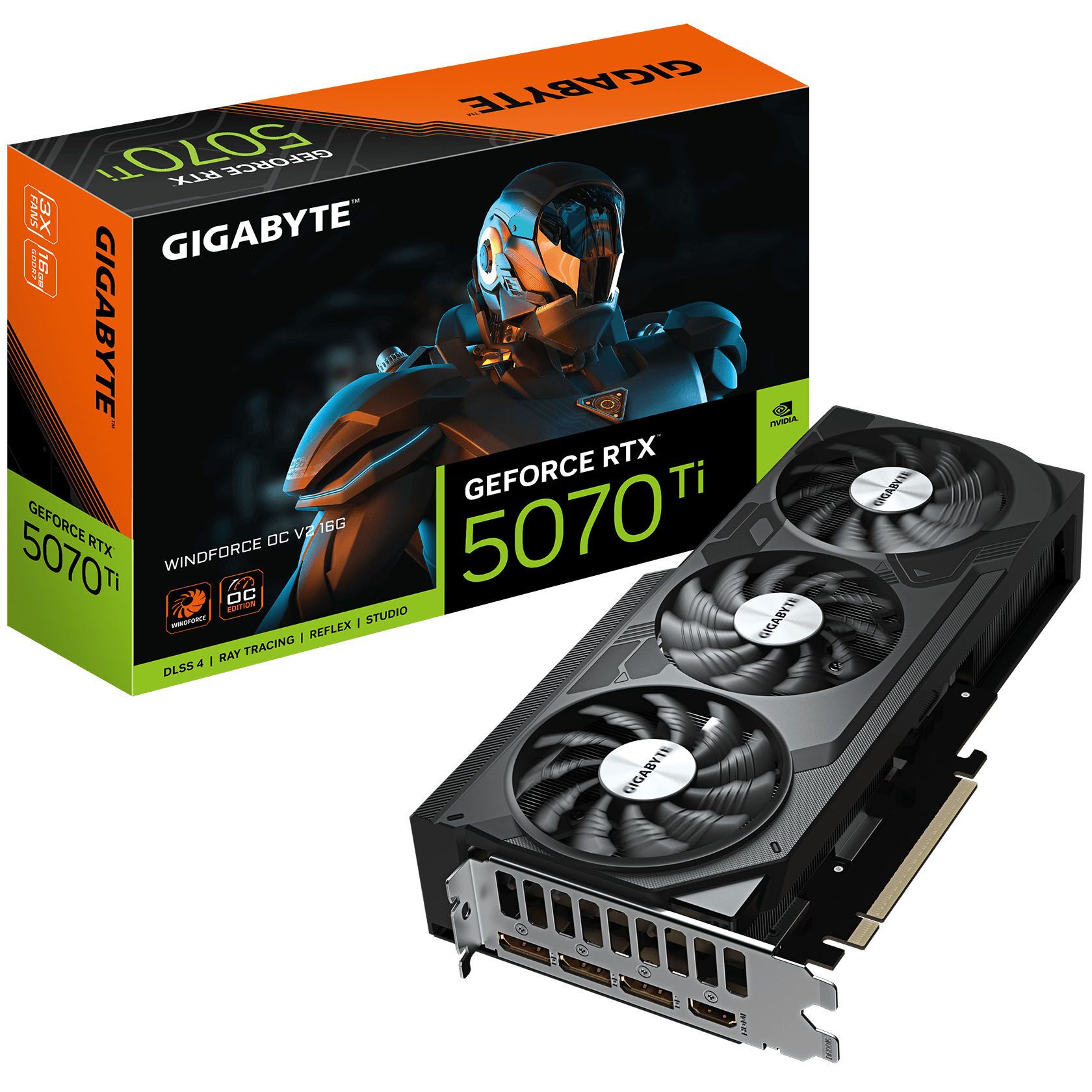
2. Gigabyte RTX 5070 Ti WINDFORCE OC V2 16G: the best balance

The RTX 5070 Ti keeps 16 GB of VRAM, so the same model sizes as the 5060 Ti, but it’s much faster: 8,960 CUDA cores, 1,406 AI TOPS and a 256-bit bus (about 896 GB/s), twice that of the 5060 Ti.

Gigabyte lists 261 × 126 × 50 mm (2.5 slots) and a 750 W power supply; NVIDIA rates the card at 300 W. Power goes through a 16-pin 12V-2x6 connector, with an adapter to two 8-pin cables.

This is the card we recommend if you want to do local AI seriously without changing your power supply or case: fast at inference, versatile for image generation, and still excellent for gaming.

Gigabyte GeForce RTX 5070 Ti WINDFORCE OC V2 16G

16 GB of GDDR7 on a 256-bit bus: the most balanced RTX 50 for local AI (ASIN B0G44WJ2LX, Amazon.fr).

Pros
  • No current US offer (DropReference, October 9, 2026)
  • 256-bit bus: twice the bandwidth of the 5060 Ti
  • 8,960 CUDA cores and 1,406 AI TOPS (NVIDIA)
  • Only 261 mm long for a triple-fan cooler
Cons
  • 16 GB like the 5060 Ti: no bigger models
  • 300 W and 750 W power supply recommended
  • Listing shown is on Amazon.fr (France)
FranceCheck the price in my country

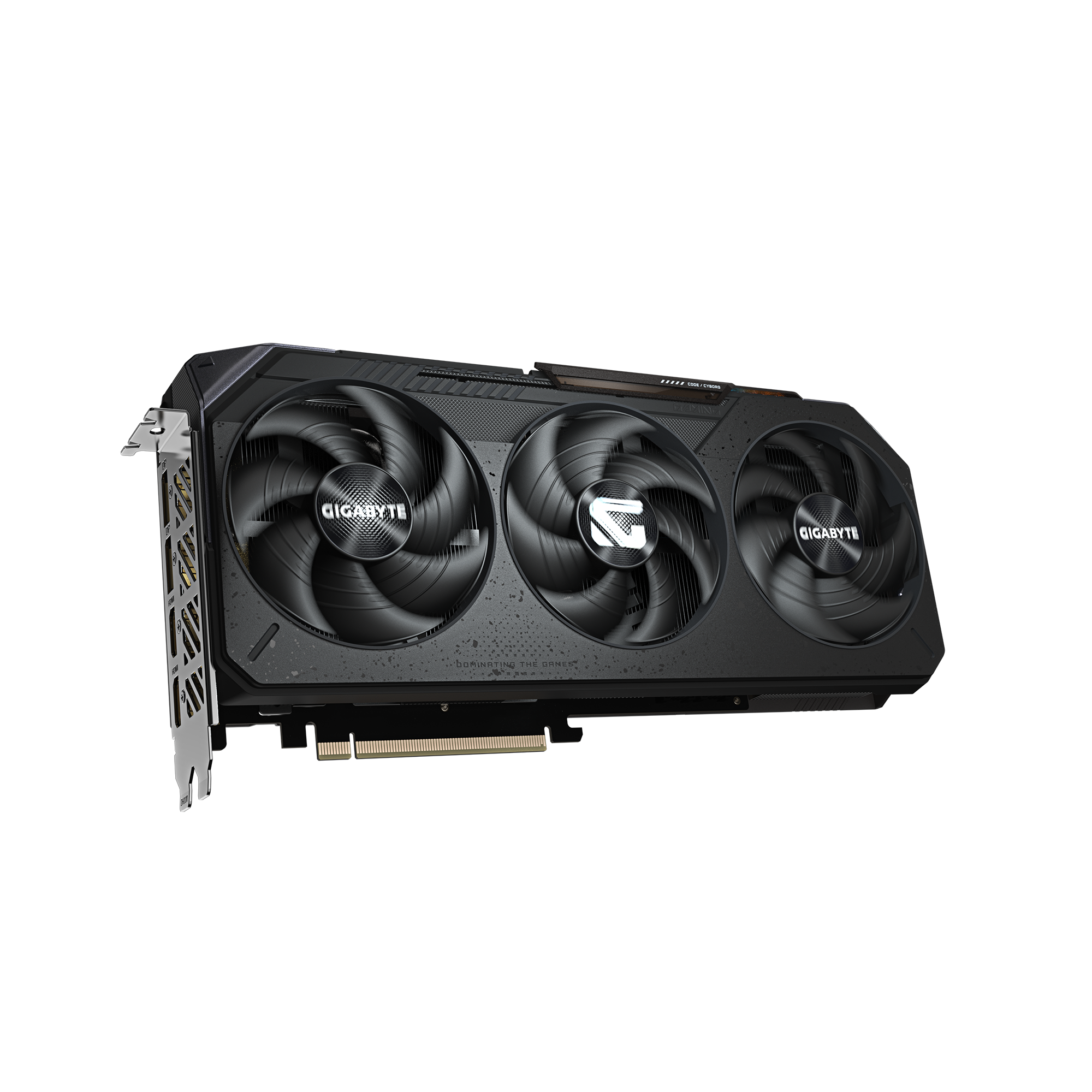
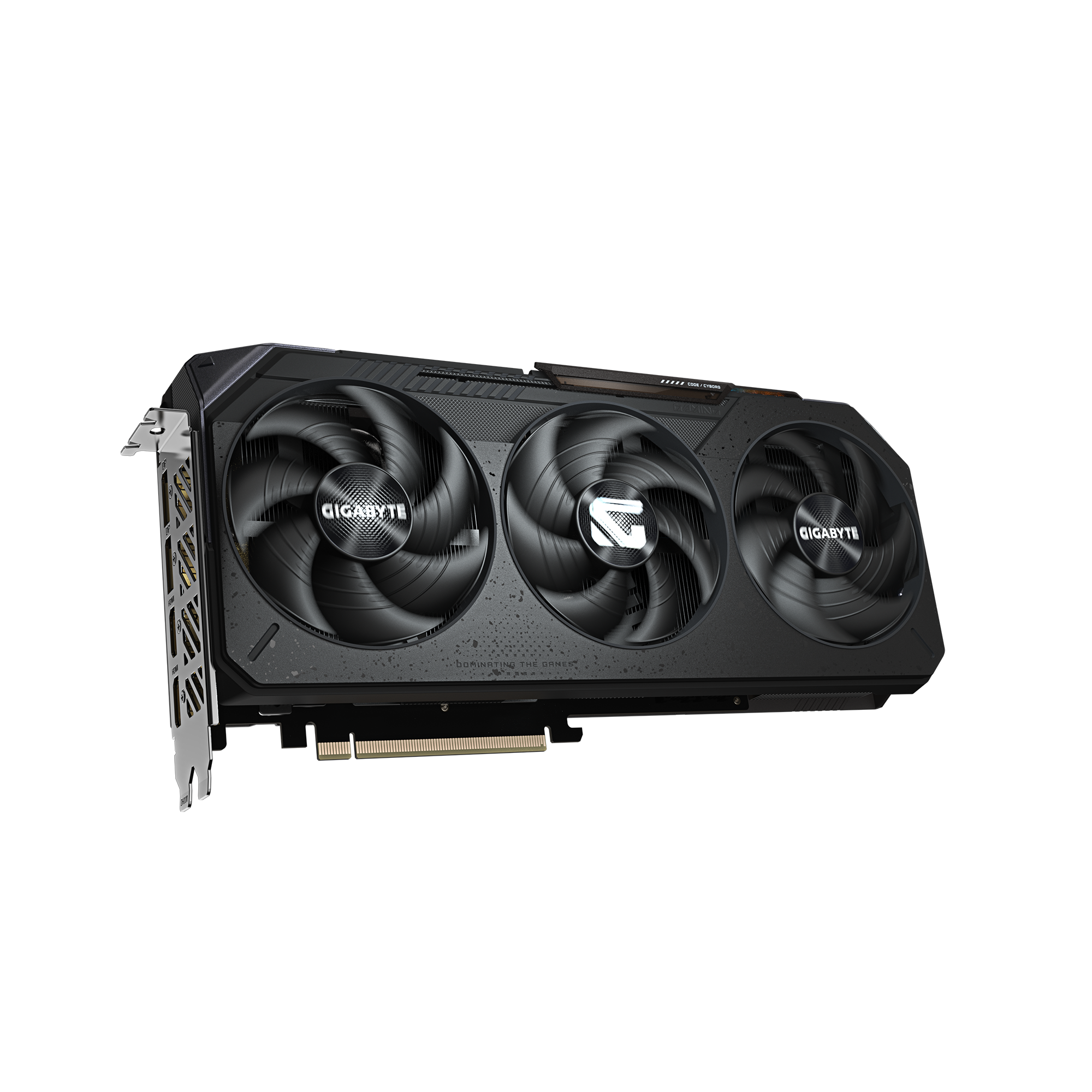
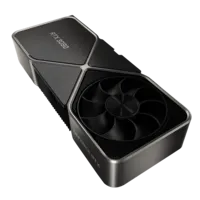
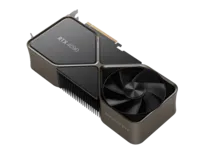
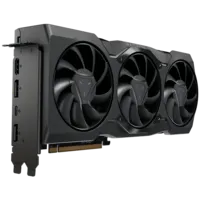
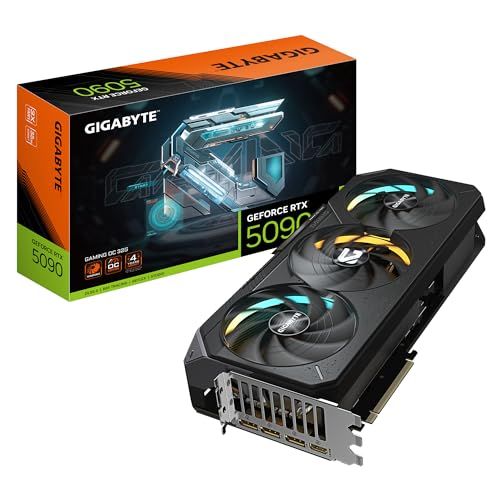
3. Gigabyte RTX 5090 GAMING OC 32G: 32 GB for large models

The RTX 5090 is the only GeForce with 32 GB: 21,760 CUDA cores, 3,352 AI TOPS and a 512-bit bus (about 1,792 GB/s). Those 32 GB allow a 32B model in 4-bit with a long context, or a 14B in 8-bit. A 70B in 4-bit (about 35 GB of weights), however, exceeds its memory: part of it has to be offloaded to system RAM.

Carte graphique RTX 5090 Palit GameRock à triple ventilateur Click to enlarge

The Gigabyte GAMING OC version measures 342 × 152 × 70 mm, and both Gigabyte and NVIDIA recommend a 1,000 W power supply for its 575 W.

Price is the real hurdle: it is by far the most expensive card in this top 3, and on October 9, 2026 we found no current US offer in the DropReference catalog. It only makes sense if your models truly need 32 GB; otherwise, the 5070 Ti does most of the job for a fraction of the price.

GIGABYTE GeForce RTX 5090 GAMING OC 32G

GIGABYTE GeForce RTX 5090 GAMING OC 32G

the only 32 GB GeForce for large models

Value
Power/cooling
VRAM and AI capacity
Inference performance
Software compatibility

Pros

  • • No current US offer (DropReference, October 9, 2026)
  • • 32 GB of GDDR7 on a 512-bit bus
  • • About 1,792 GB/s of bandwidth (calculated)
  • • 21,760 CUDA cores and 3,352 AI TOPS (NVIDIA)
  • • Models up to 32B in 4-bit with a long context

Cons

  • • A 70B in 4-bit (about 35 GB) doesn’t fit entirely
  • • 575 W, 1,000 W power supply recommended
  • • 342 × 152 × 70 mm: large case required
  • • Very expensive in 2026
Spec RTX 5060 Ti 16 GB RTX 5070 Ti 16 GB RTX 5090 32 GB
VRAM 16 GB GDDR7 16 GB GDDR7 32 GB GDDR7
Memory bus (NVIDIA) 128-bit 256-bit 512-bit
Bandwidth (calculated, 28 Gbps) ≈ 448 GB/s ≈ 896 GB/s ≈ 1,792 GB/s
CUDA cores (NVIDIA) 4,608 8,960 21,760
AI TOPS (NVIDIA) 759 1,406 3,352
Power (NVIDIA) 180 W 300 W 575 W
Recommended PSU 600 W 750 W 1,000 W
4-bit LLM (weights ≈ X/2 GB) ≤ 14B comfortable, ~24B short context ≤ 14B comfortable, ~24B short context ≤ 32B comfortable; 70B doesn’t fit entirely
US price (October 9, 2026) No current US offer No current US offer No current US offer
Block above Amazon Amazon DropReference listing
Swipe to view more

Which graphics card for your AI use case

Local chatbot (LLM): VRAM sets the model size, bandwidth sets the speed. Up to 14B in 4-bit, a 16 GB card is enough: the 5060 Ti on a budget, the 5070 Ti for speed. Beyond 24B, you need the 5090’s 32 GB.

Image generation (Stable Diffusion, Flux): 16 GB leaves room for models, LoRAs and ControlNets. The 5070 Ti generates faster than the 5060 Ti; the 5090 is mostly for large batches and video.

Fine-tuning (LoRA, QLoRA): training needs more memory than inference, because gradients and optimizer state must be stored. 16 GB is a minimum, 32 GB is truly comfortable.

Checklist before you buy

  • Work out the VRAM you need: about X/2 GB of weights in 4-bit, 2 × X GB in 16-bit, plus context.
  • Go for 16 GB minimum: 8 GB cards quickly limit you to small models.
  • Check your power supply (600 / 750 / 1,000 W per NVIDIA) and case clearance.
  • Compare price per GB of VRAM once US offers are back in stock.
  • To compare with gaming-oriented cards, see our best graphics card ranking.

FAQ: graphics cards and artificial intelligence

Can an AMD card do AI?

Yes, through ROCm on Linux or DirectML on Windows, and tools like llama.cpp run on Radeon. But compatibility is still narrower than CUDA: if AI is your priority, an RTX card remains the simplest choice in 2026.

Is 8 GB of VRAM enough for AI?

For 7 to 8B models in 4-bit and basic image generation, yes. But it’s the bare minimum, and the 16 GB version of the RTX 5060 Ti is a much more sensible buy.

Can you run a 70B model on an RTX 5090?

Not entirely. In 4-bit, a 70B model’s weights take about 35 GB, more than the card’s 32 GB. Some layers have to be offloaded to system RAM, which slows generation noticeably.

Why not an RTX 5080?

It has 16 GB of VRAM, like the 5070 Ti, at a higher price. Since memory is what limits model size, the 5070 Ti is better value for AI.

Local or cloud?

The cloud is cheaper if you only use AI occasionally. A local card makes sense if you use it every day: no hourly rental, no network latency, and your data stays with you.

What power supply do I need?

NVIDIA recommends 600 W for the RTX 5060 Ti, 750 W for the 5070 Ti and 1,000 W for the 5090. For the 5090, get an ATX 3.1 unit with a native 12V-2x6 cable.