Best 16-inch Gaming Laptop 2026: ROG Strix G16, Legion Pro 5, Omen Max 16 or Zephyrus G16, Which One for Your Graphics Card?

best 16 inch gaming laptop 16 inch gaming laptop rtx 5070 ti 16 vs 17 inch gaming laptop rog strix g16 vs legion pro 5 rtx 5070 laptop tgp omen max 16 zephyrus g16 2025 gaming laptop 2026

Which 16-inch gaming laptop should you buy in 2026? We compare models by graphics card, from the RTX 5060 to the RTX 5080: real GPU power (TGP and Dynamic Boost) according to manufacturers, 2.5K 240 Hz IPS or OLED screen, weight and battery life. ASUS ROG Strix G16, Zephyrus G16, Lenovo Legion Pro 5i, HP OMEN MAX 16, MSI Vector 16 HX AI and Acer Predator Helios Neo 16 AI.

The short answer: which 16-inch gaming laptop for your graphics card

In 2026, 16 inches has become the go-to size for gaming laptops: a 16:10 screen at 2560 × 1600, often at 240 Hz, in a chassis more compact than a 17 or 18-inch model. The real decision comes down to the graphics card, and above all to how much power the manufacturer gives it. Our picks, by GPU tier:

  • RTX 5060: the HP OMEN 16-ap0005sf, for Full HD gaming without aiming for the high end.
  • RTX 5070: the ASUS ROG Strix G16 G614FP for performance (up to 115 W), the ASUS ROG Zephyrus G16 GU605CP if you carry it around often (1.85 to 1.95 kg, OLED).
  • RTX 5070 Ti: the Lenovo Legion Pro 5i Gen 10 (140 W TGP, OLED), the MSI Vector 16 HX AI (IPS, 140 W) or the Acer Predator Helios Neo 16 AI (64 GB of RAM).
  • RTX 5080: the HP OMEN MAX 16 or the ASUS ROG Strix G16 G615LW, both rated at up to 175 W by their manufacturers.

If you are still unsure about the size, our 17-inch gaming laptop guide covers the big-screen alternative. All the specifications below come from the manufacturers’ product pages (NVIDIA, ASUS, Lenovo, HP, MSI, Acer, Dell).

16 or 17 inches: why 16 inches won

A few years ago, the choice was between a portable 15.6-inch and a powerful 17.3-inch. Manufacturers have since switched to the 16:10 format: a current 16-inch laptop offers a display area close to an old 17-inch 16:9 screen, with a taller panel that is handy for reading, coding or playing strategy games.

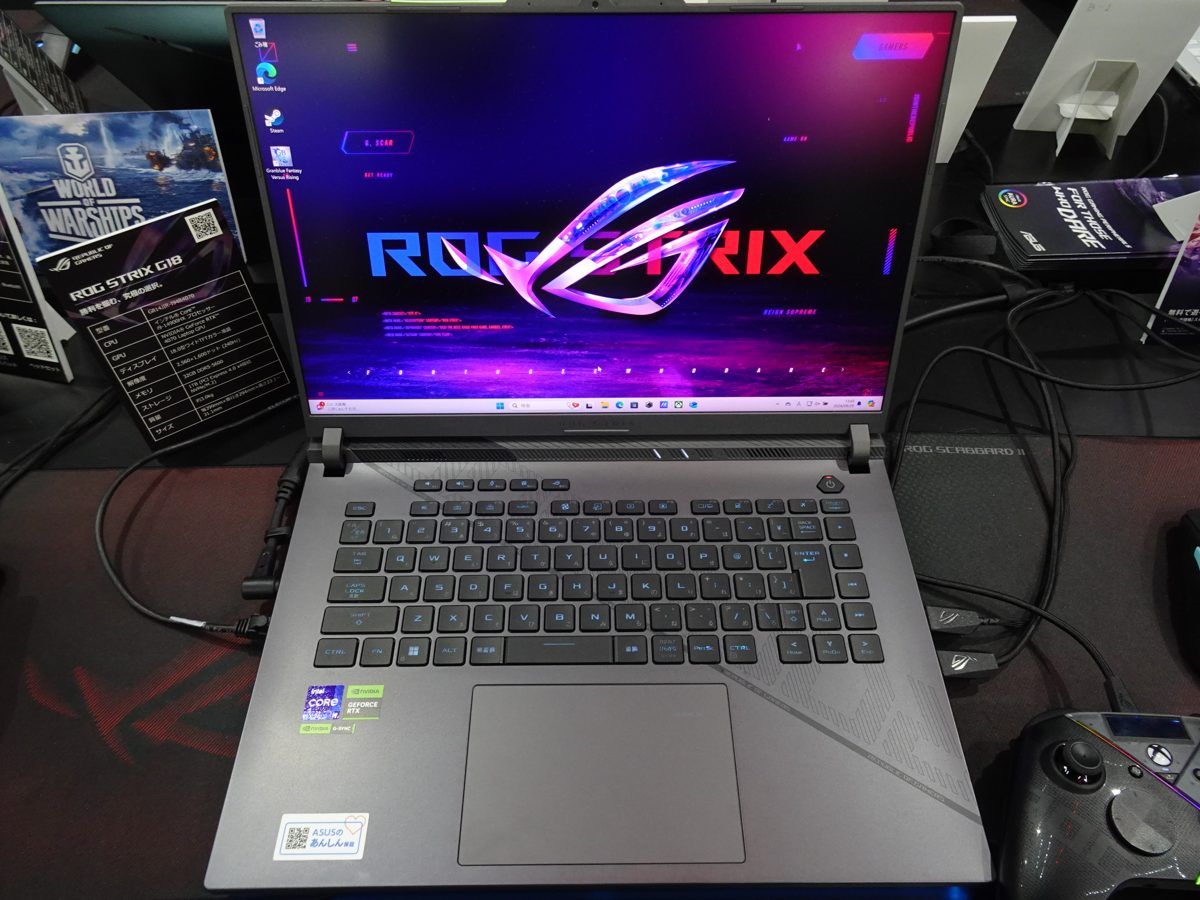
ASUS ROG Strix G18 allumé sur un stand, vu de face avec son clavier Click to enlarge
  • 16 inches: the best compromise. It takes the same RTX 5080 as the big models (up to 175 W on the Strix G16 G615LW and OMEN MAX 16), fits in most backpacks and weighs 1.85 to 2.7 kg in our selection.
  • 17 or 18 inches: for almost stationary use. The large chassis leaves more room for cooling and the screen is more comfortable at a distance, but the whole package is heavier and bulkier. The 18-inch ranges (Strix G18, Helios 18…) mostly target the very high end.
  • 14 or 15 inches: for mobility first, with GPUs that are often given less power.

So for most gamers who move their laptop from time to time, 16 inches is the right starting point. If your laptop never leaves the desk and you want the biggest possible screen, check out our 17-inch gaming laptop guide.

RTX 5060, 5070, 5070 Ti or 5080: what really changes in a laptop

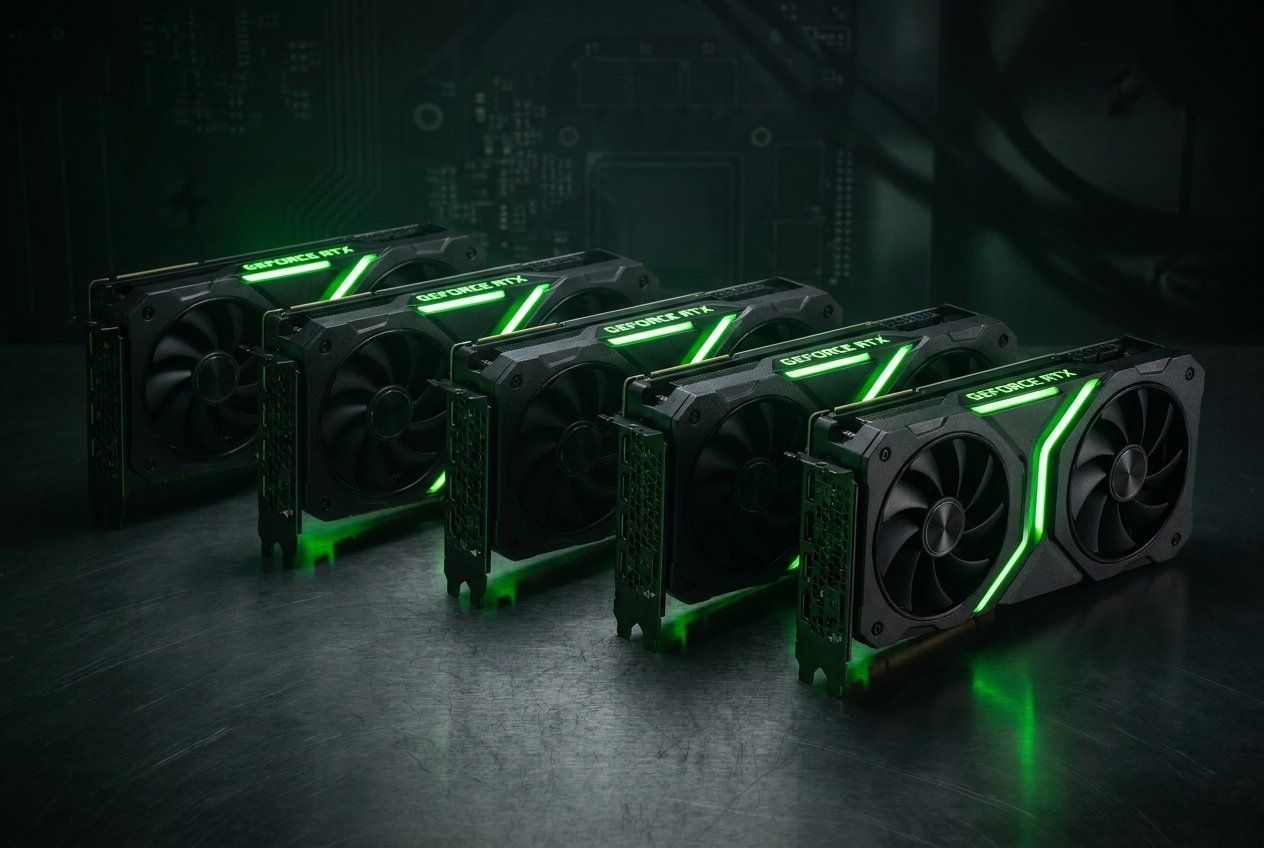
A laptop RTX is not a smaller desktop card. It uses its own configuration, with a power range that each manufacturer tunes to its chassis. Here are NVIDIA’s official specifications for the GeForce RTX 50 laptop GPUs; for the full lineup, see our feature on the RTX 50 Blackwell.

Laptop GPU CUDA cores Video memory Memory bus Power (NVIDIA range) Best for
RTX 5060 3,328 8 GB GDDR7 128-bit 45 to 100 W Full HD, esports, recent games at medium to high settings
RTX 5070 4,608 8 GB GDDR7 128-bit 50 to 100 W 1440p with DLSS, high-refresh esports
RTX 5070 Ti 5,888 12 GB GDDR7 192-bit 60 to 115 W 1440p at high settings, ray tracing with DLSS
RTX 5080 7,680 16 GB GDDR7 256-bit 80 to 150 W 1440p at maximum settings, demanding games, content creation
Swipe to view more

The video memory trap: 8 GB on the RTX 5060 and 5070

The most important point in the table: the laptop RTX 5070 has 8 GB of video memory, exactly like the RTX 5060. It has more cores, so more compute power, but it hits the same limit in recent texture-heavy games, especially at 2560 × 1600. You will have to lower texture quality sooner.

The RTX 5070 Ti moves up to 12 GB on a 192-bit bus: that is the real step up for playing at native resolution on a 2.5K screen for several years. The RTX 5080 goes up to 16 GB on 256-bit, useful for the heaviest games, video editing or local AI. For the desktop version, our article on the RTX 5080 compares the two cards.

TGP, Dynamic Boost and MUX: the three terms to check on the spec sheet

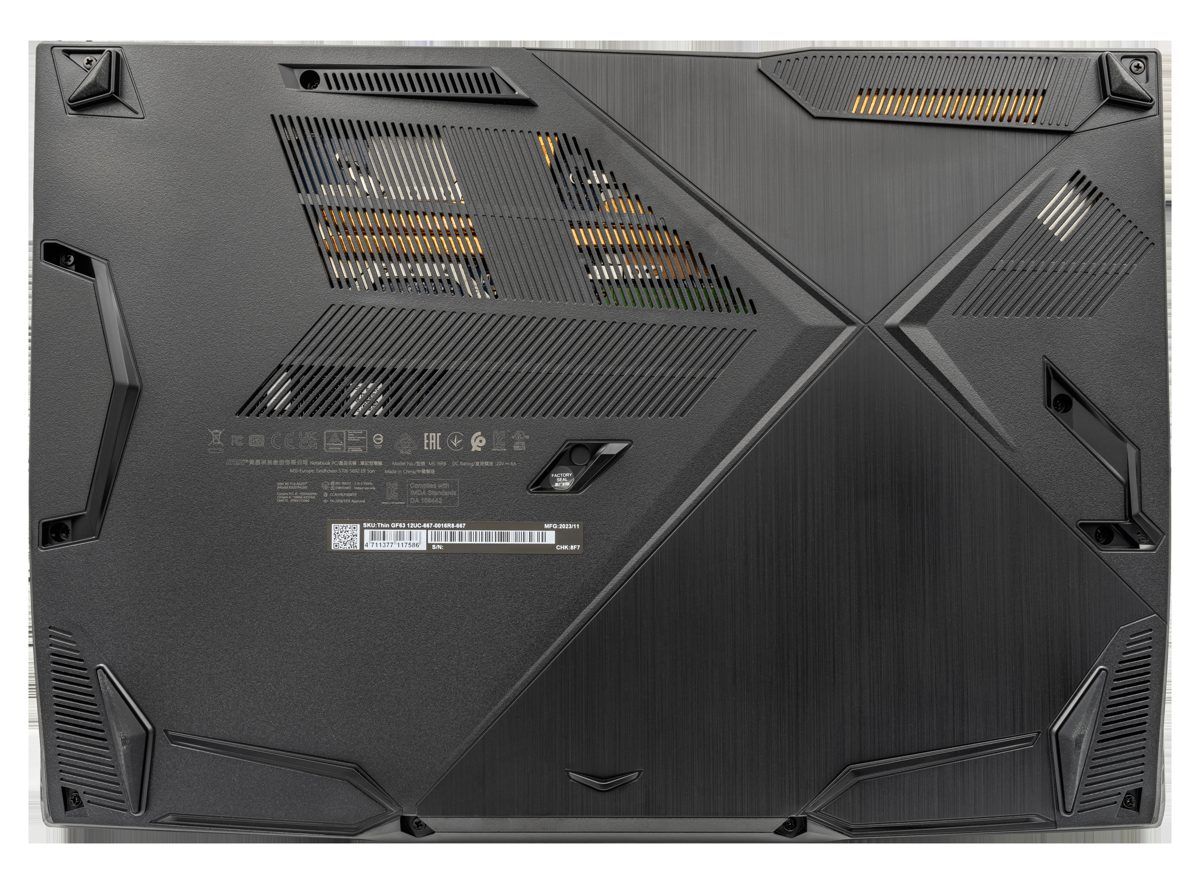
Dessous d’un PC portable gamer avec ses grilles d’aspiration d’air pour le refroidissement Click to enlarge

Two laptops with the same graphics card can perform very differently. The reason fits in three letters: TGP, for Total Graphics Power, the power the manufacturer allows the GPU to draw.

  • TGP: NVIDIA gives a range (for example 60 to 115 W for the RTX 5070 Ti) and each manufacturer picks its value according to its cooling. The higher it is, the higher the clock speeds the GPU can sustain.
  • Dynamic Boost: a power reserve that the laptop shifts from the processor to the graphics card when the game needs it. Manufacturers often list it on top of the TGP: ASUS, for example, specifies 100 W + 15 W for the RTX 5070 in the Strix G16, and Acer 115 W + 25 W for the RTX 5070 Ti in the Helios Neo 16 AI. That is why some values exceed NVIDIA’s official range.
  • MUX Switch and Advanced Optimus: without a MUX, the image rendered by the graphics card goes through the processor’s integrated graphics before reaching the screen, which costs frames per second. A MUX connects the GPU directly to the screen; Advanced Optimus switches automatically depending on use. The 2025 Strix G16, Zephyrus G16 and TUF A16 have both.

The right reflex: look for the GPU’s maximum power in the manufacturer’s spec sheet, not just the card’s name. An RTX 5070 at 115 W can come close to a power-limited RTX 5070 Ti, but the 8 GB of video memory stays the same.

2026 16-inch gaming laptop comparison

Maximum GPU power stated by each manufacturer, including Dynamic Boost where specified. Weights and screens taken from the official spec sheets; they vary with the exact configuration.

Model GPU Processor Max GPU power Display Weight
HP OMEN 16-ap0005sf RTX 5060 8 GB Ryzen 9 8940HX Not specified on the spec sheet Full HD IPS 144 Hz Not specified
ASUS TUF Gaming A16 FA608UP RTX 5070 8 GB Ryzen 7 260 115 W (100 + 15) 1920 × 1200 IPS 165 Hz 2.2 kg
ASUS ROG Strix G16 G614FP RTX 5070 8 GB Ryzen 9 9955HX 115 W (100 + 15) 2560 × 1600 IPS 240 Hz 2.50 to 2.55 kg
ASUS ROG Zephyrus G16 GU605CP RTX 5070 8 GB Core Ultra 9 285H 105 W (Turbo) to 110 W (Manual) 2560 × 1600 OLED 240 Hz 1.85 to 1.95 kg
Alienware 16X Aurora RTX 5070 8 GB Core Ultra 9 275HX 115 W 2560 × 1600 240 Hz 2.57 to 2.61 kg
Lenovo Legion Pro 5i Gen 10 RTX 5070 Ti 12 GB Core Ultra 9 275HX 140 W (Lenovo TGP) 2560 × 1600 OLED 165 or 240 Hz About 2.42 kg
MSI Vector 16 HX AI A2XWHG RTX 5070 Ti 12 GB Core Ultra 7 255HX 140 W 2560 × 1600 IPS 240 Hz 2.7 kg
Acer Predator Helios Neo 16 AI PHN16-73 RTX 5070 Ti 12 GB Core Ultra 9 275HX 140 W (115 + 25) 2560 × 1600 OLED 240 Hz 2.7 kg
HP OMEN MAX 16-ah0000sf RTX 5080 16 GB Core Ultra 9 275HX 175 W 2560 × 1600 IPS 240 Hz About 2.68 kg
ASUS ROG Strix G16 G615LW RTX 5080 16 GB Core Ultra 9 275HX 175 W (150 + 25) 2560 × 1600 IPS 240 Hz 2.65 kg
Swipe to view more

RTX 5060: the HP OMEN 16 for Full HD gaming

With an RTX 5060, aim for a Full HD or 1920 × 1200 screen rather than a 2.5K panel: the card will deliver higher frame rates there, and its 8 GB of video memory will be under less pressure. The HP OMEN 16-ap0005sf follows that logic with a 144 Hz IPS screen, a Ryzen 9 8940HX and 32 GB of RAM.

Before buying an RTX 5060 model, always check its GPU power: NVIDIA’s range goes from 45 to 100 W, and the gap shows in games. ASUS, for example, states 115 W (100 W + 15 W) for the RTX 5060 in its 2025 Strix G16 and TUF A16, and 105 to 110 W in the Zephyrus G16. HP does not give this value on the spec sheet of the model below.

HP OMEN 16-ap0005sf (RTX 5060, Ryzen 9 8940HX)

The entry point of the selection: an 8 GB RTX 5060 paired with an 8-core Ryzen 9 8940HX, 32 GB of DDR5 and a 1 TB SSD, with a French AZERTY keyboard. The screen is a 144 Hz Full HD IPS panel: less sharp than the 2.5K panels in the rest of this guide, but easier for an RTX 5060 to feed with frames.

Pros
  • RTX 5060 8 GB GDDR7 and Ryzen 9 8940HX
  • 32 GB of RAM and a 1 TB SSD out of the box
  • AZERTY keyboard
Cons
  • Full HD 144 Hz screen only
  • GPU power (TGP) not specified on this model’s spec sheet
  • 8 GB of video memory: settings need adjusting in recent games
FranceCheck the price in my country

RTX 5070: ASUS ROG Strix G16 for performance

The Strix G16 G614FP is the most coherent RTX 5070 in our selection: a 115 W GPU, a 16-core Ryzen 9 9955HX, a 2.5K 240 Hz screen with MUX and a 90 Wh battery. It is the model to get if you mostly play plugged in and want the most out of an RTX 5070.

More affordable, the ASUS TUF Gaming A16 FA608UP gets the same 115 W RTX 5070, with a Ryzen 7 260 and a 1920 × 1200 IPS screen at 165 Hz (2.2 kg). Lower resolution, but a screen that is easier to drive at high frame rates with 8 GB of video memory. We did not have a verified French listing for this model at the time of writing, which is why there is no product box.

ASUS ROG Strix G16 2025 G614FP (RTX 5070, Ryzen 9 9955HX)

The best balance in this guide. ASUS powers its RTX 5070 at up to 115 W (100 W TGP plus 15 W Dynamic Boost), above the 100 W ceiling on NVIDIA’s spec sheet. The 16-core Ryzen 9 9955HX, the ROG Nebula 2.5K 240 Hz screen covering 100% of DCI-P3 and the 90 Wh battery round out a very well-balanced package.

Pros
  • RTX 5070 up to 115 W according to ASUS
  • 2.5K 16:10 240 Hz screen, 3 ms, 100% DCI-P3, G-Sync
  • MUX Switch and Advanced Optimus, 90 Wh battery, AZERTY keyboard
Cons
  • Only 8 GB of video memory
  • 2.50 to 2.55 kg: a laptop that stays on the desk
  • Large 280 W power brick
FranceCheck the price in my country

RTX 5070: ASUS ROG Zephyrus G16 if you carry it around

The Zephyrus G16 GU605CP takes the opposite approach: a thin 1.85 to 1.95 kg chassis, a 2.5K 240 Hz OLED screen and a 90 Wh battery, but an RTX 5070 limited to 105 W in Turbo mode and 110 W in Manual mode, with a Core Ultra 9 285H processor. You lose a little performance compared with the Strix G16, and gain about 600 g and a much better screen.

Watch the model year: ASUS refreshed the Zephyrus G16 in 2026 with Core Ultra 9 386H chips. The model below is the 2025 version, with a Core Ultra 9 285H.

ASUS ROG Zephyrus G16 GU605CP (RTX 5070, Core Ultra 9 285H)

The 16-inch laptop to take with you: 1.85 to 1.95 kg depending on configuration according to ASUS, a 2.5K 240 Hz OLED screen with anti-glare coating and a 90 Wh battery. In exchange, the RTX 5070 tops out at 105 W in Turbo mode and 110 W in Manual mode, and the Core Ultra 9 285H is not an HX-series processor.

Pros
  • The lightest in the selection (1.85 to 1.95 kg)
  • 2.5K 240 Hz OLED, 100% DCI-P3, anti-glare
  • 90 Wh battery
Cons
  • RTX 5070 limited to 105 or 110 W
  • 285H processor less powerful than an HX chip under heavy workloads
  • A 2026 model with a Core Ultra 9 386H exists: check the model year
FranceCheck the price in my country

RTX 5070 Ti: the best choice for gaming at 2560 × 1600

This is the tier we recommend for a 2.5K screen: 12 GB of video memory, and manufacturers that give it generous power. The three models below are rated at 140 W, above NVIDIA’s 60 to 115 W range thanks to Dynamic Boost. What separates them: the screen, the memory and the keyboard.

  • Lenovo Legion Pro 5i Gen 10: very bright WQXGA OLED, upgradeable RAM and storage (2 DDR5 slots, 2 M.2 SSDs), about 2.42 kg. The verified listing has an English (US) keyboard.
  • MSI Vector 16 HX AI: 240 Hz QHD+ IPS screen with no burn-in risk, and up to 205 W combined for the processor and GPU. Only 16 GB of RAM.
  • Acer Predator Helios Neo 16 AI: 240 Hz WQXGA OLED, 64 GB of RAM and a 2 TB SSD, for those who also do video editing or local AI.
Lenovo Legion Pro 5i Gen 10 (16IAX10H, RTX 5070 Ti, Core Ultra 9 275HX)

On paper, the best-powered RTX 5070 Ti in this guide: Lenovo states a 140 W TGP in its spec sheet, with a 24-core Core Ultra 9 275HX. The WQXGA OLED screen (up to 1,100 nits peak, DisplayHDR True Black 1000) and upgradeable memory (2 DDR5 slots, 2 M.2 slots) make it a very good long-term choice.

Pros
  • 12 GB RTX 5070 Ti with a 140 W TGP according to Lenovo
  • WQXGA OLED, 100% DCI-P3, DisplayHDR True Black 1000
  • 2 RAM slots and 2 M.2 2280 SSD slots
Cons
  • This listing has an English (US) keyboard, not AZERTY
  • Glossy screen, prone to reflections
  • The listing says 240 Hz in the title and 165 Hz in the details: check before buying
FranceCheck the price in my country
MSI Vector 16 HX AI A2XWHG-282FR (RTX 5070 Ti, Core Ultra 7 255HX)

The RTX 5070 Ti in an IPS version. MSI states up to 140 W for the GPU and up to 205 W combined for the processor and graphics card thanks to its OverBoost Ultra mode. The IPS-level 240 Hz QHD+ screen covers 100% of DCI-P3, without the burn-in risk of an OLED.

Pros
  • 12 GB RTX 5070 Ti up to 140 W according to MSI
  • Up to 205 W combined CPU + GPU (OverBoost Ultra)
  • QHD+ 240 Hz IPS screen, 100% DCI-P3, AZERTY keyboard
Cons
  • 2.7 kg
  • Only 16 GB of RAM in this configuration
  • Core Ultra 7 rather than Core Ultra 9
FranceCheck the price in my country
Acer Predator Helios Neo 16 AI PHN16-73-95NT (RTX 5070 Ti, 64 GB)

The configuration with the most memory: 64 GB of RAM and a 2 TB SSD around a Core Ultra 9 275HX and an RTX 5070 Ti, which Acer pushes up to 140 W (115 W TGP plus 25 W Dynamic Boost). The 240 Hz WQXGA OLED screen is True Black HDR 500 certified.

Pros
  • 64 GB of RAM and a 2 TB SSD
  • RTX 5070 Ti up to 140 W according to Acer
  • 240 Hz WQXGA OLED, True Black HDR 500
Cons
  • 2.7 kg
  • 64 GB: overkill if you only game
  • Glossy screen
FranceCheck the price in my country

RTX 5080: HP OMEN MAX 16 or ASUS ROG Strix G16 G615LW

With an RTX 5080, the 16-inch format catches up with the big laptops. HP and ASUS both state up to 175 W, well beyond the 150 W ceiling on NVIDIA’s spec sheet thanks to Dynamic Boost, with a Core Ultra 9 275HX and 32 GB of RAM. Both have a 2.5K IPS 240 Hz screen and weigh around 2.7 kg.

The OMEN MAX 16 is the obvious choice if you want an AZERTY keyboard right away. The Strix G16 G615LW details its power split (150 W TGP plus 25 W Dynamic Boost) and uses the ROG Nebula screen covering 100% of DCI-P3. Either way, expect a hefty power brick and a noisy laptop in maximum performance mode.

HP OMEN MAX 16-ah0000sf (RTX 5080, Core Ultra 9 275HX)

The most powerful RTX 5080 in this guide: HP states up to 175 W for the RTX 5080 in its OMEN MAX 16, i.e. NVIDIA’s 150 W ceiling plus a Dynamic Boost reserve. This French model pairs a Core Ultra 9 275HX, 32 GB of RAM, a 1 TB SSD, a 2.5K IPS 240 Hz screen and an AZERTY keyboard.

Pros
  • 16 GB RTX 5080 up to 175 W according to HP
  • Core Ultra 9 275HX and 32 GB of RAM
  • 2.5K IPS 240 Hz screen, AZERTY keyboard
Cons
  • About 2.68 kg
  • Very high end
  • Battery drains fast in games, like every laptop in this class
FranceCheck the price in my country
ASUS ROG Strix G16 G615LW (RTX 5080, Core Ultra 9 275HX)

ASUS ROG Strix G16 G615LW (RTX 5080, Core Ultra 9 275HX)

the RTX 5080 at full power from ASUS

Display
Performance
Portability

Pros

  • • 16 GB RTX 5080 up to 175 W (150 W + 25 W Dynamic Boost) according to ASUS
  • • ROG Nebula 2.5K 240 Hz screen, 100% DCI-P3
  • • Core Ultra 9 275HX and 32 GB of RAM

Cons

  • • 2.65 kg
  • • Very high end
  • • Noisy in Turbo mode, like every 175 W laptop

2.5K 240 Hz screen: IPS or OLED?

Almost every model in this guide runs at 2560 × 1600 and 240 Hz. The real difference is the panel technology.

  • OLED (Zephyrus G16, Legion Pro 5i, Helios Neo 16 AI): perfect blacks, infinite contrast, near-instant response times and convincing HDR. On the downside, the panels are often glossy and there is a burn-in risk with static elements displayed for a long time. Our article on OLED burn-in after 30 months explains what you need to know.
  • IPS (Strix G16, OMEN MAX 16, Vector 16 HX AI): no burn-in risk, often a matte finish, and 100% of DCI-P3 on the Strix G16 and Vector 16. Blacks are less deep, but it is the worry-free choice for playing games with a static interface for hours.

With an RTX 5060 or RTX 5070, a 1920 × 1200 screen at 165 Hz remains a sensible choice: fewer pixels to render, so more frames per second with 8 GB of video memory.

Weight and battery life: what a 16-inch gaming laptop really weighs

In our selection, stated weights range from 1.85 kg for the Zephyrus G16 to 2.7 kg for the Vector 16 HX AI and Helios Neo 16 AI. Add the power brick: on these models it often exceeds 200 W (280 W on the Strix G16 G614 according to ASUS), which makes the bag noticeably heavier.

  • Under 2 kg: only the Zephyrus G16 goes below that mark, at the cost of a less powerful RTX 5070.
  • 2.2 to 2.5 kg: TUF A16, Legion Pro 5i, Strix G16 G614: fine to carry every day with a good bag.
  • Around 2.6 to 2.7 kg: the most powerful RTX 5070 Ti and RTX 5080 models. Laptops to set down, not to carry every day.

As for battery, manufacturers state 80 Wh for the Legion Pro 5i, 90 Wh for the Strix G16 G614 and Zephyrus G16, and 96 Wh for the Alienware 16X Aurora. In games, none of these laptops lasts long on battery: plan on staying near an outlet.

What budget for which GPU tier?

Gaming laptop prices vary a lot from one configuration to another (amount of RAM, SSD, OLED or IPS screen) and from one week to the next. Rather than misleading ranges, here are the market tiers: each model’s up-to-date price is shown in its product box.

GPU Price tier Models in this guide Who it is for
RTX 5060 Entry-level laptop gaming HP OMEN 16-ap0005sf Full HD, esports, first gaming PC
RTX 5070 Mid-range Strix G16 G614FP, Zephyrus G16 GU605CP, TUF A16, Alienware 16X Aurora 1440p with DLSS, versatility
RTX 5070 Ti High end Legion Pro 5i Gen 10, Vector 16 HX AI, Helios Neo 16 AI 2560 × 1600 at high settings
RTX 5080 Very high end OMEN MAX 16, Strix G16 G615LW Maximum settings, content creation, local AI
Swipe to view more

The checklist before buying your 16-inch gaming laptop

  1. Maximum GPU power: look for the TGP and Dynamic Boost in the manufacturer’s spec sheet. Target: at least 100 W for an RTX 5070, 115 to 140 W for an RTX 5070 Ti.
  2. Video memory: 8 GB on the RTX 5060 and 5070, 12 GB on the RTX 5070 Ti, 16 GB on the RTX 5080.
  3. MUX Switch: essential to avoid losing frames per second on the built-in screen.
  4. Screen: resolution suited to the GPU, IPS or OLED depending on your use, matte or glossy.
  5. RAM: 32 GB recommended for gaming and streaming, plus free slots if you want to upgrade. Memory is sometimes soldered on thin models. To understand memory generations, see our DDR4 vs DDR5.
  6. Storage: 1 TB minimum with today’s games, and ideally a second M.2 slot. Our laptop SSD guide helps you check compatibility.
  7. Keyboard: check the layout: some imported models come with an English (US) or German keyboard rather than the French AZERTY one.
  8. Model year: several ranges were refreshed in 2026 under the same product names.

FAQ: 16-inch gaming laptops

RTX 5070 or RTX 5070 Ti in a laptop?

If your screen is 2560 × 1600 and you want to keep your laptop for several years, get the RTX 5070 Ti: its 12 GB of video memory makes the difference in recent games. The RTX 5070 is still a good choice at 1920 × 1200 or with DLSS, especially when it runs at 115 W as in the Strix G16.

What is a laptop graphics card’s TGP?

It is the maximum power the manufacturer allows for the GPU. NVIDIA gives a range, for example 80 to 150 W for the RTX 5080, and each manufacturer sets its own value, to which Dynamic Boost can be added. With the same card, a higher TGP delivers better performance.

16 or 17 inches for a gaming laptop?

A 16-inch 16:10 screen offers a display area close to an old 17-inch 16:9 screen in a more compact chassis, and gets the same high-end GPUs. A 17 or 18-inch model makes sense if your laptop never leaves the desk. Details in our 17-inch guide.

Is an OLED screen on a gaming laptop risky?

The burn-in risk exists with static elements displayed for a long time (taskbar, game interface). Manufacturers build in safeguards, but if you play the same game for hours, an IPS screen remains the safer bet. See our analysis of OLED burn-in after 30 months.

Do you need an HX processor for gaming?

Not necessarily. HX processors (Core Ultra 9 275HX, Ryzen 9 9955HX) are more powerful in heavy workloads and come with the best-powered GPUs. An H-series processor, like the Core Ultra 9 285H in the Zephyrus G16, uses less power and is enough for gaming, but slightly limits performance in very CPU-bound games.

Can you add RAM or an SSD?

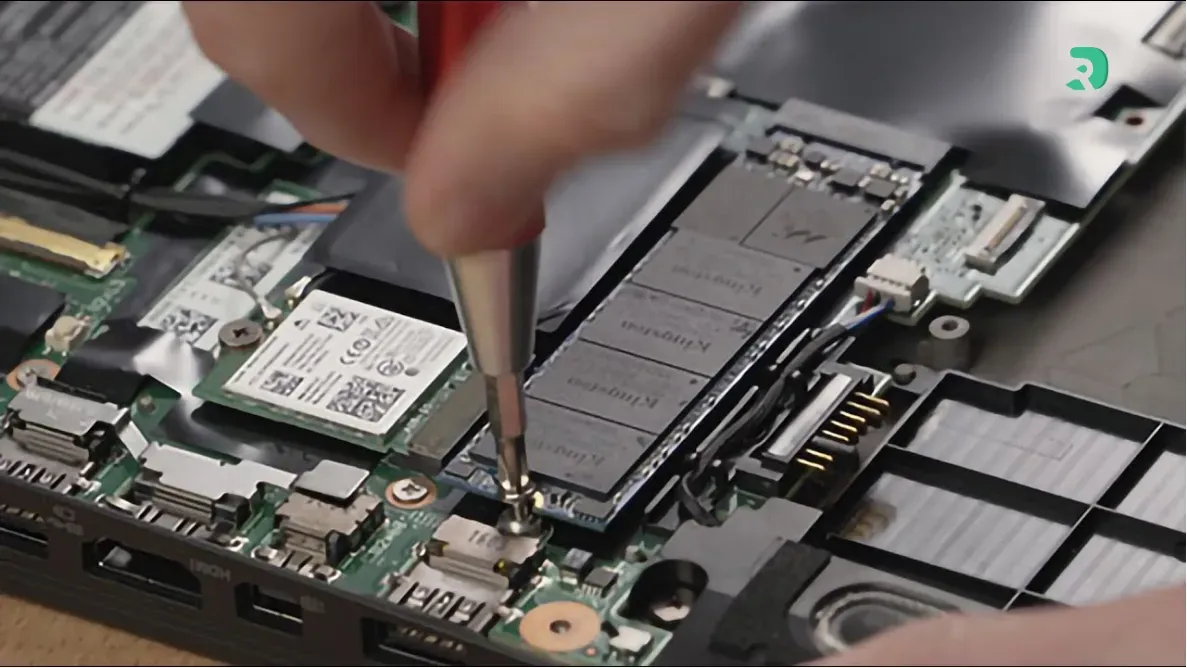
It depends on the model. The Legion Pro 5i Gen 10 has two DDR5 slots and two M.2 2280 slots according to Lenovo. On thin models, RAM is often soldered: check the spec sheet before buying.

Conclusion: the right 16-inch laptop depends on your GPU and your bag
For most gamers, the RTX 5070 Ti is the best tier for a 2.5K 16-inch laptop: the Lenovo Legion Pro 5i Gen 10 for its OLED and upgradeable memory, the MSI Vector 16 HX AI for its IPS screen, the Acer Predator Helios Neo 16 AI for its 64 GB. On a tighter budget, the ASUS ROG Strix G16 G614FP gets the most out of an RTX 5070, and the Zephyrus G16 is the only true take-anywhere laptop. If you want the maximum, the HP OMEN MAX 16 and ASUS ROG Strix G16 G615LW push the RTX 5080 to 175 W. And once you have picked your laptop, our selection of the best laptop games is waiting for you.