The short version

In two sentences. Get a PCIe 4.0 NVMe SSD with no heatsink, 1 TB if you are coming from the 512 GB model, 2 TB if your library already exceeds a terabyte. The 2230 format avoids moving the standoff; 2280 gives you a much wider choice.

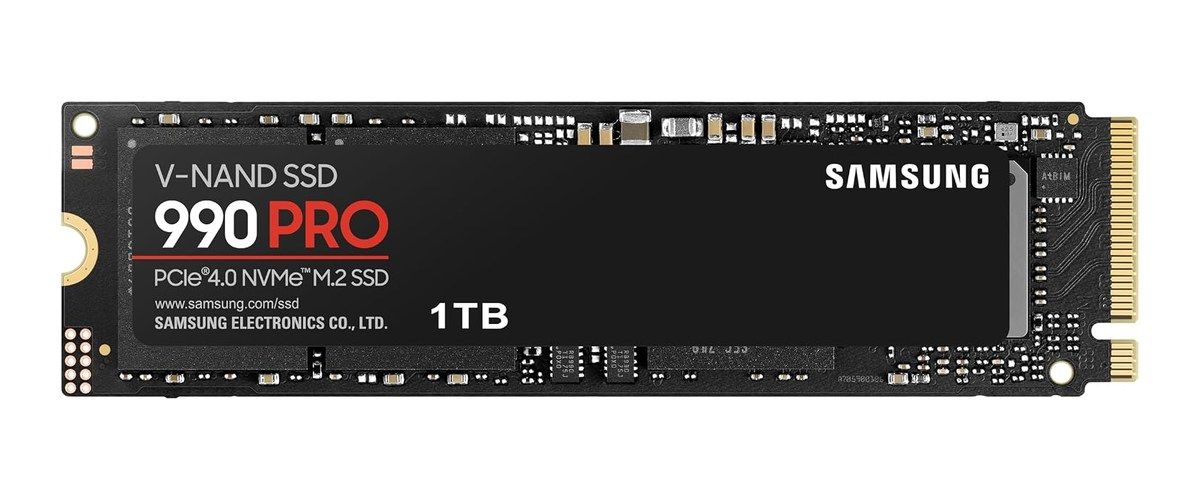
There is only one M.2 NVMe slot, compatible with 2230 and 2280. The new drive therefore replaces the original one; it is not added alongside it. The safest models in this guide are the Crucial P310 (2230 and 2280), the Samsung 990 PRO in 2280 and the Kingston NV3 in 2280, all PCIe 4.0 and without a heatsink.
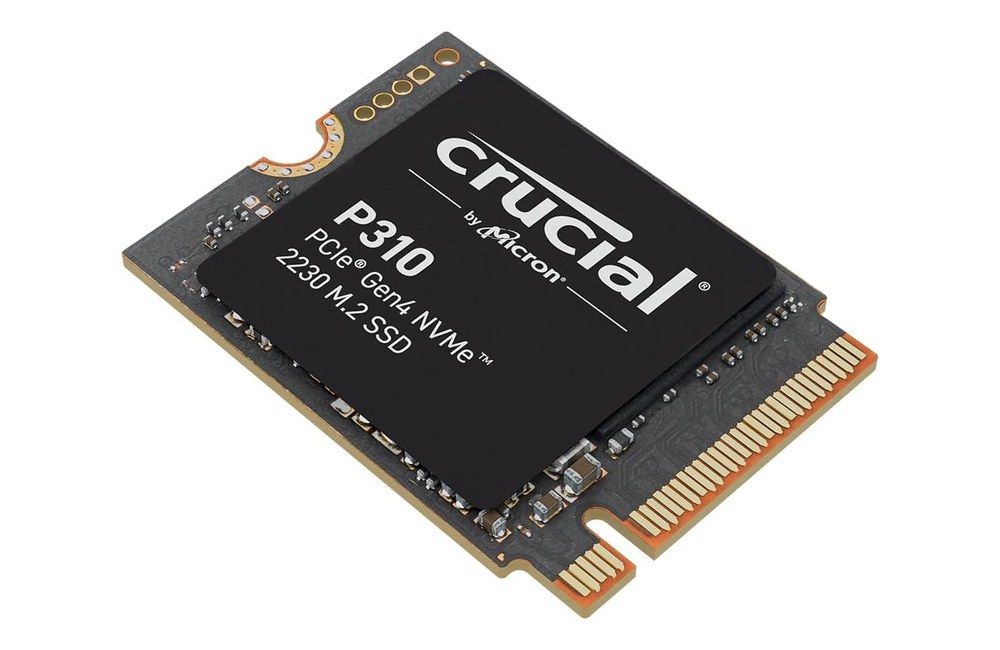
Crucial P310 2230 NVMe PCIe Gen4, short-form SSD, product photo Click to enlarge

What Valve publishes, and what it does not

On the documentation side, the Steam Machine is exemplary: the official replacement guide is co-written with iFixit, was updated in September 2026, and quotes 30 minutes to 1 hour of work at a “moderate” difficulty. The M.2 NVMe slot is unique and accepts 2230 and 2280 drives, with a movable standoff. System memory, in DDR5 SODIMM, is also replaceable according to Valve.

Valve does not, however, give the slot’s PCIe generation, the maximum power the M.2 connector can supply, or the clearance above the drive. There is no official compatibility list either. So we cannot promise that any specific model will work: we can only reduce the risk, and that is the logic behind the selection below.

Another useful detail: the photo in the iFixit guide shows the original SSD, a Kingston 512 GB 2230 whose label reads PCIe Gen4. A PCIe 4.0 drive in 2230 or 2280 therefore remains the most consistent choice with the machine.

2230 or 2280: the practical difference

The original SSD is a 2230, the short form factor. If you fit another 2230, you have nothing to move. For a 2280, you unscrew the standoff with a 5 mm socket and relocate it to the other end of the slot.

Criterion M.2 2230 M.2 2280
Standoff Stays in place Must be moved (5 mm socket)
Choice of models More limited Very wide
Capacity / value Often less favorable Generally more favorable
Who it is for You want to swap the drive with as little extra work as possible You want the widest choice or the better offer at the time
Swipe to view more

Why to avoid PCIe 5.0 and heatsinks

PCIe 5.0 is tempting, especially if you already have a drive of that type on hand. A first-hand account published by Spawning Point nevertheless describes a Sabrent Rocket 5 PCIe 5.0 drive that dropped off the PCIe bus in the middle of the SteamOS install. It only became stable once its power was limited to 6 W, and the author estimates the slot’s limit at between 6 and 8 W. That is one person’s report, not a Valve figure, but it is enough to recommend a more frugal PCIe 4.0 drive.

The same caution applies to heatsinks. Because the clearance above the drive is unpublished, there is no way to know what will fit. Choose the bare version, with a simple label. Watch out for SKUs sold with a PS5 heatsink, for example a variant of the Crucial P310: that is the counter-example to avoid in this machine.

1 TB or 2 TB: which capacity to choose

The Steam Machine ships in 512 GB and 2 TB versions, plus a microSD slot. At a time when a single game can take more than 100 GB, 512 GB fills up quickly. 1 TB is the real comfort step if you are coming from the 512 GB model. 2 TB matches the high-end configuration, and it is the right choice if your Steam library is already large.

Because the slot is unique, aim for the capacity you will need for several years, rather than buying twice. To understand the technology differences between SSDs (TLC, DRAM, cache), The different types of SSD covers the ground.

The SSDs to choose for the Steam Machine

Every model below is a PCIe 4.0 NVMe drive with no heatsink. None of them is “Valve validated”: they reduce the risk, they do not eliminate it. Offers move too quickly to freeze here; each product card shows the current listing.

In 2230: the same format as the original

The Crucial P310 in 2230 is available in 1 TB and 2 TB. It is rated at up to 7,100 MB/s, and the maker positions it explicitly for handheld consoles such as the Steam Deck. It is the simplest choice for a swap with no standoff to move.

Other 2230 PCIe 4.0 drives without a heatsink exist. One we can confirm as the exact model, in stock on the US store, is below:

In 2280: more choice, a standoff to move

If you are willing to move the standoff, 2280 opens the door to the most widely available models. The Crucial P310 1 TB in 2280, the Samsung 990 PRO 1 TB (the version without a heatsink, not the one with one) and the Kingston NV3 1 TB form a coherent trio. The 990 PRO is the fastest of the three, rated at up to 7,450 MB/s; the NV3 is the slowest, but more than enough for a living room.

Samsung 990 PRO 1 TB M.2 2280 without a heatsink, product photo Click to enlarge