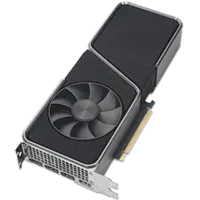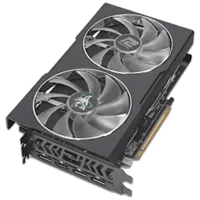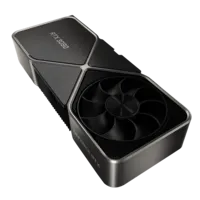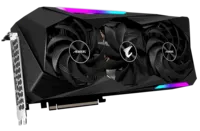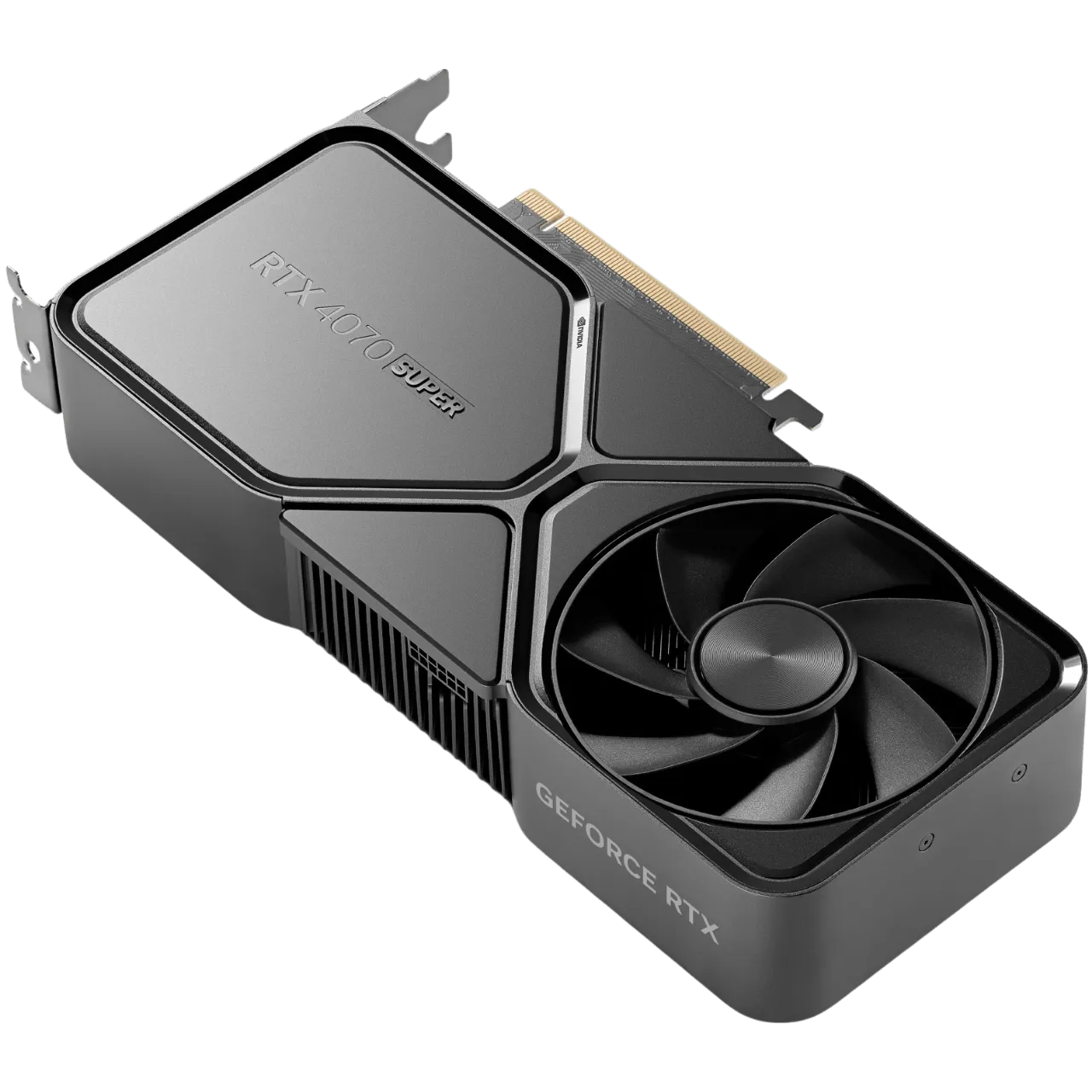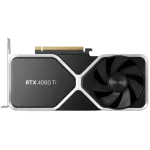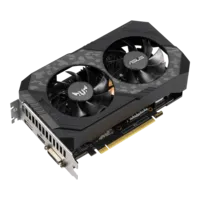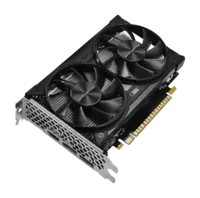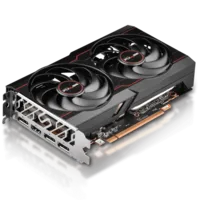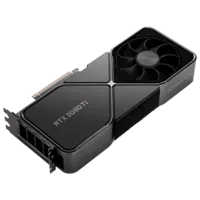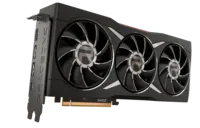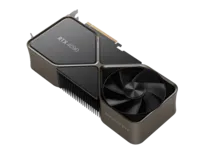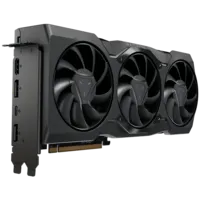
Best Graphics Card for Marathon in 2026: our top 3

graphics card marathon GPU marathon 2026 best GPU marathon

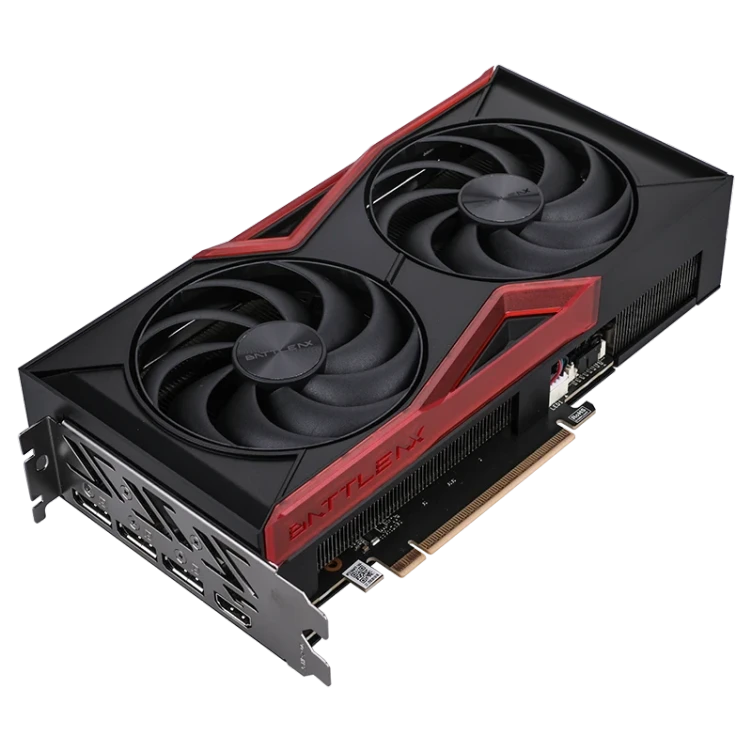
Do you want to farm Tau Ceti IV without your graphics card giving up? Here is our top 3 of the best GPUs for Marathon, Bungie's new extraction shooter.

Author
yuux
Co-founder of DropReference, I'm here to give you the best tips to build the gaming PC of your dreams!

Minimum configuration

  • GPU : NVIDIA GTX 1050 Ti / AMD RX 5500 XT / Intel Arc A580
  • CPU : Intel Core i5-6600 / AMD Ryzen 5 2600
  • RAM : 8 GB
  • DirectX : Version 12
  • Operating System : Windows 10 64 bits

Our top 3 best graphics cards for Marathon

We selected three GPUs that cover all budgets and resolutions. From the player who wants good 1080p without breaking the bank to the 4K ray-traced maniac, there is something for everyone. We based ourselves on specific models that you can buy now, not theoretical chipsets.

Choose your delivery country to have prices according to your location

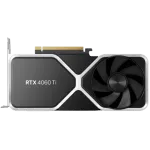
RTX 5060 Ti: formidable efficiency for 1080p and 1440p

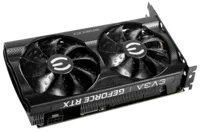
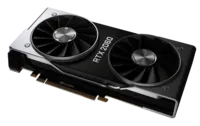
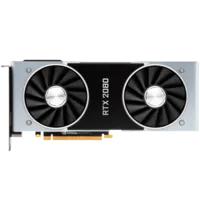
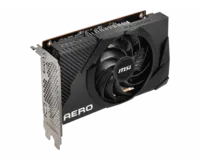
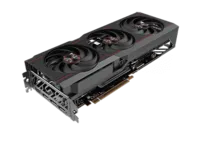
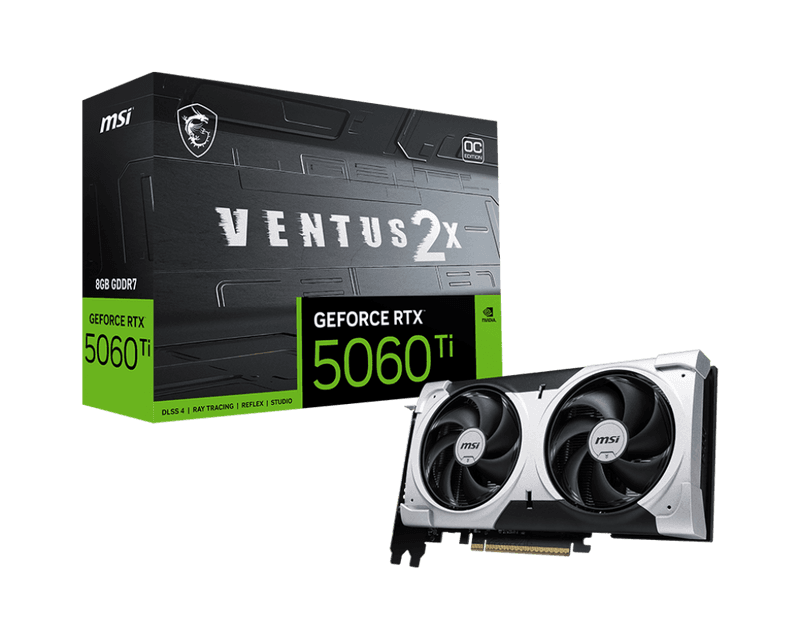
We start with the MSI GeForce RTX 5060 Ti VENTUS 2X OC PLUS, and frankly, for Marathon, it's the smart choice. The Blackwell architecture brings a leap in energy efficiency compared to the previous generation, and above all, the DLSS 4 with Multi Frame Generation works wonders on this game. We go from 55-65 native FPS in 1440p Ultra to over 100 FPS with upscaling enabled. For a shooter where every millisecond counts, it's not insignificant.

The MSI VENTUS 2X model is the pragmatic choice. Two fans, compact size, factory overclock — it fits in any case and cools properly without sounding like a jet engine. Its 8GB of GDDR7 is more than enough for 1080p and 1440p. However, for 4K Ultra textures, it's a bit limited — but that's not its target.

In Marathon, where the environments of Tau Ceti IV mix dark interiors and open exteriors with many particle effects, the RTX 5060 Ti performs surprisingly well. Ray tracing remains playable in 1080p thanks to the next-generation RT cores, even if we advise you to stay in High rather than Epic for RT if you want to keep competitive FPS.

MSI GeForce RTX 5060 Ti 8G VENTUS 2X OC PLUS

MSI GeForce RTX 5060 Ti 8G VENTUS 2X OC PLUS

The clever GPU for Marathon in 1080p/1440p

Sustainability
Quality/price ratio
Technologies (DLSS/RT)
Performance 1080p/1440p

Pros

  • • DLSS 4 Multi Frame Generation devastating in Marathon
  • • Compact format that fits everywhere, silent during gameplay
  • • Unbeatable value for 1080p/1440p.
  • • RT cores Blackwell effective even on this demanding game

Cons

  • • 8GB of VRAM limited for 4K Ultra textures
  • • Path tracing Epic too heavy without aggressive upscaling

RX 9070 XT: the sweet spot 1440p/4K with 16GB of VRAM

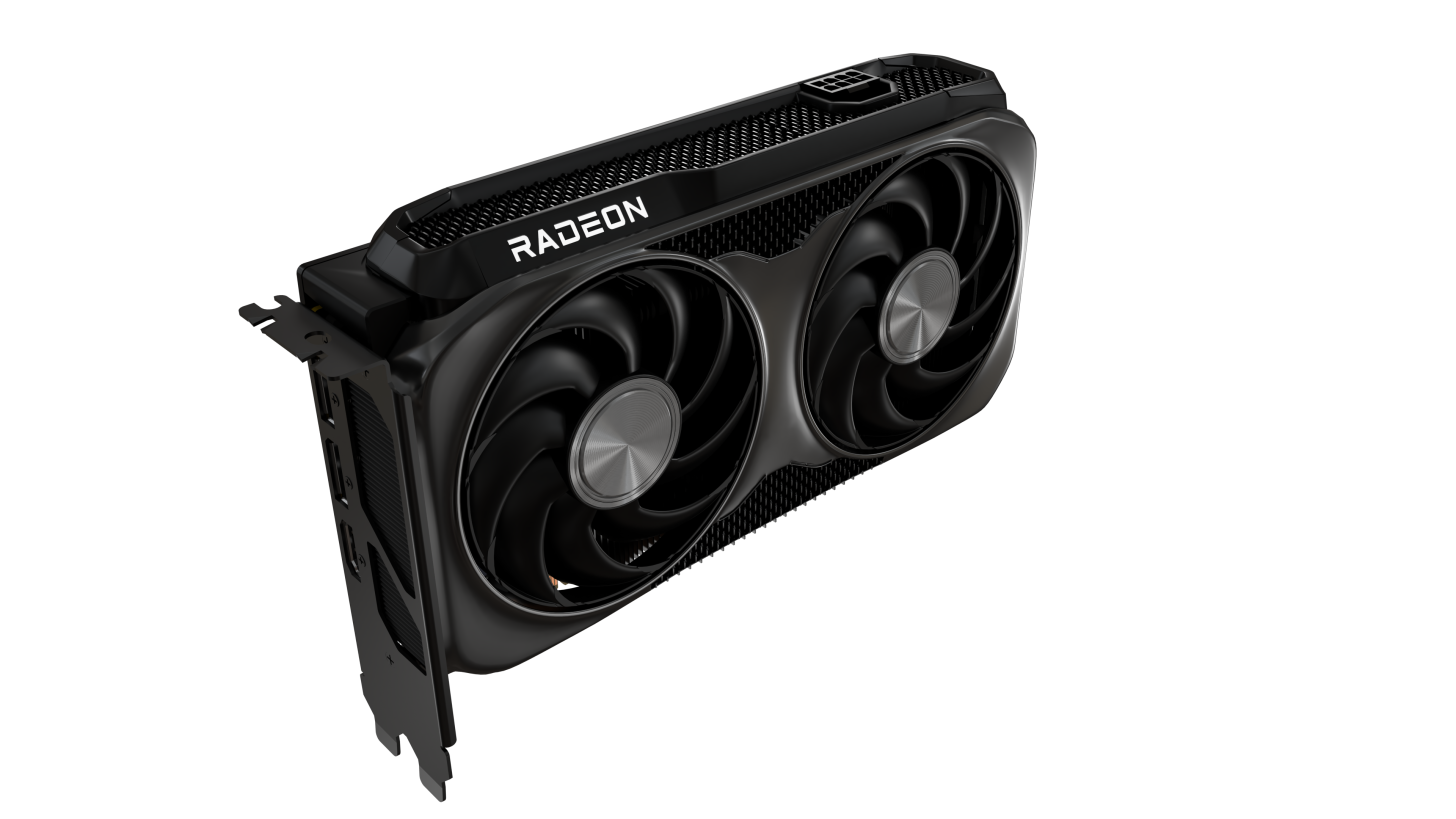
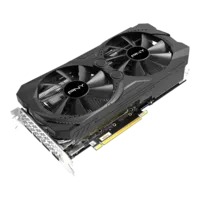
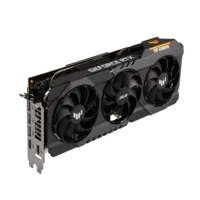
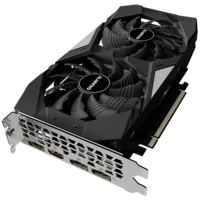
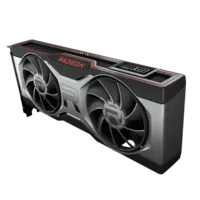
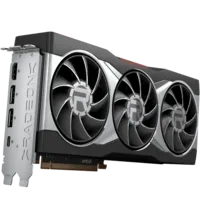
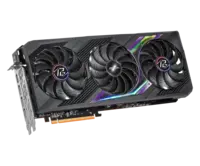
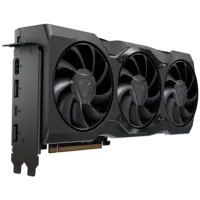
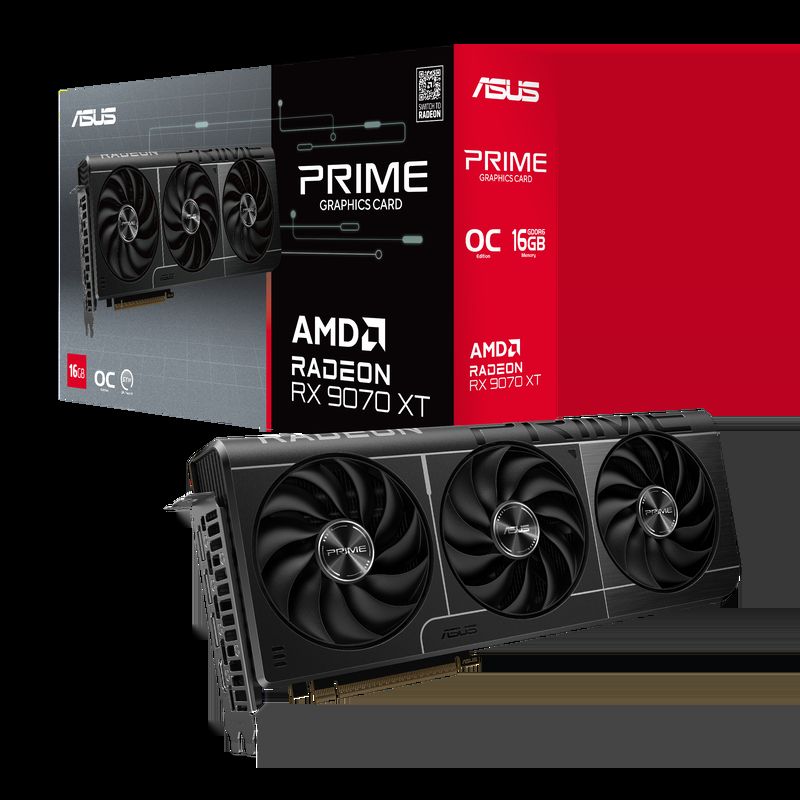
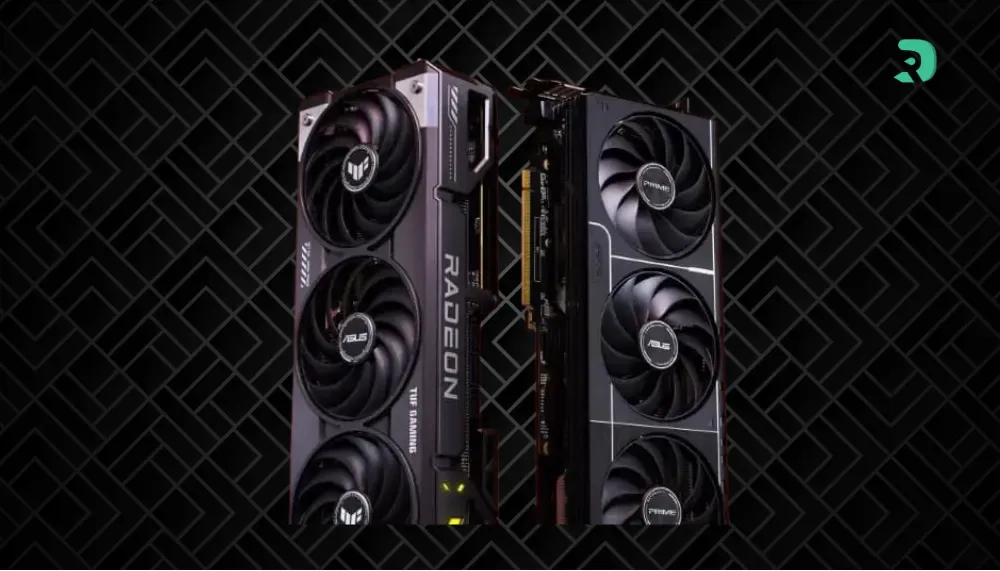
The ASUS Prime Radeon RX 9070 XT is the GPU that ticks all the boxes for those who want to play comfortably in 1440p and reach 4K without blowing their budget. Its knockout argument: 16 GB of GDDR6 In a game like Marathon, which loads textures in droves because of its varied environments — from industrial complexes to the desert expanses of Tau Ceti IV — this memory margin, it changes everything.

RDNA 4 is making serious progress on ray tracing compared to the previous generation, even if NVIDIA maintains a 15 to 20% advantage in this area. But in pure rasterization, the 9070 XT is formidable — it rivals NVIDIA cards that are much more expensive than it. And Marathon supports FSR, which offers a very decent quality upscaling. Not quite at the level of DLSS 4, honestly, but the difference is mainly noticeable in fast motion and in very detailed areas.

The ASUS Prime model is simple and efficient. Triple fan, no unnecessary RGB, good thermal dissipation. In short, a GPU that does the job without seeking attention. At 1440p Ultra without RT, you easily exceed 90 FPS. Enable path tracing and FSR in Quality, and you stay above 70 FPS. Very honest for the price.

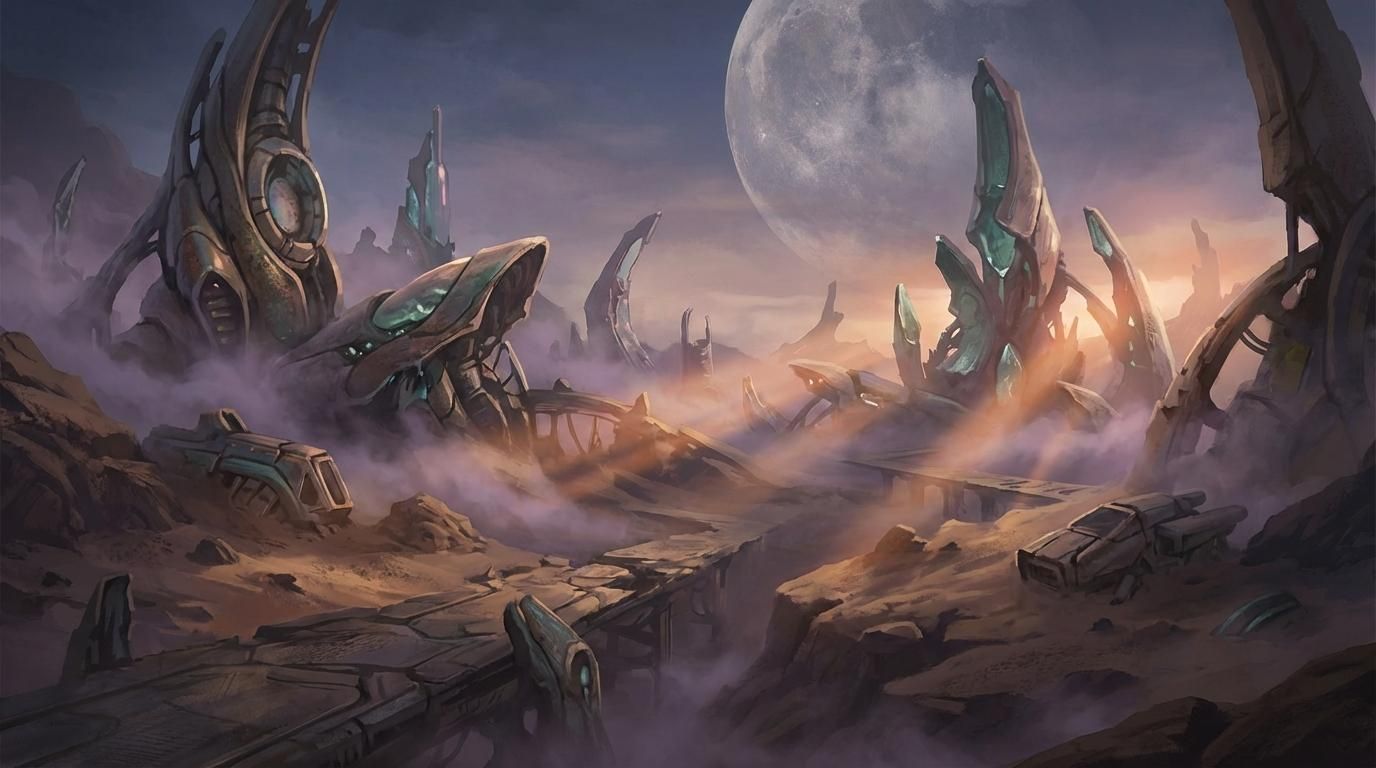
Tau Ceti IV colonie Marathon 2026 environnement Click to enlarge
ASUS Prime Radeon RX 9070 XT O16G

ASUS Prime Radeon RX 9070 XT O16G

the perfect sweet spot for Marathon in 1440p and 4K

Sustainability
Quality/Price Ratio
Performance 1440p/4K
Technologies (FSR/RT)

Pros

  • • 16 GB of VRAM ideal for Marathon's heavy textures
  • • Rasterization performance on par with much more expensive GPUs.
  • • Efficient and discreet triple-fan cooling
  • • Aggressive pricing compared to NVIDIA competition

Cons

  • • Ray tracing still one step behind NVIDIA
  • • No Multi Frame Generation (exclusive to DLSS 4)

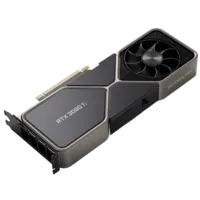
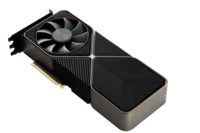
RTX 5080: zero compromise, 4K Ultra path tracing without flinching

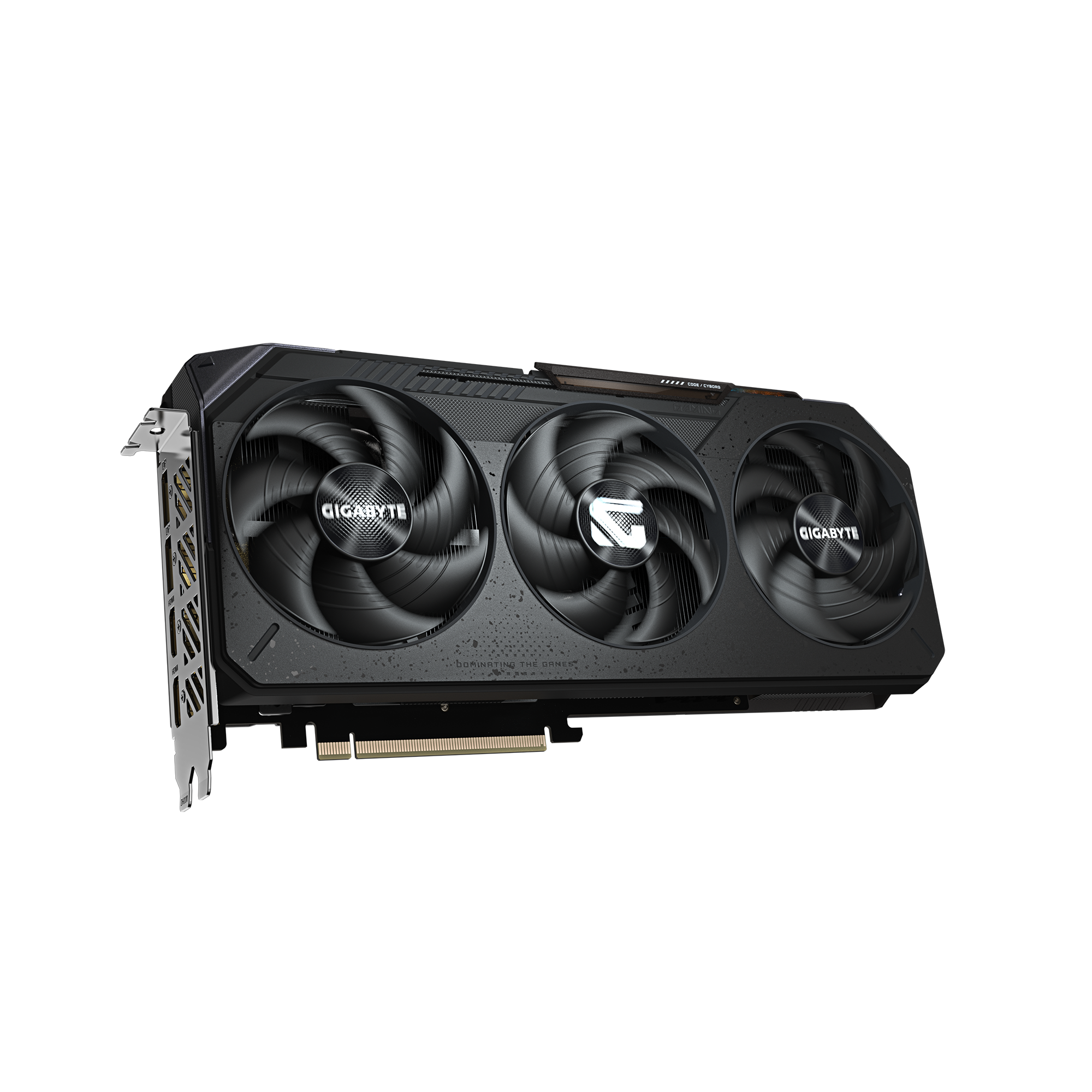
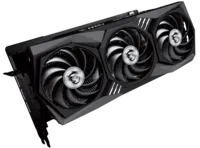
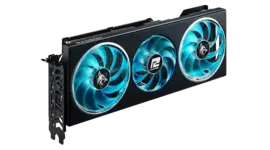
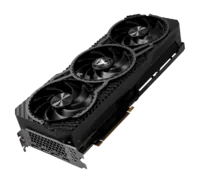
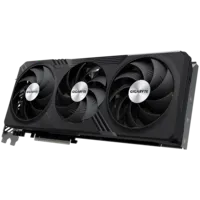
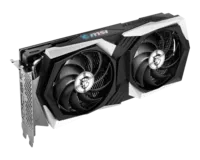
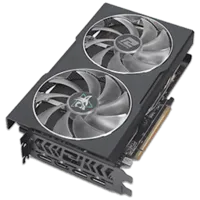
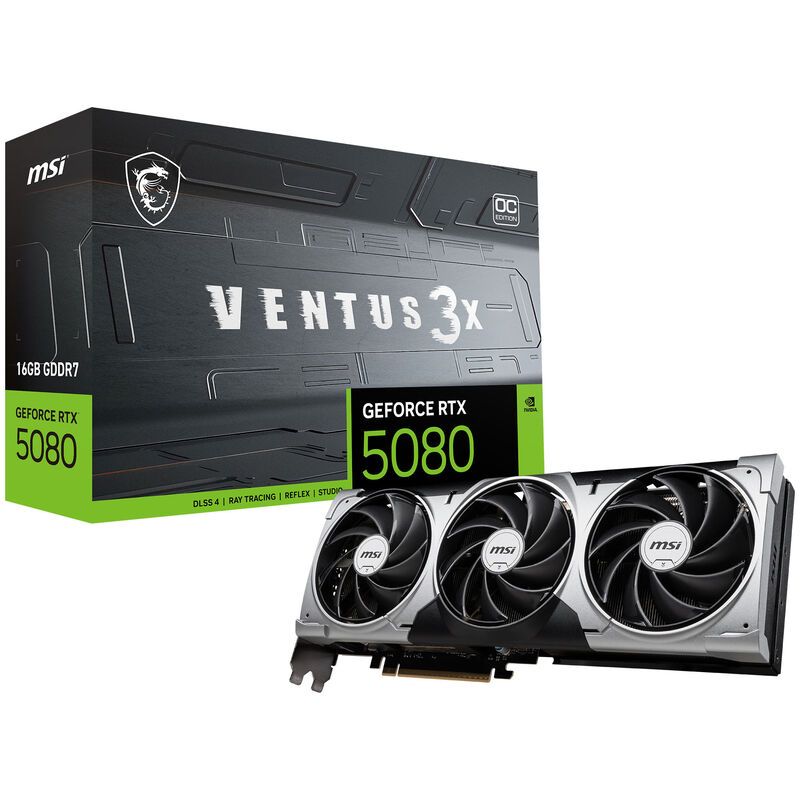
The MSI VENTUS GeForce RTX 5080 16G 3X OC. We are at the top of the range, and you can feel it immediately. This card is the one that allows you to launch Marathon in 4K Ultra with Epic path tracing and to stay above 70 native FPS. Activate DLSS 4, and you easily surpass the 100 FPS mark in 4K. Yes, in 4K. It's obscene.

16 GB of GDDR7 with massive bandwidth, Blackwell RT cores that devour path tracing as if it were raster — the RTX 5080 does not do things by halves. In Marathon, this results in impeccable dynamic reflections in the metal corridors of the colony, global lighting that gives scenes incredible depth, and zero slowdown even in the most chaotic 6-player fights.

The MSI VENTUS 3X OC model remains sober — three fans, no frills, a noticeable factory overclock. It's clearly an investment: this card costs significantly more than the other two. But if you have a 4K 144 Hz monitor and want to fully enjoy it on Marathon and upcoming AAA titles, this is the one you need. Period.

MSI VENTUS GeForce RTX 5080 16G 3X OC

MSI VENTUS GeForce RTX 5080 16G 3X OC

the beast for Marathon in 4K Ultra path tracing

Durability
Performances 4K
Quality/Price ratio
Technologies (DLSS/RT)

Pros

  • • 4K Ultra path tracing without compromise in Marathon
  • • DLSS 4 Multi Frame Gen for stratospheric FPS
  • • 16 GB GDDR7 with crazy bandwidth
  • • Efficient cooling even under maximum load

Cons

  • • High price, reserved for substantial budgets
  • • Oversized if you only play in 1080p
Resolution RTX 5060 Ti RX 9070 XT RTX 5080
1080p Ultra 85-105 FPS 100-120 FPS 135-155 FPS
1440p Ultra 55-70 FPS 70-90 FPS 95-115 FPS
4K Ultra 30-45 FPS 45-60 FPS 65-85 FPS
4K Ultra + DLSS/FSR 65-85 FPS 60-80 FPS 95-125 FPS
Path Tracing 1440p 40-55 FPS 35-50 FPS 70-90 FPS
Swipe to view more

Which GPU to choose according to your profile

Marathon is an extraction shooter. It means that fluidity is not just visual comfort—it's your survival. A drop to 40 FPS at the wrong time in a hot zone, and your loot goes with another Runner. Therefore, the choice of GPU must match your screen and your priorities.

Are you playing in 1080p or 1440p with a reasonable budget? The RTX 5060 Ti is your ally. DLSS 4 completely transforms the experience in Marathon, and at this price, you won't find better. Ray tracing remains accessible in 1080p, and in 1440p with upscaling, it's butter.

Do you want solid 1440p and touch the 4K? The RX 9070 XT is the sweet spot. Its 16GB of VRAM give it a comfortable margin for Ultra textures that Marathon loads in bulk, and FSR does the job for 4K. It is also the most sustainable choice in terms of memory.

Do you want the best, period? RTX 5080, without hesitation. 4K path tracing, DLSS 4, sick FPS - it's the ultimate experience for Marathon. An investment, for sure, but one that will keep you satisfied for years.

Our tips to optimize Marathon on PC
Beyond the GPU, a few settings can transform your experience in Marathon.

  • Enable DLSS or FSR — in Quality mode, the visual loss is almost invisible and the gain in FPS is huge. In a competitive game like Marathon, it's mandatory.
  • NVMe SSD highly recommended — Marathon areas load assets continuously. An NVMe SSD reduces micro-stutters and loading times between runs.
  • Up-to-date drivers — NVIDIA and AMD have released day-one drivers optimized for Marathon. Make sure you are up to date (NVIDIA 602.47 minimum, AMD 25.3.1).
  • 16 GB of RAM minimum, 32 GB ideal — dense areas with lots of players and AI consume a lot of memory. 32GB gives you a significant margin.
  • Disable V-Sync if you have a G-Sync or FreeSync screen — Adaptive sync manages tearing better without adding input latency, crucial in PvP.

What is the best graphics card for Marathon?

It depends on your resolution. For 1080p/1440p, the RTX 5060 Ti offers the best value thanks to DLSS 4. For 1440p/4K, the RX 9070 XT is the sweet spot with its 16GB of VRAM. For uncompromising 4K Ultra path tracing, the RTX 5080 is the reference.

Does Marathon support DLSS and FSR?

Yes, Marathon supports DLSS 4 with Multi Frame Generation on the NVIDIA side and FSR on the AMD side. These upscaling technologies significantly boost FPS while maintaining excellent image quality. It is strongly recommended to activate them, especially with path tracing.

Can we play Marathon with a GTX 1050 Ti?

This is the official minimum config, so yes, technically. But you will be in 1080p low-medium and the FPS will be tight. For a competitive shooter experience, it's really on the edge. With a current generation GPU like the ones in our selection, the experience is incomparable.

Is Marathon as greedy as Cyberpunk 2077?

With path tracing enabled, yes. Benchmarks show that Marathon ranks at the level of Cyberpunk 2077 RT Overdrive and Alan Wake 2 in terms of GPU requirements. Without ray tracing, the game remains much more reasonable thanks to its stylized visual style.

When was Marathon released on PC?

Marathon was released on March 5, 2026 on PC (Steam), PlayStation 5, and Xbox Series X/S. The game supports cross-play and cross-save between all platforms.